  1. Home
  2. Computing
  3. How tos

How to delete a Discord server on desktop and mobile

Add as a preferred source on Google
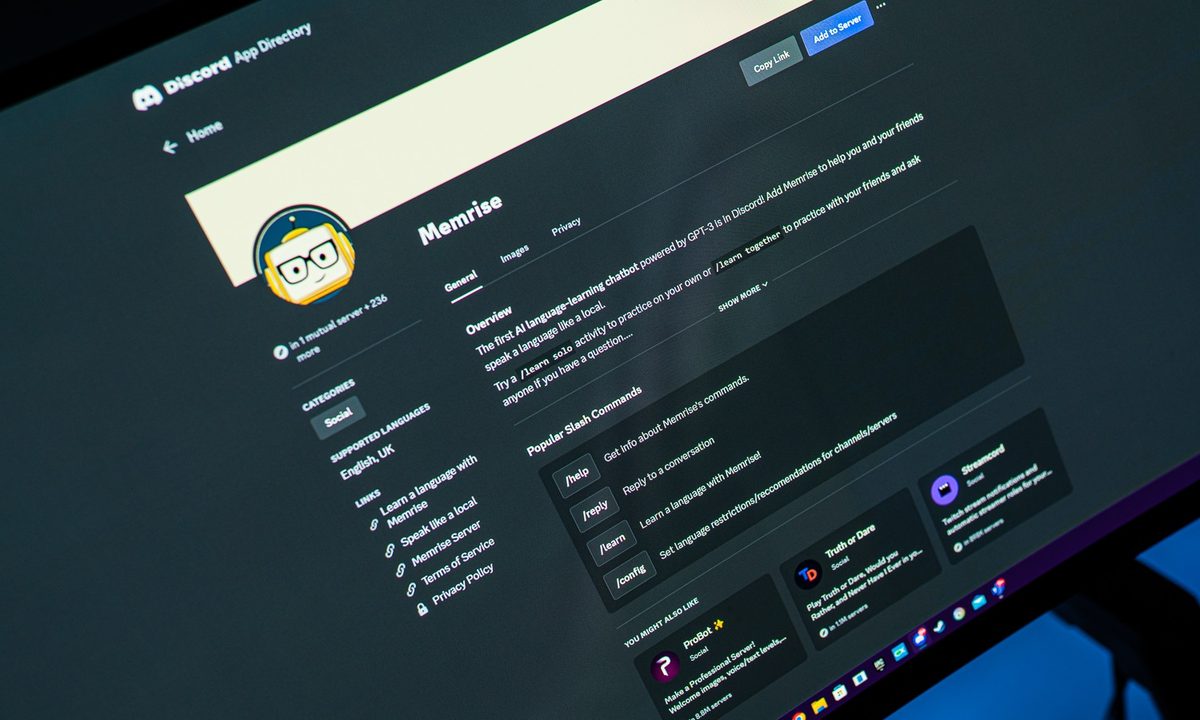
Memrise bot in the Discord app directory.
Jacob Roach / Digital Trends

Have you had enough of Discord for a while? We get it. It can be a little exhausting to say the least, especially if you’re running a jam-packed server, filled with multimedia and messages. Fortunately, if you’re in the mood to take a break, it’s not too hard to delete your Discord server.

Recommended Videos

Difficulty

Easy

Duration

5 minutes

What You Need

  • A PC, laptop, Mac, or mobile device with access to Discord

Of course, we would never leave you in the weeds. So to that end, we’ve put together this step-by-step guide to help you pull down your Discord server in no time at all.

Using the server settings

Step 1: You’ll need to open the Discord server you created by selecting it within the app itself.

Step 2: Once it’s been opened, select the name of the server situated at the top of Discord, adjacent to the Home button.

Step 3: Select the Server settings field.

The Server settings option on Discord for deleting a Discord server.
screenshot / Digital Trends

Step 4: Select Delete server adjacent to the bin icon.

The Delete server option on Discord.
screenshot / Digital Trends

Step 5: Discord will require you to enter the name of your server.

Step 6: Select the Delete server button.

Although you can recover a deleted Discord account, the platform does not provide the same option for deleting a server. Once you proceed with deleting your server, it will be permanently removed from Discord’s systems. As such, make sure you save anything that may be valuable within your server before you delete it.

Entering the name of a Discord server in order to confirm its deletion.
screenshot / Digital Trends

How do I delete a server on Discord on the iPhone?

Step 1: Open the Discord app on the iPhone, click the server you want to delete from the side, and then on the top right, select the Three dots adjacent to the server name.

Selecting the option to delete a Discord server on iPhone.
screenshot / Digital Trends

Step 2: Click Settings > Overview.

The Settings option on Discord for iPhone.
screenshot / Digital Trends

Step 3: Scroll down to the bottom and click Delete server. A message will ask you to confirm the deletion. Click Yes. You won’t have to type the server name.

The delete button for deleting a Discord server on iPhone.
screenshot / Digital Trends

How do I delete a Discord server without admin access?

If you don’t have admin control of a server (which you would if you created it or ownership was transferred to you), then you won’t be able to delete it.

However, if you feel the server itself is illegal, dangerous, contains spam, etc., you could report it to Discord, which will launch its own investigation and may decide to delete it.

You can do so via Discord’s official submit a request page, where you’ll be able to provide evidence via screenshots. You can also include a link to specific messages that are relevant in your report.

Rather than deleting the server, you could simply part ways. Here's how to leave a Discord server - it's much simpler.

Zak Islam
Former Contributor
Zak covers the latest news in the technology world, particularly the computing field. A fan of anything pertaining to tech…
Asus reveals ROG Strix XG129C, a tiny secondary monitor chasing Elgato’s gamer lunch
The secondary display category has been waiting for a product that combines a proper screen, real color accuracy, and gaming ecosystem integration in one tidy package.
Strix XG129C secondary display.

If you’ve ever wished your work desk had a dedicated screen for reviewing your system’s performance, chat windows, or streaming controls, so that you don’t have to disturb your main monitor, Asus has heard you. 

The ROG Strix XG129C is a 12.3-inch secondary display with a touchscreen, designed to sit beneath your primary monitor and handle everything that could be a distraction on your main screen, and it costs $199. 

Read more
Intel’s turnaround is one for the ages, without having much to show for it
Wall Street is betting big on Intel before the results arrive
Logo

Intel’s comeback has become one of the market’s biggest surprises. Its stock has risen nearly 490% over the past year, pushing the company back into record territory and reviving confidence in a chipmaker many had written off.

The problem is that Intel still has little product success to justify that excitement.

Read more
Apple’s Continuity features are so good, they make Windows and Android feel incomplete
Android and Windows try, but Apple's ecosystem is on a whole different level.
Mac iPad iPhone with blurred background

Windows and Android platforms have been trying to catch up to Apple's ecosystem. And honestly, in some areas, they have succeeded. But replicating a feature here and there is very different from pulling off what Apple has built. The seamless, almost invisible way all of Apple's devices work together is genuinely hard to replicate.

Apple calls these Continuity features. You can use these features to seamlessly transition from one device to another, unlock devices without entering passwords, transfer files, and much more. 

Read more