
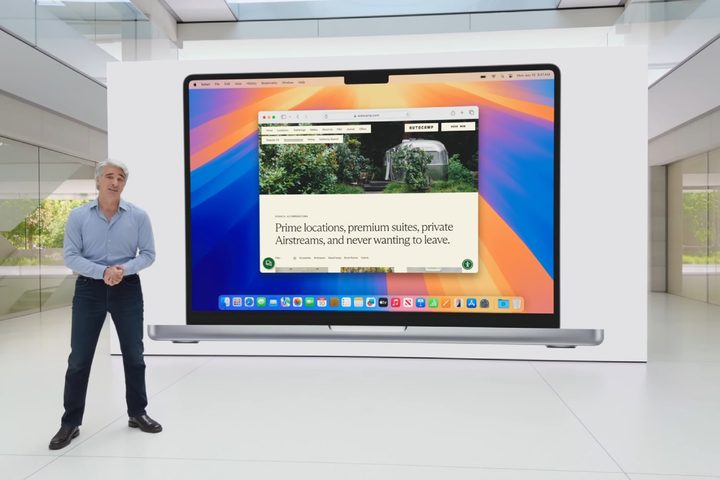

AI was undoubtedly the focus of Apple’s Worldwide Developers Conference (WWDC) yesterday, but it wasn’t all about machine learning and Apple Intelligence. That’s because Apple also revealed sizable updates to all of its operating systems, with some fascinating new features that could make them the biggest upgrades in years.
Tucked away among the announcements was a piece of news you might have entirely missed: Finally, years after Windows implemented it and far later than it should ever have taken to arrive, macOS Sequoia will let you drag windows to snap them to the sides of your screen.
But this new feature is very similar to what’s on offer in a range of beloved Mac apps, from Magnet and Moom to Rectangle and BetterTouchTool. That raises an interesting question: Has Apple just Sherlocked these apps? Or if you’re not familiar with that term, has Apple copied the key feature of a third-party app, risking to put it out of business?
Window tiling in macOS
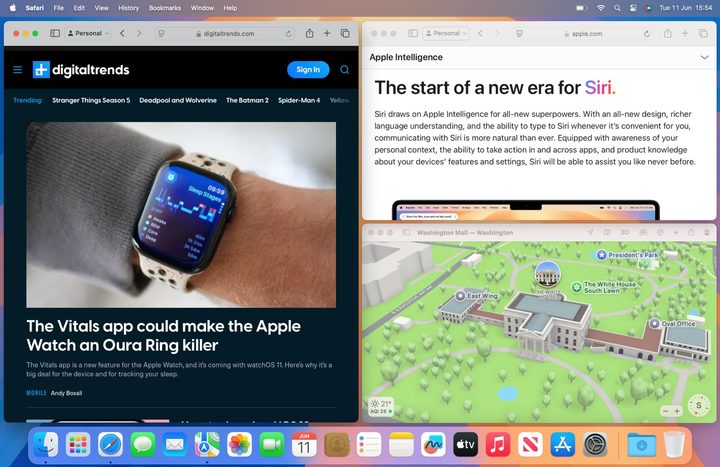
Before we get into that, let’s take a quick look at how window tiling will work in macOS Sequoia. Much like in Windows, all you need to do is drag a window toward one side of your screen. When you do that, you’ll see an outline of the space your window will fill — just release it and it will snap into place.
You’ll be able to move windows using keyboard shortcuts, Apple says (although I couldn’t find them in the beta), and you can see the tiling options by hovering over the green button in an app’s top bar.
It’s much quicker than the old system. Instead of hovering over the green button, waiting for options to appear, then clicking one and seeing how it looks, you can simply move an app to where you want it to be.
I’ve found that things get even easier if you hold the Option key while moving a window. That brings up the preview pane before you even get close to the side of your screen, and you can drop a window before reaching the edge and it’ll snap into place. That means there’s no need to awkwardly search for the point at which the preview activates, so you can be a lot less precise.
The dangers of Sherlocking

So, about that Sherlocking. Apple’s new system is remarkably similar to what’s offered by small-scale window tiling apps. Sure, they often give many more positioning options than Apple does — including moving windows to a connected display and centering them on your screen — but now that Mac users get a close approximation of these apps’ features for free, they might have to start offering a lot more in order to compete.
BetterTouchTool, however, is absolutely safe because it’s far more extensive and completely changes how you interact with your Mac. Windows tiling is just one aspect of what it can do.
For instance, BetterTouchTool lets you create custom mouse shortcuts, set your own advanced trackpad gestures, assign actions to your Mac’s notch (like dragging a photo over it to convert it to a different file type), and so much more.
Even when we talk about window tiling, BetterTouchTool goes far beyond macOS Sequoia. You can snap windows to more areas, set a delay before windows move, define custom shortcuts, and more. There are even separate settings for window snapping in Stage Manager.
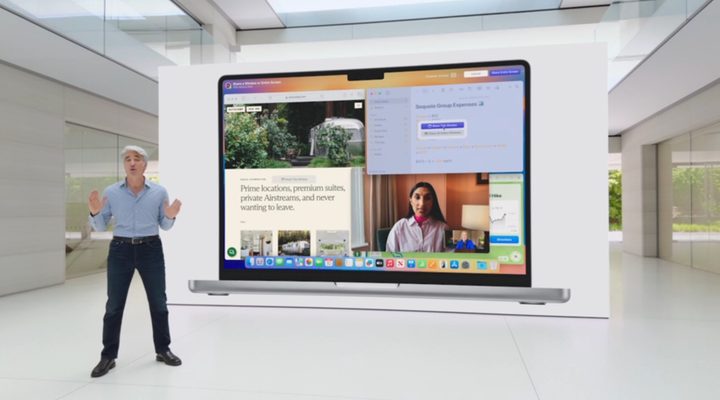
I don’t know if I can say the same for apps like Magnet though. The introduction of window tiling in macOS Sequoia is a good illustration of the dangers of Sherlocking, and I’m sure that some developers will be hard at work adding more functionality to their apps because of it. But that doesn’t mean that everyone will be negatively affected.
Apple’s window tiling system will be perfect for most people, and in my brief testing it’s been fast, efficient, and pretty easy to use. Most Mac users will be happy enough for the upgrade. But apps like BetterTouchTool differentiate themselves by adding features for power users and people who want more customization options. And, given how much else this app does, it’s also there for people who aren’t interested in window tiling at all but want to use its other powerful features.
I don’t doubt that future versions of macOS will pinch features from other apps and threaten their continued existence. BetterTouchTool stands out enough to be safe, but not every app can say the same.


