
Modern laptops are faster, lighter, and have more beautiful displays than ever before. But even the best laptop, whether it’s a versatile 2-in-1 or a high-powered gaming machine, eventually die. On the way to silicon heaven, they also start to slow down and degrade, which might mean you’ll want to upgrade before they finally give up the ghost.
But you don’t have to. With the right upgrades, you can make a laptop last a lot longer than its original hardware allows.
How long do laptops last?
The lifespan of a laptop is determined by a number of factors, but its physical health is mostly related to the quality of its components. A laptop can only work as long as its battery works; as long as its SSD and CPU cooling fan continue to function. Fortunately, modern components should last a number of years without trouble. Laptops from any of the mainstream brands should have at least three years of strong performance in them, and at least several more of slightly diminished operation.
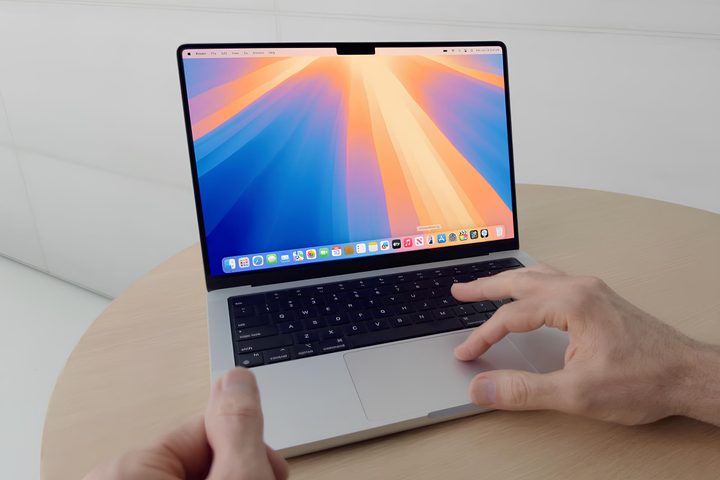
Some laptops last longer than that, though. Anecdotally, I know many people who are still running 10-year-old MacBooks. Sure, they’re missing out on a lot of performance and modern features, but for basic school and office work, web browsing, and social media use, old laptops can continue to do the job perfectly adequately well beyond the standard laptop shelf life.
You’re more likely to get that from higher-performing, higher-build-quality models that cost more when first purchased than you are from the cheaper designs that use cheaper components in turn, but with proper usage and care, some laptops can just go and go, and go.
However, while a laptop’s physical lifespan might stretch anywhere from five to 10 years, or even longer in some cases, there are a range of other reasons why a laptop may reach the end of its useful life to you, which is practically no different from it breaking down.
Microsoft, Apple, and Google all restrict certain software updates to aging laptops. With Windows 11, Microsoft introduced stricter demands on hardware, locking out some older CPU designs (and therefore older laptop designs) from upgrading. Apple does the same with its macOS operating system updates, and ChromeOS has a 10-year update support schedule for most new models.
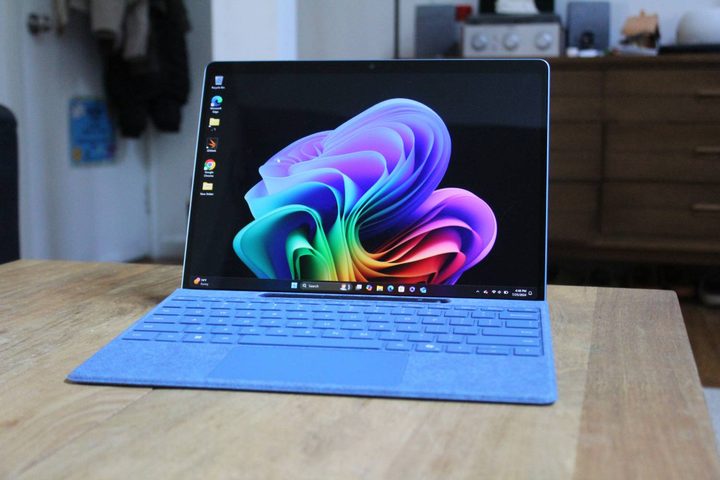
Once your hardware is too old to update its operating system and support for that older version stops, you start to run into security and software compatibility issues that all but forces an upgrade.
But you might decide your laptop is too old well before then, even. As new software is released, new games are launched, and new features are debuted, older laptops don’t have the same appeal. Gamers might want to take advantage of the latest version of Deep Learning Super Sampling frame generation. Office workers might want greater battery life, or a more comfortable keyboard. Creatives might want to upgrade to an OLED display for better color support.
What contributes to the lifespan of a laptop?
How you use a laptop can be a major contributor to extending its lifespan. If you’re going to be using it a lot for gaming or heavy transcoding sessions that are likely to get it all hot and bothered, then keeping it as cool as you can is a great way to maintain the performance of its components and battery for longer. Here are some great tips on how to do that.
You’ll also want to avoid leaving it out in the sun or let it get too cold by leaving it in your car during the winter. Extreme temperatures can wreak havoc with the battery, and really high temperatures can run the risk of damaging the display.
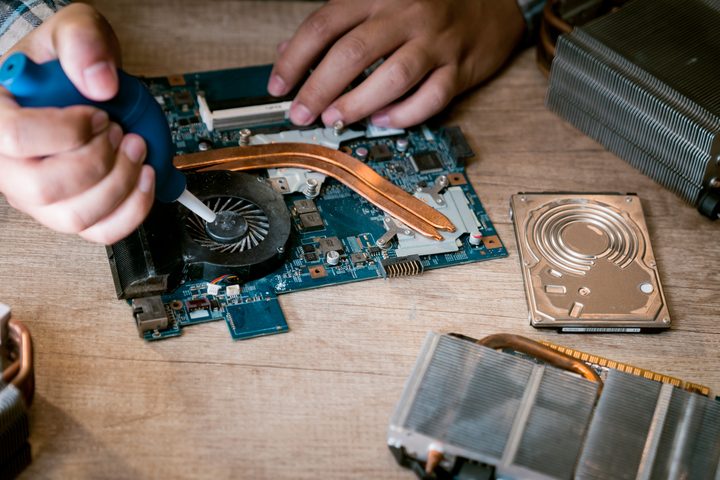
Indeed, managing the health of your laptop battery can be one of the best ways to keep it functional long term. Nothing makes a laptop feel useless quite like a battery with less than an hour of life in it. We have a range of tips that can help keep your battery healthy for longer. Suffice to say, though, try not to charge it too often, and keep it away from 0% and 100% battery as best you can.
Keep on top of its software maintenance, too. Use an antivirus, uninstall apps and drivers you no longer use, make sure you install the latest operating system updates, and every few years consider a factory reset to restore its original performance and features. All of that will help the laptop continue to feel fast and responsive, helping you to make it last longer for what you want to use it for.
Is your laptop upgradeable? Consider installing some more memory, or swapping out the SSD for something faster. That can help unlock new apps and games you couldn’t use before, and will help the laptop continue to feel fast and responsive even in its later years.
Signs of laptop failure
Long before a laptop dies for good, you’ll be able to see the slow degradation of its hardware in little ways. The battery won’t hold as much charge, the laptop starts to feel a little slow, or perhaps there are some apps and games it just doesn’t meet the minimum requirements for.
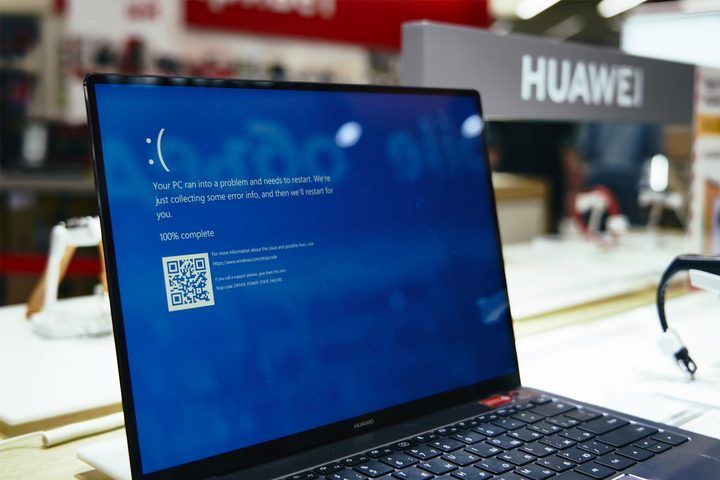
Once certain components start to fail, though, you’ll see more frequent and more serious errors, like blue screens. If your SSD, or your memory just fail outright, the system won’t boot at all. You can sometimes fix these problems yourself with a few system tweaks, or you can swap out problematic components to help stave off the inevitable a little longer.
Keep an eye on how you feel when you’re using your laptop, too. A laptop is a tool for tasks that you want to complete, and if it’s not doing a good enough job — isn’t fast enough or inhibits your work or play in some way — then it might be time for an upgrade. Even if it hasn’t “failed,” yet, it might be failing you, and that really is enough to warrant a change.


