
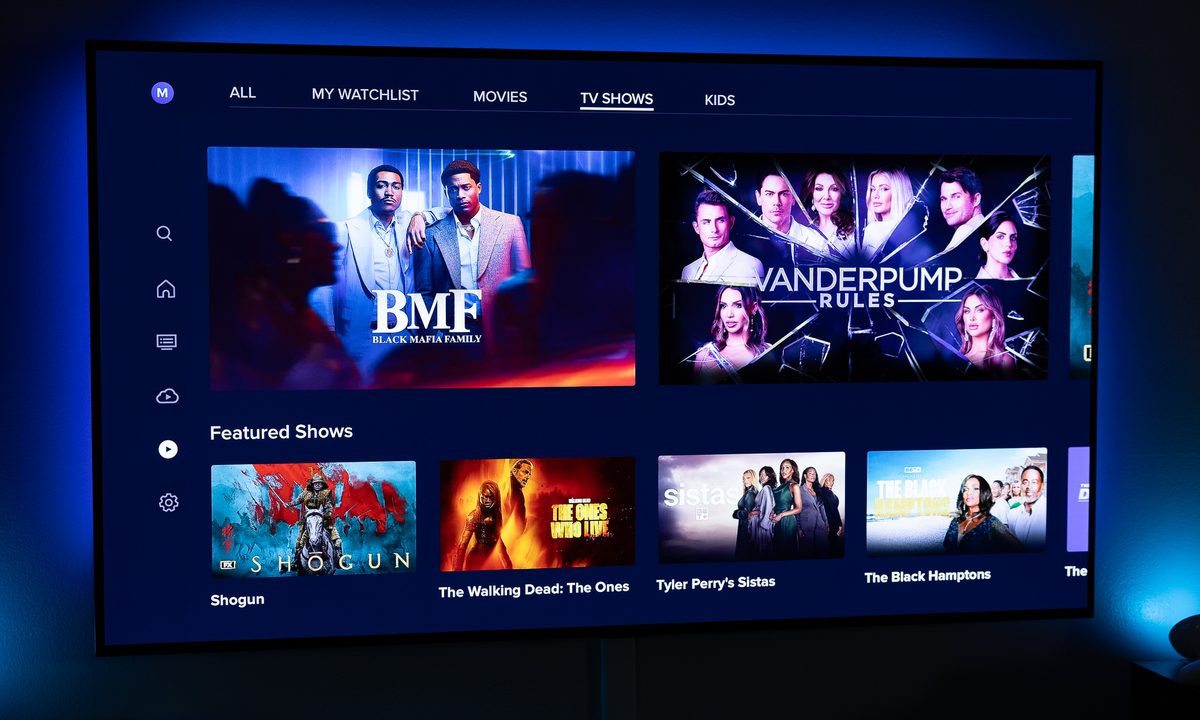
Sling TV delivers a top-notch streaming service filled with sports, movies, and plenty of shows to fall in love with. However, if you're not feeling the love after the season is over, it might be time to cancel your Sling TV subscription.
Sling TV is already one of the most affordable streaming options out there, thanks to its two-track system with Sling Orange and Sling Blue. While its well worth the price tag, especially compared with pricier live-streaming options like Hulu + Live TV, if you're not using the service, then it's time to cancel.
We have the details here for you to get it done.
How to cancel Sling TV
Canceling your Sling TV account can be done entirely online, and shouldn't take more than a few minutes. Just make sure after you cancel that you check your email. You'll get a cancellation confirmation email sent to the account you signed up with. If you don't get a cancellation email, then your account has not been fully canceled.
Step 1: Open the Sling TV website on your phone, tablet, or computer and log in to your account.
Step 2: Open the My Account dashboard.
Step 3: Select Cancel Subscription and follow the prompts to cancel your account.

How to pause Sling TV
If you aren't positive you want to fully cancel Sling TV, there is another option available to you. You can pause your subscription for up to three months. You'll still technically have your subscription, but you won't be charged for it. This can be particularly handy if you're just waiting for the next season to start up, or you're taking an extended work trip.
A pause will last for the full billing cycle, so if your subscription renews on the 19th of the month, that's when the pause will go into effect. You're also able to easily restart the service from a pause if you realize you really want to keep Sling TV and don't want to wait for the pause to end.
Step 1: Open the Sling TV website on your phone, tablet, or computer and log in to your account.
Step 2: Open the My Account dashboard.
Step 3: Select Pause Subscription.
Step 4: Select how long you would like to pause your subscription for.
Step 5: Review the details of your pause to confirm they are correct and then select Confirm Pause.

Can I keep watching Sling TV after I cancel?
Sling TV doesn't offer refunds of any kind. Once you've paid for a month, that month of content is yours to watch, no matter what. This means if you renew your subscription, and then cancel it the next day, you'll still have access to Sling TV until the end of the current billing period.

How much does Sling TV cost?
If you're still on the fence about canceling Sling TV, then it might come down to the budget. Sling TV has two different tracks that offer different channels. Orange costs $40 per month and Blue is $45 per month. However, you can snag both the Orange and Blue track for $60 each month if you bundle them together, and that's what Sling TV really wants you to do. Be sure to check Sling's pricing against your zip code as it can differ slightly from region to region.
There are also a variety of extras that can be added to Sling TV, and each of them comes with their own associated costs.
Canceling Sling TV is simple and shouldn't take more than a few short minutes of your time. If you aren't 100% sure about whether you want to fully cancel Sling TV, you can always pause your subscription for up to three months while you decide. Either way, it can be done entirely with your phone, tablet, or computer, making it a breeze to cancel the service and get on with your day.


