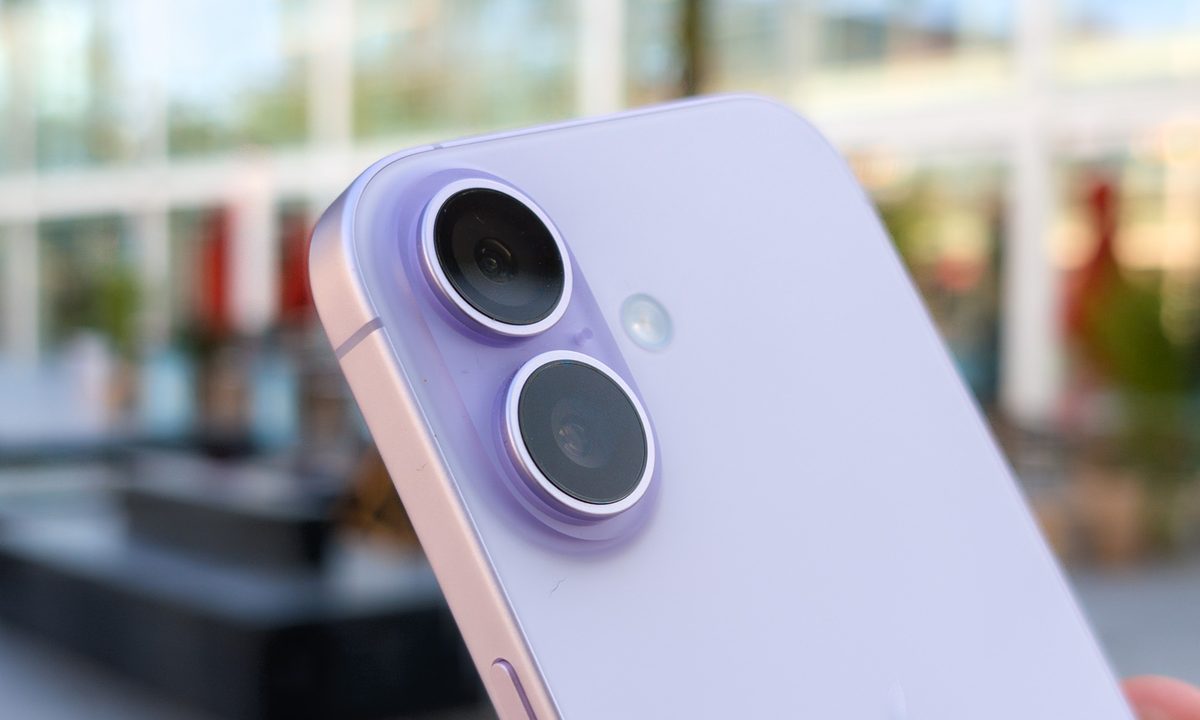
Friday saw the launch of four new iPhones, and while the iPhone Air and iPhone 17 Pro series both have distinct reasons they visibly stand out, the smaller iPhone 17 takes the opposite approach.
In many ways, it is indistinguishable from last year’s regular iPhone 16. Yet, it’s also one of the most important upgrades in recent iPhone history, with Apple addressing many of the criticisms that made the base model a substantial compromise in previous years.
I’ve been using the iPhone 17 for the past 24 hours alongside the iPhone Air and the divisive Cosmic Orange iPhone 17 Pro, and it’s one of the nicest iPhone experiences Apple has ever made. Yet, as I was showing off all the new phones to a family member earlier today, they asked me a question that had me completely stumped: What’s the one reason you like it?
The answer is surprising: there isn’t one. I really like the iPhone 17, but I couldn’t easily tell you why. Let’s try to figure it out together.
A pro upgrade in many ways

I distinctly remember trying the iPhone 16 last year, and intensely disliking the display experience. Fast forward a year, and the iPhone 17 screen is incredible.
The key reason? Apple decided to use the same screen as the iPhone 17 Pro. That means you get the same great 6.3-inch Super Retina XDR OLED display, complete with a 1-120Hz refresh rate, Ceramic Shield 2 protection, and a peak brightness of 3,000 nits.

The screen on the iPhone 17 is the upgrade that this needed, and it brings Apple in line with the competition. I’ve already found the increase in peak brightness useful in a rare bright afternoon earlier today in the UK, but the biggest upgrade is the refresh rate.
The 60Hz refresh rate on the iPhone 16 and its predecessors was noticeably slower than the competition, but Apple’s decision to use the same display as the iPhone 17 Pro means the iPhone 17 is suddenly a substantial upgrade just for its improved screen.
Strong early performance and great hardware
The entire iOS 26 setup experience is slower on all the new phones. However, this could be servers under significant load due to the millions of iPhones being activated globally today. It could also be due to the large system-level changes in iOS 26 and the need to optimize the experience carefully.
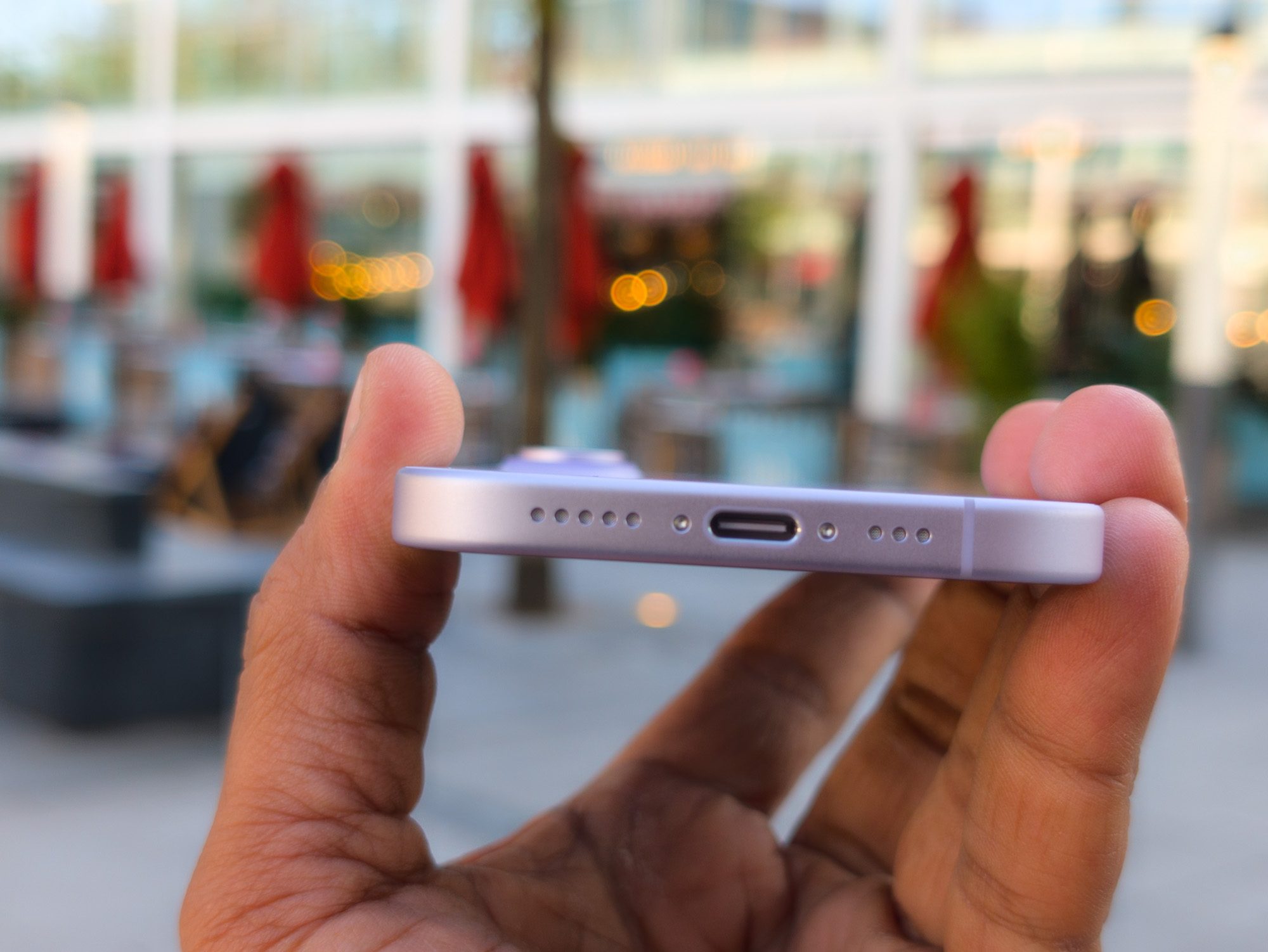
Once you get through the initial setup, the iPhone 17 is a wonderful phone. The A19 processor delivers strong performance, and the new Apple N1 chip delivers excellent Wi-Fi, Bluetooth, and Thread performance. These are areas where the base models have traditionally been inferior to their Pro models, and the improvement is noticeable this year.
One of the most pleasing parts of the iPhone 17 experience is the 256GB base storage. I’ve used an iPhone with 512GB of storage for the past year — which continues with the Pro models this year — and I’ve used roughly half. This means I can easily transfer my data between phones, but it also means that the cost of upgrading to the 512GB version of the iPhone 17 is considerably less than in previous years.
Two good cameras, one missing one
The lines between the regular and Pro iPhone models have never been more blurred, and although it’s just been a day, the iPhone 17 is already shaping up to be the best iPhone for most people.
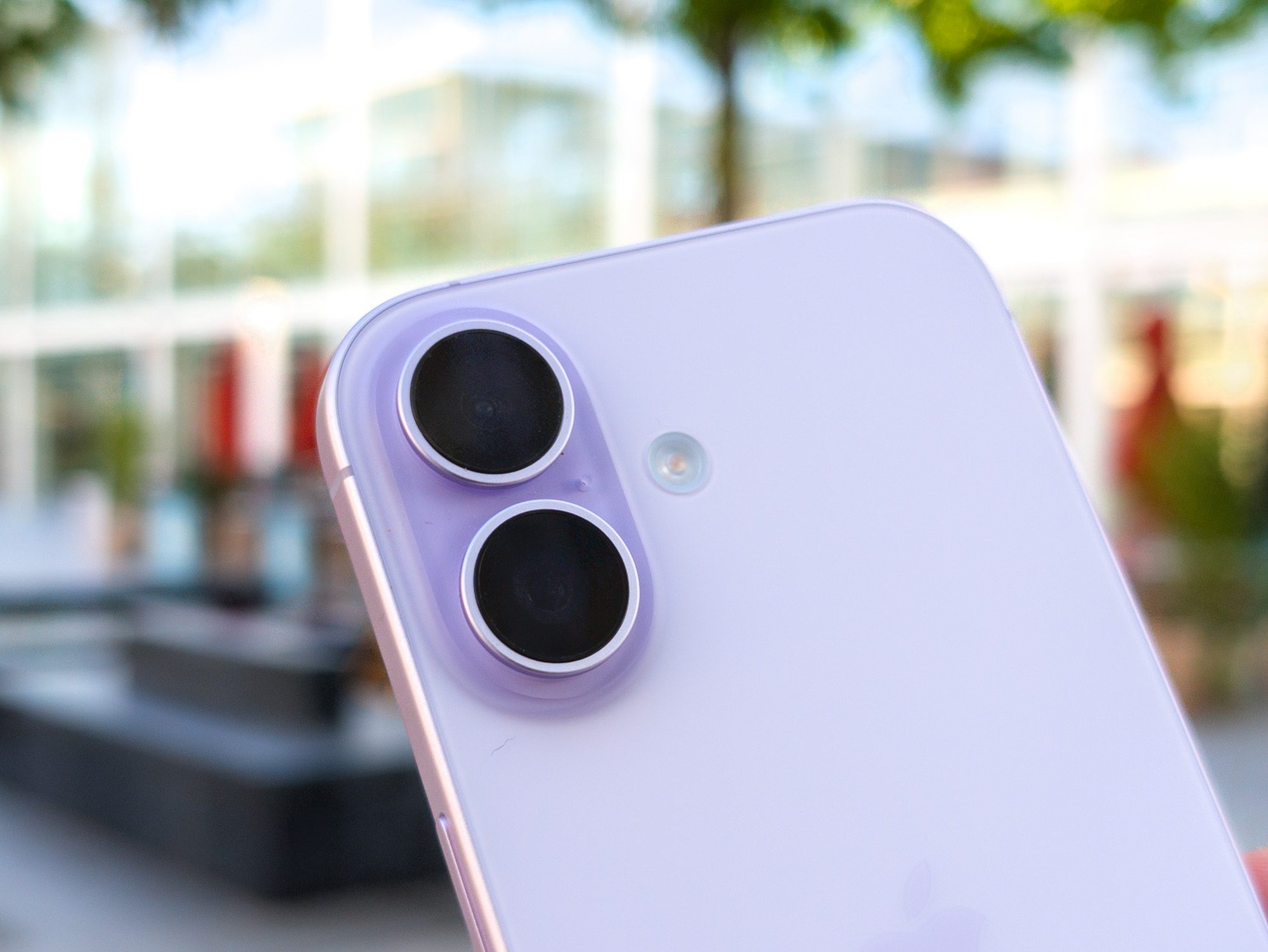
The main exception to this is those who want the best camera. The iPhone 17 features the same 48MP main and ultrawide sensors, but drops the telephoto lens (and the price tag).
I’ve briefly tested the camera, and while I’m reserving my judgment until I’ve had time to test it fully, so far the dual camera setup seems to be fairly consistent, even when cropping to 2x zoom. Beyond this, you’ll find a camera that can take decent photos, but won’t replace a dedicated telephoto lens if you frequently change the focal length on your phone.
Upgrades in invisible spaces

When you think of a Pro phone, it usually involves a great camera complete with a telephoto lens, vibrant screen, powerful performance, strong battery life, and fast charging. The iPhone 17 delivers on four out of the five areas, and even in the camera, my early tests are fairly positive.
The key problem is that none of these upgrades is truly memorable; they’re in all the right places, but none of them stands out. The iPhone Air has an incredibly thin body that’s designed to catch attention, as is the unique design and color options for the iPhone 17 Pro and iPhone 17 Pro Max.
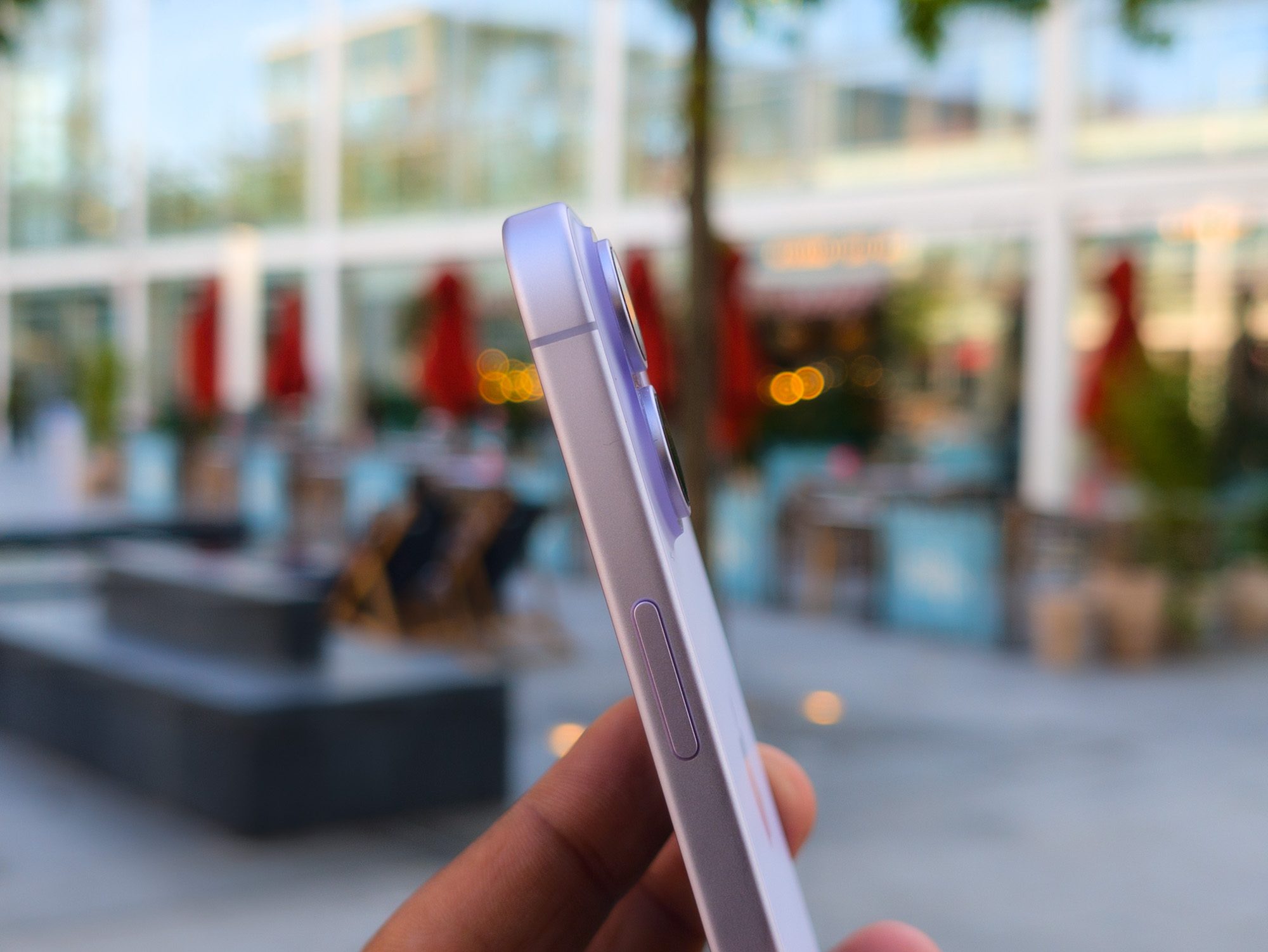
These phones ooze the same wow factor as past greats like the iPhone X, but the iPhone 17 looks and feels the same as last year. The colors are just as muted as the glass rear, as Apple can’t achieve the same vibrancy found with aluminum on the Pro range, or with polycarbonate on the iPhone 5c over a decade ago.
Therein lies the overall issue: the iPhone 17 offers a considerable upgrade in all the right places, but doesn’t stand out in any specific way, especially as the upgraded features are widespread among the best phones you can buy.
The iPhone 17 offers key upgrades at the right time
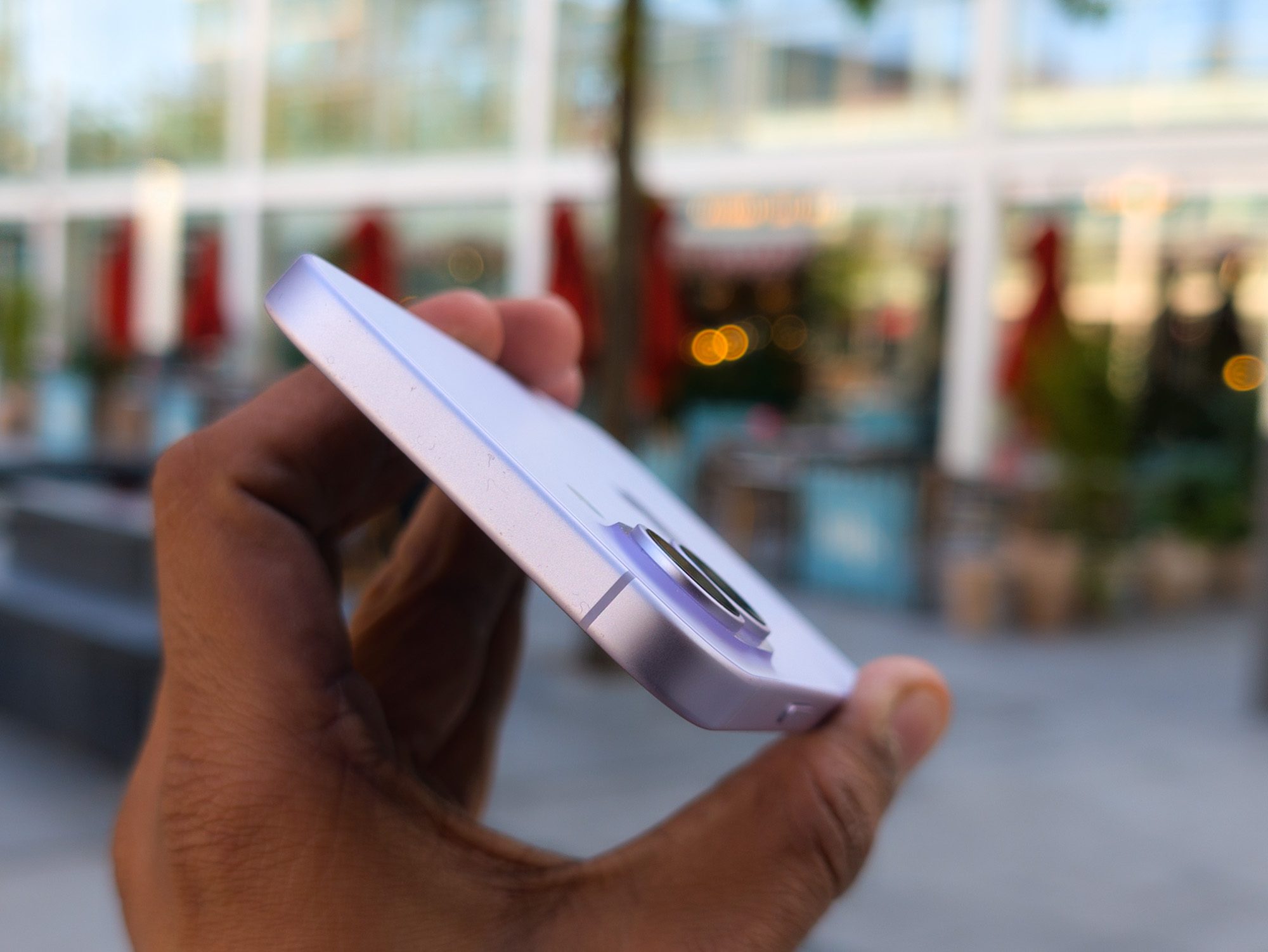
After spending 24 hours with the iPhone 17, this is already one of the nicest iPhones I’ve used. If you want the Pro experience, but lighter, and don’t mind sacrificing the telephoto camera, the iPhone 17 is the phone to buy.
It’s too early to understand charging, but it’s worth noting that the iPhone 17 can be charged to 50% in just 20 minutes using a 40W charger. The iPhone 16 charged to 55% in 30 minutes, but it’s noticeably faster on the iPhone 17. The base model also supports 25W MagSafe and Qi 2 wireless charging, which can charge the phone to 50% in just 30 minutes.
All of these improvements make the iPhone 17 wonderful, but distinctly non-unique. Despite the major upgrades this year, no single feature stands out, yet it’s the best iPhone for most people.