  1. Home
  2. Phones
  3. News

Digital Trends may earn a commission when you buy through links on our site. Why trust us?

Samsung Galaxy Buds 4 beat the AirPods at high quality audio, but it is quite exclusive

Ultra High Quality audio reaches 24-bit/96 kHz, but only a handful of Galaxy devices can use it.

Add as a preferred source on Google
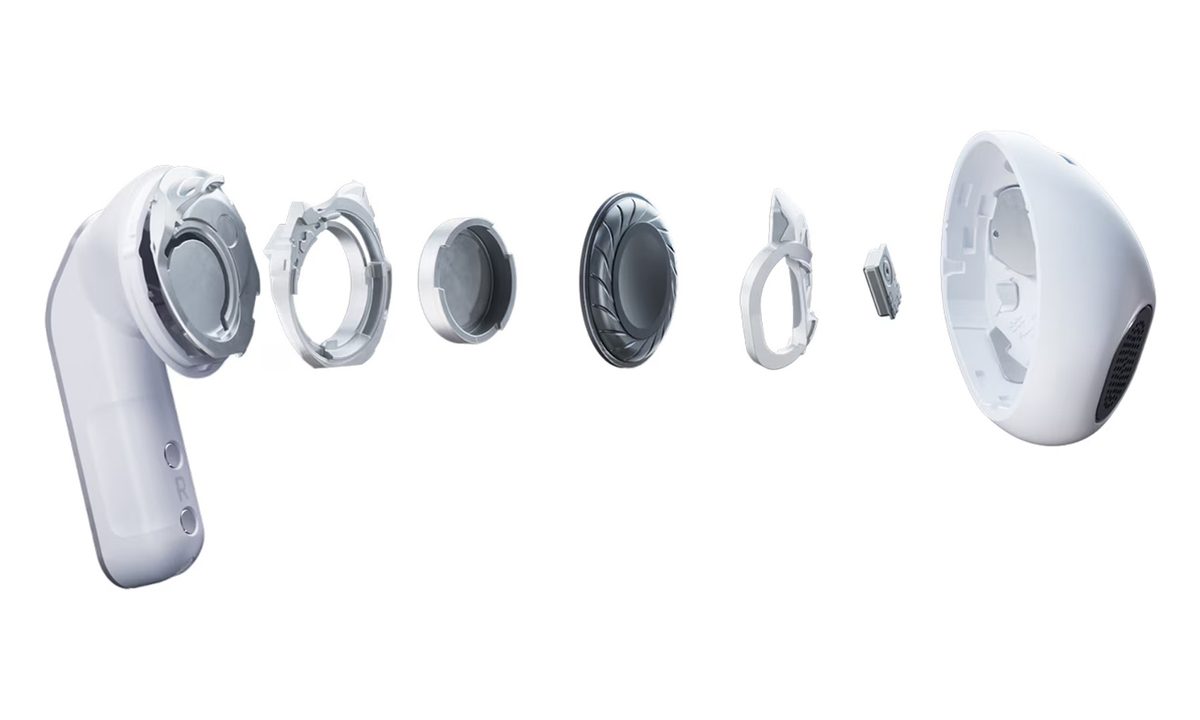
Samsung Galaxy Buds 4 Internals
Samsung

Samsung’s Galaxy Buds 4 have quietly introduced a feature that could put them ahead of Apple’s AirPods in one key area: high-resolution wireless audio. The new earbuds support Ultra High Quality (UHQ) audio up to 24-bit / 96 kHz, a spec that edges into the territory traditionally reserved for wired headphones and dedicated hi-fi gear.
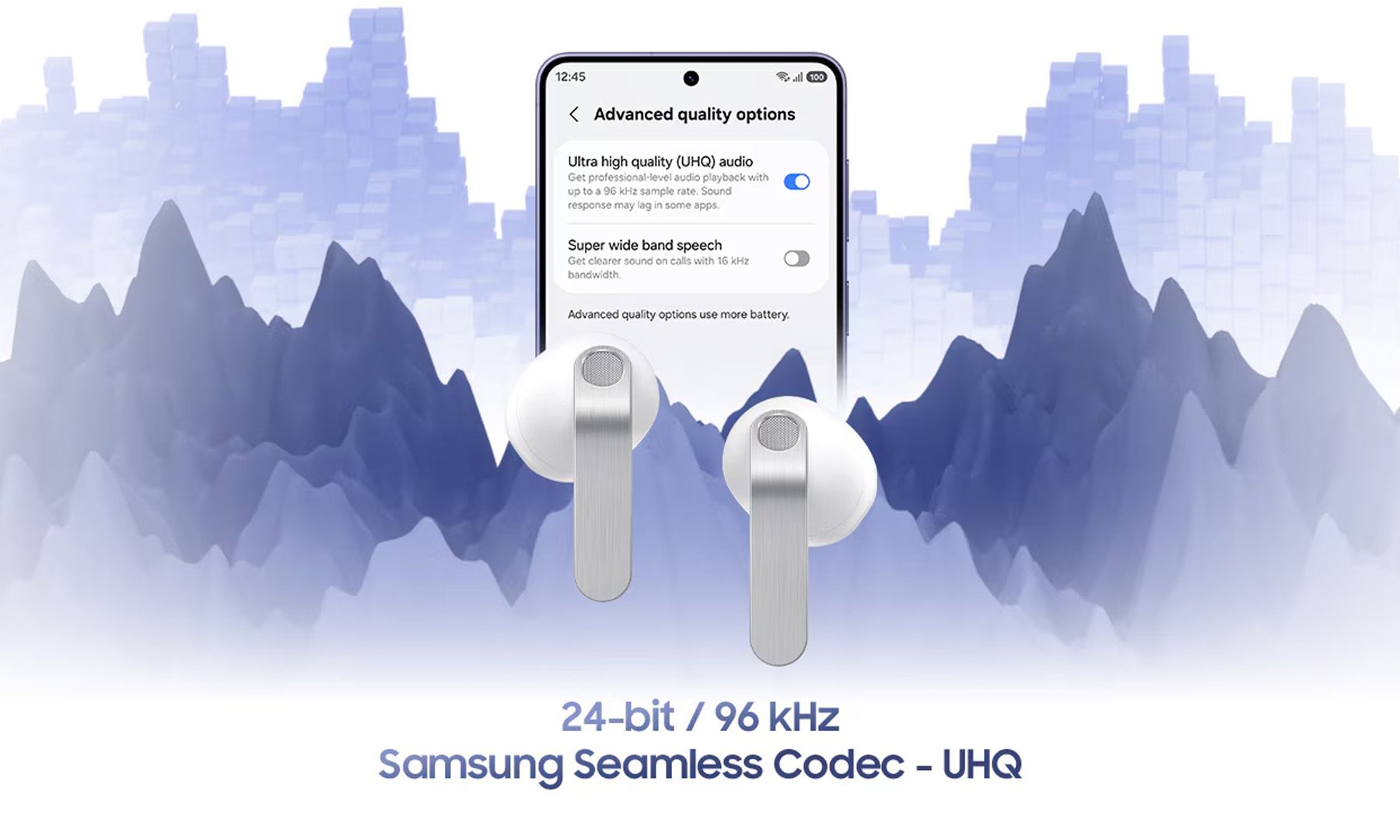
On paper, that is a big deal. Most wireless earbuds compress audio heavily due to Bluetooth bandwidth limits. Apple’s AirPods, for example, still rely on the AAC codec, which prioritizes stability and efficiency over lossless playback. Samsung’s UHQ feature, meanwhile, aims to deliver higher-resolution audio with more detail, wider dynamic range, and improved clarity.

But there’s a catch…

Samsung’s own documentation confirms that UHQ audio only works with select Galaxy devices running One UI 6.1.1 or newer. At launch, support is limited to newer flagship phones and tablets, including the Galaxy S26, S25, S24, S23 series, recent Galaxy Z Fold and Flip devices, and select Galaxy Tab models. The feature is also turned off by default and must be manually enabled in settings.

Just as Apple keeps its best AirPods features tied to iPhones, Samsung is reserving UHQ audio for its own latest Galaxy hardware. If you pair the Galaxy Buds 4 with a non-Samsung phone or an older Galaxy device, you will still get regular Bluetooth audio, but not the flagship UHQ experience. To be fair, the exclusivity makes technical sense. Delivering 24-bit / 96 kHz audio over Bluetooth requires tight hardware and software integration, including support for Samsung’s proprietary codec and newer Bluetooth implementations. Still, it means the headline feature is not universally accessible, even for Android users.

For Galaxy users with compatible devices, though, the payoff could be real. Wireless audio has been inching closer to wired quality for years, and UHQ support is another step in that direction. It may not be a universal win just yet, but within its own ecosystem, Samsung has clearly raised the bar. If this is the direction wireless audio is heading, the competition is only going to get more interesting from here.

Varun Mirchandani
Varun is an experienced technology journalist and editor with over eight years in consumer tech media. His work spans…
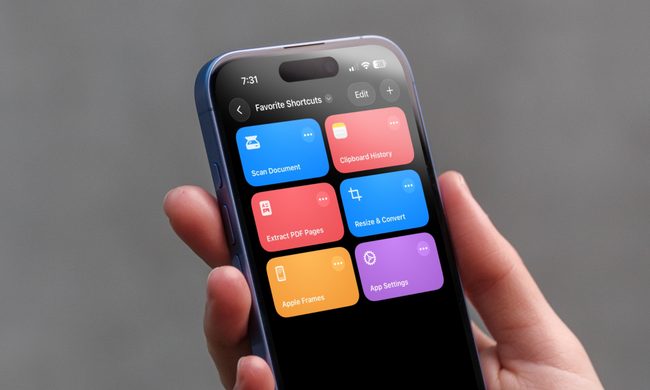
I can’t live without iPhone shortcuts. These 7 are my favorites that you must try, too.
I've been using these 7 iPhone shortcuts for years, and they've completely changed how I use my phone.
iPhone showing shortcuts app

The iPhone Shortcuts app reminds me of Minecraft. It might be relatively easy to jump into, but it offers nearly limitless potential, allowing you to build anything you want. The same holds true for the Shortcuts app, and that endless possibilities are what many iPhone users might find intimidating. But you don't have to.

If you are new to iPhone shortcuts, think of them as little automated helpers. You can build them yourself or find ones that others have built and use them. And that’s the beauty of shortcuts. If you don’t want to get your hands dirty, you can find shortcuts others have created and tailor them to your needs. 

Read more
Google’s Rambler could turn voice typing into something I don’t hate
Gemini Intelligence's Rambler could be something you use everyday
Gemini Intelligence

While the idea is appealing, I have never fully enjoyed using the speech-to-text feature for voice typing. I understand why it exists, and I have used it in a pinch. But it has always felt like one of those phone features that works just enough times to be useful, and not often enough to be conveniently reliable.

It's not just about speaking clearly; the problem is a bit more subtle. You have to avoid doubling back mid-sentence, or you have to pretend your brain naturally produces clean text messages in one smooth pass. And since mine does not, I'm looking forward to Google's new Rambler feature for Gboard. It's a part of the Gemini Intelligence on Android, but what has my attention is how it works.

Read more
Gemini Intelligence has strict requirements, and your phone may not qualify
Gemini Intelligence

Google’s new Gemini Intelligence platform is quickly becoming one of the biggest talking points in the Android world right now. After being highlighted during this week’s Android Show, the feature is already being tied to several upcoming premium foldables and flagship phones. But there’s a catch: not every high-end Android device will be able to run it. And surprisingly, even some of Google and Samsung’s latest foldables may miss out.

According to Google’s requirements, Gemini Intelligence isn’t just another software update you can casually push to older devices. The company appears to be building this around a much stricter hardware and long-term software support system. To qualify, a phone needs a flagship-grade chipset, at least 12GB RAM, support for AI Core, and Gemini Nano v3 or newer. That immediately creates a problem for several current-generation phones.

Read more