  1. Home
  2. Phones
  3. Tablets
  4. News

Android tablets and foldables are getting an utterly useful Chrome upgrade

Chrome's new bookmarks bar finally brings Android tablets the one desktop browsing feature power users never knew they were missing.

Add as a preferred source on Google
Chrome tips
Simon Hill / Digital Trends

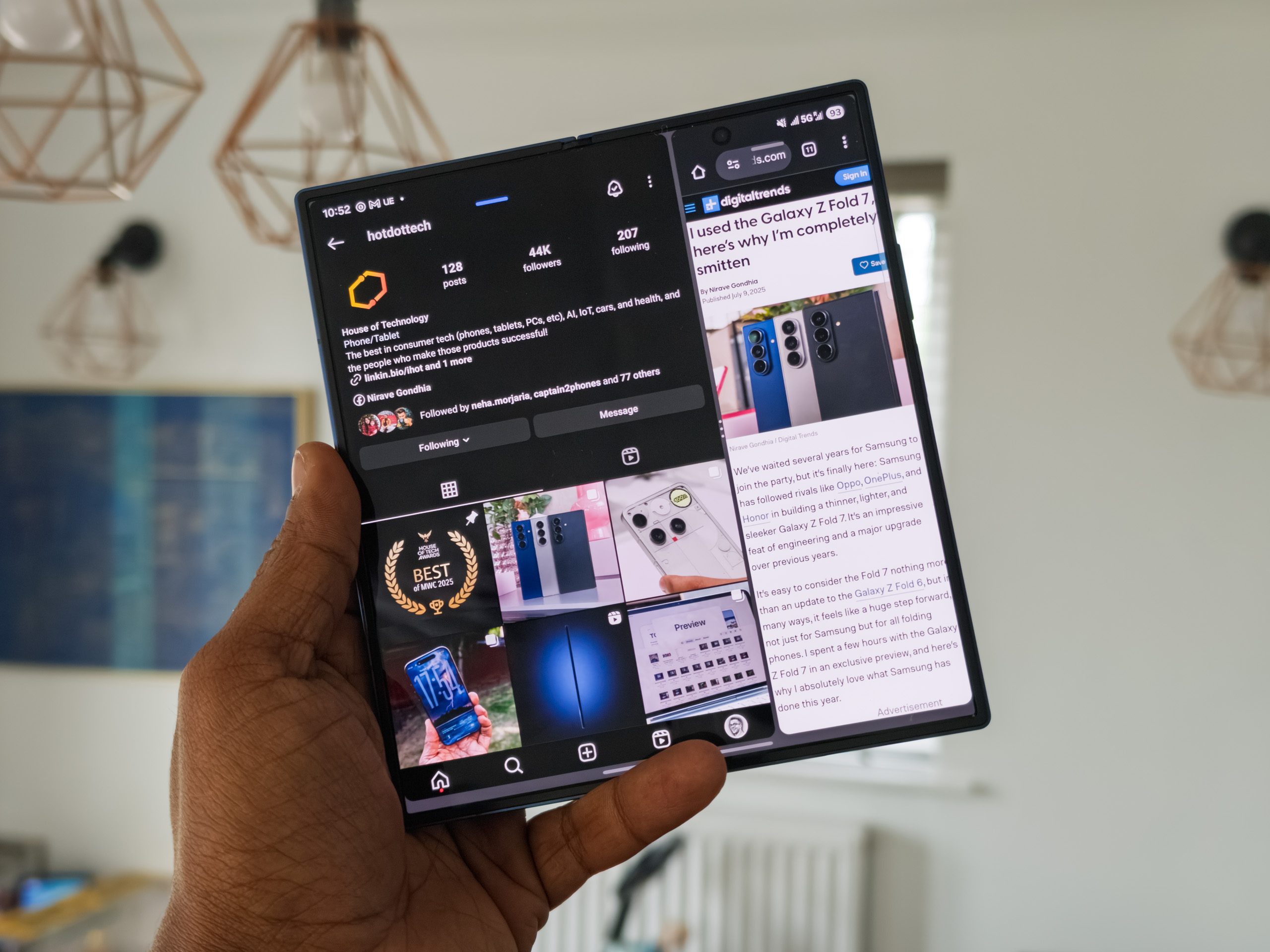
Google is rolling out a bookmarks bar for Chrome users on Android tablets and foldables (basically, large-screen devices) with Chrome version 146. The feature might sound familiar, as it has been available on Chrome for desktop for years. 

As seen on desktop, the bookmarks bar appears below the omnibox, spanning the full width of the screen and showcasing favicons alongside site names, while a right-facing chevron handles overflow. Long-pressing a bookmark reveals its full URL. 
 What problem does the bookmark bar on tablets and foldables solve?

To enable the bookmarks bar in Chrome on tablets or foldables, go to Settings > Appearance and select “Show bookmarks bar.” 

Recommended Videos

Until now, accessing bookmarks on Android devices required opening the three-dot menu and navigating to the Bookmarks section, which adds extra friction when using the feature on tablets and foldables, even for users who rely heavily on it on desktops. 

However, for tablet users juggling research, productivity, and browsing across a handful of sites, the feature reduces the effort required to access frequently visited sites (from 2 clicks to 1). 
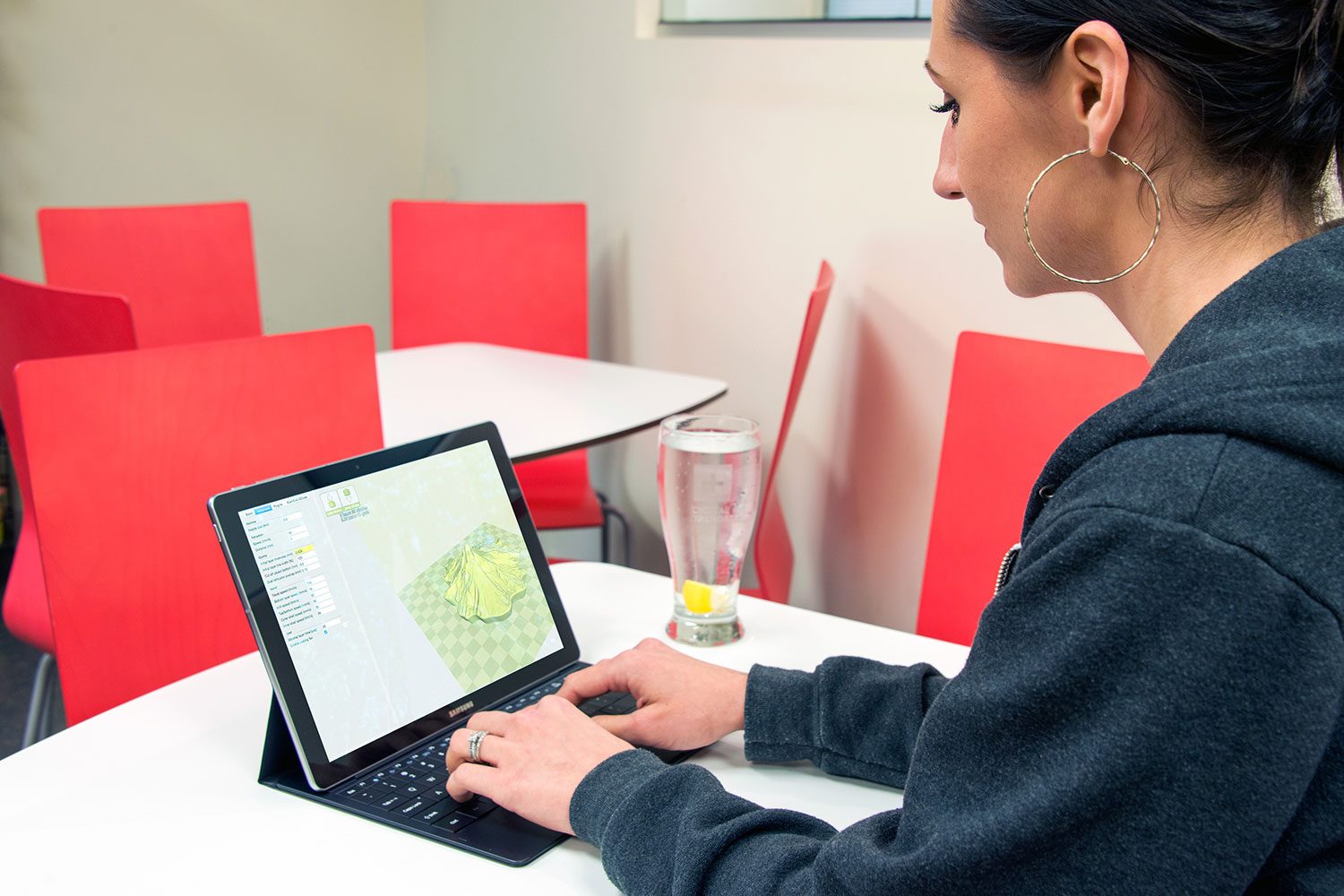
This changes how Android users access frequently visited sites

The bookmarks bar doesn’t interrupt the current page or open a separate screen. For Android users who access Chrome on a handful of devices, such as a work PC or a travel tablet, the consistency helps streamline the experience. 

Over the past year, Google has been at it, improving Chrome’s tablet interface with better tab layout, improved multi-window behavior, and more desktop-like controls, since a growing number of users are familiar with them. 

Given that Android 17 will make large-screen responsive layouts mandatory for developers, the bookmarks bar is a sign of where Google’s tablet ambitions are headed. 

Shikhar Mehrotra
For more than five years, Shikhar has consistently simplified developments in the field of consumer tech and presented them…
Samsung’s One UI 8.5 made checking free storage harder because apparently math is a feature now
One UI 8.5 just made life a little more difficult for some reason
One UI 8.5 update

With its latest major software update, Samsung has made a tiny change to One UI, which has left Galaxy users pretty frustrated. The One UI 8.5 update has removed the available storage indicator from the Device Care menu in One UI 8.5. So now, users can only see the total storage capacity and how much space is currently used, without clearly displays the amount of free space left.

Why this update has annoyed Galaxy users

Read more
Android’s new Pause Point feature puts a 10-second speed bump between you and mindless scrolling
Pause Point gives you a short window to reconsider opening a distracting app, with breathing exercises and alternative suggestions built in.
Android Pause Point screenshot.

Google is adding a new tool called Pause Point to Android's Digital Wellbeing suite that interrupts mindless scrolling with a 10-second check-in before opening a distracting app.

A middle ground between timers and lockouts

Read more
Android 17 will make it easier to stop apps from quietly tracking your location in the background
Google is introducing a new location button, contact picker, and expanded theft protections in Android 17.
Electronics, Mobile Phone, Phone

Alongside new scam protection updates, Google announced a separate set of privacy and theft protection upgrades for Android at the Android Show I/O Edition today. From finer control over which apps can see your location and contacts, to new tools that make stolen phones harder to access and easier to recover, the updates give Android users more say over their own data.

Your location and contacts stay yours

Read more