  1. Home
  2. Computing
  3. News

Digital Trends may earn a commission when you buy through links on our site. Why trust us?

NordVPN’s new free tool shows how much your location data is exposed online

Your IP address gives away more than you think.

Add as a preferred source on Google
nordvpn-my-location-tool
NordVPN

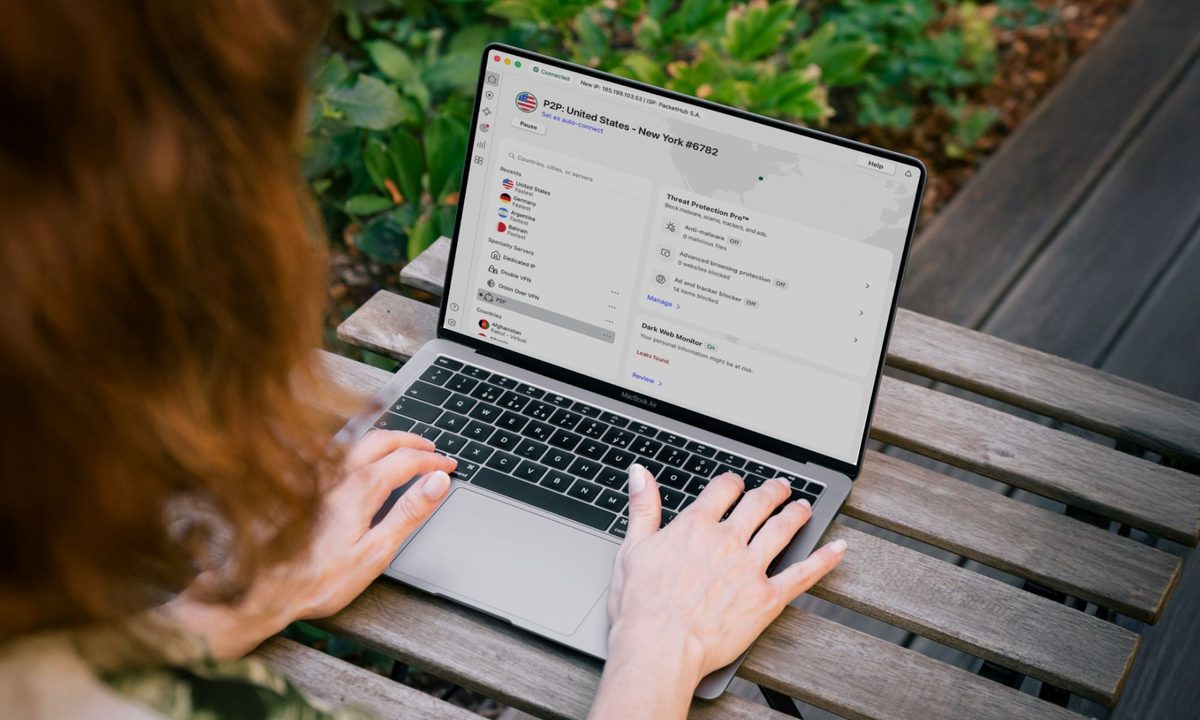
Your location data can reveal a lot more than you might think. It goes beyond just pinpointing where you are right now. Over time, it can map out your daily routines, the places you visit regularly, and even when your home is likely empty.

To help you see exactly what you’re giving away, NordVPN has launched My Location, a free browser-based tool that instantly shows your physical location and the virtual location visible to every website you visit.

What’s the difference between your real and virtual location?

Your real location is determined through device-based methods like GPS or your browser’s geolocation API. That’s the data apps typically request when they ask for location access. Your virtual location, on the other hand, comes from your IP address. That’s the identifier attached to your internet traffic, and websites use it by default to estimate where your connection is coming from.

Recommended Videos

These two can differ significantly, and understanding that gap matters. Websites can use your location for targeted advertising or regional price discrimination, showing you different prices based on your region. In more serious cases, a time-stamped location history can enable surveillance or stalking.

NordVPN CTO, Marijus Briedis, puts it plainly: “Once this data is exposed or shared too broadly, it can be used for profiling, targeting, and other purposes far beyond the original reason it was collected.”

How to use NordVPN’s My Location tool safely?
To use Nord’s free tool, head to My Location page and click on “Test Location Access.” Your browser will ask if you want to share your location with NordVPN. You should select “Allow this time” to grant the tool one-time access to your browser’s geolocation API. It will map out your physical location alongside your IP-based virtual one.

Privacy-wise, you’re covered because NordVPN confirms it does not log or store any location data the tool reveals. Beyond the tool itself, Briedis recommends reviewing your app permissions regularly, such as only allowing location access while actively using an app, and disabling geotagging in your camera settings.

While a VPN won’t block GPS-based tracking, it can mask your virtual location by changing the IP address websites see. For a head start on protecting your virtual footprint, you can check out some of the best free VPNs worth trying.

Manisha Priyadarshini
Manisha Priyadarshini is a tech and entertainment writer with over nine years of editorial experience.
Your Windows 11 PC can now natively run AI workloads, even if it lacks the Copilot+ badge
Windows 11 laptop on a table

For the better part of a year, Microsoft has been telling us that the future of AI on Windows belongs to Copilot+ PCs. If you wanted Microsoft’s most advanced local AI features, you needed a machine with a dedicated Neural Processing Unit (NPU). That was the deal. Now, Microsoft appears to be rewriting the rules.

According to updated documentation, Windows 11’s local Language Model APIs can now run on non-Copilot+ PCs, provided they have an Nvidia GeForce RTX 30-series GPU (or newer) with at least 6GB of VRAM. On the surface, this sounds like a developer-focused update. In reality, it could be one of the most significant shifts in Microsoft’s AI PC strategy since Copilot+ PCs launched last year. More importantly, it raises a question that has been lingering ever since the AI PC era began: Did we really need NPUs for all of this in the first place?

Read more
The Windows 11 June update makes your Start menu and Search feel much more snappier
Low Latency Profile is the first targeted fix Microsoft has shipped for shell responsiveness, and the June update brings it to every eligible PC rather than just Insider preview testers.
Windows 11 Laptop

If you’ve ever clicked on the Start button and watched the menu appear after a second or two, you already understand the problem Microsoft is trying to solve with its June 2026 Windows 11 update. 

The update (KB5094126) rolled out on June 9, 2026, for WIndows 11 24H2 and 25H2, and targets the shell responsiveness issues that have quietly frustrated users since its launch in 2021. The headline change is the broad rollout of the Low Latency Profile.

Read more
OpenAI teams up with Visa to enable secure payments through AI agents
ChatGPT could soon buy things on your behalf thanks to OpenAI's new Visa partnership
openai-chatgpt-visa-payment

Imagine telling ChatGPT to reorder your paper towels or find the best wireless headphones in your budget, and it just handles the purchase without you lifting a finger. That is exactly what OpenAI and Visa are now building toward.

The two companies announced a strategic partnership at the Visa Payments Forum, with plans to bring Visa's global payment infrastructure directly into OpenAI's AI agent experiences, including ChatGPT and the Atlas browser.

Read more