1. Home
  2. Computing
  3. News

Claude just got a scam detector, and it could save you from a costly mistake

Claude can now tell a scam from the real thing, even when you can't.

Add as a preferred source on Google
diagram representing Claude and Malwarebytes
Malwarebytes

Thanks to AI’s content generation capabilities, scams are getting harder to detect. According to Malwarebytes’ research, 66% of people say it’s hard to tell a scam from the real thing. AI-generated scams are becoming so good that even tech-savvy people are getting caught off guard.

The problem is compounded as more and more people start relying on AI for the answers to all their questions. People are increasingly turning to AI browsers and tools like Claude for everyday questions, from what to wear to a function, to which restaurant to try on a trip. It won’t be long before those same people ask their AI tools how to stay safe online.
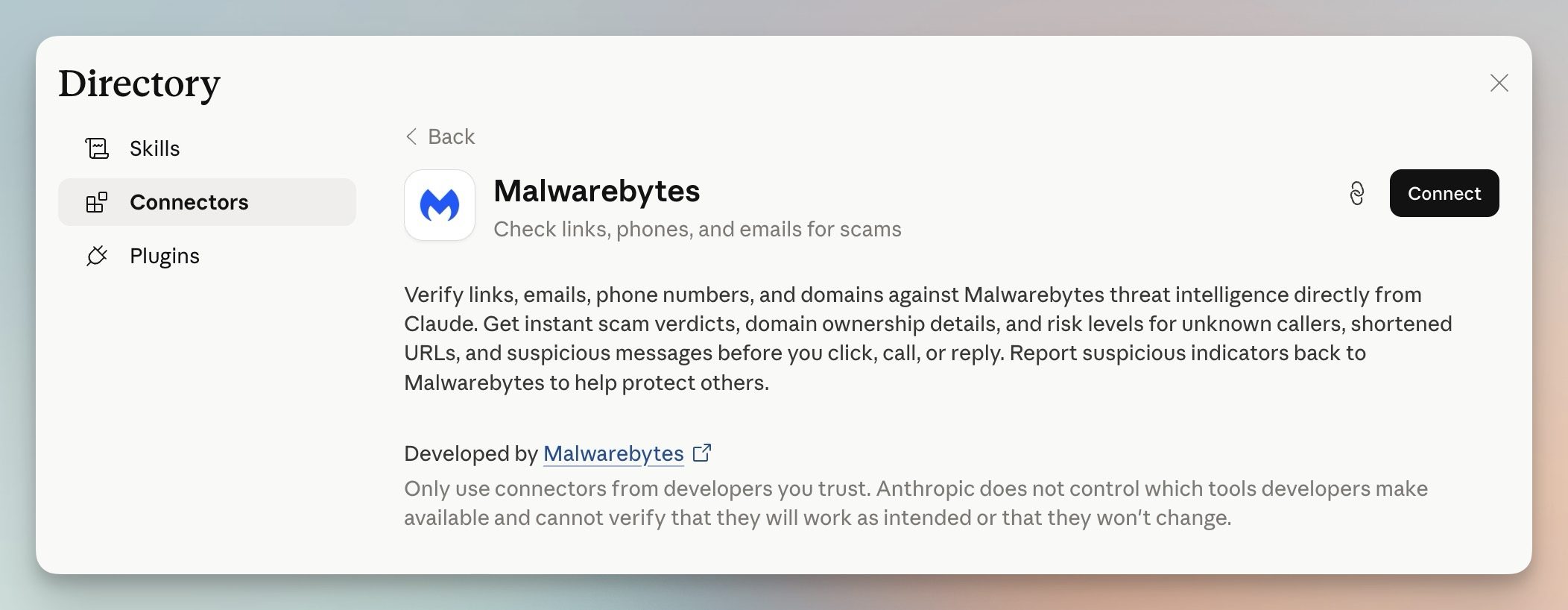
Currently, there are not many tools that can warn you of suspicious and scammy content in AI. Malwarebytes wants to tackle this issue by integrating its threat intelligence directly into Claude, making it easy to check dubious content without leaving your conversation.

So, how does it actually work?

Once you connect Malwarebytes to Claude, you can paste any suspicious link, phone number, or email address and ask Claude to check it. You’ll get one of four verdicts: safe, malicious, suspicious, or unknown. Each verdict comes with guidance on what to do next.

Here’s what you can check:

  • Links: Paste a URL from a text or email to find out if it’s safe to click.
  • Phone numbers: Check if an unknown number is linked to scams.
  • Email addresses: Find out if a sender’s domain is associated with phishing.
  • WHOIS lookup: Ask Claude to pull domain registration details to see if a website looks legitimate.
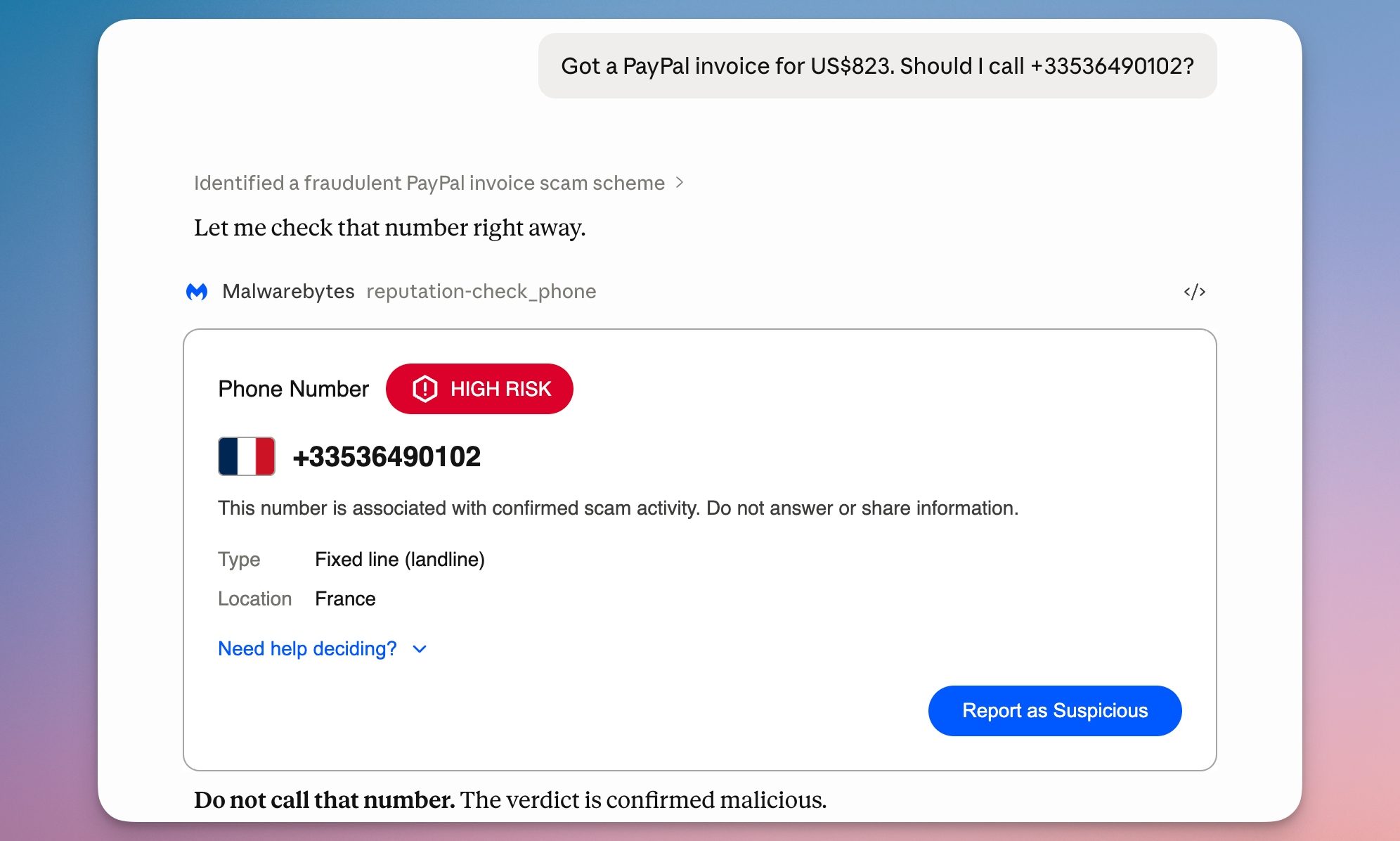
How do you get set up?

You can set up Malwarebytes like you set up any other Claude connector. Open Claude, go to Customize → Connectors. Hit the plus button, search for Malwarebytes, and click Connect. The best part is that you don’t need a Malwarebytes account.

Rachit Agarwal
Rachit is a seasoned tech journalist with over seven years of experience covering the consumer technology landscape.
Asus puts the outrageous dual-screen ROG Zephyrus Duo on the shelf at an eye-watering price
The ROG Zephyrus Duo isn't just a gaming laptop with two screens, it's the company’s most serious attempt yet to add more ambition to a "portable workstation" that’s capable of gaming.
Asus dual-screen laptop America.

Asus has decided that one screen isn’t simply enough on a laptop. The ROG Zephyrus Duo has returned to the market with two screens, with pre-orders now live for what the company is calling the world’s first 16-inch dual-screen gaming laptop.

Starting at $4,499.99 and going up to $5,499.99 for the top configuration, this is undoubtedly a machine that is built for people measuring their laptops with ambition, either for innovation or the desire to game on a dual-screen laptop. 

Read more
Nvidia quietly released a new version of GeForce RTX 5070 GPU inside a driver blog post
And more VRAM doesn't always mean more performance, and the pricing could make the RTX 5070 Ti a better value depending on final configurations.
The RTX 5070 in a graphic.

Nvidia just announced a new GPU variant in the weirdest way possible: buried it in a game driver update blog post. 

Alongside the release of its Game Ready 596.36 WHQL driver, the company also confirmed the launch of a 12GB GDDR7 configuration of the GeForce RTX 5070 laptop GPU. 

Read more
Dell 34 Plus USB-C monitor review: An ultrawide beauty with surprises you’ll love
Dell's curved monitor blends practical minimalism with a few neat perks of its own.
Dell 34 Plus USB-C Monitor - S3425DW

Quick Take

I’ve grown deeply suspicious of any monitor that calls itself a “productivity display.” They're not bad, per se. The real reason is that most of them are boring, and sluggish at adopting modern standards. Chunky black bezels, boring grey-on-grey corporate look that screams “I belong in a 2014 cubicle,” and a dull desk presence. I’ve never wanted any of them sitting on my workstation. So when I unboxed the Dell 34 Plus USB-C monitor (SKU is S3425DW), I was bracing for the usual disappointment. It was in for a surprise.

Read more