  1. Home
  2. Phones
  3. News

Samsung Galaxy S25 series just landed the big One UI 8.5 update in the US

One UI 8.5 is here for the Galaxy S25, and there is a lot to be excited about.

Add as a preferred source on Google
Samsung phone in hand
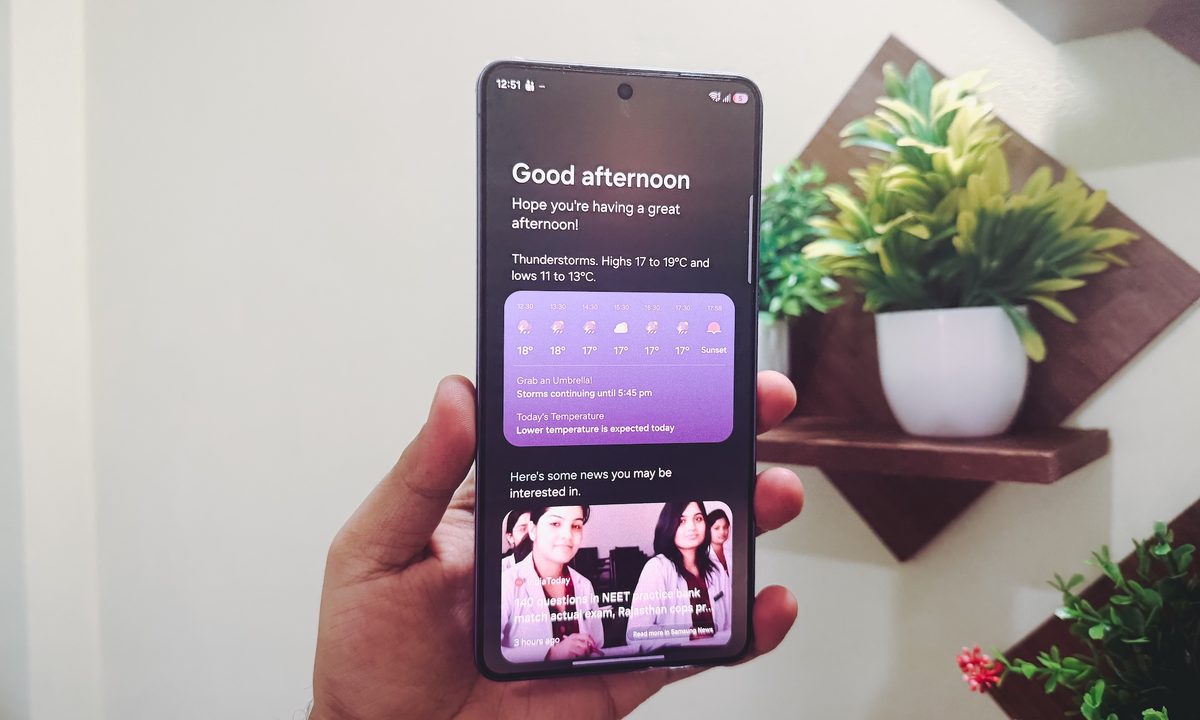
Nadeem Sarwar / Digital Trends

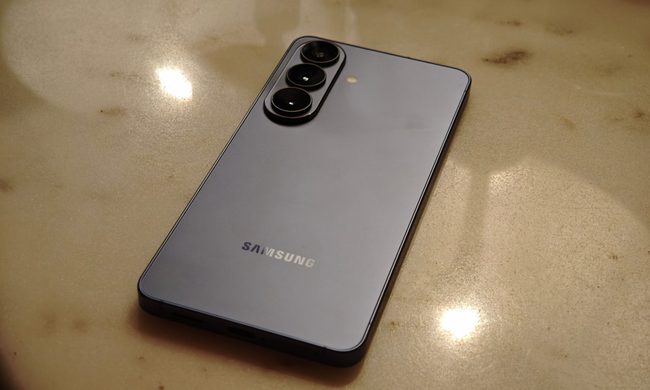
Samsung Galaxy S25 users in the United States are finally getting the One UI 8.5 update. After rolling out to newer devices, the update is now making its way to last year’s Galaxy S25 series, bringing a solid list of improvements worth knowing about.

Users on X have reported receiving this update on their Samsung Galaxy S25 devices, so if you own one, now might be the time to go into the software update settings and get the latest update. 

Received now pic.twitter.com/sgHop1KBnZ

— Dr.Abrar Humayun (@DrAbrarHumayun1) May 11, 2026

What’s new in One UI 8.5?

One UI 8.5 is bringing several new features and a bunch of UI improvements. The biggest visual change is to the quick settings panel. You can now grab, resize, and drag individual controls wherever you want. The volume and brightness sliders can go vertical, and the media control can expand to a larger size. 

The lock screen also got some love. There are new clock fonts with animations, and a thickness slider lets you fine-tune your clock’s look. A weather toggle now shows live weather animations on your wallpaper, which is a small but genuinely fun touch.
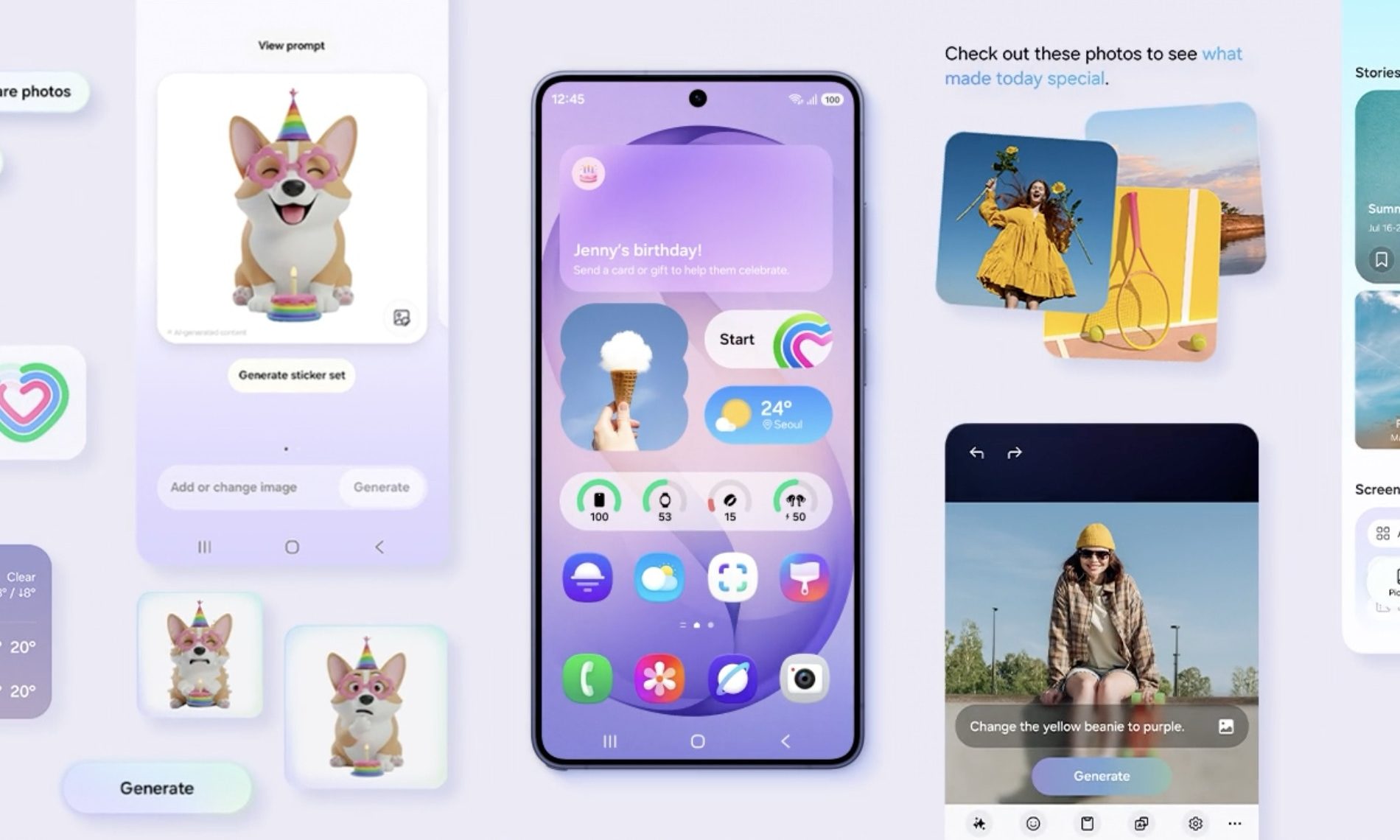
One UI 8.5 also brings a bunch of AI-powered photo editing tools, including erase, move, create, and style. Erase removes objects cleanly, move lets you reposition elements in a shot, create adds sketched objects using AI, and style transforms selfies into cartoon versions of yourself.

Are there any missing features?

While last year’s Galaxy S25 models are finally getting the One UI 8.5 update, it’s not all good news. It seems that there are several missing features in One UI 8.5 that the older models are not getting. 

Recommended Videos

Users at Korean Samsung forums have discovered as many as nine missing features, with the two biggest being the Now Nudge and 24MP camera mode. Other glaring omissions include Notification Highlights, Finder shortcut on the Home Screen, Samsung Browser’s Ask AI, and more. 
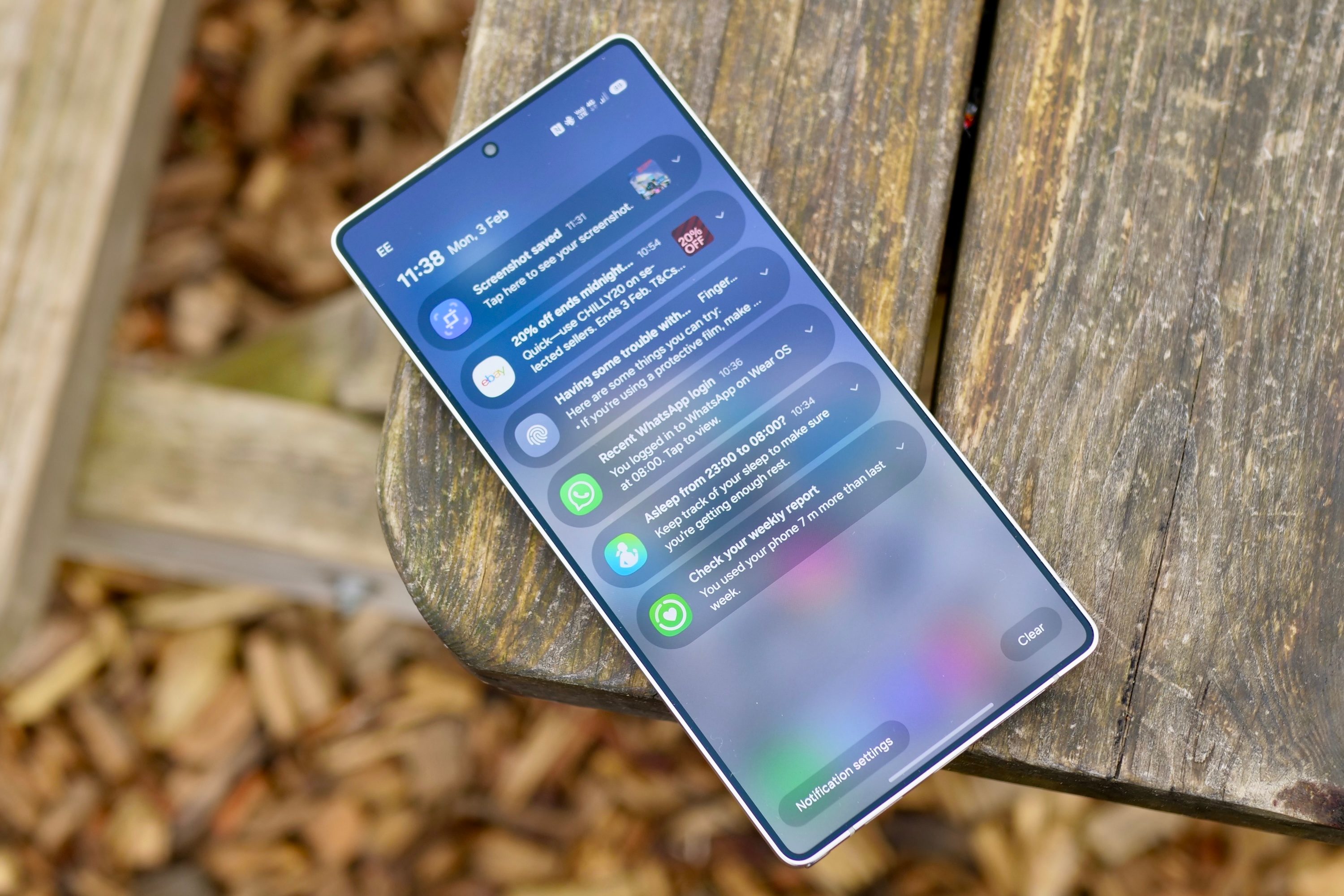
It doesn’t feel like any of these features depend on the new hardware of the Samsung Galaxy S26 series. They are just feature gatekeeping on Samsung’s part to force users to upgrade to new devices. 

I criticize Apple every year for gatekeeping new camera features on the latest iPhone models. It seems that Samsung is not only following in Apple’s footsteps but also pushing things much further.

Rachit Agarwal
Rachit is a seasoned tech journalist with over seven years of experience covering the consumer technology landscape.
I let this Galaxy S26 feature handle my battery, and it actually works
Galaxy S26 on a table

I have never been particularly good at managing my phone’s battery health. I know all the advice by now — avoid charging past 80 percent, do not let the battery drain completely, try not to leave the phone plugged in overnight. I know these habits the same way I know I should probably drink more water or sleep earlier. In theory, they make perfect sense. In practice, I rarely stick to them consistently.

So when I started using the Galaxy S26 and realized that Device Care’s optimization features were quietly handling a lot of this for me, my first reaction was skepticism. Phones have offered “smart” protection tools for years now, and most of them tend to disappear into the background after you switch them on once. Half the time, I forget those settings even exist. This felt different, though. Not because it was flashy or constantly reminding me it was there, but because I could actually feel it adapting to how I used my phone, rather than forcing me to change my habits around it.

Read more
I thought I needed an iPhone Pro until I paid attention to how I actually use it
iPhone 17 Pro

For a while, I had convinced myself that my next iPhone had to be a Pro. Not because I had genuinely thought about what I needed from a phone, but because the marketing slowly wore me down. The triple cameras, the titanium build, the ProMotion display, the idea that it could handle absolutely anything — it all created this lingering feeling that choosing the regular iPhone would somehow mean compromising. Like I would be missing out on the “real” experience. Then I stopped looking at spec sheets and started looking at my actual usage. And honestly, the entire argument for buying a Pro quietly fell apart.

Apple really knows how to make you doubt the regular iPhone

Read more
I used to dread moving files between devices — now I barely think about it
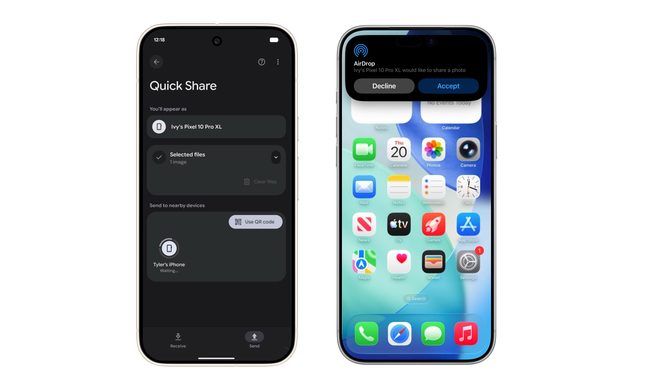
Android Quick Share with iPhone AirDrop

The kind of work I do involves constant file sharing, and with iPhones, Android phones, and a MacBook all part of my daily rotation, moving files between them used to be far more exhausting than it should have been. Something as simple as getting a photo or video from an Android phone onto my MacBook often turned into a mini process of its own. Most of the time, I had to upload files to Google Drive, wait for them to sync properly, and then download them again on the other device. It sounds manageable when you describe it once, but when you repeat that cycle several times a day, it starts feeling like a tax you pay with your time and patience.

This was mostly the result of ecosystems spending years building walls around themselves. Apple’s walls were obviously the tallest, but Android had its own barriers too. For the longest time, it felt like nobody was particularly interested in making these devices cooperate gracefully. But somewhere along the way, that started changing. And honestly, the difference it has made to my everyday workflow is much bigger than I expected.

Read more