
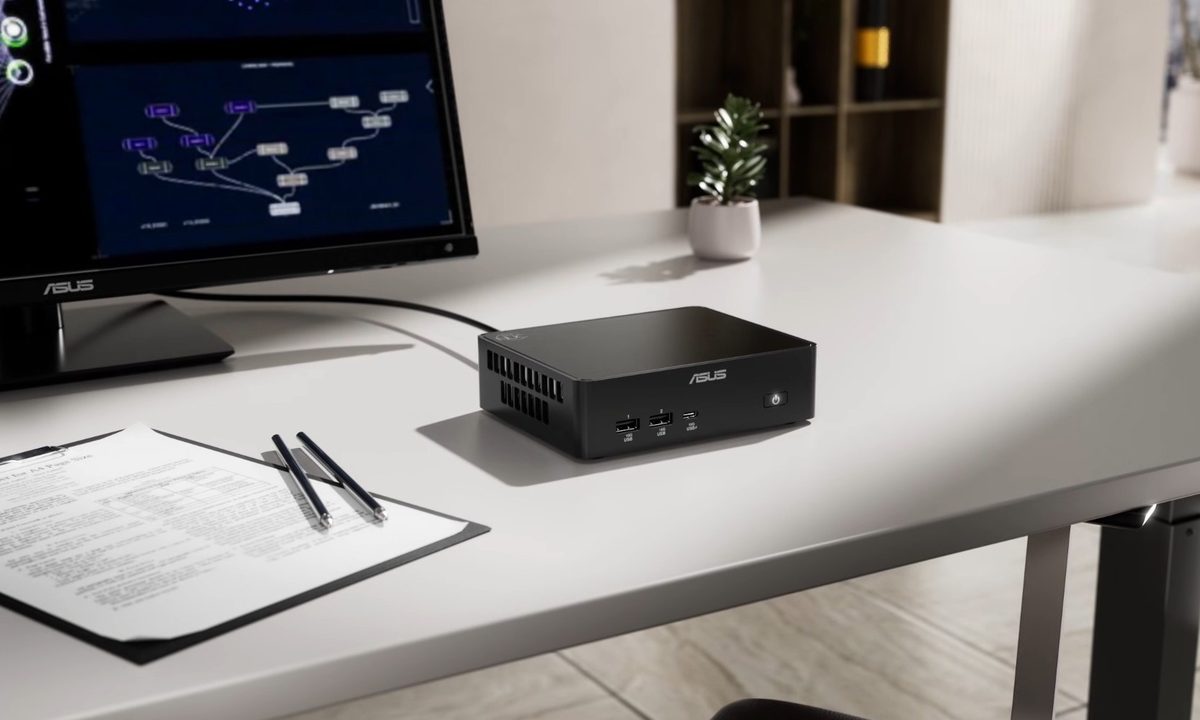
I’ve been thinking about buying a new device, which is usually where reasonable plans go to die. I don’t want to spend big laptop money, partly because I know most of that laptop would sit on a desk pretending to be portable. I also don’t want to build my own desktop, because that becomes a hobby the moment you blink. Suddenly, I’m comparing cases, power supplies, cooling, GPUs, and other things I only wanted to think about for five minutes.
That’s how I ended up looking at mini PCs, possibly the least dramatic lane in personal computing. They’re small boxes that sit under a monitor and mind their business. Nobody looks at one and thinks, wow, the future finally arrived in matte black.
A boring box starts to make sense
Calling them boring almost feels unfair, because the plainness is doing actual work. A mini PC skips the built-in screen, battery, keyboard, webcam, hinge, and thin metal shell that help make laptops expensive. It also avoids the full-tower spiral, where every purchase quietly invites another opinion about airflow.

Instead, it assumes you already have, or can choose, the stuff around it. A monitor. A keyboard. A mouse. Maybe some speakers. In return, it avoids a lot of the drama that makes a basic tech purchase feel weirdly inflated.
The Mac mini has helped make that idea feel normal again. The M4 model is available with 16GB of memory, which makes the tiny desktop idea look less like a niche experiment and more like a sane default. The Windows side is messier. Beelink, Geekom, Minisforum, Asus NUC-style machines, and other compact PCs turn this whole lane into something half practical and half suspicious Amazon listing.
The compromise is the whole appeal
The catch, obviously, is that mini PCs aren’t magic. Some are underpowered. Some are noisy. Some are sold with gaming claims that deserve a raised eyebrow and possibly a small investigation. Integrated graphics can be useful, but a little box doesn’t become a gaming tower just because the product page discovered neon lighting.
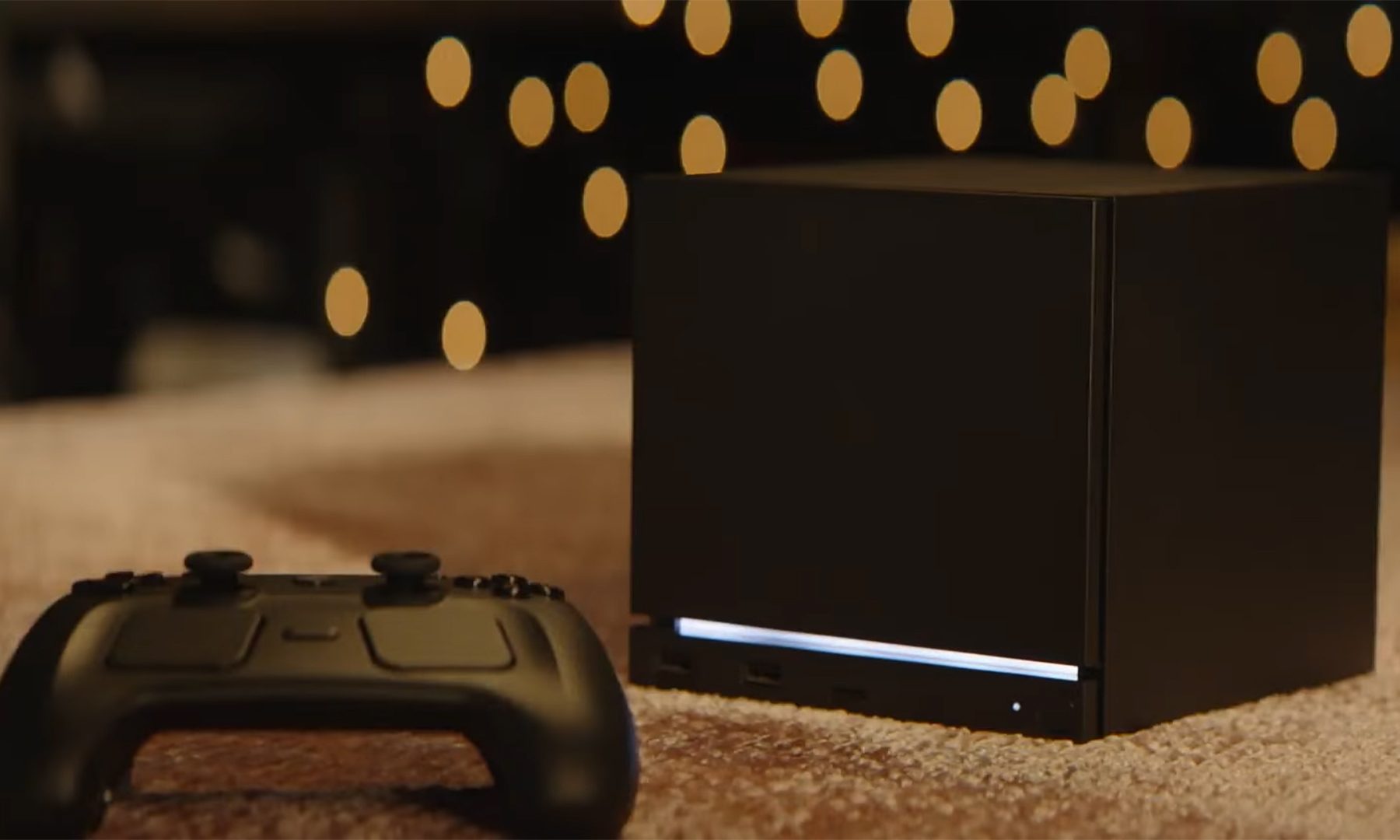
Valve’s upcoming Steam Machine makes that line even blurrier. Valve describes it as PC gaming packed into a roughly 6-inch cube, built for a desk or under a TV, which is basically the mini PC argument wearing a console hoodie. It’s not just another tiny desktop, but it does point in the same direction: fewer parts to obsess over, less build-your-own theater, and a box that tries to make PC gaming feel less like a weekend chore.
That limitation is useful because it keeps the promise small. For browsing, office work, media, light editing, and casual gaming, there’s a wide gap between what many people need and what they keep getting nudged to want. Mini PCs live in that gap. They’re more interesting as the machine you buy when you’re tired of pretending every purchase needs to be aspirational.
Just enough computer feels refreshing
That’s why mini PCs feel oddly refreshing. Computer buying has become bloated in ways that are easy to miss. Premium laptops sell polish. Gaming desktops sell power fantasies. Creator machines suggest every spreadsheet might secretly become a short film.
Mini PCs are less flattering. They ask what you actually need from a machine once you strip away the lifestyle packaging. That question feels especially sharp when a recent Tom’s Hardware survey found that 60% of PC gamers had no plans to build a new PC in the next two years, with pricing pressure and component shortages dragging down enthusiasm.
A mini PC won’t make anyone gasp. It probably won’t become the centerpiece of a desk setup video. But as an unshowy little desktop that does normal things without turning the purchase into a personal identity, it starts to look strangely exciting. Maybe “just enough computer” is the upgrade I actually want.


