  1. Home
  2. Computing
  3. News

The Windows 11 June update makes your Start menu and Search feel much more snappier

Low Latency Profile is the first targeted fix Microsoft has shipped for shell responsiveness, and the June update brings it to every eligible PC rather than just Insider preview testers.

Add as a preferred source on Google
Windows 11 Laptop
Microsoft

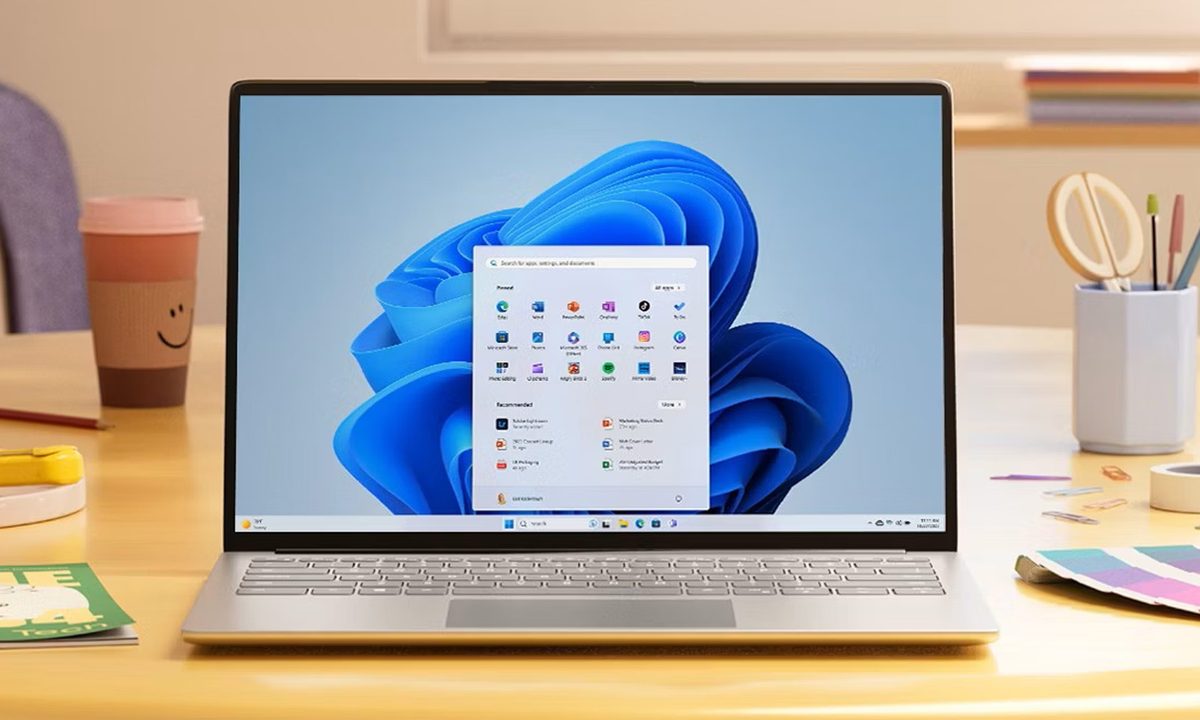
If you’ve ever clicked on the Start button and watched the menu appear after a second or two, you already understand the problem Microsoft is trying to solve with its June 2026 Windows 11 update. 

The update (KB5094126) rolled out on June 9, 2026, for WIndows 11 24H2 and 25H2, and targets the shell responsiveness issues that have quietly frustrated users since its launch in 2021. The headline change is the broad rollout of the Low Latency Profile.

What is Low Latency Profile and why does it matter?

It’s something that Microsoft first tested in the May 26 preview build (with limited availability) before promoting it to the stable channel (with broader availability) this month. 

Recommended Videos

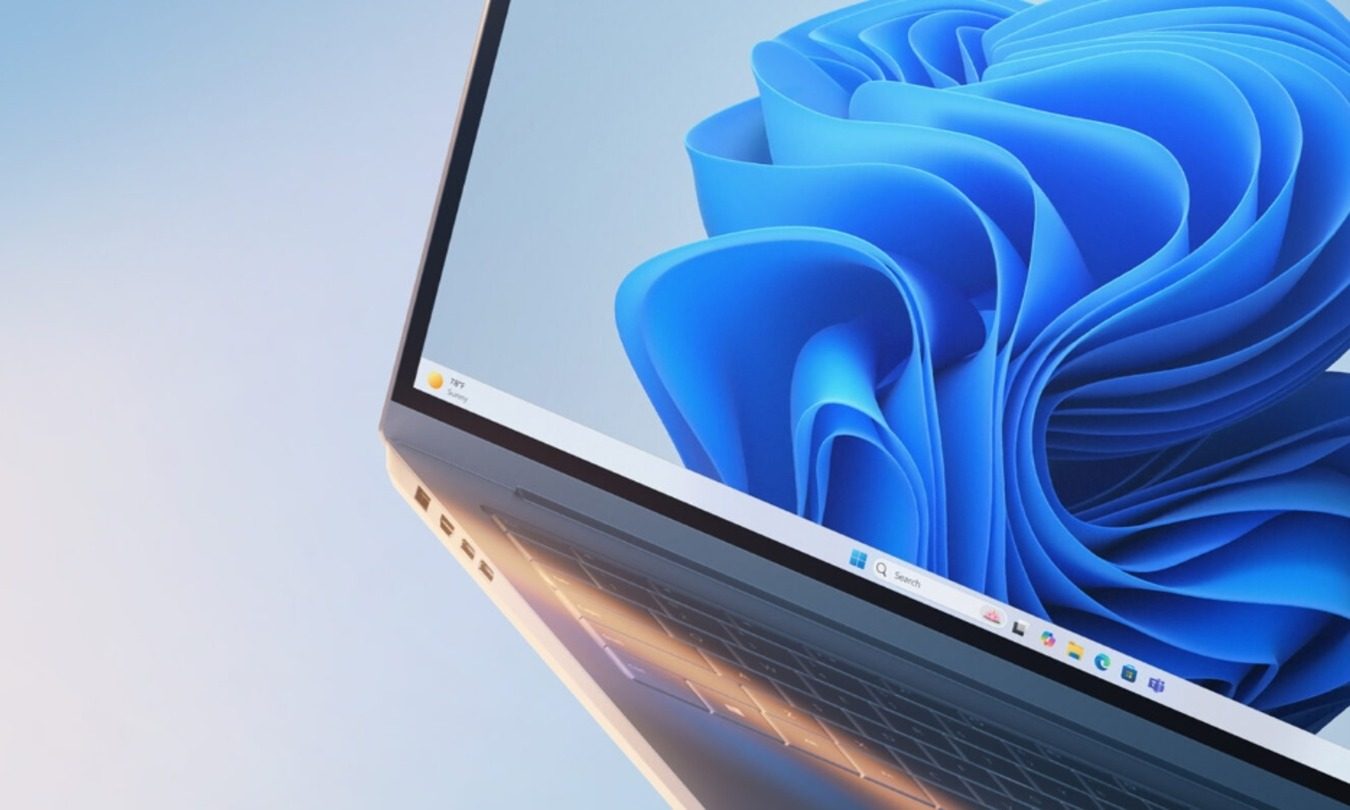
The way it works is that the Low Latency Profile briefly spikes the CPU frequency to its maximum for one to three seconds, providing an additional burst of performance whenever you interact with the core system features, including the Start menu, Search, Action Center, and taskbar flyouts. 

The burst is short enough that it doesn’t meaningfully impact battery life or thermals, but substantial enough that the shell responds immediately rather than after half a second, making those core system features feel more responsive.

With the Low Latency Profile, system flyouts can open up to 70% faster, and core apps can launch up to 40% quicker compared to the same hardware running the previous build. The performance gains are most visible on older or lower-spec machines that barely cleared Windows 11’s hardware requirements and have felt sluggish ever since.
What else is new in the June update?

Shared Audio now lets two people listen to audio from a single Windows 11 PC simultaneously via Bluetooth LE Audio. The Windows Task Manager gets new NPU usage columns, making it easier to see how your neural processing unit is being used during on-device AI tasks.

Multiple apps can now access the same camera stream simultaneously. In addition, Windows Search now finds local files with as few as two characters, which, as far as I understand, is a quality-of-life improvement for daily users. 

Windows Setup now lets you choose a custom user folder name during initial installation. Windows Hello has also been refined to consistently fall back to face or fingerprint-based sign-in after alternative methods have been used. 

You shouldn’t hold off on installing the update, as it includes the June 2026 Patch Tuesday fixes for more than 200 security vulnerabilities.

Shikhar Mehrotra
For more than five years, Shikhar has consistently simplified developments in the field of consumer tech and presented them…
Your Windows 11 PC can now natively run AI workloads, even if it lacks the Copilot+ badge
Windows 11 laptop on a table

For the better part of a year, Microsoft has been telling us that the future of AI on Windows belongs to Copilot+ PCs. If you wanted Microsoft’s most advanced local AI features, you needed a machine with a dedicated Neural Processing Unit (NPU). That was the deal. Now, Microsoft appears to be rewriting the rules.

According to updated documentation, Windows 11’s local Language Model APIs can now run on non-Copilot+ PCs, provided they have an Nvidia GeForce RTX 30-series GPU (or newer) with at least 6GB of VRAM. On the surface, this sounds like a developer-focused update. In reality, it could be one of the most significant shifts in Microsoft’s AI PC strategy since Copilot+ PCs launched last year. More importantly, it raises a question that has been lingering ever since the AI PC era began: Did we really need NPUs for all of this in the first place?

Read more
OpenAI teams up with Visa to enable secure payments through AI agents
ChatGPT could soon buy things on your behalf thanks to OpenAI's new Visa partnership
openai-chatgpt-visa-payment

Imagine telling ChatGPT to reorder your paper towels or find the best wireless headphones in your budget, and it just handles the purchase without you lifting a finger. That is exactly what OpenAI and Visa are now building toward.

The two companies announced a strategic partnership at the Visa Payments Forum, with plans to bring Visa's global payment infrastructure directly into OpenAI's AI agent experiences, including ChatGPT and the Atlas browser.

Read more
Intel details Project Firefly and how it’s pushing affordable laptops to unseat the MacBook Neo
Cheap laptops are finally getting the glow-up they deserve!
Intel firefly laptop prototype

It’s no secret that the Windows budget-market segment has been stagnating for years. While premium machines kept getting thinner, lighter, and faster, the affordable segment was stuck with five to seven year old technology and minor updates. 

Intel, it seems, wants to change that. In a recent Talking Tech interview, the company detailed how Project Firefly plans to drastically overhaul the budget laptop segment by creating a whole new ecosystem of laptops. 

Read more