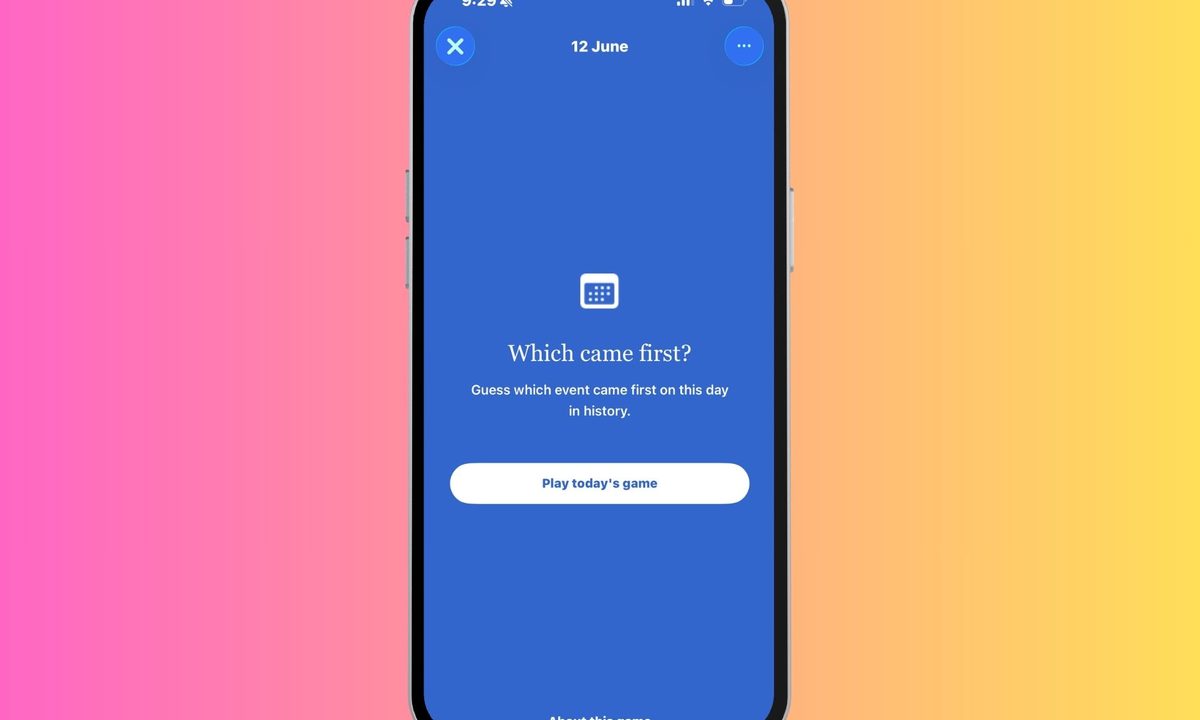
Wikipedia has spent decades being the internet’s favorite rabbit hole. You visit to check one fact, and somehow end up reading about ancient empires, obscure inventors, or a centuries-old battle you never knew existed. Now, the online encyclopedia is leaning into that curiosity with a new game for iPhone users — and it might be one of its smartest ideas yet.
Called Which came first? The new feature has arrived in the latest version of Wikipedia’s iOS app, after debuting on Android. The concept is wonderful: players are shown a series of historical events and must determine which one happened earlier. There are five questions to answer each day, and every event is tied to something that occurred on that particular date in history. In an era where mobile games often demand endless grinding, battle passes, or suspiciously timed notifications, there’s something refreshing about a game that simply asks you to think for a minute.
A daily history lesson disguised as a game
The beauty of Which came first? lies in its simplicity. You don’t need to know every king, war, invention, or scientific breakthrough to enjoy it. In fact, part of the fun comes from realizing how badly your sense of history can betray you.
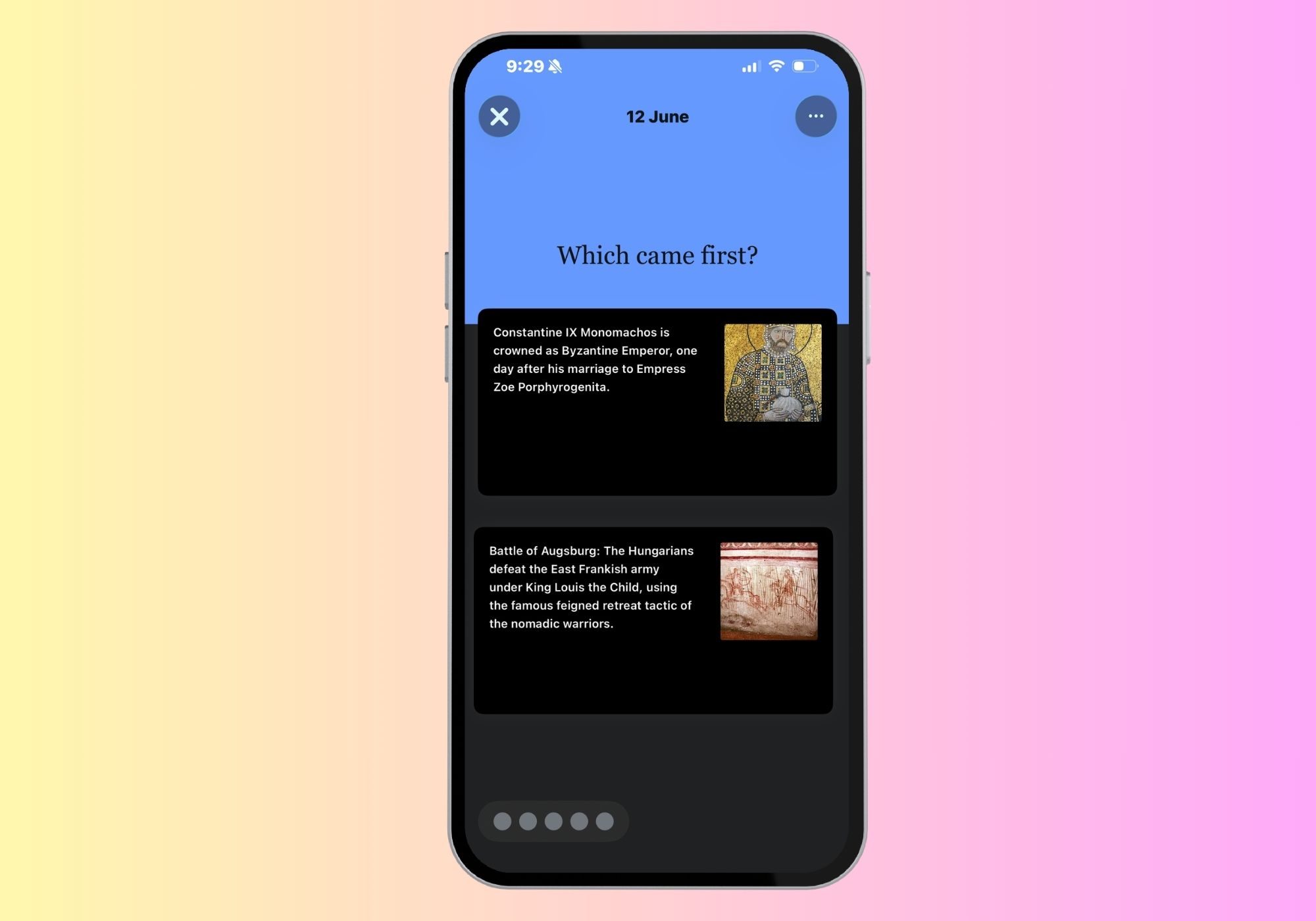
For instance, would you confidently know whether the first email was sent before the first mobile phone call? Or whether a famous archaeological discovery happened before a landmark political event? History is full of moments that feel like they belong in different centuries until you see them side by side. That uncertainty creates a surprisingly satisfying challenge. Even when you guess wrong, you’re usually left with a memorable fact that sticks with you far longer than a typical trivia question.
This screen time definitely feels productive
Perhaps the most appealing part of Wikipedia’s new game is that it aligns perfectly with the platform’s mission. Rather than keeping users trapped in an endless loop of engagement, it encourages curiosity. Finish a round, and chances are you’ll tap into one of the related articles to learn more about the events you just encountered.
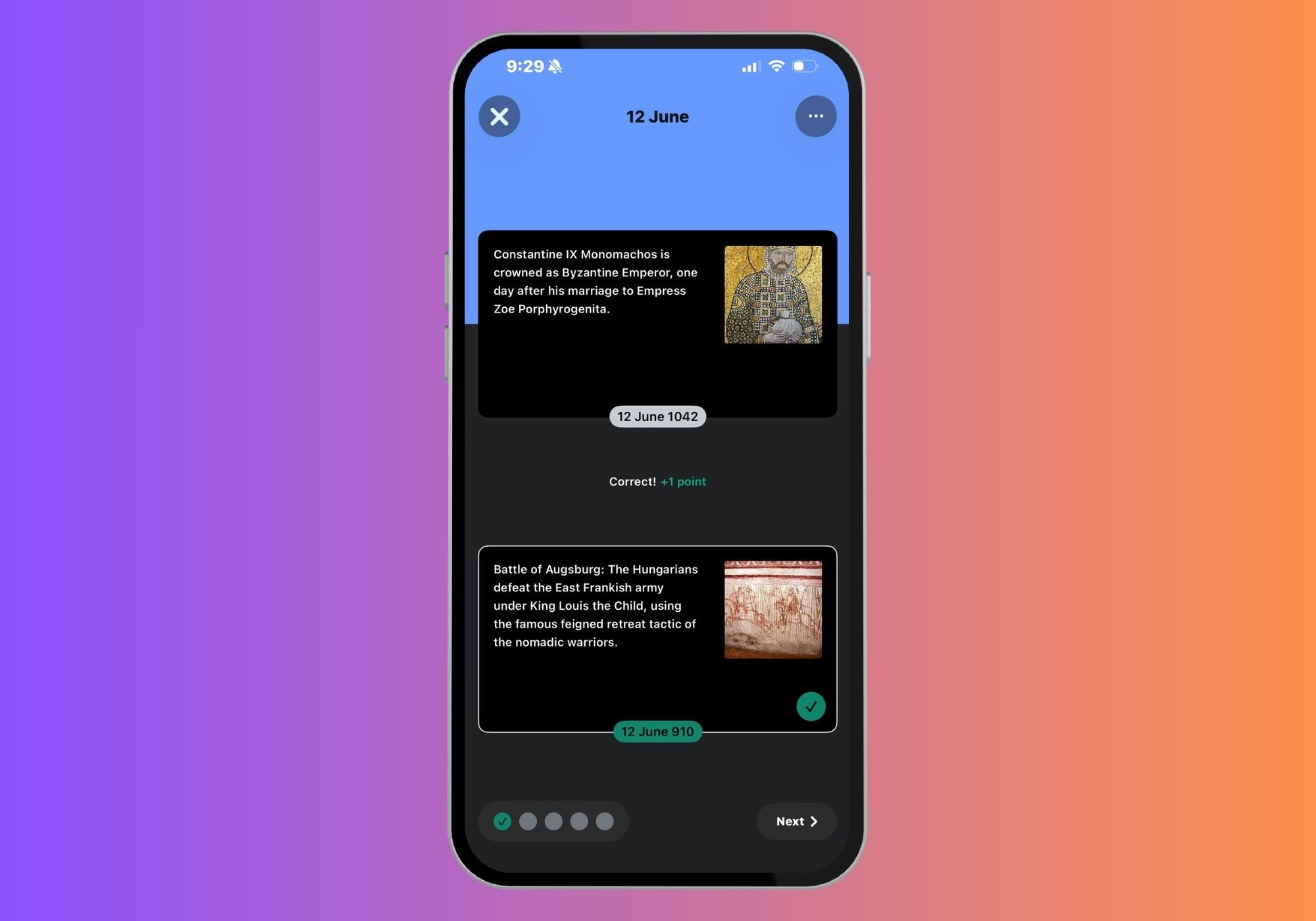
Wikipedia has also included an archive of previous rounds, allowing history enthusiasts to revisit older challenges whenever they want. Meanwhile, gameplay statistics track things like your average score and streaks, adding just enough motivation to keep coming back without turning the experience into a competitive obsession. You can find Which came first? in the Explore feed of the Wikipedia iPhone app starting today. It may not be the most striking game on your phone, but it could easily become one of the most rewarding few minutes of your day.