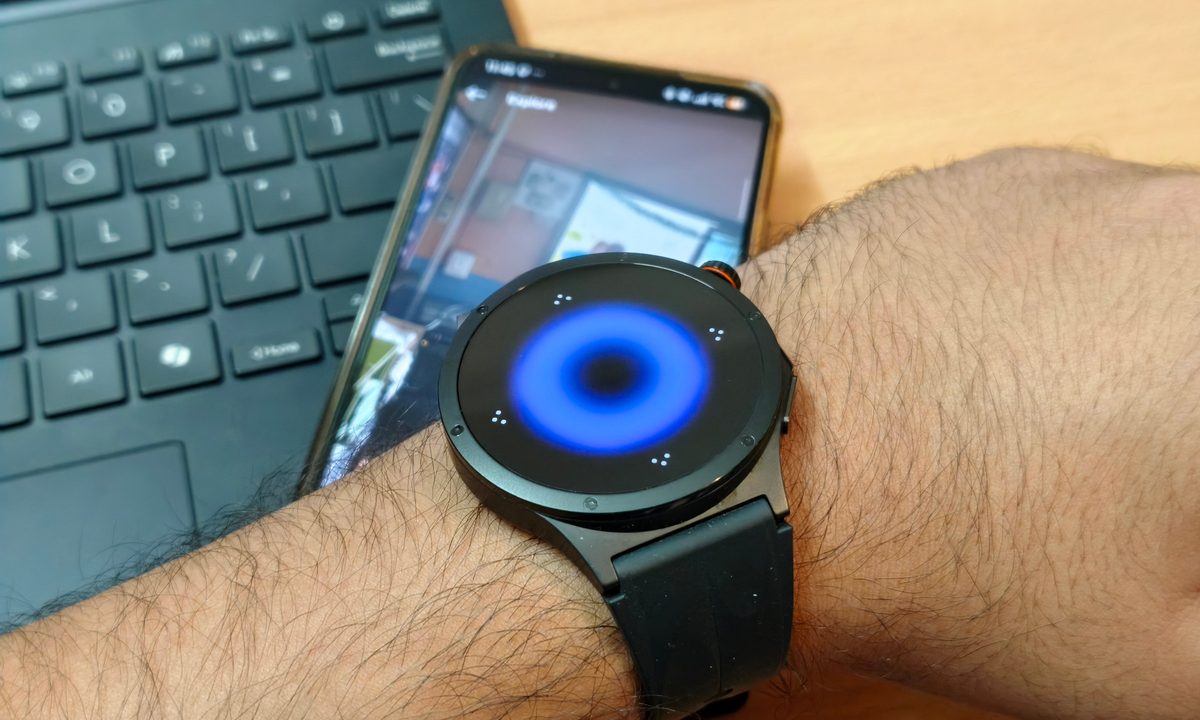
While smartwatches were built to make us more health-conscious and have us reach for our phones less often. I always believed that a second (smaller) screen on your wrist basically can be just as distracting as your smartphone, and the Oppo Watch X3 decided to stop pretending by doubling down on this.
The Oppo Watch X3 comes with a dedicated remote control feature that lets me control my phone from my wrist, and I am having way too much fun messing around with it. This sounds ridiculous, but it has also been surprisingly handy.
My wrist became a tiny remote for bad habits
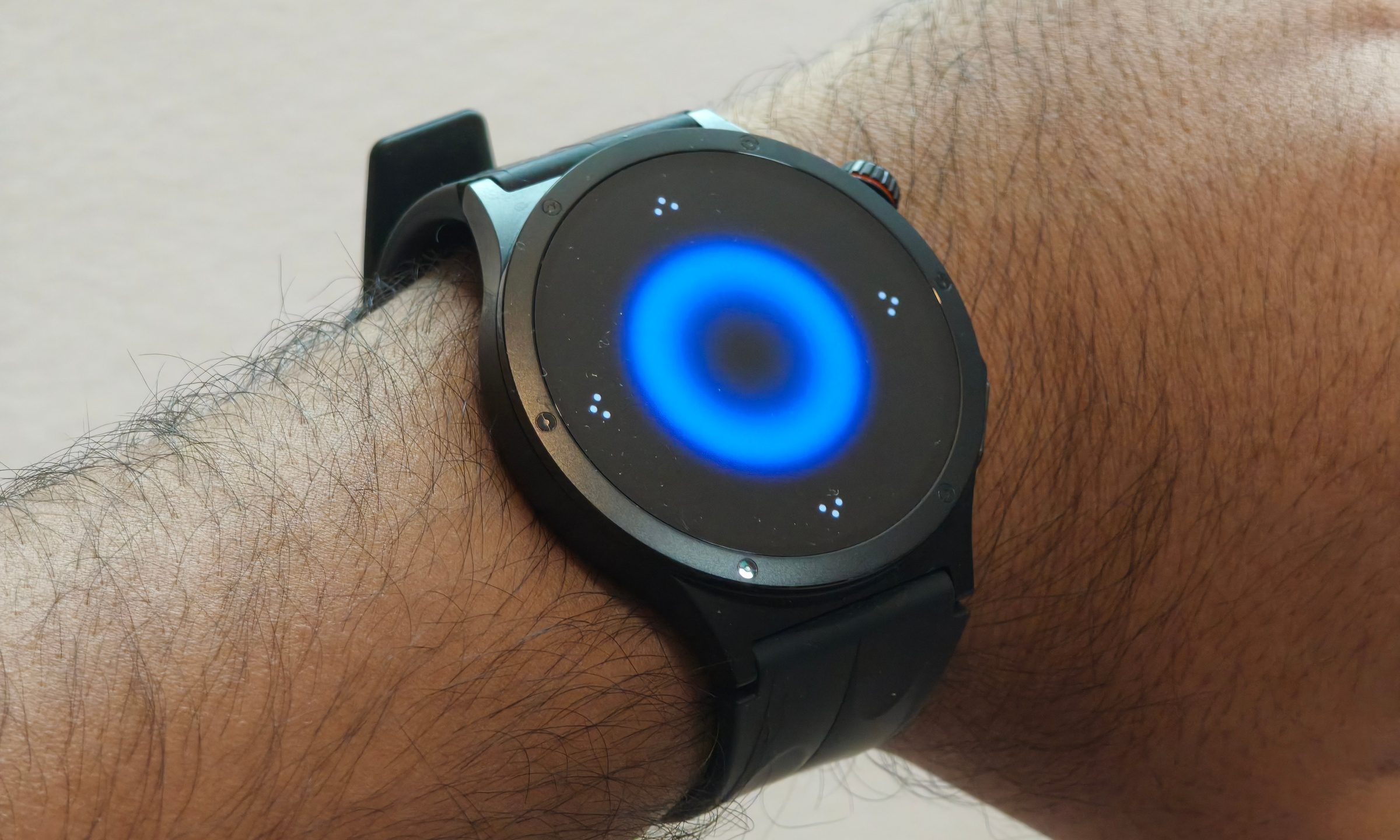
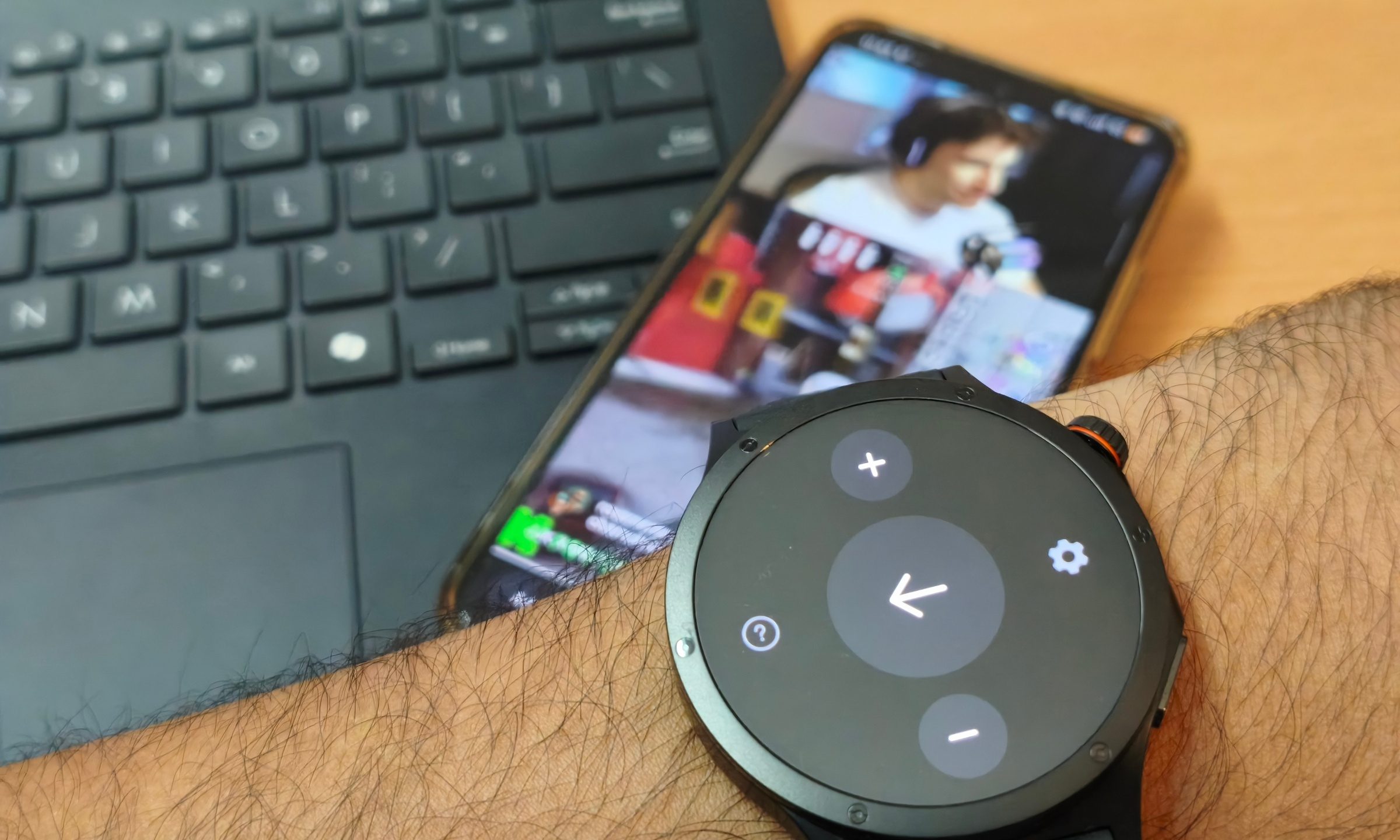
The OPPO Watch X3 can control short video playback and volume, which means I could technically doomscroll without touching my phone. My phone could sit on a stand or table, and I could casually control what was happening from my wrist like the world’s laziest media director. The feature wasn’t exactly necessary, but it definitely was funny the first time I tried it.
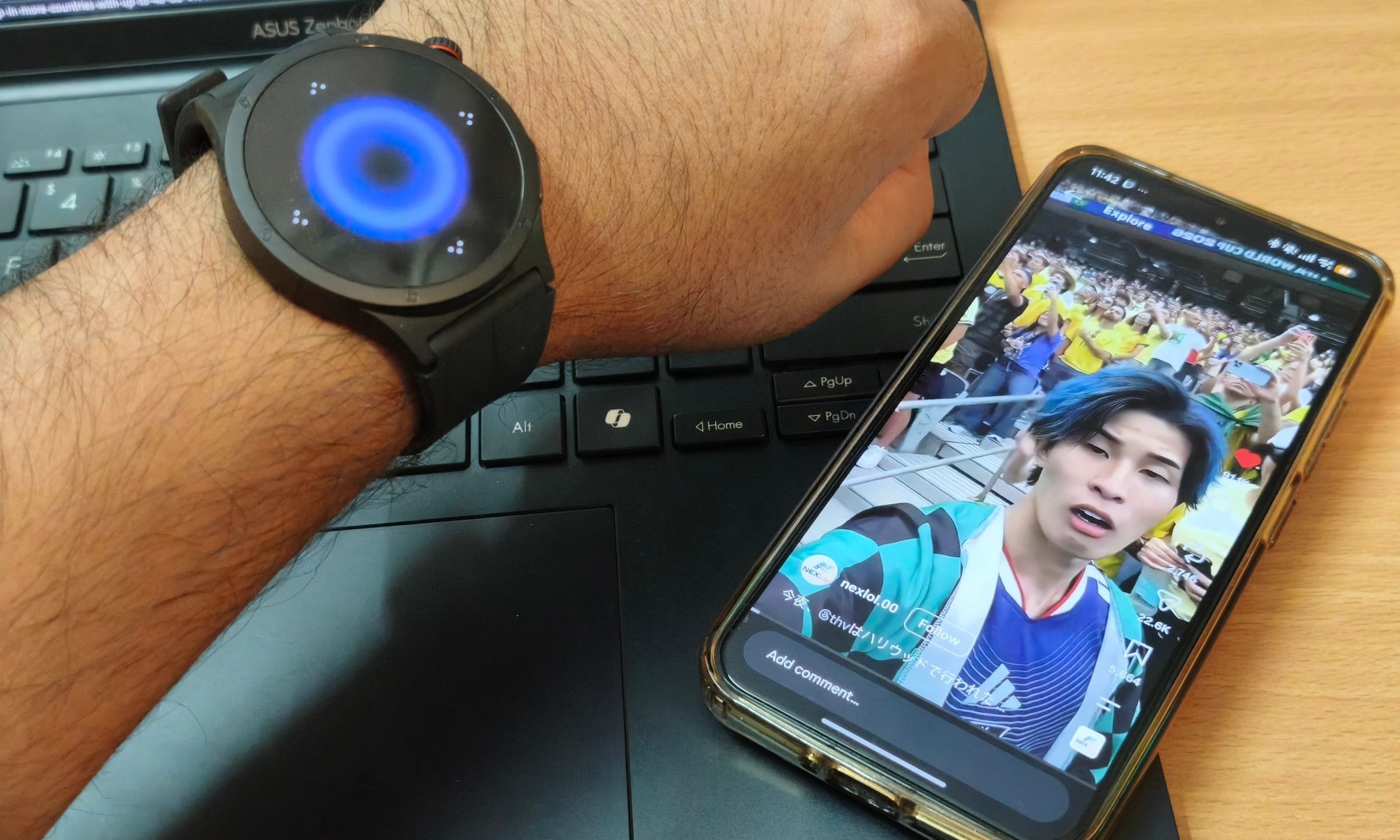
There is something deeply ridiculous about using a smartwatch as a remote for short videos. The whole point of wearable tech is supposed to be glanceable convenience. This takes that idea and applies it to one of the least noble phone habits we have. I was no longer just wasting time. I managed to bring in a whole other gadget for added laziness.
Volume control made the whole thing even better. Skipping around or lowering the sound without grabbing the phone is a tiny convenience. It is a feature that sounds like a joke until you use it from the couch, at a desk, or while eating. I expect the novelty to wear off soon, but I’m sure there are plenty of people who can actually get some good use out of this feature.
What really made things cool was the camera controls
The more serious side of this feature is the camera control. Thanks to this function, the OPPO Watch X3 starts feeling like a proper extension of the phone. Remote camera shutters are not new, but having the function built into the watch makes it feel more natural. I could place the phone down, step back, and take a photo without rushing against a timer. It is great for group shots, solo photos, low-angle shots, or anything where touching the phone would ruin the frame.
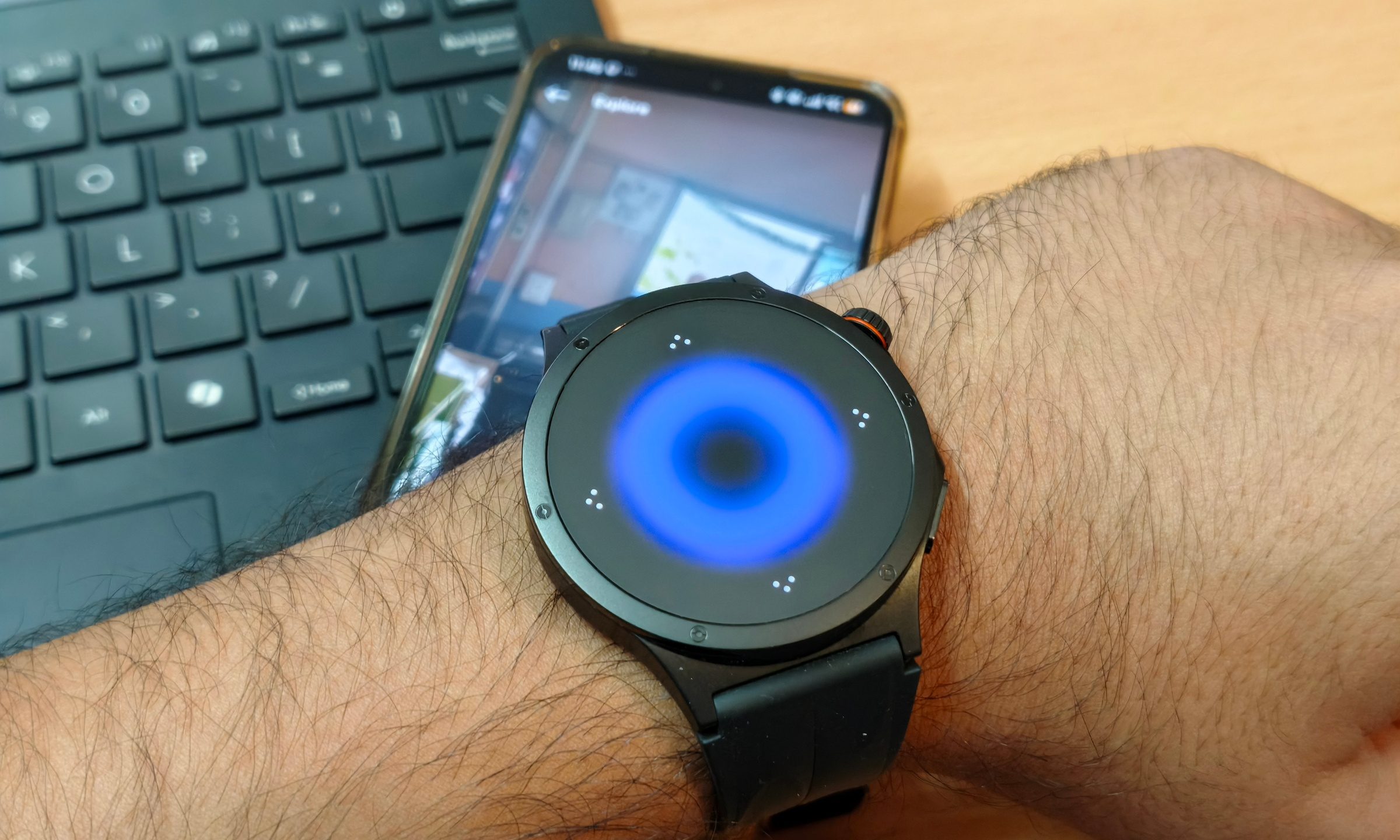
If you have one of the newer Oppo devices, you also get a camera viewfinder that lets you preview the frame before capturing an image. So you don’t have to guess what the phone sees. This can be particularly useful for creators, travelers, or anyone who takes a lot of photos alone. It is one of those features that makes the smartwatch feel connected to the phone in a meaningful way. Many smartwatch, like your Apple Watches, features simply mirror notifications or track health data.
That is what I like about the Oppo Watch X3. It has two distinct personalities. One where it’s a serious smartwatch with cutting-edge health tracking features and nifty functions for finer controls, while the other makes you doomscroll from your wrist.