Adobe is making a bigger bet on AI, turning its creative apps into something that feels more like a collaborator than a traditional tool. The latest Adobe Firefly update adds an AI coworker across Photoshop, Express, and Acrobat, letting you describe edits in plain text instead of digging through menus.
At the center of this shift is a new class of AI agents that can carry out tasks for you. You explain what you want, and the system applies those changes using Adobe’s existing tools.
Firefly now acts as a unified environment where generation, editing, and guided input happen in one place. Adobe is clearly moving away from tool-first design toward something that responds more directly to intent.
Chat replaces traditional editing flow
Adobe is bringing these AI agents into Photoshop, Express, and Acrobat so you can turn simple requests into actual edits. Instead of navigating layers, panels, or menus, you describe your goal and let the app handle the execution.
That shift changes how everyday tasks feel. Adjusting an image, refining a layout, or updating a document can now happen through natural language, with the system applying changes and letting you refine them as needed.
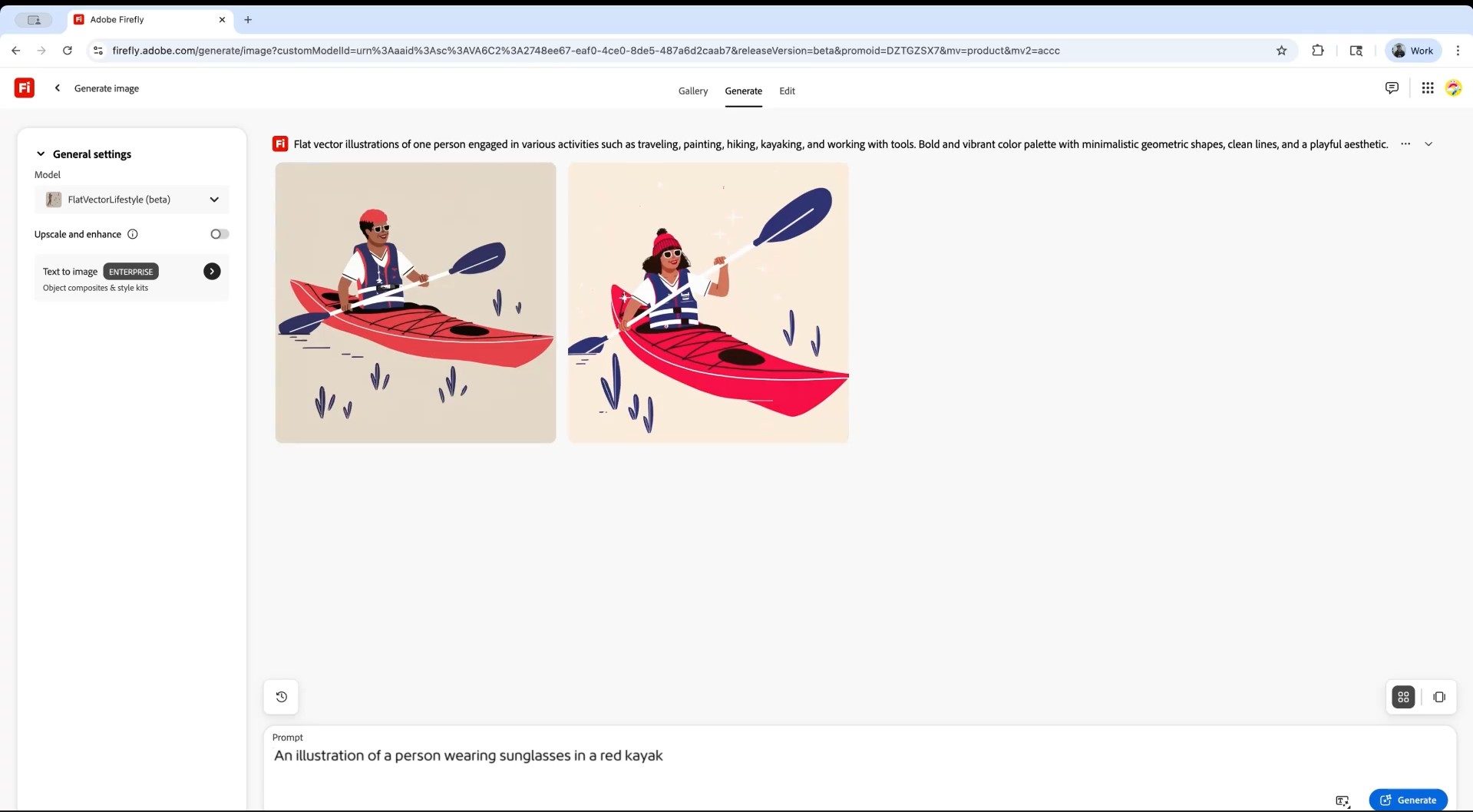
You’re still in control, but you spend less time managing the mechanics of the software and more time shaping the result.
Project Moonlight points to what’s next
Adobe is also previewing Project Moonlight, a new interface in private beta that pushes this idea further. It works across apps and helps you move from concept to a finished asset without breaking your flow.
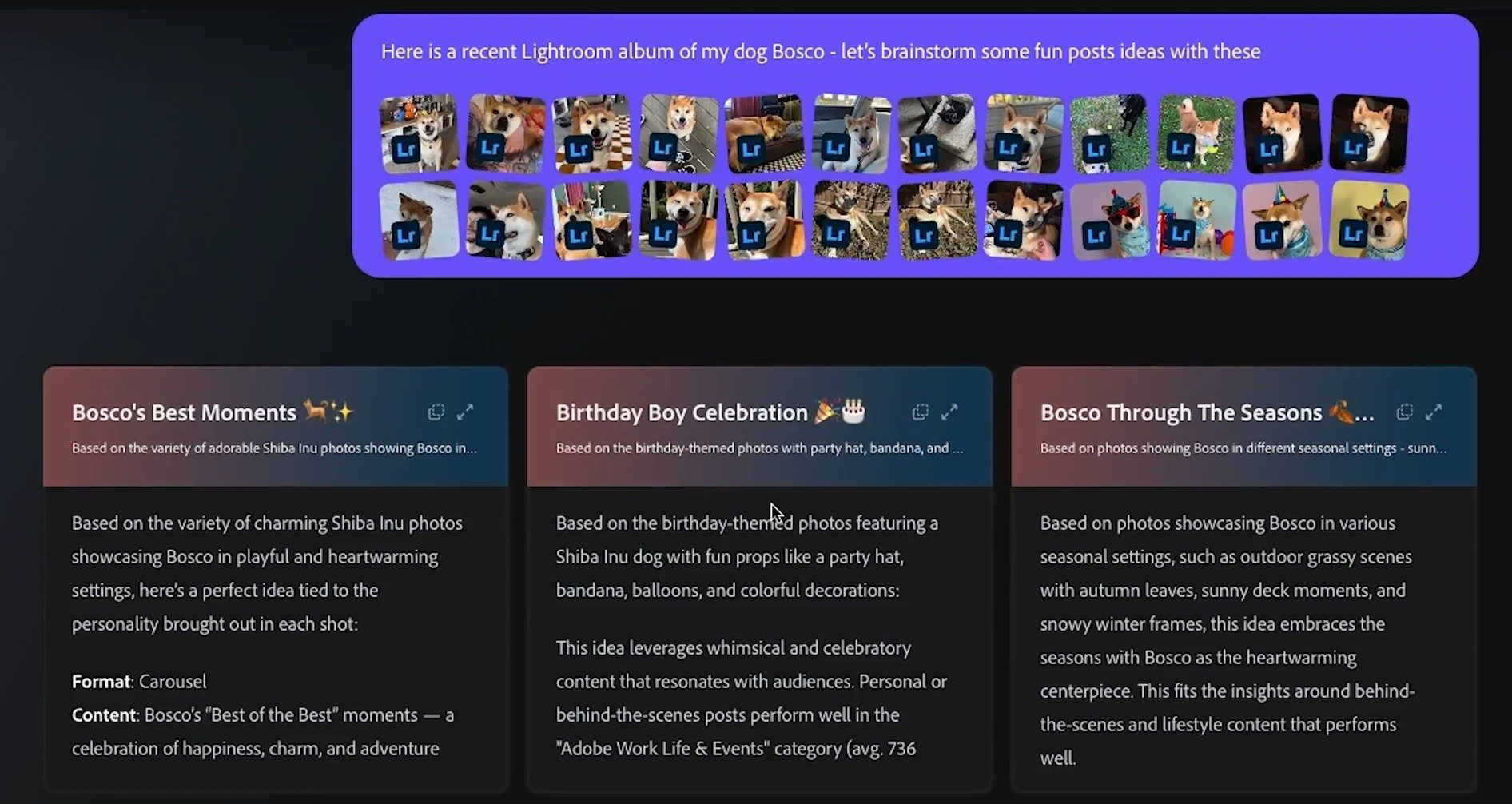
Moonlight can recognize your style and draw from your own assets and libraries, so you’re not starting from zero each time. You guide the direction, and the system builds alongside you as the work evolves.
This is where the AI coworker idea starts to feel real. The system adapts to how you work and supports the process instead of waiting for detailed instructions.
Firefly ties it all together
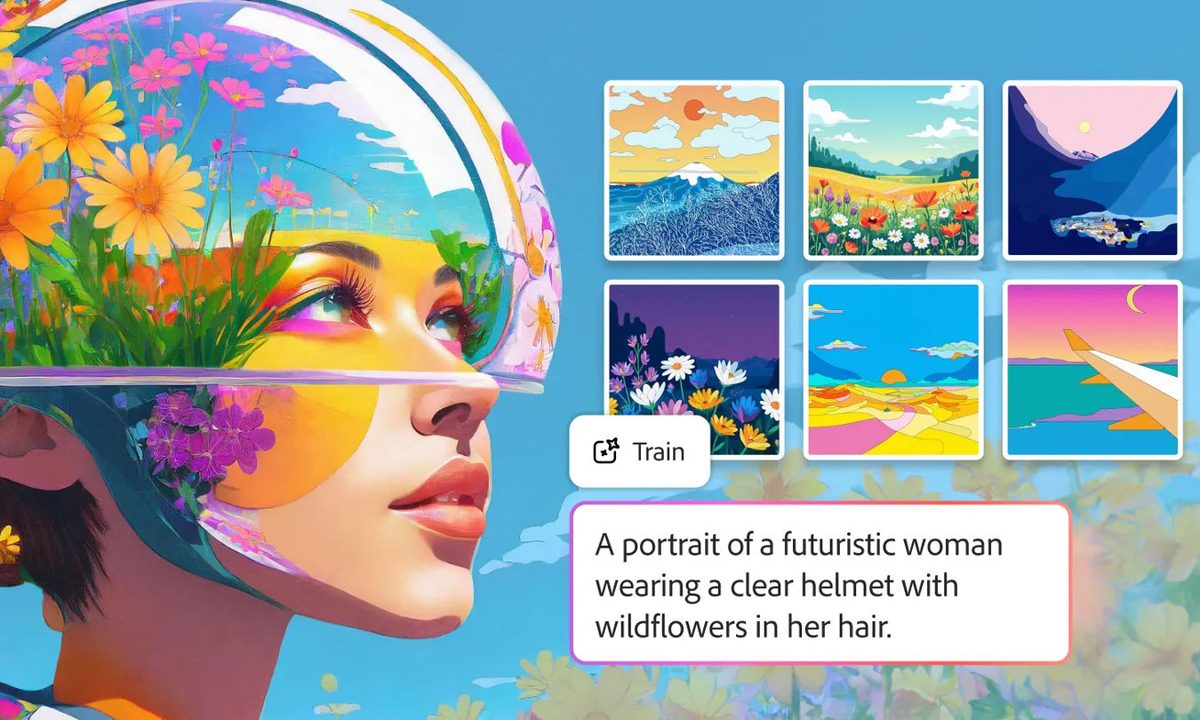
All of this sits inside Adobe Firefly, which now combines generation, editing, and access to more than 30 AI models in a single environment. You can create images or video, refine them, and compare outputs without jumping between tools.
Different models bring different strengths, whether that’s video, illustration, or photorealism, and you can switch between them depending on what the project needs. New tools like Quick Cut and expanded image controls also tighten the loop between rough drafts and polished results.
The bigger question is how much time this actually saves. If these chat-driven tools reduce friction in real workflows, they could change how creative work gets done day to day.