Over the past few months, all eyes have been fixated on Apple and what the company is going to do with AI. The pressure is palpable and well deserved. Google has demonstrated some really compelling AI tools, especially with Project Astra and Mariner, that turn your phone into something like an all-knowing, forever-present digital companion.
The likes of Microsoft, OpenAI, Claude, and even Amazon have shown some next-gen AI chops that make Siri feel like an old prototype. But there is a fine distinction between using AI on phones and how they flesh out on a computing machine, like a MacBook Air.
You don’t really talk to an assistant like Siri on a desktop
I often run into scenarios where AI is useful on a phone, like Visual Intelligence, which can make sense of the world around you based on what you see through the camera feed. The Mac doesn’t really need it, primarily because it lacks a world-facing camera. And second, you can’t ergonomically point the Mac’s webcam at an object — especially in a public place — like you would with a phone in your hand.

But the problem with the whole “Apple must do AI better” is suited well for mobile devices, and not really Macs, which rely on a fundamentally different mode of input-output, and how we get work done in apps and software. I’ve used my fair share of AI-first Copilot+ laptops running Windows, and I feel strongly that Apple’s AI efforts don’t need an urgent focus on macOS, as much as they do on mobile devices, for a few reasons.
The Mac is already well fed
Bloomberg’s Mark Gurman, in the latest edition of his PowerOn newsletter, argued that Perplexity is a nice target for Apple to scoop up an AI lab of its own and get its hands on a ready-made AI stack. Perplexity’s answering engine is pretty rewarding, it’s not too expensive (by Apple standards), and it works beautifully on iPhones.
Over the past couple of quarters, the company has launched a whole bunch of integrations across Telegram and WhatsApp, Deep Research mode, a reasoning AI model, a shopping hub in partnership with Amazon, media generation and image uploads, search through audio and video files, among others.

There are just two problems, especially with accessing Perplexity on a Mac. First, it can already do everything in its role via the Mac app and web dashboard, so an integration at a deeper level with Mac won’t be solving too many computing problems. Second, ChatGPT is already integrated deeply within Siri and the Apple stack, and it’s only a matter of time before both of them step up.
Let’s be honest here. Perplexity is a cool product, but not exactly revolutionary in the sense that it can elevate the macOS experience significantly. Enterprise AI is a different beast, but for an average user, every AI tool out there — Gemini, ChatGPT, Copilot, Claude, or Perplexity — exists as its own web tool (or app) where you truly get the best out of it.
So, what about integrations? Well, they would depend on the tools at hand. A huge chunk of the computing market either relies on Microsoft and its Office tools or Google’s Workspace products, such as Docs, Drive, Sheets, and more. From Windows to Office, Copilot is now everywhere. Similar is the situation with Gemini and Google software.
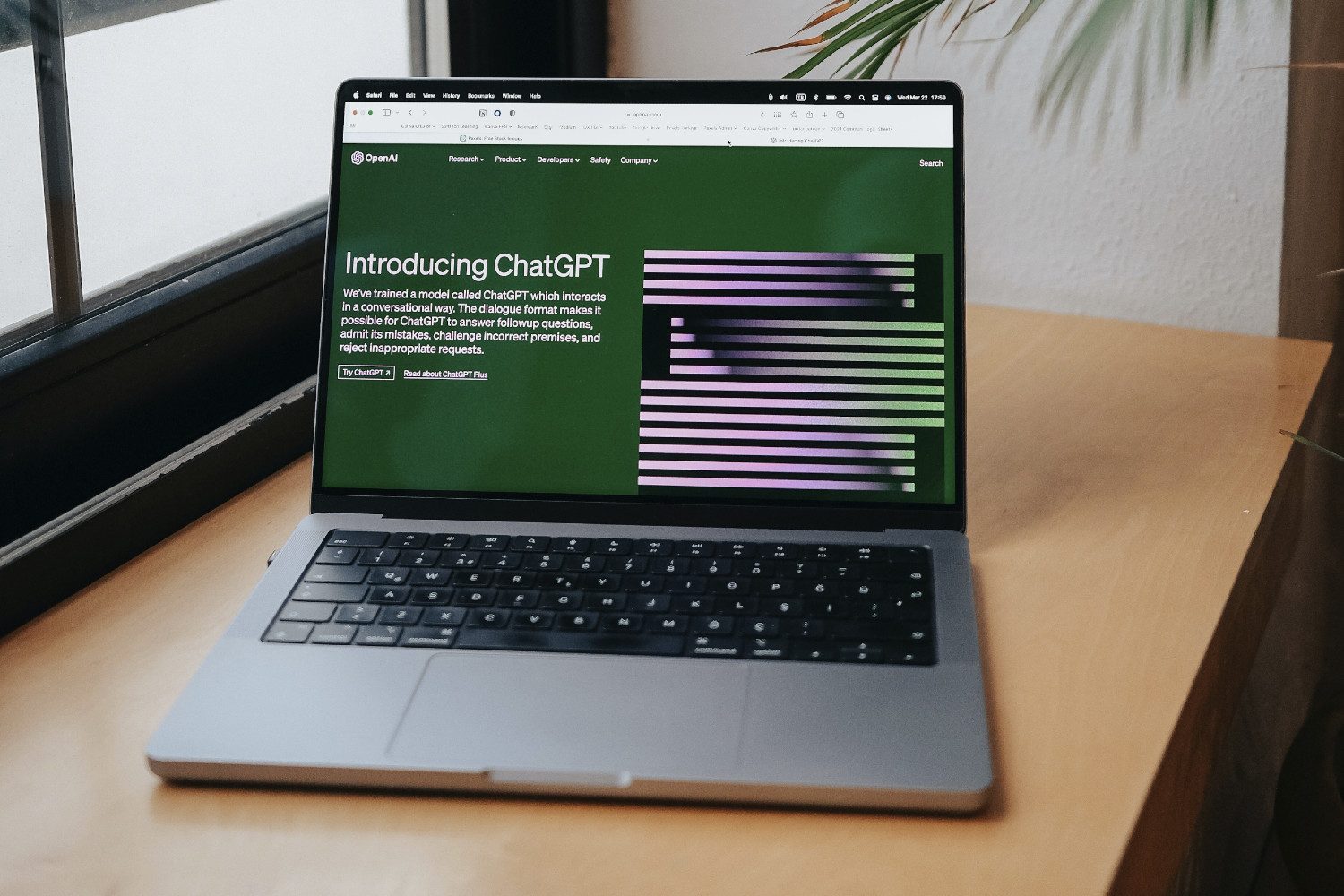
Now, millions of Mac users actually use these tools on a daily basis, and Apple doesn’t offer a viable replacement of its own. Moreover, there isn’t a chance that Google will allow Apple’s AI to penetrate deeper into its Workspace than Gemini. Microsoft won’t do any different with Copilot and Office. Plus, it’s hard to imagine an external AI working better in Docs or PowerPoint than Gemini and Copilot, respectively.
The space is already tight, but more importantly, well-fed. And let’s not forget, OpenAI and its GPT stack are very much baked at the heart of macOS. If Apple wanted to build integrations, OpenAI offers arguably the most advanced AI tech stack out there. Adding any more AI at the system level would only add to the confusion for an average Mac user, without solving any real problems.
The space of an extra AI player on the Mac is tighter for another reason: Apple’s Foundation Model framework, which works on-device as well as in cloud-linked format, but with utmost privacy. Apple says it will allow developers to build a “personal intelligence system that is integrated deeply into iPhone, iPad, and Mac, and enables powerful capabilities across language, images, actions, and personal context.”

In a nutshell, Apple’s own foundation models are available to developers so that they can build AI experiences in their apps. The best part? It’s free. It’s not nearly as powerful as the models from OpenAI or Google, but for getting work done locally — like cross-app workflow, intelligent file search, and more — they should come in handy without any privacy scares.
The productivity question
The M4 MacBook Air is my daily driver these days, and it’s a fantastic machine. And I use AI tools heavily on a daily basis. Yet, I have never felt macOS to be an AI bottleneck for me. Every AI tool that I rely on is either already integrated within the software of my choice or available as its dedicated app or website.

Yet, the whole notion of turning a product into an AI product baffles me. It makes sense for a phone, like the Pixel 9, but not so much for a laptop. I have tested five Copilot+ Windows machines so far. Yet, the core benefits they offer — snappy performance, instant wake, and long battery life — have little to do with user-facing AI.
I was able to use Gemini or Copilot just as fine on a regular Windows laptop as I was able to extract their benefits on a Copilot+ machine with a minimum 45 TOPS AI capability. The Mac is no slouch, and interestingly, all the AI tools in my productivity workflow can be accessed just fine on macOS as they are available on Windows.
There are a few exclusive perks, like Windows Recall, but they are not a must-have for the average computer user out there. And let’s not forget that Apple already has the foundations ready, and we are going to see the results next year.
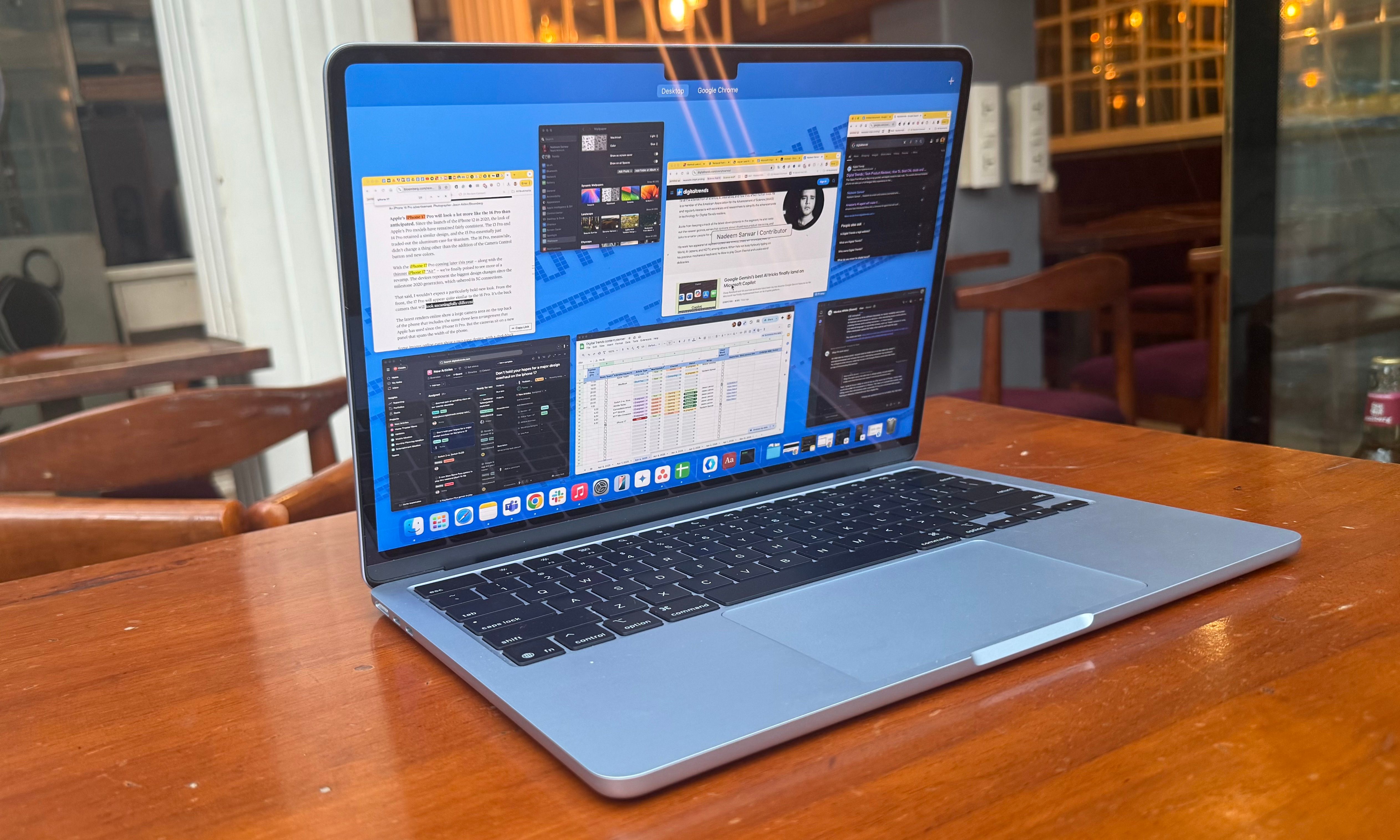
When Apple introduced the M4 MacBook Air, the company focused on its AI chops, but what flew under the radar was Apple’s App Intents Framework, which integrates effortlessly with Apple Intelligence. In simple terms, any app — whether AI or not — can embrace the benefits of on-device AI processing, such as awareness of on-screen content, in a native macOS environment.
Now, it’s valid to criticize Apple for its AI missteps. I am at a stage where I use Gemini everywhere on my iPhone, from the lock screen widgets to the dedicated app, instead of Siri. But that’s not the situation with Macs. For my workflow, and a whole bunch of Mac users’ out there, they’re not gasping for a next-gen Apple AI. What they need is a reliable machine to run the AI of their choice. Even the cheapest Mac can meet those requirements.