


I wasn’t expecting a new version of Asus’ excellent ROG Azoth keyboard, but that’s exactly what I saw at Computex 2024. The aptly named ROG Azoth Extreme is an upgraded version of the base model, fit with a suite of changes and performance improvements worthy of the Extreme tag.
As a certified keyboard snob that likes to mess with boards like the Meletrix BOOG75 and Keychron Q1 HE, the Azoth Extreme presents an interesting dilemma. It has all the hallmarks of a mainstream gaming keyboard, but with plenty of enthusiast guidance. In some ways, such as the adjustable gaskets, it even goes beyond what you can find in the DIY market.
A complete refresh
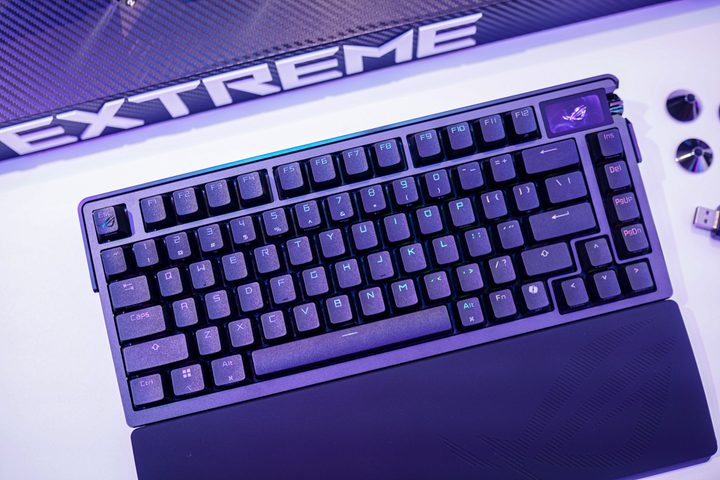
Let’s get acquainted first. The ROG Azoth Extreme uses the same foundation as the original model. You’re getting hot-swappable keys, a gasket mount, and pre-lubed ROG key switches, along with an OLED display. The foundation is the same, but Asus is taking this model so much further.
One area where that’s immediately apparent is the wireless capability. You’re still getting a 2.4GHz and Bluetooth connection, but a new dongle from Asus allows the keyboard to run at an 8,000Hz polling rate wirelessly. It’s hard enough to find an enthusiast-grade keyboard that does wireless, much less one that can do so at an 8,000Hz polling rate like competitive gaming mice.
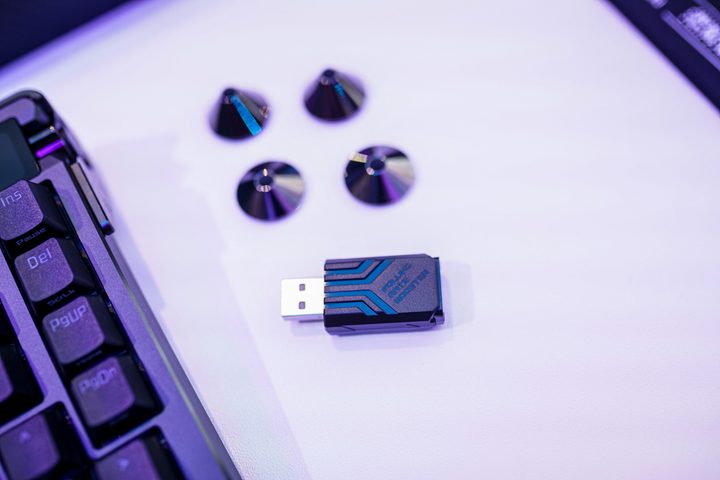
Asus’ new adapter that enables the 8,000Hz polling rate actually works with a ton of Asus peripherals, including the original ROG Azoth. Asus says it plans to release the dongle on its own some time in the future.
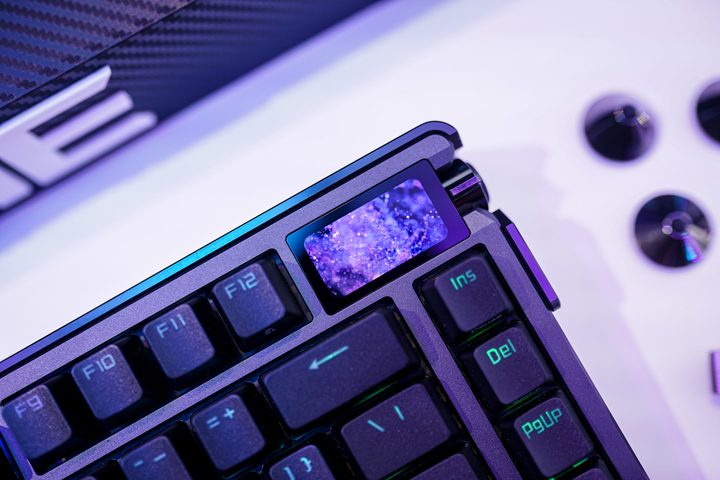
In addition to a faster polling rate, the Azoth Extreme comes with a new OLED display. It can now display colors — the original model was limited to black-and-white — and it’s a touchscreen. You can swipe through your settings with ease, and Asus even added some new widgets. One that stands out is the keystrokes per second view, which shows you how fast you can fly across the keyboard in rhythm games or competitive strategy games like Starcraft 2.
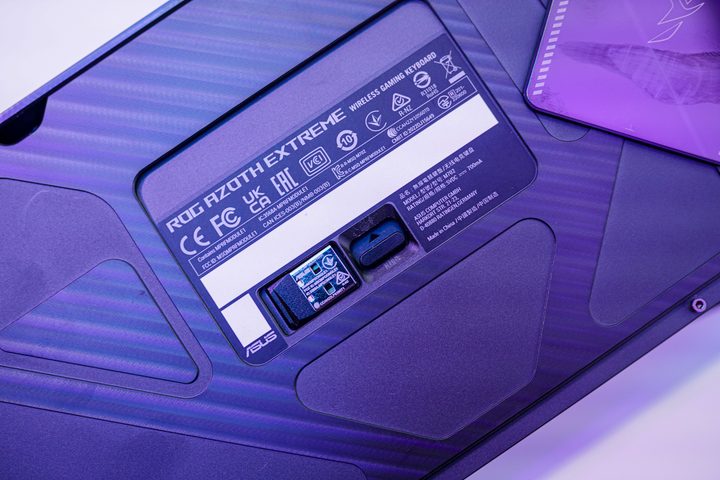
By far the most interesting upgrade is the adjustable gasket, though. Under the keyboard, there’s a toggle for the gasket mount, which makes it tighter or looser. Asus tells me it adjusts the height of the switch plate within the keyboard, changing the feel while typing.
It makes a huge difference. Asus says there’s a good reason for the adjustable gasket, too. The company pointed to the variability in DIY keyboards with a gasket mount, and how you aren’t able to get a consistent feel even with identical components. That’s why there’s a switch here. It gives you adjustment points so you can get the right feel.
The feel
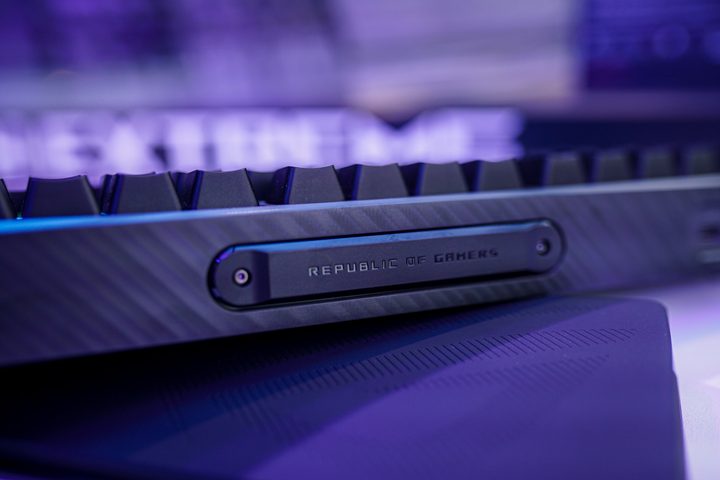
Let’s talk about that feel. The ROG Azoth Extreme feels fantastic, at least as good as the original. It sounds great, too — though, admittedly, it was difficult to hear clearly in the crowded demo room. Although Asus could’ve easily gotten away with the same overall build as the base ROG Azoth, it redesigned the internals.
You’re now getting a carbon fiber switch plate, as well as three different points of sound absorption. The result is a keyboard that truly feels enthusiast grade. The gasket mount helps the feel, providing some bounce while typing, and the internal structure backs up the sound, getting rid of the annoying pinging and clacking you find with lesser mechanical keyboards.
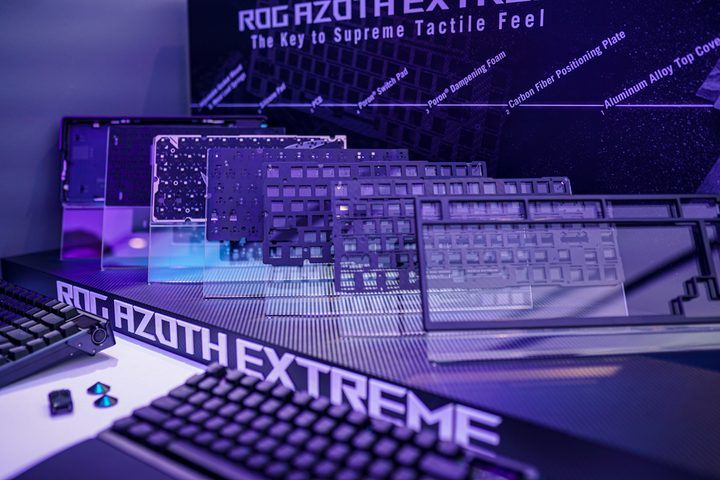
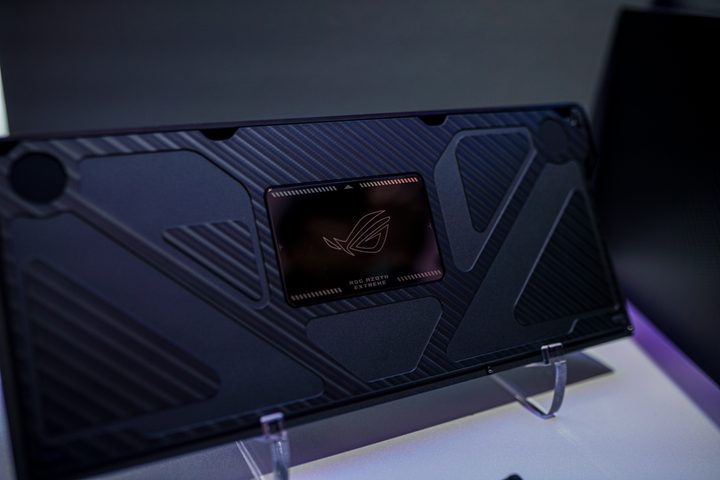
That sound absorption is important, too. The ROG Azoth Extreme is constructed entirely of aluminum, and it’s hefty. Although the original had an aluminum top, it still had plastic at the bottom of the board. This time around, Asus is using aluminum everywhere.
That includes the feet. Instead of cheap plastic feet, Asus includes three pairs of metal feel that magnetically snap to the bottom of the keyboard. They look fantastic, and although they aren’t strictly necessary, they definitely help the ROG Azoth Extreme feel more, well, extreme.
One question remains
I can’t wait to get the ROG Azoth Extreme in for testing. The original model remains one of the most impressive mainstream keyboards I’ve ever used, and this updated Extreme version looks even better. Still, one big question remains.
We don’t have pricing or availability details for the ROG Azoth Extreme yet. The base model already came in at $250, and I have to imagine the Extreme version will be more expensive. It might be worth that price, but I hope the keyboard isn’t so expensive that it’s out of the question even for high-end users.


