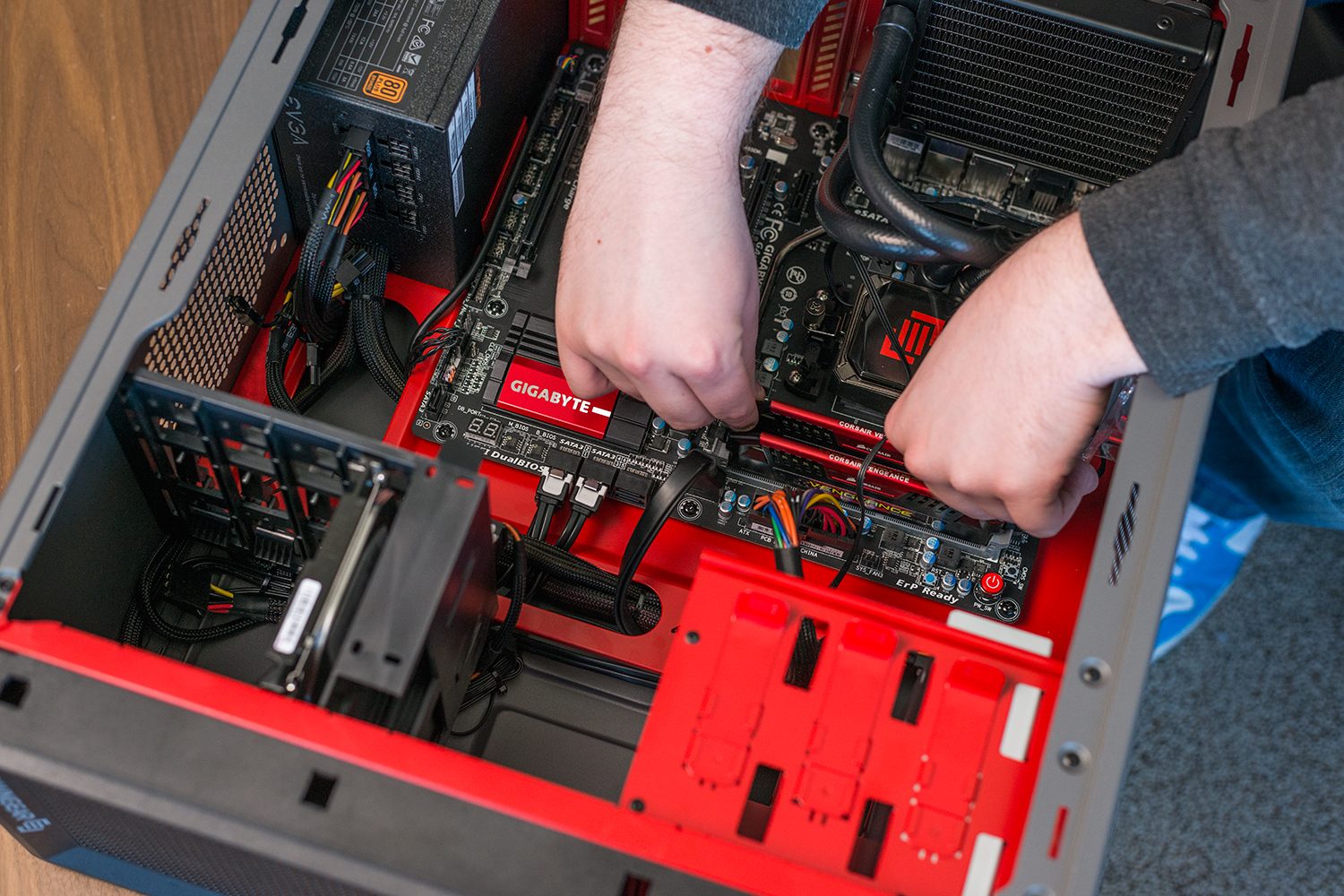
As much as we get excited about high-end hardware like Nvidia’s RTX-series graphics cards or Intel’s Core i9-9900K, budget gaming is a much finer science to dabble in. There are lots of great deals out there though, and if you pick the right ones, creating a cheap gaming PC build can be easier than you might think.
If you’d rather just buy a pre-built system then we have some suggestions there too. Otherwise, let’s set up what exactly this system will be able to do.
The build and what it can do
Although we’ll go into more detail about the different components we’ve chosen below, here’s a quick summary of the parts we’ve picked.
Note: All components can be purchased via Amazon and were found there by us during our research. Make sure to double check prices before you buy. When you’ve got your new components in hand, be sure to read our guide on how to get started building your own PC.
[amazon-product-bundle id=2238467]
This build is in the mATX form factor, so it will be physically smaller than your average desktop. That makes it easier to fit it on your desk to show off your new hardware through the case’s side panel.
Before you get too excited about the price, keep in mind that this is a budget-level gaming PC. It’s not going to play Assassin’s Creed: Odyssey at ultra settings at 4K resolution. It will, however, be more than capable of playing it at low settings at 1080p. Better yet, less-taxing games like Fortnite, DotA 2, or CS:GO, could be maxed out and still hit good frame rates for fast-paced gaming action.
Here’s a breakdown of each component we’ve chosen for the build:
CPU: Intel Core i3-8100 ($130)
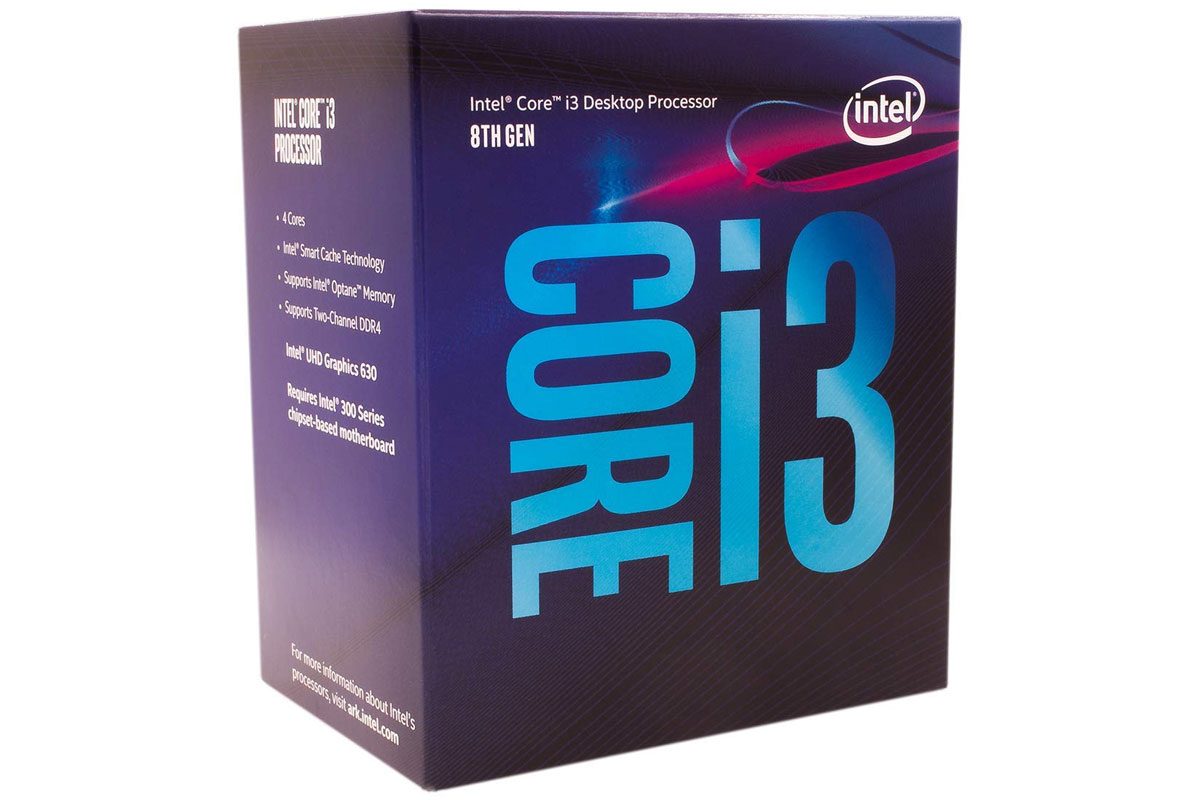
The 8100 might be one of the lowest-rung of processors of Intel’s eighth generation, but it’s still a quad-core CPU with a clock speed of 3.6GHz, so it performs well in games and can handle productivity-assignments well too. It can’t overclock, but that’s not uncommon in budget builds.
For a rough idea of its performance, take a look at our review of the Dell XPS 8930. That build might have a more powerful graphics card, but the CPU at its core is the same, and it does performs quite well.
Motherboard: MSI B360M Pro-VH ($66)
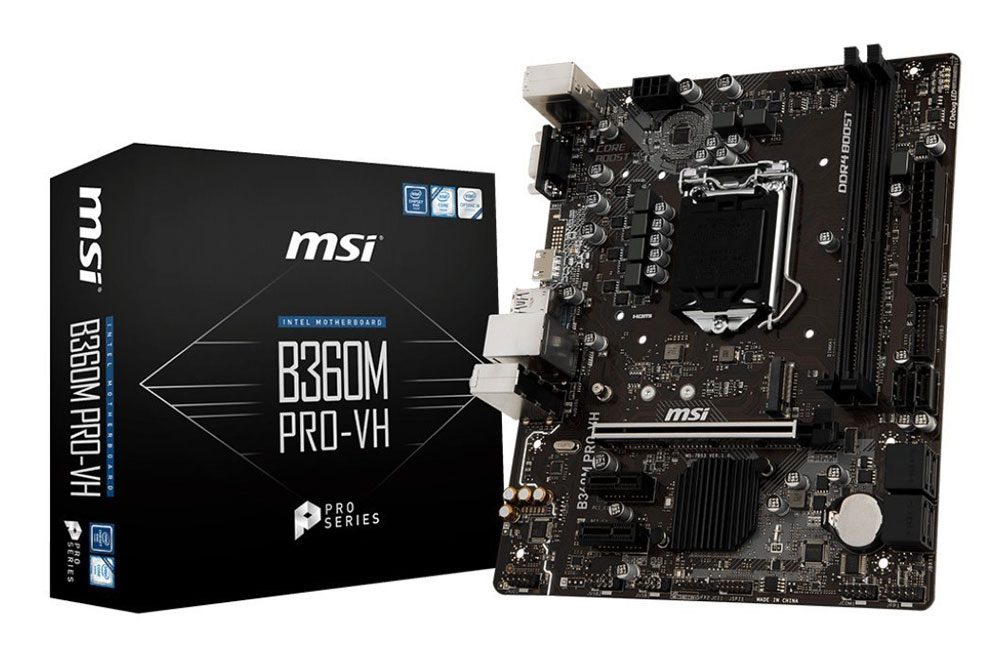
Despite its low price, the B360M Pro-VH from MSI is an impressively capable board. It can support high-speed memory, has reinforcement on its PCIexpress x16 slot, and even a little RGB lighting. It is limited to two DDR4 slots, but that’s not a problem with the build we’re putting together.
Since it’s in the mATX form factor also, it will have no problem fitting in just about any case — even if you pick one that’s a little different than our recommendation below.
Graphics: Gigabyte GTX 1050 ($130)
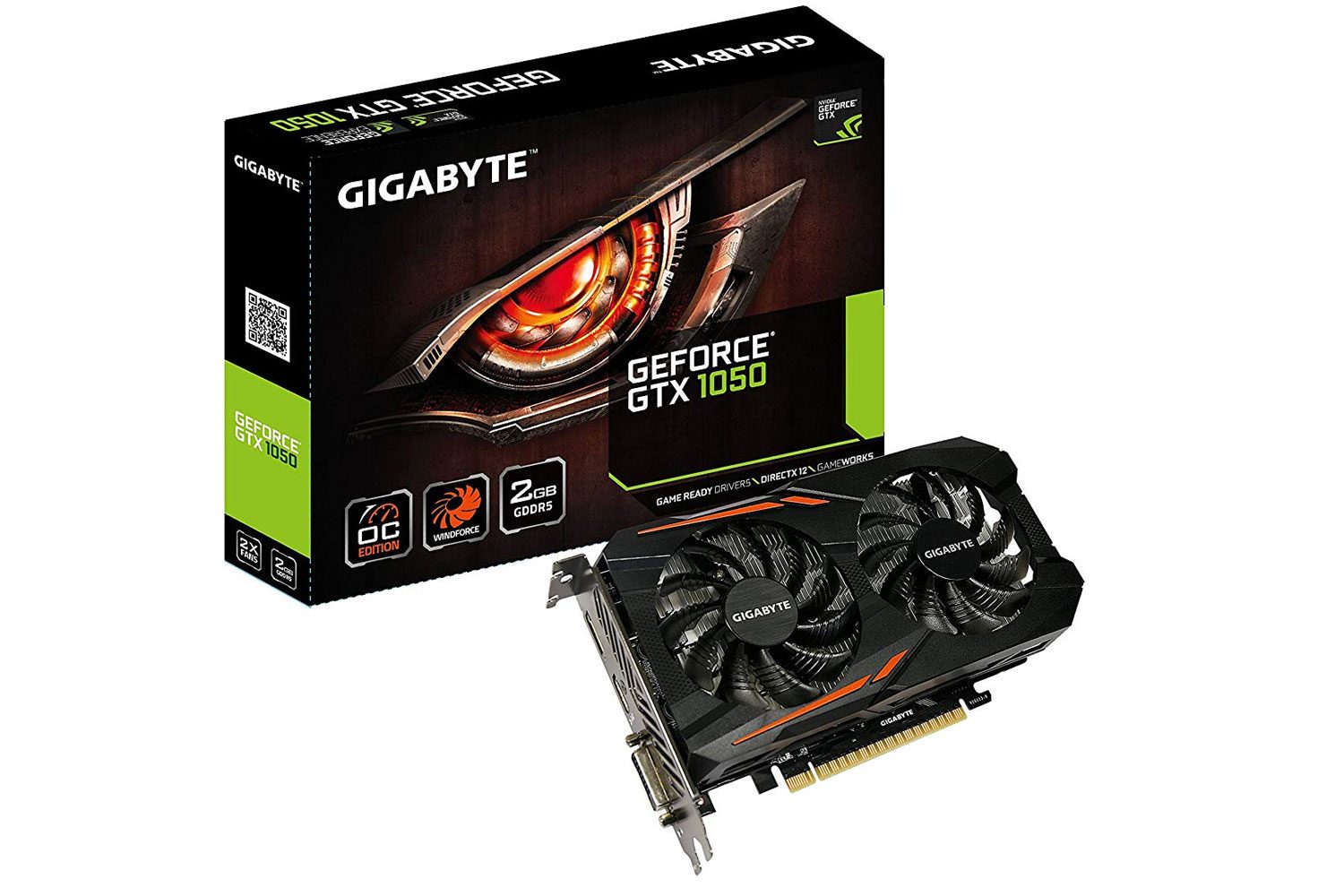
Named our favorite budget graphics card for the past couple of years, the GTX 1050 is still a great entry-level gaming option. It blows away all onboard graphics solutions from both Intel and AMD and is capable of playing both new AAA games and classic esports titles with ease. Don’t expect it to play the prettiest of titles at highest settings, but if you stick to 1080p, you’ll be surprised what kind of detail levels and frame rates this little card will put out.
This Gigabyte Windforce version comes with dual fans, so should run cooler and quieter than some of the competition.
Memory: Corsair Vengeance LPX 8GB ($66)
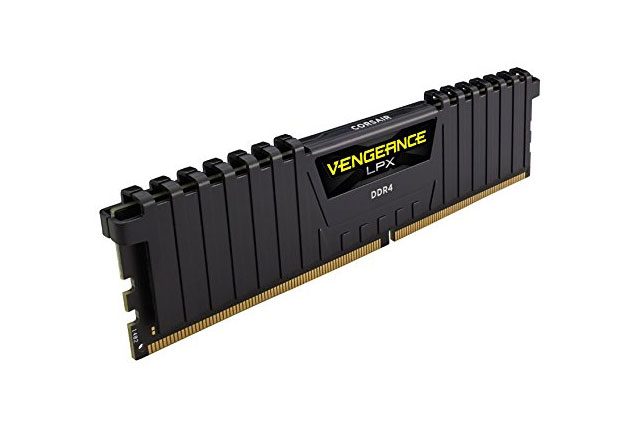
For a budget gaming PC, 8GB of RAM is more than enough. Although two sticks of 4GB might make for better performance thanks to dual channel support, we’ve opted for a single stick of 8GB to give you the option to add another in the future for an easy upgrade.
Corsair’s Vengeance LPX is fast, at 2,400MHz and with that black heat spreader, looks pretty good too.
Storage: Kingston A400 240GB SSD ($33)
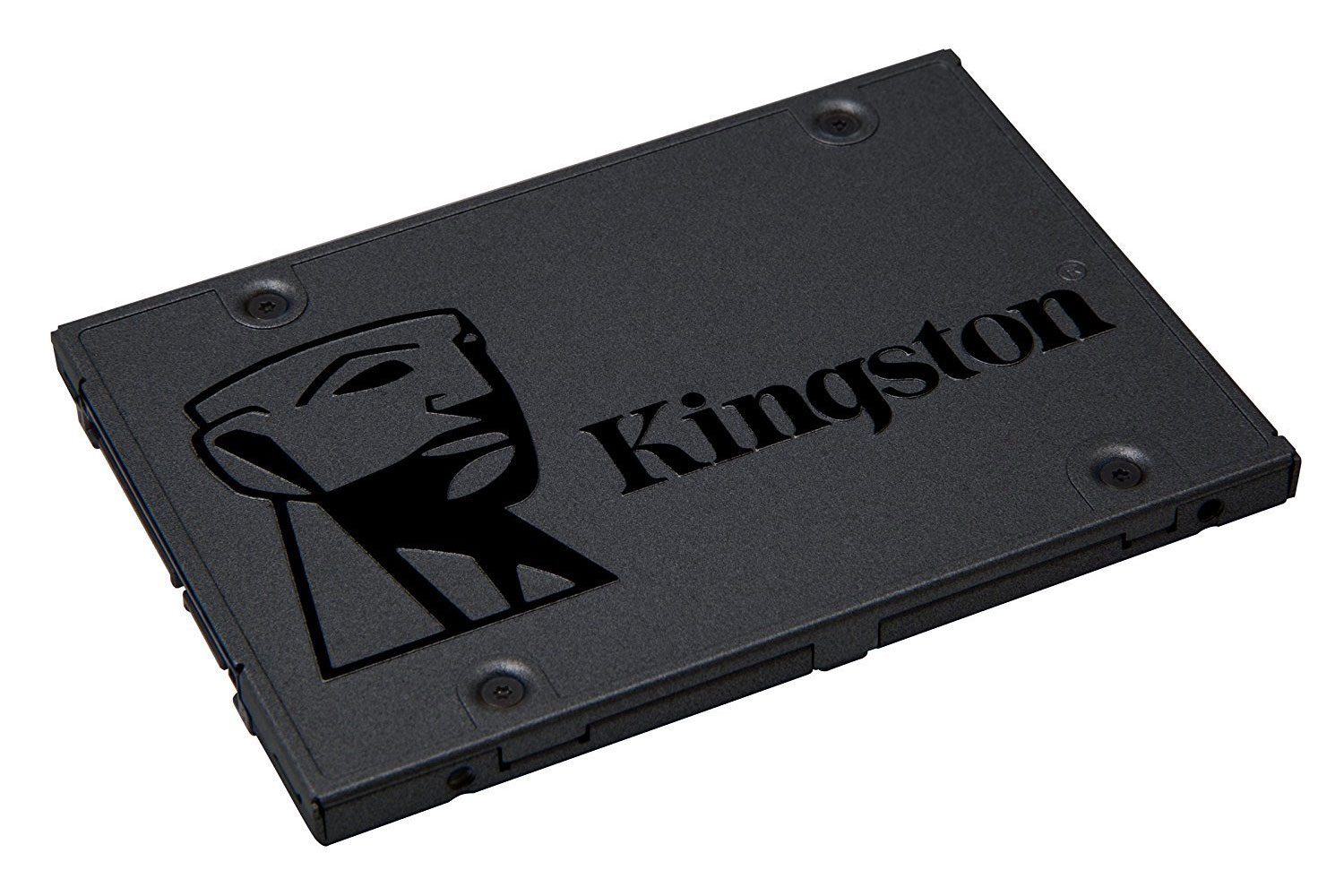
SSD prices are falling all the time, so a dedicated SSD is well worth the cost these days. If 240GB isn’t enough storage space for you, a 1TB hard drive costs about the same, but we’d recommend at least a 120GB SSD as a boot drive in that case, as the difference in the overall snappy feel of your system is dramatically improved with an SSD.
Case: Cooler Master MasterBox Q300L mATX ($40)
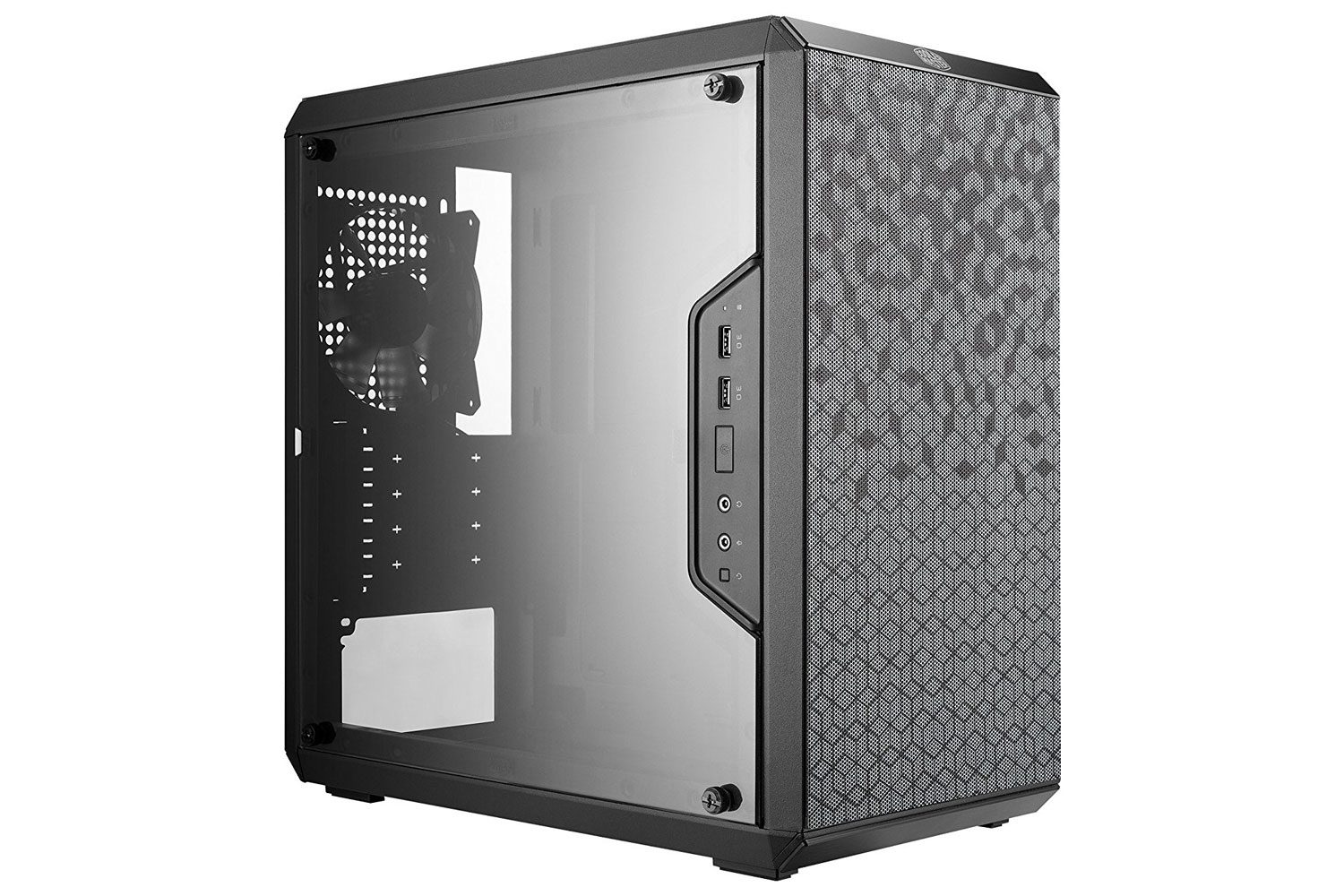
Few cases offer even close to the same features as Cooler Master’s MasterBox Q300L at such a low price. It has a full-size acrylic side panel to give you a good look at the PC’s internals, space behind the motherboard for cable routing and CPU backing plate adjustment, and easily removable magnetic dust filters. It’s a fantastic mATX case for a very modest investment.
PSU: EVGA 500 W1 80+ White ($33)
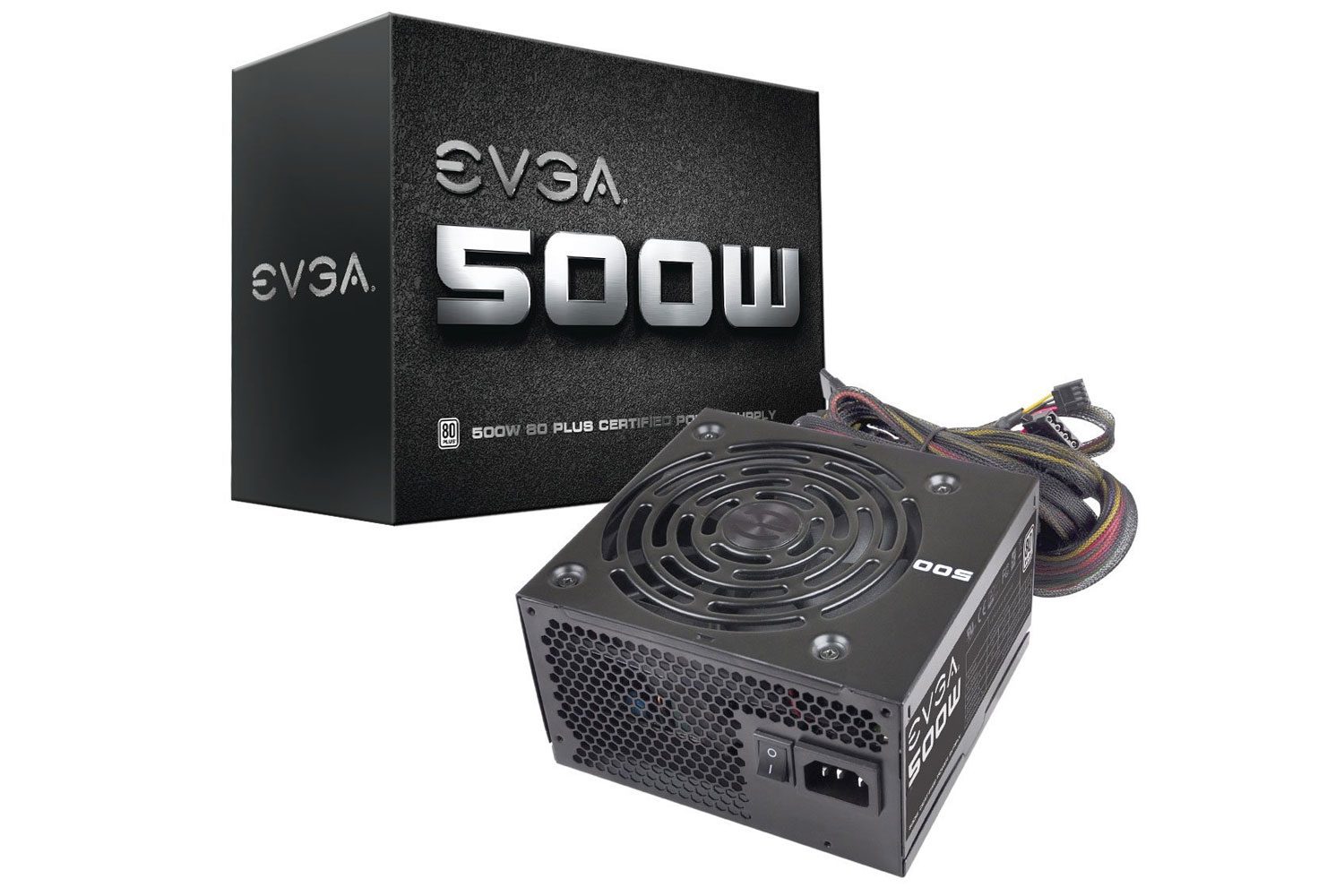
The most important factor with a power supply is that it’s safe and stable. The EVGA 500w 80+ White PSU might not have modular cables or be particularly efficient, but it will safely power your PC for years to come. If you want a greater level of efficiency, the 80+ Bronze version is only a few dollars more.
Alternative gaming build around $1,000
| Component | Price | |
| Processor | AMD Ryzen 2600 | $160 |
| Motherboard | MSI Arsenal Gaming B450 Tomahawk | $107 |
| Graphics | MSI TriFrozr GTX 1070 Ti | $410 |
| Memory | Corsair Vengeance LPX 16GB (2x8GB) 3,000MHz | $150 |
| Storage | Samsung 860 Evo 512GB WD Blue 1TB HDD |
$87 $39 |
| Case | Phanteks Eclipse P300 | $60 |
| Power supply | Corsair CX 550w 80+ Bronze | $55 |
| Total Price: | $1,068 |