
It seems like there are as many video file formats as there are devices to play them on. Flash Video, MKV, MOV, AVI, MPEG. And even if your desktop can read them, chances are, your mobile device cannot. But regardless of how obsolete the file format might be, there’s still a way that you can convert it into a more versatile and usable format.
The best video converters, like Prism Video Converter, can handle various file formats and make the conversion process seamless and quick for users rather than frustrating and time-consuming. We’ve rounded them up below.
Any Video Converter (Windows/MacOS)
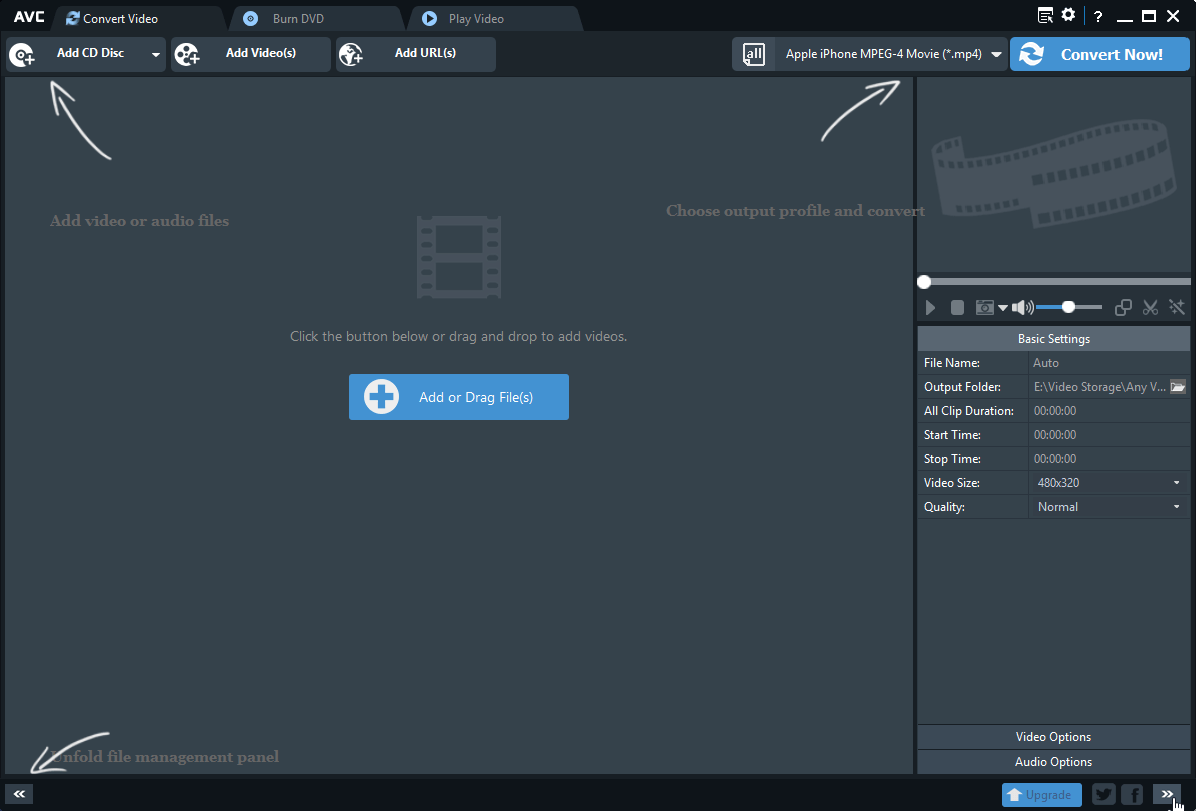
Any Video Converter (AVC) is a fantastic piece of freeware that can handle conversions to everything from DivX and MPEG4 to VOB and more than 60 other input formats (including 4K) — all within an attractive and minimalist interface. The software also features user-defined video outputs and batch processing for converting multiple files simultaneously. It saves all converted video files to a pre-designated folder for quick access and organization.
AVC can directly extract and convert audio from any given video into a limited number of formats, including MP3, AAC, WAVE, etc. Plus, the program allows you to download and convert YouTube and Google videos — though these are our preferred methods.
HandBrake (Windows/MacOS)
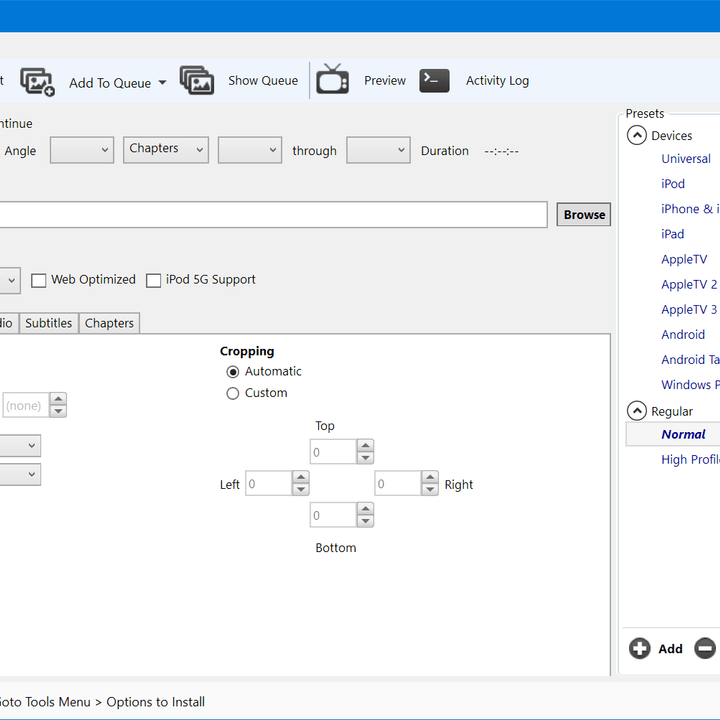
HandBrake seemed to be on its last legs back in 2006 when the software’s initial creator, Eric Petit, dropped off the face of the Earth. However, its software development carried on with the help of a few ambitious folks driven to update and revise the existing software for a changing world.
The open-source video converter now boasts one of the most comprehensive software packages for ripping and converting video files for playback on several popular devices, including iPhones, smart TVs, and tablets. The interface is sleek and well-designed, with plenty of menu tabs for advanced features, all housed within a traditional UI that anyone familiar with Windows or MacOS will understand.
HandBrake can’t be topped when it comes to converting files to MP4 or MKV format, but, unfortunately, it also isn’t for those unwilling to learn the software.
Prism Video Converter (Windows/MacOS)
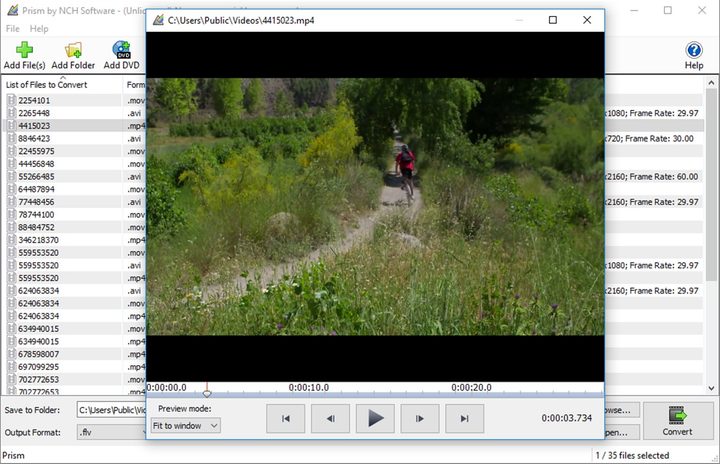
Prism is a converter and video editor that’s a great choice if you don’t really have a video editor at the moment, but still need to make changes to the video clip that you’re converting. The interface isn’t exceedingly simple, but it follows a familiar formula and is easy to pick up quickly, with large buttons for the various functions: Add your video file, and you can get to work. The converter works with all standard video formats and any format that uses the DirectShow codec, plus device-specific formats for smartphones and other devices. Extra capabilities include adjustable filters, brightness, contrast, rotation, creating text overlays, watermarks, and other essential features that you might need.
Note that the free download for Prism includes all features, but the more advanced video editing features will stop after a few days unless you buy the full edition. The converter abilities, however, are free forever.
DivX Video Converter (Windows/MacOS)

DivX video converter has many useful, built-in options for inputs and outputs, along with editing tools for tweaking the videos you’re looking to convert. Although the software is a little pushy in driving you toward upgrading to the premium version, the free one works rather well. The interface is clean and gives you deep options for outputs.
When adding files, you can do so from a local drive, or import them directly from Blu-ray discs. The software also supports Google Drive and Dropbox, for those looking to edit files that are stored remotely. An assortment of output profiles provides several pre-defined options, and you can further customize the resulting file if you prefer. There are options for selecting the resolution, altering the aspect ratio, and changing the bit rate.
CloudConvert (web-based)

Not everyone wants to go through the hassle of downloading an app for converting, especially if they aren’t frequently converting files. Web-based platform CloudConvert can convert video files into 218 formats. Batch converting and folder monitoring come included.And while it has a diverse offering, the site simply converts multiple files at once. You can also use the application as a plugin on other video or audio software hubs.
CloudConvert processes files in the cloud. To change specific output settings, you can do so from the app’s web interface. Once done, you’ll receive an email that your converted file is in Dropbox or Google Drive.


