You’ve just bought a Meta Quest 3 and had your mind blown by how awesome games are in this VR headset that has finally demonstrated what we’ve all been waiting for. While you could stop there, it’s a smart move to buy some of the best Quest 3 accessories too. That way, you’ll get the most out of your coveted VR headset. We’ve picked out some of the very best Meta Quest 3 accessories to help you out now you’ve picked up one of the Meta Quest 3 deals going on at the moment. Here’s what we recommend.
Meta Quest 3 Elite Strap
Best strap
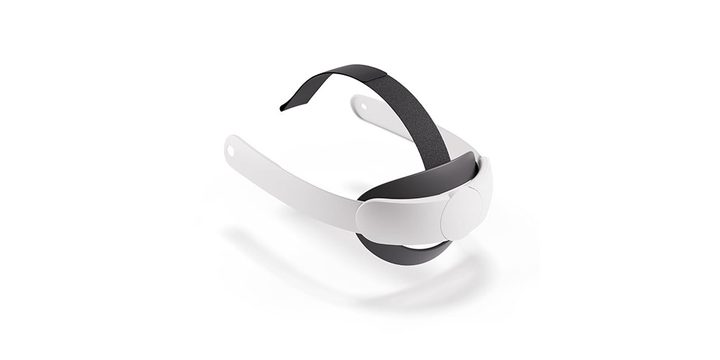
An ergonomic strap that fits most head sizes with a simple turn of a dial, the Meta Quest 3 Elite Strap just made everything comfier. The lightweight strap helps reduce facial pressure while evenly distributing weight so it feels infinitely better to wear. There’s a soft and flexible silicone support that cradles the back of your head while a flexible top strap helps you make sure the headset fits over your eyes appropriately.
Meta Quest Touch Pro Controllers
Best VR controller
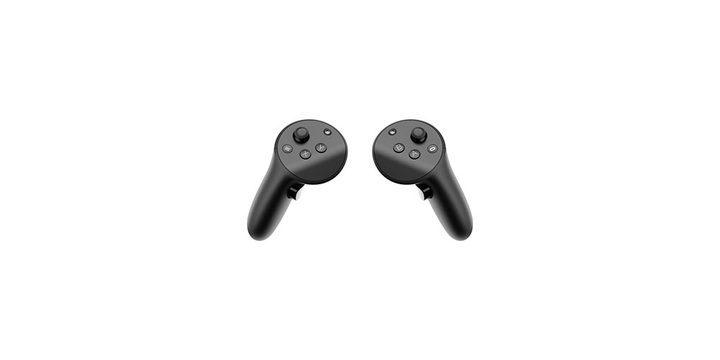
Providing more realistic sensations than other controllers, the Meta Quest Touch Pro Controllers includes TruTouch haptics which enhance your level of interaction thanks to localized trigger and thumb responses. It’s easier to make fine motor controls with a stylus tip alongside a joystick giving you plenty of options. It comes with a compact charging dock so you can always recharge easily with no need for disposable batteries. It’s a perfect accessory for feeling more in control as you play.
Meta Quest 3 Carrying Case
Best case
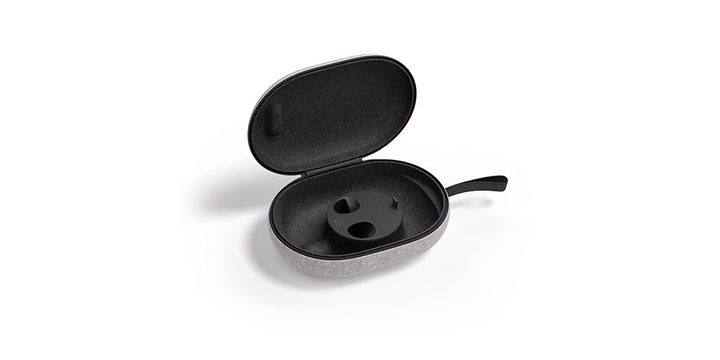
Planning on taking your Meta Quest 3 on the go with you? Keep it safe with the official carrying case. It has room for the headset, controllers, charging cable, adapter, head strap, and Active Straps. It’s lightweight by itself with a felt shell keeping things protected and contoured plastic inner compartments holding everything in place. Even the zipper is more thoughtfully designed than most being snag-free.
Meta Quest 3 Charging Dock
Best charging station
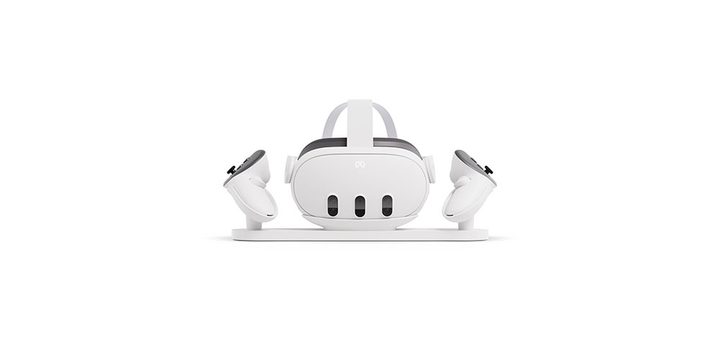
An ideal all-in-one solution for all your charging needs, the Meta Quest 3 Charging Dock will keep your headset and controllers topped up at all times. It has convenient drop-in charging with built-in protection against overheating. Two rechargeable lithium-ion batteries for your Touch Plus controllers are included which represents better value for money. Also, the design doubles as a display with lED lights that inform you when charging duties are done. A charging dock may never be an exciting purchase but this one is incredibly useful.
Meta Quest 3 Silicone Facial Interface
Best for sharing
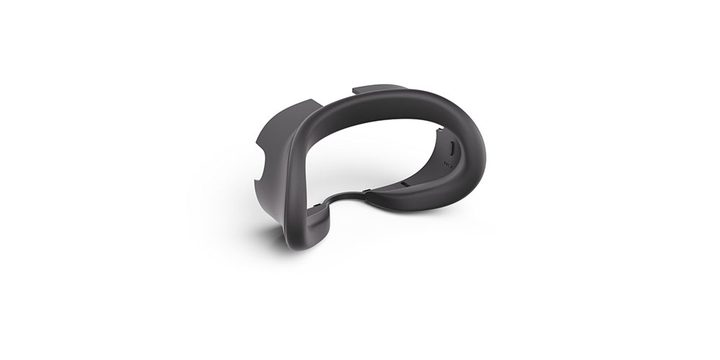
Wearing the Meta Quest 3 can get a little sweaty but if you use the Meta Quest 3 Silicone Facial Interface, you can easily wipe away sweat and dirt to avoid any irritation. Additionally, it means you can easily share the headset with friends and family without worrying. Besides being a cleaner way of using the Meta Quest 3, the Meta Quest 3 Silicone Facial Interface also doubles as a light blocker, cutting down on glare and blocking stray light so you can enjoy better immersion. It’s a useful extra you might not have considered in the past.
Meta Quest Link Cable 16ft
Best Meta Quest 3 link cable
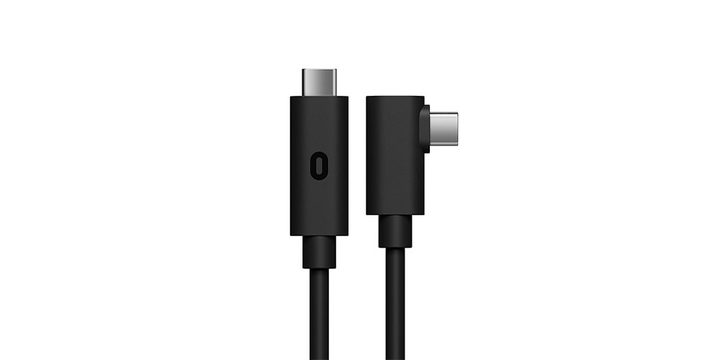
If you need to stay connected to your PC or simply need lots of slack when charging, try the Meta Quest Link Cable. It’s huge at 16 feet or 5m long and offers speeds of up to 5Gbps. A fiber optic core helps retain its lightness while also being very flexible compared to copper-based cables so it’s ideal for VR gaming. The actively powered USB-C cable charges the headset’s built-in battery as you play, so you really don’t have to think much about your next move.
Meta Quest 3 Elite Strap with Battery
Best powered strap
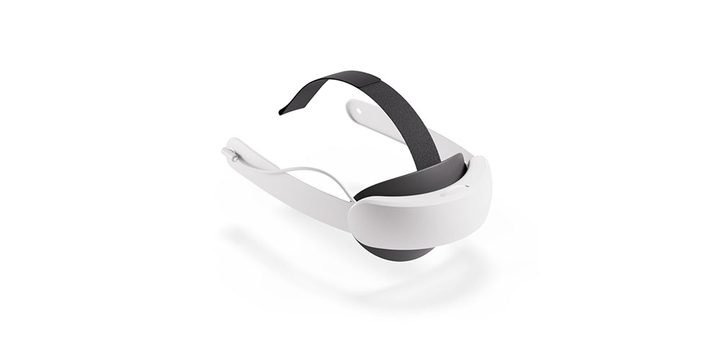
Still thinking about if you need that Meta Quest 3 Elite Strap? Buy it with a battery built-in and you can enjoy up to two extra hours of VR gaming time along with all the benefits of the ergonomic strap. As before, it takes seconds to adjust it via the adjustment dial so you get just the right fit for your head. Even better, the headset and battery can be simultaneously charged using a single cable so it’s a win-win scenario here. More battery life is always good to see.
Anker Soundcore VR P10 gaming earbuds
Best Meta Quest 3 compatible earbuds
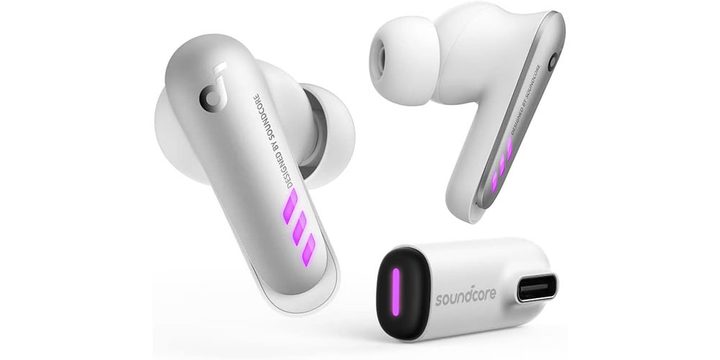
Designed with the Meta Quest in mind, the Anker Soundcore VR P10 gaming earbuds promise a lag-free wireless experience while you listen and interact with your games. Ultra-low latency means near-perfect lip-sync with under 30ms while the 11mm drivers provide a powerful soundscape of wonders. The Anker Soundcore VR P10 gaming earbuds don’t just work with Meta Quest so you can easily use them with other games consoles or your phone or PC. Useful extras include features like pass-through charging and the option to be paired to your phone at the same time so you can hear any incoming calls.
Upok Controller Grips Cover
Best controller add-on
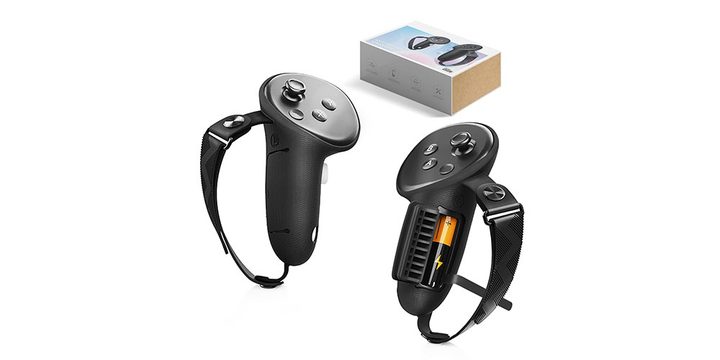
Well-regarded and handy for having a firmer grip on your controllers, the Upok Controller Grips Covers have soft and skin-friendly grips which means you can hold them for extended periods with no problem. The non-slip texture on the surface reduces issues further, while there’s a leather band and adjustable palm strap too. They take seconds to put on your controllers and won’t interfere with the need to recharge them.
This article is managed and created separately from the Digital Trends Editorial team.