
Whether you have a child engaged in digital learning or are just looking to improve your own typing skills, practicing with one of the best typing programs can help boost your typing speed and accuracy. Given how essential computers have become in our daily lives for work, school, and home, having top-notch typing skills can help save you time and make a great impression on potential employers. If you’re interested in stepping up your QWERTY skills or even learning a new keyboard style, these programs can help you take your typing to the next level.
Best typing programs
- Best overall typing program: Typing.com
- Best free typing program: RataType
- Best typing game: Epistory
- Best paid typing program: Typsey
- Best freemium typing program: KeyBlaze
Best overall typing program: Typing.com
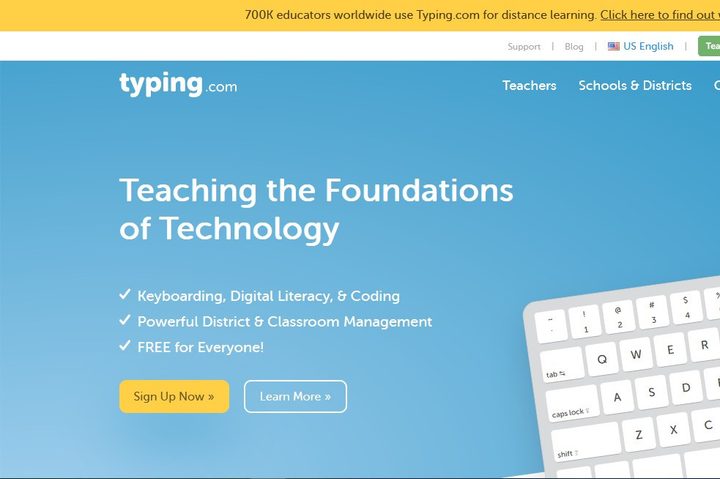
As one of the premier free-to-use typing programs, Typing.com has something to offer everyone from beginning typists to master wordsmiths and goes well beyond most free programs in terms of providing learning opportunities. There are almost 250 badges and user achievements to earn. Users can review their last 30 tests to track their progress and even play typing games to make typing a bit more enjoyable These include zombie defense and Choose Your Own Adventure-style games that are ideal for capturing the attention of younger typists.
In addition to basic typing posture, Typing.com helps users by identifying problems and suggesting appropriate lessons to review along with providing six tests to determine speed and accuracy. Typing.com offers training on how to touch-type programming code along with career preparedness and the importance of being tech-ready for those who are transitioning from a less typing-oriented profession. While you could pay a one-time fee to remove the ads if you find them unbearable, Typing.com is just as good when used for free.
Best free typing program: RataType

If you’ve been told repeatedly that you don’t have the proper typing form, fear not — RataType offers 15 free typing lessons that cover everything from correct finger motions to positions and posture while also recording your accuracy and speed while typing. For those seeking employment or career advancement, users receive a unique URL to share their score with employers and printable bronze, silver, and gold certificates. If you happen to use a different keyboard style than QWERTY or are interested in learning something new, there are lessons available for French, Ukrainian, Russian, Spanish, Dvorak, and AZERTY layouts.
Given that this is a free typing tool, there are some notable limitations, including the lack of ability to highlight problem areas in your typing beyond the lessons’ scope or to create custom exercises. Users must also proceed through the lesson in a linear fashion, with no option to skip ahead to more advanced activities, and are forced to repeat exercises if they make too many mistakes. That said, RataType is an excellent means of developing skills for groups and individuals that is kept competitive via the scoring aspect, which could appeal to younger audiences.
Best typing game: Epistory: Typing Chronicles
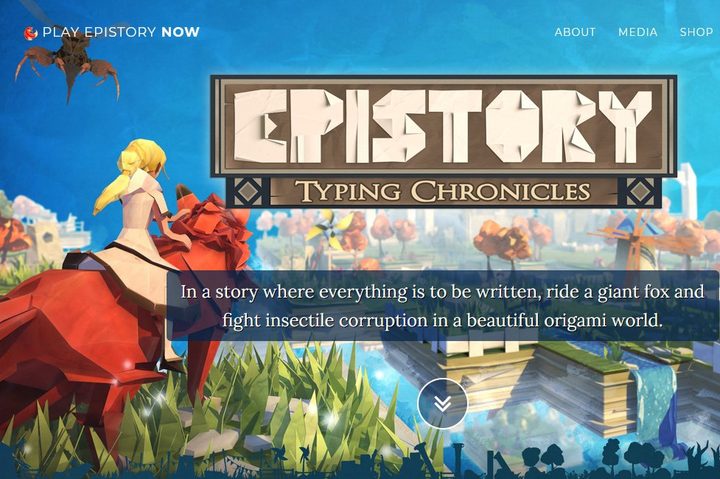
Are you looking to inspire a lifelong love of writing in your child while also ensuring that they remain entertained while learning how to type correctly? If so, Epistory: Typing Chronicles will provide your young learner with a unique typing game. Following the adventures of a writer who has lost her inspiration and sets off with her muse to break her writer’s block and finish her latest novel, Epistory blends combat, exploration, and light RPG elements into a game that is solely controllable via keyboard. Available on Steam as well as in PC, Mac, and Linux versions for a mere $18 dollars apiece, you can send your kids on a magical journey of inspiration that will sneakily teach them how to type as well.
Best paid typing program: Typsey
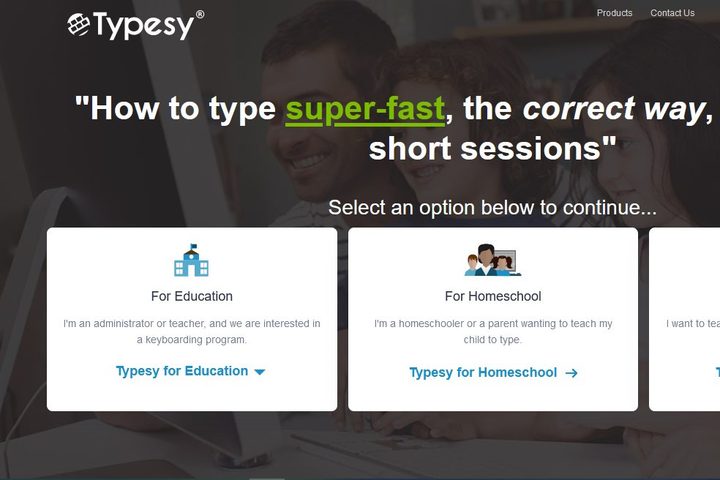
As far a paid typing programs go, Typsey offers excellent value for your money, with a 12-month money-back guarantee on all versions of the cloud-based software, which is accessible from any PC and offers synchronized results across various devices. Users gain access to over 500 science-backed games, video tutorials, drills, lessons, and exercises. If that doesn’t sound like enough content, users can also import their own content from e-books, files, and other digital resources to create their own custom lessons. You can also determine your own goals and outcomes using Typsey’s Smart Goals, easily track your progress, and review your results in a straightforward visual format. The program offers versions for individual, business, schooling, and homeschooling applications.
Sadly for Android users, there is no app available from Typsey, and the $30 price tag may scare off users looking for something a bit more budget-friendly. Also, the lack of preset goals could be intimidating for those who prefer their instructional programs to take them by the hand and guide them. Still, if you have the money and are looking for a program with proven success in engaging younger learners, Typsey is an excellent choice.
Best freemium typing program: KeyBlaze
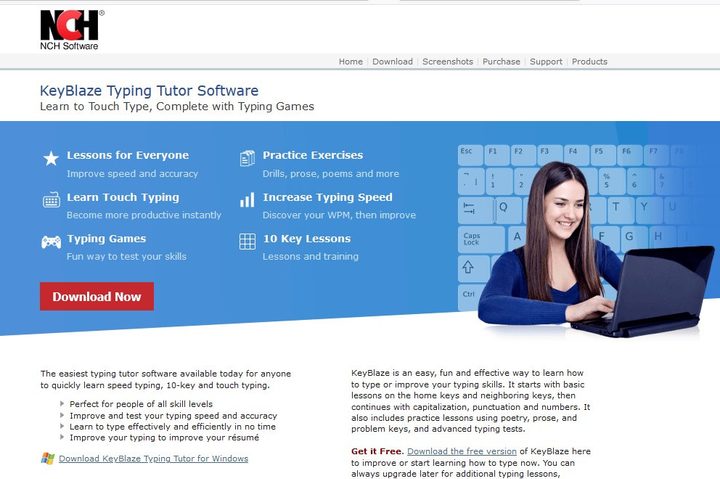
If you’re looking for a freemium typing program that will up your skills and only cost you about as much as a fast-food combo meal, look no further than KeyBlaze. An unlimited single-user license is currently on sale for $10, down from $20, but you can also download the free version to get a taste of the program and see what you think. Either way, KeyBlaze claims that its free program will take users from 40 words per minute to 75 words per minute through their curriculum of muscle-memory finger exercises for typing prose, poetry, and more. The program also offers keyboard highlighting for finger placement and includes lessons for the 10-key number pad. The paid version identifies problematic characters and words, grants the ability to set personal words-per-minute goals, and provides audio dictation files to practice transcribing along with typing games and the ability to import custom tests, drills, and lessons.
While the program is great at what it does, the antiqued user interface leaves something to be desired, as does the lack of ability to generate exercises based on the user’s specific challenges. Also, while the paid version allows for unlimited users, they all have to access the program on whatever device it was installed on, and the features can seem slim compared to other paid programs. All in all, KeyBlaze is extremely affordable, so as long you understand what you get out of it, it’s a great typing program for both novices and experts alike.


