
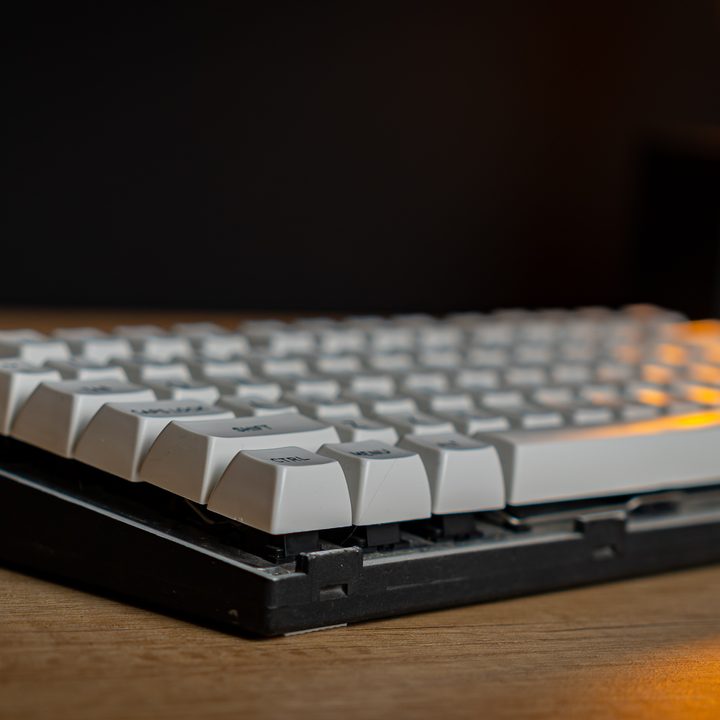
When it comes to choosing the best keyboard, or best gaming keyboard, there’s already what seems like a million options out there — surely there’s something there for everyone, right? So why would anyone go through the effort, time, and expense of building their own?
The answer to that question isn’t quite a one-part answer of “it’s cheaper,” because unlike building your own PC, building a keyboard generally isn’t cheaper than buying an off-the-shelf model — in fact, it’s often (but not always) quite a lot more expensive, with plenty of examples making planks like Logitech’s $250 G915 look like a bargain.
It’s all about the design and the journey of creating something that is unique to you. And unlike a lot of creative hobbies, building a keyboard can be oddly practical, as essentially, you’re creating the perfect tool for your PC use, whether that’s for gaming, general web-browsing, office work, or programming.
It all starts with the layout
When building a custom keyboard, it all starts with the layout. One of the most popular reasons for building a keyboard is because you want a plank with a specific layout and feature set, and what you’re looking for simply isn’t out there — and a full-size 104-key plank is just too much with too many unused keys. For example, you might have run into that perfect layout 65% keyboard, but despise the switches on it.
But there are multiple ways of going about making a keyboard — and it’s all about choosing what you find important, how much money you’re willing to spend, and how much time you’re willing to devote to the project.
It doesn’t have to cost a fortune
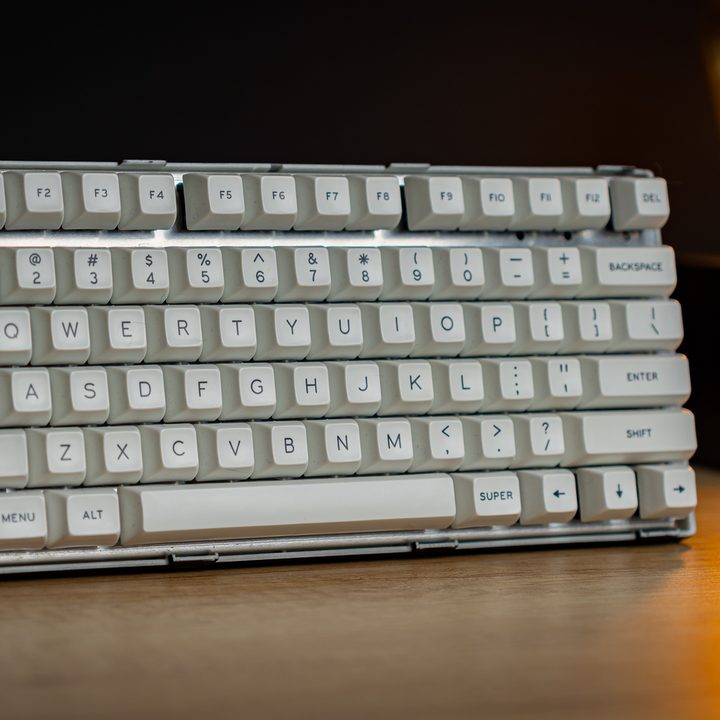
For example, take this keyboard that a programmer friend of mine made. As a basic frame, he grabbed a Noppoo Nano 75-S keyboard with Noppoo Blue switches — a layout that he adored for its compact but complete feature set, and with a brilliant clicky switch. But he didn’t like the plastic shroud, color, nor the keycaps one bit.
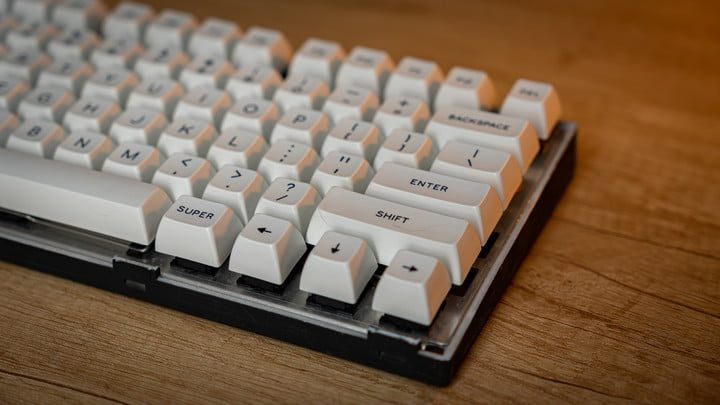
So, he tore off the shroud to expose the metal backplate and create the ‘floating key’ look, sanded down the chassis and spray-painted it with a matte-black finish, lubed up the switches for smoother actuation, and replaced the keycaps with white, extra-concave keycaps of much higher quality. That’s not a super-extensive keyboard build, but it is custom, to his wishes, and he ended up using the keyboard for years — and due to the high-quality keycaps, it hardly looks or feels worse for wear.
The end result is a keyboard with a striking look – with the metal backplate exposed and classic-style keycaps, it certainly looks like a homemade bit of kit – but it doesn’t type like it.
In fact, this keyboard typed better than the vast majority of keyboards I’ve ever laid hands on. That’s due in part to the clicky and lubed switches, but mostly due to the high-end SA ‘Ice Cap’ keycaps. Their concave design hugs your fingertips, which feels brilliant. I enjoyed typing on this keyboard quite a lot more than most other planks that come through my office — I kind of want to keep it.
It doesn’t have to end there
But as much as taking a pre-built keyboard as a basis is a digestible entry to the world of keyboard building, it doesn’t have to end there. I’ve seen keyboards with custom PCB builds by folks with some electric engineering skills, who then built custom backplates, a custom frame perhaps from a pretty kind of wood, integrated a controller, soldered their (modified) switches of choice on, chucked on premium switches, and as a final cherry on top, connected a sleeved, coiled cable in the color of choice for connecting up the system.
Need inspiration? Just look at the r/MechanicalKeyboards subreddit, and you’ll be lost in a sea of ideas.
And it’s in those territories where the cost of things can start to add up — this is a hobby that can get expensive, but it doesn’t have to. But in the end, the keyboard is the main tool you use to interact with your PC on a day-to-day basis, and making it more enjoyable to use can, to a certain extent, be an investment in making your work that bit more enjoyable too.


