  1. Home
  2. Computing
  3. News

Claude can now autonomously handle chores on your PC without any fussy OpenClaw setup

Assign it a task, walk away, and come back to finished work. Claude's got the rest.

Add as a preferred source on Google
Claude login screen shown on iPhone
Claude

OpenClaw took the world by storm upon its launch, demonstrating that a true personal assistant capable of executing complex commands on a computer is possible.

Despite its success, OpenClaw is not for everyone. It’s difficult to set up and has several safety concerns, making it viable for highly technical people. A better solution for the average consumer is Claude Cowork, which Anthropic launched recently.

Recommended Videos

It can handle tasks on your computer like OpenClaw, doesn’t require a technical setup, and is secure. The feature is available now as a research preview for Claude Pro and Max subscribers on macOS and Windows computers.

How does it actually work?

Claude Cowork can open files, browse the web, click through apps, and run developer tools, all without any complicated setup. Once you provide it access to your files and give the command, it will get to work.
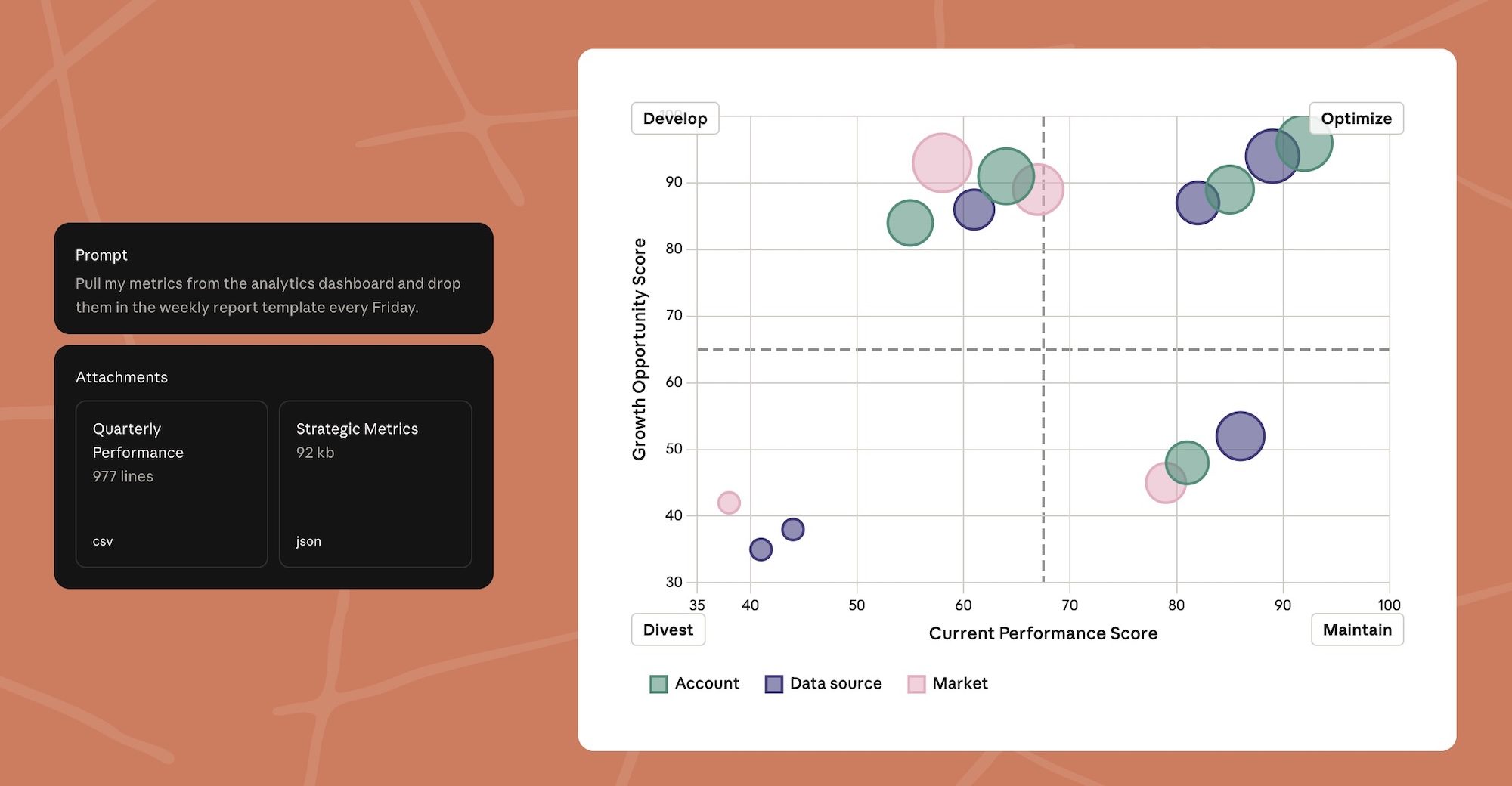
Claude is smart enough to reach for the best tool first. If a connector is available for something like Gmail, Google Drive, or Slack, it uses that. When no connector exists, Claude takes the wheel, controlling your browser, mouse, and keyboard to do the job. It always asks permission before accessing a new app or file, and you can stop it at any point.
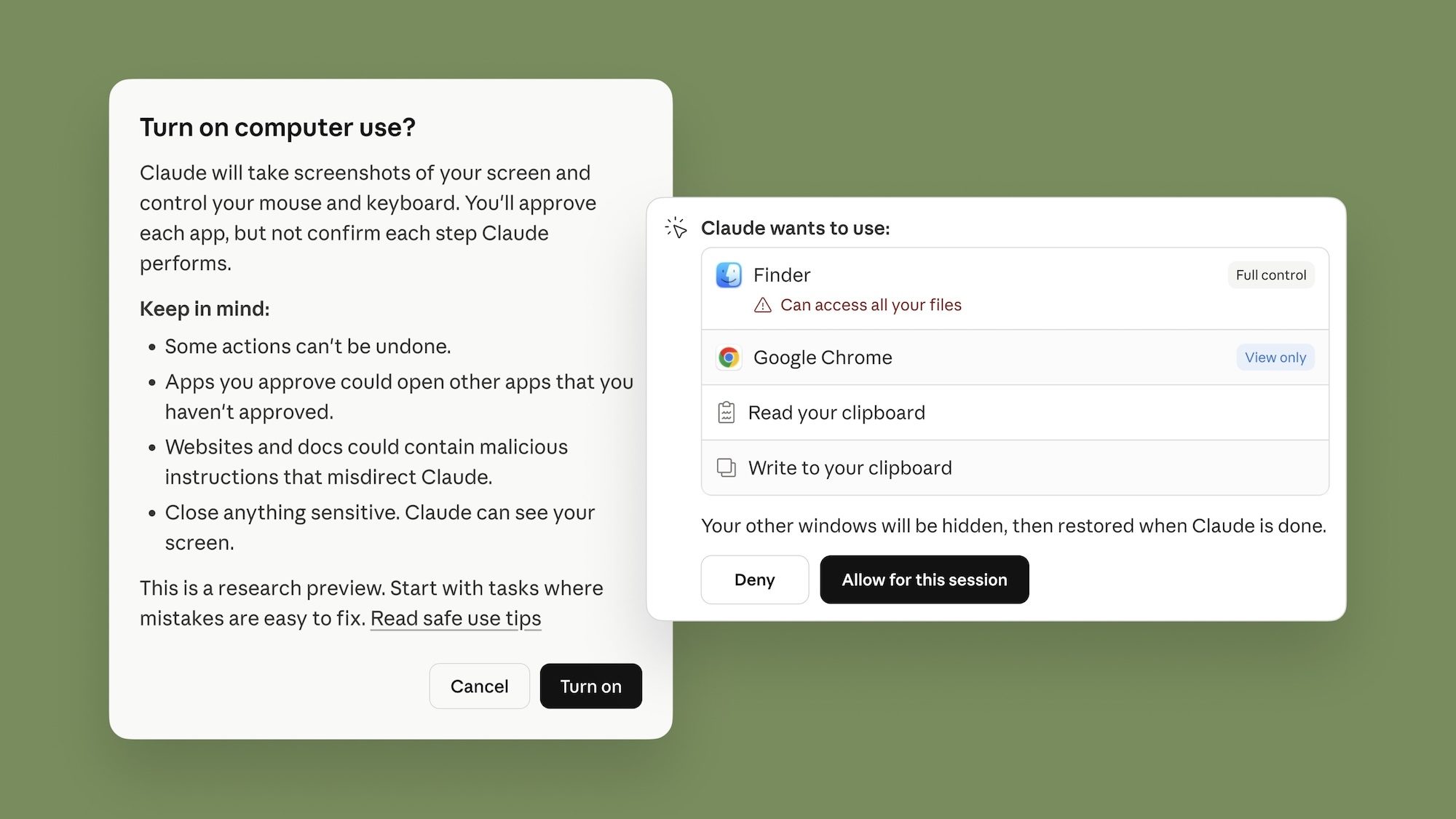
For example, I can ask Claude Cowork to resize all the images in a certain folder, rename files, or scrape the internet for a list of the best ice cream parlors in your area, and it will do all that without needing any input from me. 

Can you control it from your phone?

Yes, and this is where things get genuinely exciting. Claude Dispatch, a recent release from Anthropic, is an app that lets you send commands to the Claude desktop from your mobile

Assign a task at the office and return home to find it completed. Cowork also has memory, so it retains context across sessions and learns how you work over time.

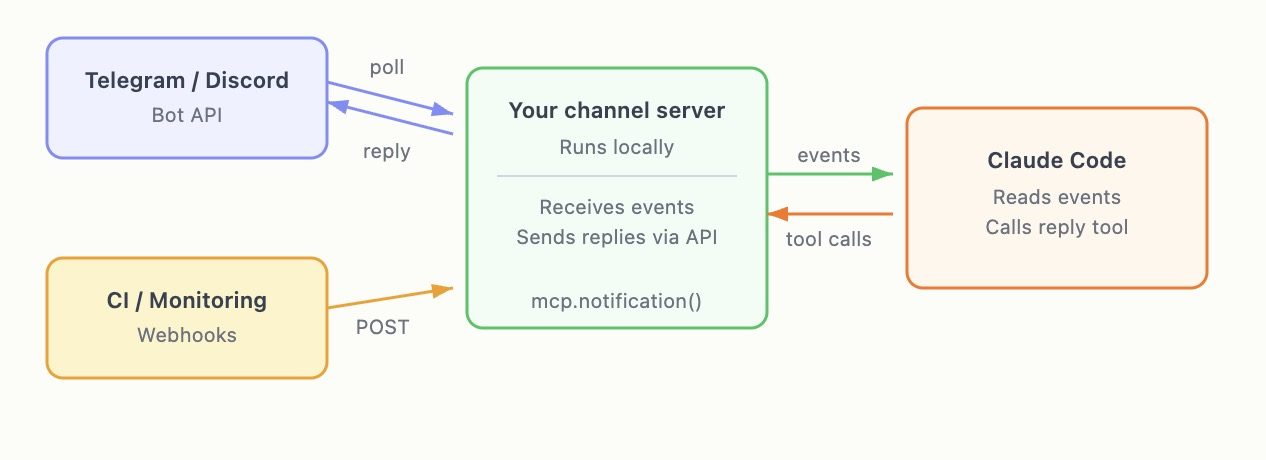
For developers, Claude Channels adds another layer of usefulness. You can push events like chat messages or monitoring alerts directly into your Claude Code session from platforms like Telegram or Discord.
You can also set up scheduled tasks. Tell Claude to summarize your emails every morning, compile a weekly report, or track industry news on a schedule. Claude handles it automatically and sends a notification when the work is done.

What does this mean for you?

Claude Cowork closes the gap between today and tomorrow, where a digital personal assistant can autonomously complete our tasks. While there are reasons to have reservations about AI, this is one direction that is exciting and useful.

Rachit Agarwal
Rachit is a seasoned tech journalist with over ten years of experience covering the consumer technology landscape.
Google Search can now monitor the web for updates on things you care about
AI Mode on Google search now lets users create search agents
Google Search information agents featured

Google has started rolling out AI Search agents that can monitor the web for users and send updates when relevant information changes. The feature was first announced at Google I/O 2026 as part of Google’s wider AI Mode overhaul, which also included a redesigned search box, Gemini 3.5 Flash, personal intelligence features, and new agentic tools for creating mini apps and dashboards.

The new feature is called information agents. It is designed for searches that do not end with a single answer. Instead of checking the same query again and again, users can ask Google to keep tracking a topic in the background.

Read more
Apple made Liquid Glass adjustable, which says plenty about Liquid Glass
The new slider is useful, welcome, and mildly hilarious after a year of Apple acting like transparent everything was the obvious future.
Text, Document, Business Card

Apple’s big glassy software future now comes with a way to make it less glassy. In iOS 27, users can adjust the translucency of the Liquid Glass effect, while macOS Golden Gate adds its own Liquid Glass controls under System Settings.

Liquid Glass is still alive across Apple’s platforms, still shimmering through menus and panels, still doing the elegant UI trick Apple clearly likes. The big visual bet has already earned a dimmer switch. After a year of treating translucency like the obvious next step, WWDC’s most revealing design update may be the one that lets people dial it back.

Read more
Windows 11 just fixed one of Search’s dumbest limitations, and you’ll wonder how you lived without it
One less character, one less annoyance every time you search your PC.
Person sitting and using a Windows Surface computer with Windows 11.

If you have ever typed two letters into the Windows 11 search box, paused, and watched nothing useful happen until you added more characters, you already know exactly why this Windows 11 update matters. 

Microsoft's June 2026 Patch Tuesday update, part of a release Windows Latest calls the biggest of the year (via Windows Latest), quietly fixes that. Windows Search can now find and prioritize files with as few as two characters, down from the old three-character minimum.

Read more
