  1. Home
  2. Computing
  3. News

Copilot is coming to your Windows taskbar and File Explorer

Microsoft's AI can now summarize documents, find specific data, and handle voice commands without switching apps.

Add as a preferred source on Google
Art, Graphics, Computer
Microsoft

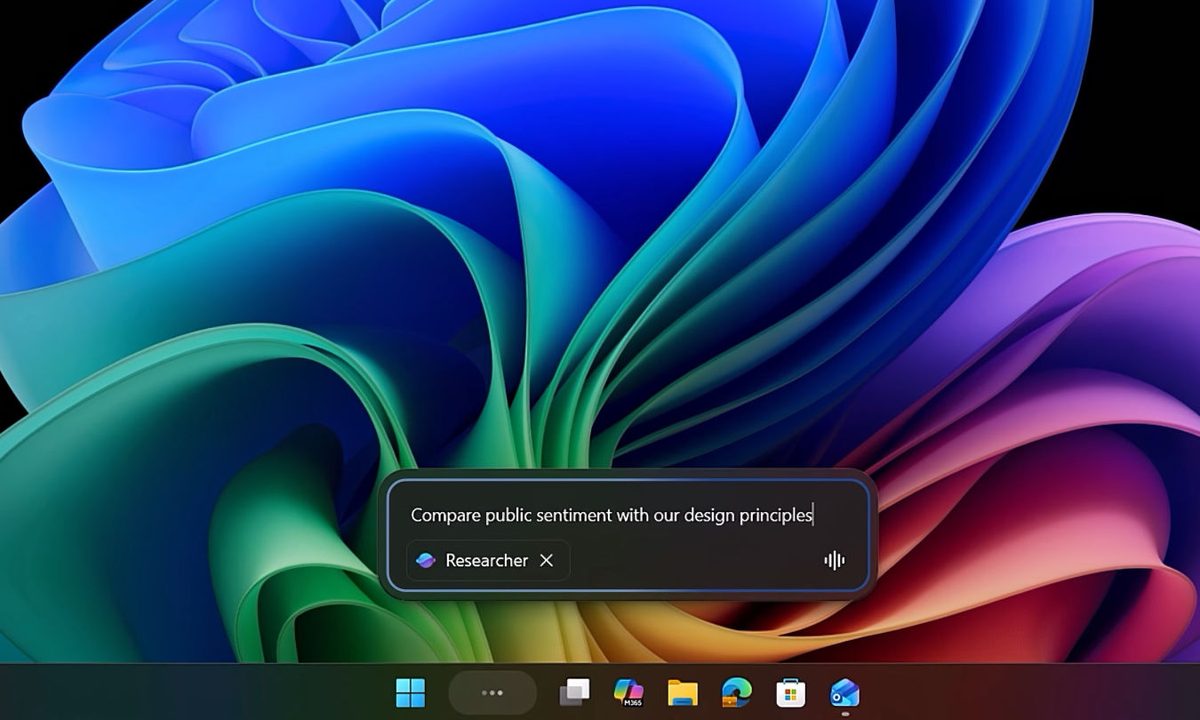
Microsoft is bringing Copilot to the Windows 11 taskbar and File Explorer. The update turns the plain old search box into something that actually understands how you ask questions. Type “When is my performance review due?” and the system pulls the answer from your calendar, emails, and local files. No more digging through folders.

The taskbar becomes a kind of mission control for AI. The search field now connects your local PC with your Microsoft 365 data. It knows who you work with and what documents you touch most.

The taskbar is now a command center for AI agents

Hit the @ symbol in the taskbar search and you get a menu of AI agents that run in the background. These aren’t the kind that disappear into browser tabs. They sit on your taskbar so you can see their progress while you do other stuff. A researcher agent might spend 10 minutes comparing public sentiment against internal design guides. You watch its status on the taskbar icon like a download bar. Green checkmark means it’s done. Hover for a summary. Click for the full report with sources.
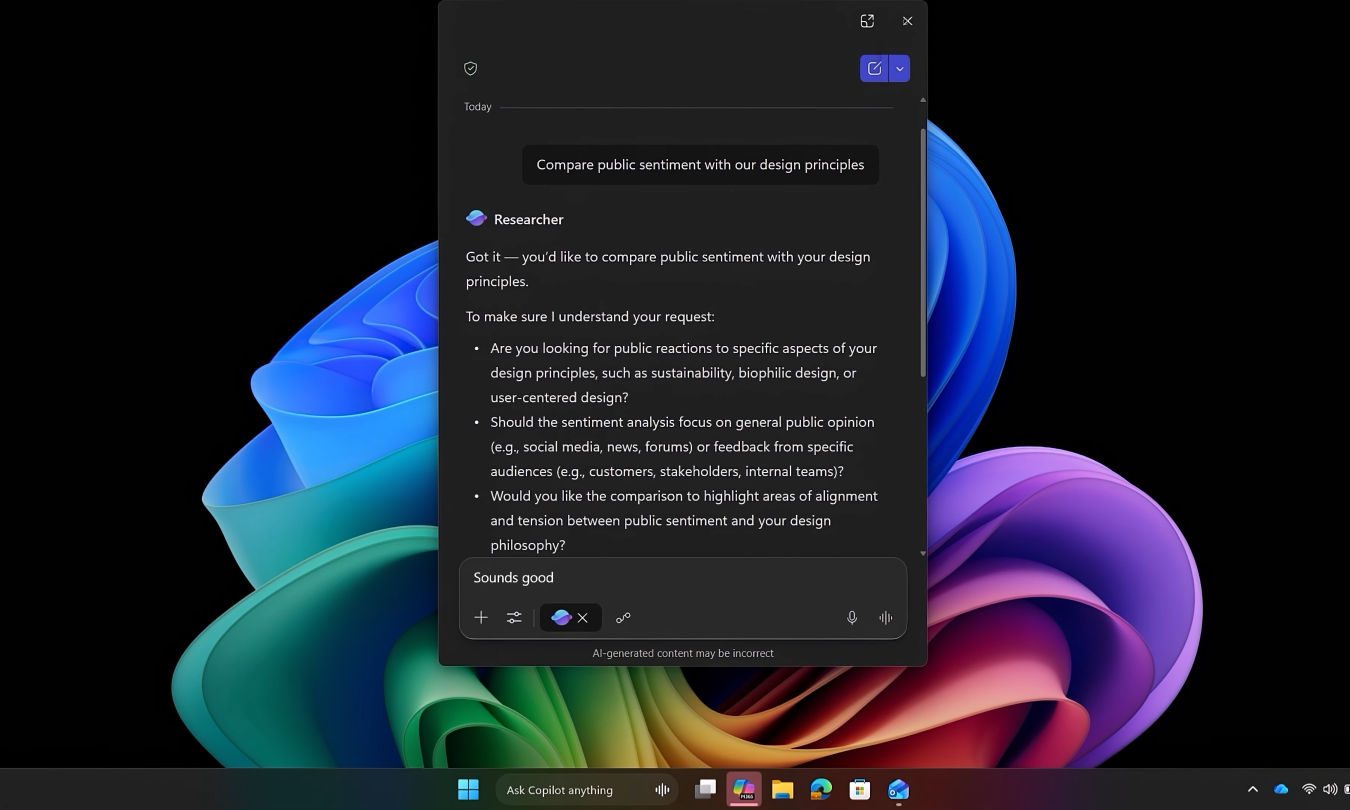
Voice works too. Hold the Copilot key or hit Windows key + C. Tell it “Find the file Robin shared” and it checks your emails and meetings to figure out which Robin you mean.

File Explorer gets Copilot Control for instant document insights

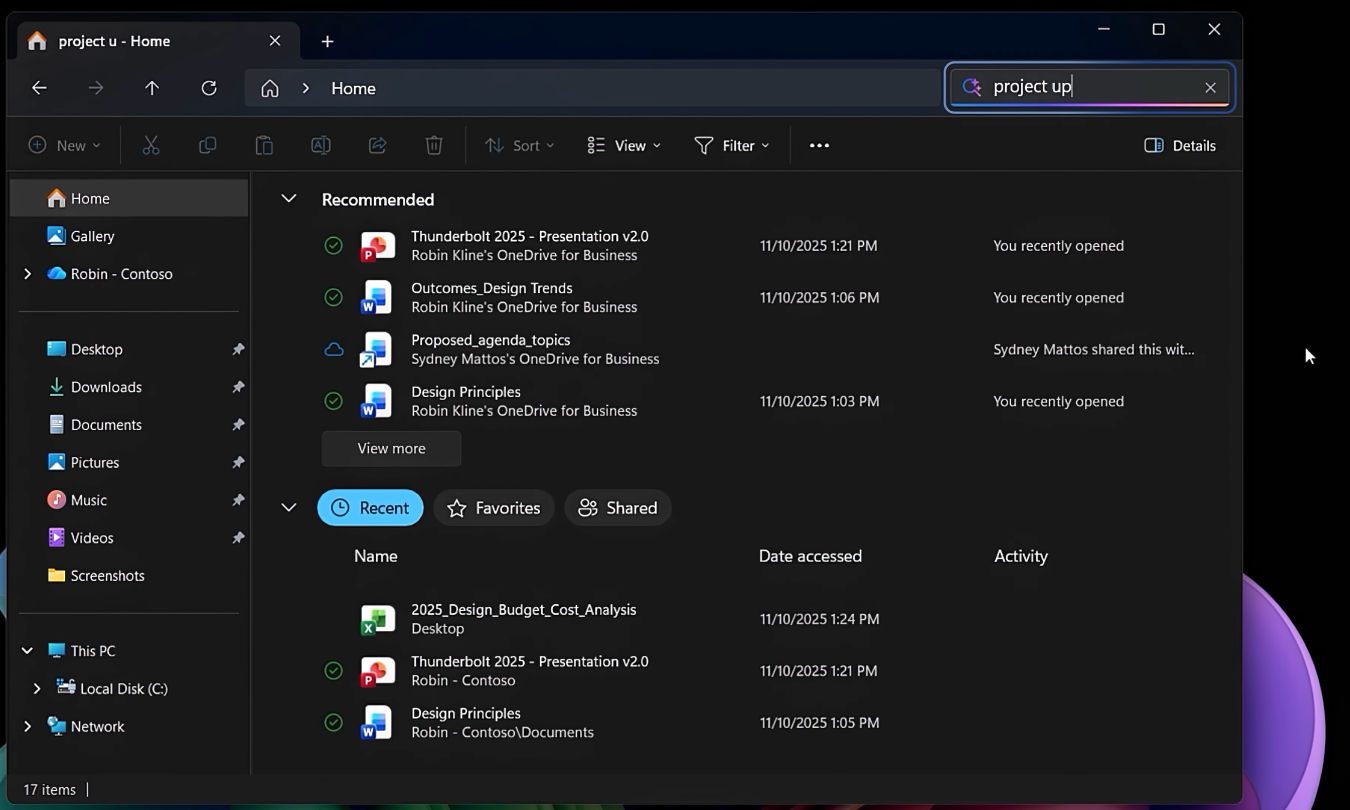
File Explorer now shows your SharePoint and OneDrive files right alongside local ones. Recent docs, shared stuff, favorites, all in one view. But the Copilot Control is the real trick. You can ask questions about a file without opening it.

Recommended Videos

Need a stat buried deep in a design doc? Ask for it. Copilot pulls out something like “over 70% of employees prefer sustainable materials” and shows you the context immediately. You never leave the File Explorer window.
Over on Android, Google is doing something similar with its Files app. Gemini now automatically offers to analyze PDFs when you open them, letting you ask questions about a document without importing it into a separate AI tool.

What this means for your workflow

The updates are rolling out now. Which ones you get depends on your hardware. Standard Windows 11 machines handle the cloud stuff. Copilot+ PCs with NPUs unlock the offline tools like Fluid Dictation and Click to Do.

Bottom line? You search less and find more. The taskbar starts acting like a coworker who remembers where everything lives. File Explorer becomes a window into your documents, not just a list of folders. Keep an eye out for the Copilot icons in the coming weeks.

Paulo Vargas
Paulo Vargas is an English major turned reporter turned technical writer, with a career that has always circled back to…
OpenAI has a new website where you can check if an image is real or AI slop
OpenAI and Google are teaming up to put a stamp on every AI image.
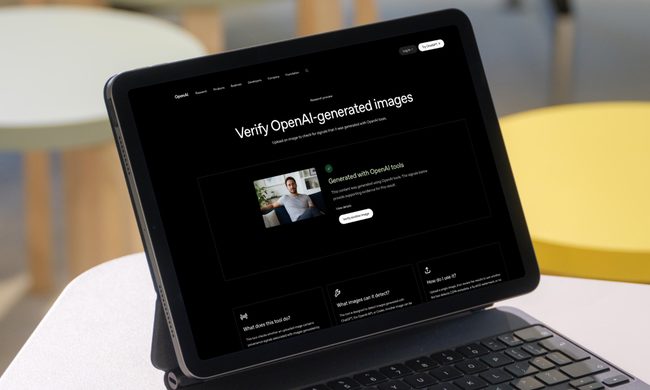
OpenAI verification tool in action on iPad

Spotting an AI-generated image is getting harder by the day. OpenAI wants to change that, and it is using Google as a partner to accomplish this behemoth task.

OpenAI has announced a significant update to how it handles content provenance, which is just a fancy way of saying how you can tell where an image came from and whether it was AI-generated.

Read more
Google just gave Workspace a 24/7 AI agent that sends emails and books meetings while you sleep
Google announcing five Workspace features at once is either confidence or chaos, but Gemini Spark acting on your behalf while you sleep is the one that actually changes what a productivity suite is supposed to do.
Google AI Inbox for Gmail users.

At the I/O 2026, Google announced several AI-powered updates for its Workspace apps. The main highlight of the announcement is Gemini Spark, a 24/7 personal AI agent that doesn’t just answer questions but takes actions on your behalf. 

It can send emails, add calendar events, and complete tasks across Workspace apps. And before you even ask, it asks before doing a high-stakes task, and you can choose whether you want to enable it or not. It's coming soon in preview for Workspace business customers in the Gemini app.

Read more
Gemini can now make videos, brief your morning, and do digital chores while you sleep
Gemini is now an AI intern that never logs off
Google Gemini App gets a major update

Google is giving the Gemini app a massive update, bringing a bunch of nifty changes. The chatbot phase is fading, and the company now wants Gemini to become something closer to a full-time digital assistant.

During Google I/O 2026, the company announced a redesigned Gemini app along with a new model, proactive daily summaries, video tools, and a 24/7 agent called Gemini Spark. Google claims that Gemini has now reached more than 900 million monthly users across 230 countries and more than 70 languages, up from 400 million last year.

Read more