  1. Home
  2. Computing
  3. News

Google Meet’s AI note-taker just got a whole lot better and less overwhelming

Your meeting notes just got smarter, more customizable, and way more actionable.

Add as a preferred source on Google
Google meet new meeting note feature
Google

Google Meet‘s “Take notes for me,” which the company announced back in 2024, is already a lifesaver for anyone who has to juggle typing notes and actually participating in a meeting.

Since then, the company has added numerous features to make its AI meeting notetaker service even better, including the ability to take in-person meeting notes, create longer meeting notes, and more. 

Recommended Videos

Now, Google is making it even better with new customization options that let you control exactly what shows up in your meeting notes.

What’s actually new?

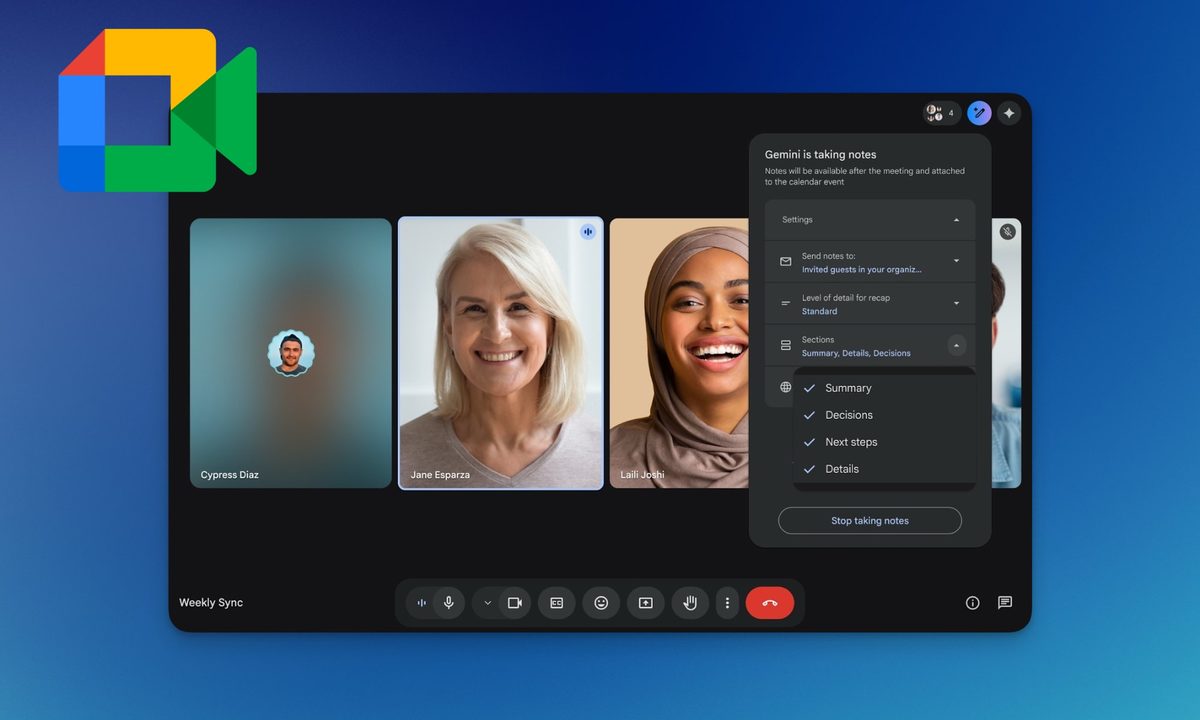
The biggest addition is the ability to toggle specific sections on or off during a meeting. You can now choose which of the four sections you want in your notes: Summary, Decisions, Next steps, and Details. The changes only apply to your current meeting, so you don’t have to worry about breaking your default settings for future calls. 

The new Decisions section is the standout feature for me. Instead of hunting through a wall of text to figure out what was actually agreed upon, this section explicitly captures outcomes and even tracks their status. The only caveat is that the Decisions section is currently available in English only.
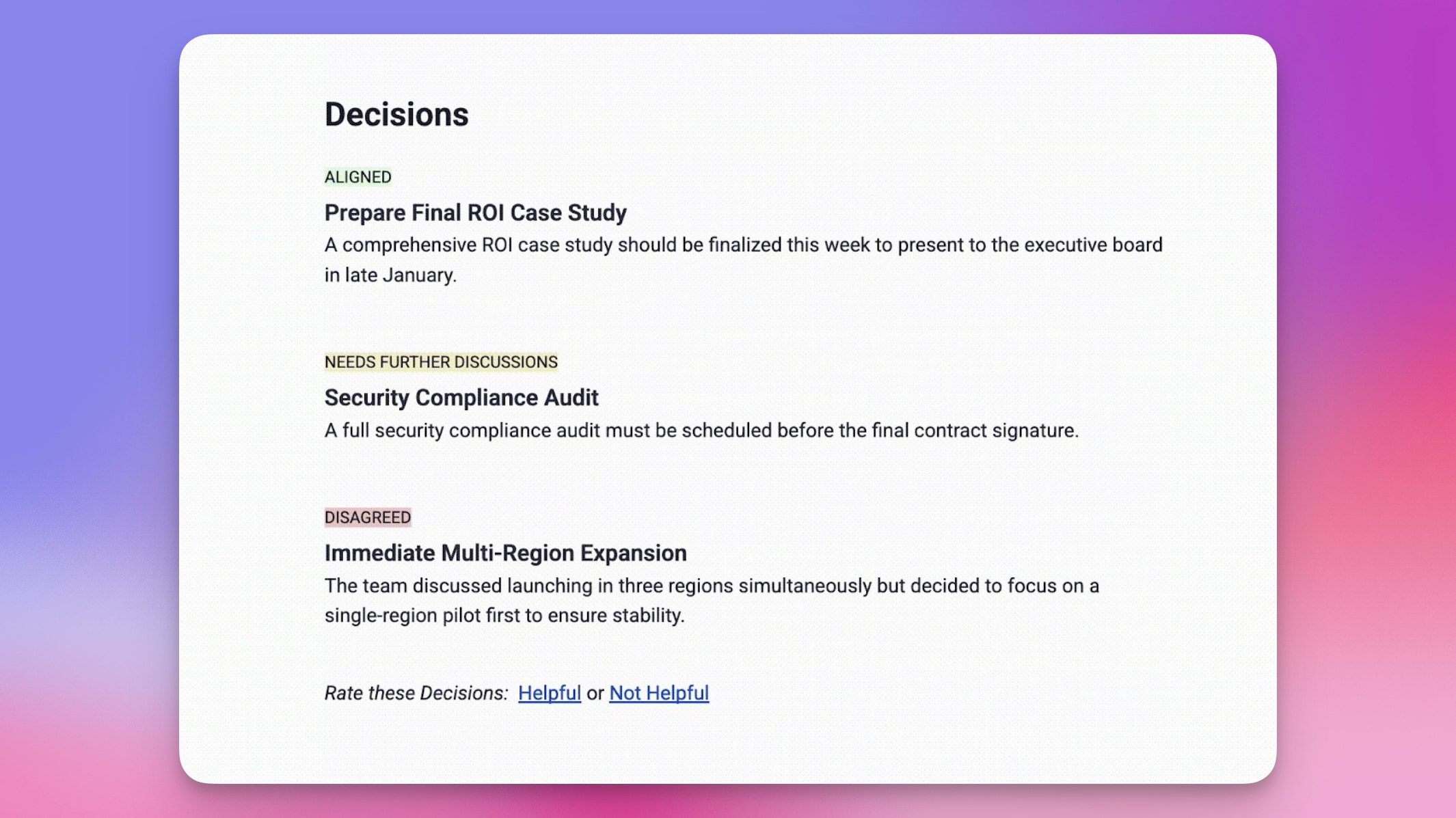
Google has also improved the Summary section to be more concise and scannable, making it easier to catch up on key points without reading through everything.

Do you need to do anything to use it?

Not really. If you already have access to “Take notes for me,” this update will add these features automatically. Just turn the feature on in your next meeting and explore the new features.

The feature is rolling out gradually, starting April 30, 2026, and is available on Business Standard and Plus, Enterprise Standard and Plus, Frontline Plus, Google AI Pro for Education, and Google AI Pro and Ultra plans.


Rachit Agarwal
Rachit is a seasoned tech journalist with over ten years of experience covering the consumer technology landscape.
Apple could offer MacBook Ultra in two sizes with one-of-a-kind OLED display
A new report reveals the MacBook Ultra's display size, OLED tech, and launch window
macbook-ultra-sizes

Apple's rumored MacBook Ultra is shaping up to be one of the most significant Mac redesigns in years, and a fresh industry report suggests it could land sooner than anyone expected. Research firm Omdia has released a new study on OLED adoption in laptops, and buried inside it are some very specific details about Apple's next MacBook.

What screen sizes will the MacBook Ultra come in?

Read more
You can now send emails directly from ChatGPT on the web
You can now draft, edit, and send emails directly inside ChatGPT on the web
Person using ChatGPT on a MacBook.

If you have ever drafted an email in ChatGPT and then had to copy it across to Gmail or Outlook to actually send it, you can now skip that extra step.

OpenAI has rolled out the ability to send emails directly from writing blocks in ChatGPT on the web, keeping the whole process inside a single conversation from start to finish.

Read more
Turns out, teaching games like Battleship can make small AI models a whole lot smarter
By turning Battleship into an AI training ground, researchers helped smaller models reason more efficiently.
AI Apps installed on iPhone Gemini DeepSeek Claude ChatGPT Auren

Small AI models just got a surprising boost from a very old game.

MIT researchers used a Battleship-style setup to test whether AI agents can improve how they gather information before making a move. The result was a sharp jump in performance for smaller systems, including one model that went from rarely beating humans to winning most of its games after researchers changed how it searched the board.

Read more