  1. Home
  2. Computing
  3. News

Google Search flips the AI switch for millions more users

More languages, more countries. Here's how to check availability and turn it on today

Add as a preferred source on Google
Google Search AI Mode
Google

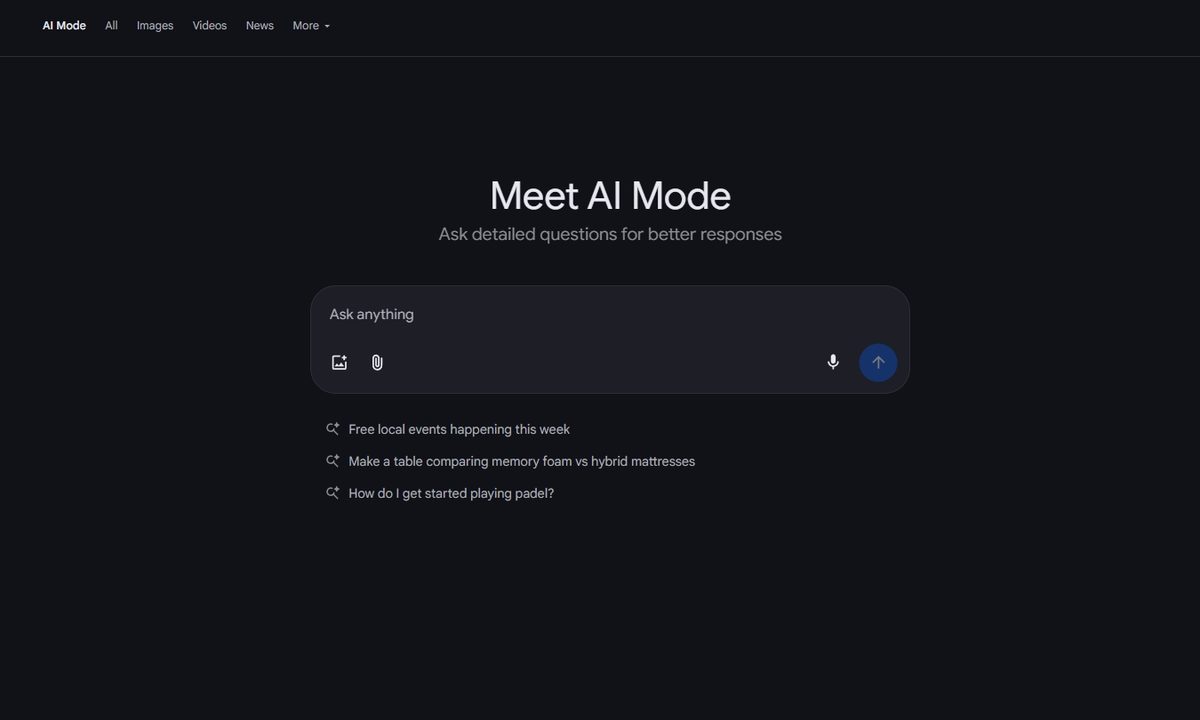
What’s happened? Google is lighting up AI Mode in Search for a lot more people, starting today. The rollout adds support for more than 35 new languages and 40-plus new countries and territories, pushing availability past 200 countries worldwide. It is powered by the latest Gemini models, which handle natural language and visuals.

  • Wider rollout begins this week.
  • Google says its custom Gemini model for Search brings stronger reasoning and multimodal understanding, which helps it grasp local phrasing and context instead of just matching keywords.
  • Early usage signals a behavior shift, with users asking questions nearly three times longer than traditional searches, and Google expects that trend to grow as more regions come online.

This is important because: AI Mode is changing how people search, not just where it is available. Longer, conversational queries mean you can describe the problem in your own words and still get a useful answer. With Gemini handling language and visuals, Search becomes like an assistant.

  • It lowers the barrier for non-English speakers.
  • Multimodal understanding means you can combine different input like text and images. It can help with real-world tasks, like asking “what plant is this” to troubleshooting a gadget with a photo.
  • Longer queries or questions tend to make AI understand intent with context, so answers can be more direct, saving you from switching tabs and tutorials.
Recommended Videos

Why should I care? Instead of wasting time chopping questions into keywords, you can just talk in your language and get a clear answer that blends text, images, and context. It’s faster with less guesswork.

  • You’ll spend less time bouncing switching tabs, since AI Mode can summarize options, pull steps, and point you to the right direction.
  • It’s great for messy problems, trip planning, or home fixes, where you can add photos and follow-up questions to refine the result.

Okay, so what’s next? The rollout is staggered, so expect a quiet switch-on over the next week. You may see AI Mode appear in the Google app and mobile web, or desktop, depending on your region.

  • To use AI mode on your phone, update to the latest version of the Google app and click on the breathing, colorful magnifying glass icon.
  • On desktop, click the colorful AI mode button within the Google search bar, and ask away.

AI mode is only as good as your curiosity, so treat it like a guide. You can ask follow-up questions or add a photo to see how far a better question can take you.

Paulo Vargas
Paulo Vargas is an English major turned reporter turned technical writer, with a career that has always circled back to…
AI triggered a RAMmageddon so bad that Apple looks like the sensible choice
Laptop prices got so stupid in 2026, that Apple turned into the value king.
Student using MacBook Neo in classroom.

I really didn't want to believe it, but here we are. Apple is now looking like the sensible laptop brand. Not the cool underdog. Not the affordable alternative. Apple, in 2026. The reason is not that the company suddenly became generous, but rather the rest of the competition has suddenly become so deranged that a MacBook lineup starting at $599 feels weirdly grounded.

Apple's MacBook Neo starts at $599, while Microsoft's own 13-inch Surface Laptop now starts at $1,199 after this month's price hikes. This isn't a small gap that you can ignore. Meanwhile, Apple's MacBook Air with M5 starts at $1,099 with 16GB of memory and 512GB of storage, which looks like one of the few premium laptops still priced by human beings.

Read more
AI mode in Chrome gets a big upgrade to save you some tab hopping
Chrome just made tab hopping a thing of the past with its upgraded AI Mode, and it's genuinely useful.
Google AI mode mockup showing new feature

If you have ever gone down a rabbit hole while searching for something online, you know the drill. You open one tab, follow a link, open another, and another, and suddenly you have 14 tabs open and zero answers.

It was one of the reasons that forced me to switch to Arc Browser, which offered easier-to-manage vertical tabs, which, incidentally, Google Chrome also added a week back. But Google is not stopping there, and is adding a meaningful upgrade to AI Mode in Chrome to fix this issue.

Read more
This beanie turns your thoughts into text, and it’s the least obnoxious wearable I’ve seen in years
You could soon type messages just by thinking
Thought-reading beanie

A new wearable device that looks like a simple beanie could soon change how people interact with computers. Developed by Silicon Valley startup Sabi, the prototype uses brain-computer interface (BCI) technology to convert a user’s internal speech into text, effectively allowing them to “type” using their thoughts.

According to a report by WIRED, the device is designed to be one of the least intrusive brain-tech wearables yet, avoiding the bulky, futuristic look of many experimental headsets. Instead, it blends into everyday clothing, making it more practical for daily use.

Read more