It’s been a couple years since the VR renaissance kicked off in earnest, and things are looking up for VR. The HTC Vive and Oculus Rift have now upgraded to the Cosmos and the Rift S, respectively, while Sony’s PlayStation VR offers an excellent entry point for console gamers, and there are hundreds of VR titles on the Steam store alone. VR is growing, but some steep barriers to entry are keeping interested enthusiasts from taking the plunge.
The biggest barrier is a simple one: Price. PC gaming is an expensive hobby, and tacking on VR is another $300 to $700, depending on what you buy. But there are some simple ways to save: The secret is building the right PC for your VR system on the cheap, and we know how to do it.
We won’t go through the step-by-step process of actually piecing your system together, but check out our suggestions below to see what you need to get started in PC-based VR.
Bare bones: Headset
First off, let’s look at the bare minimum you’re going to need for your VR build. We’re going to try and stay away from specific pricing for this guide, since hardware prices go up and down so frequently, but when it comes to headsets we can be a bit clearer: The latest HTC Vive Cosmos starts at $700, and the Rift S sells for $400.
As you can see, the headsets have diverged a lot in pricing in the most recent generation. They’ve also become more similar in some ways (both use internal sensors now so you don’t have to set up external trackers, for example). Obviously, if you’re working on a budget, the Rift S is a better option for saving money. However, there is a catch — due to manufacturing and shipping difficulties, Oculus is no longer selling the Rift S. This isn’t a permanent condition, but if you want one you’ll have to sign up for notifications from Oculus and prepare to be patient. Otherwise, the Cosmos is still available at this time, albeit for a higher price.
Bare bones: GPU
Next we’re going to need a PC, and here’s where things get tricky. Should you go for a pre-built machine or build one yourself? That’s not an easy question to answer, especially right now, so let’s just look at what hardware you’re definitely going want to look for no matter which path you take.
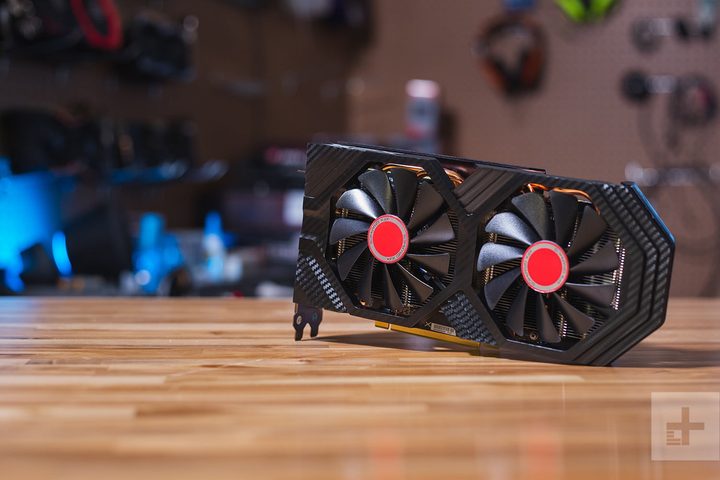
The most important part of your VR rig, next to your VR headset, is going to be the graphics card. This is the component that does most of the heavy lifting when you’re playing games in or out of VR. It’s also going to be the most expensive component other than the headset. Right now, the graphics card market is experiencing a shortage, so graphics cards are more expensive than they should be — you should carefully weigh which one you want to go with. We benchmarked a handful of high-end, mid-range, and entry-level graphics cards with VRMark to help you decide.
Usually when we put together a performance guide we try to stick with actual in-game performance, but VR is a special case. VR games aren’t designed with ultra-fast framerates in mind, they just need to maintain 90 fps in both of the head-mounted displays inside your VR headset. That’s because the refresh rate of their internal displays is typically locked to 80 to 90 Hz, depending on the model. VR games and experiences will do whatever they can to maintain a constant 80 to 90 fps to keep things looking smooth. Spiking too high or too low can affect the experience in unpleasant ways. Usually some plain old nausea. So let’s look at the numbers.
Each score here represents a graphics card’s performance in the VR benchmarks. The Orange Room is the easiest benchmark, the Cyan Room is the intermediate benchmark, and the Blue Room is the most demanding. What we’re looking for is a graphics card that performed well in the Orange Room, and got a decent score in the Cyan Room. Those two benchmarks best represent the entry-level and mid-range graphics we’re going for. In a perfect world, we’d just recommend the graphics card that performed the best, but this isn’t a “how to build the most expensive VR rig possible” guide. Frugality is a concern here.
For reference, a score of 5,000 in the Orange Room is considered a passing grade for most VR experiences. For the more demanding Cyan Room, a passing score is 3,088, and for the high-end 5K Blue Room, a passing score is just 1,082. We’re looking for a couple of graphics cards that achieve at least 5,000 in the Orange Room, and come close to passing in the Cyan Room.
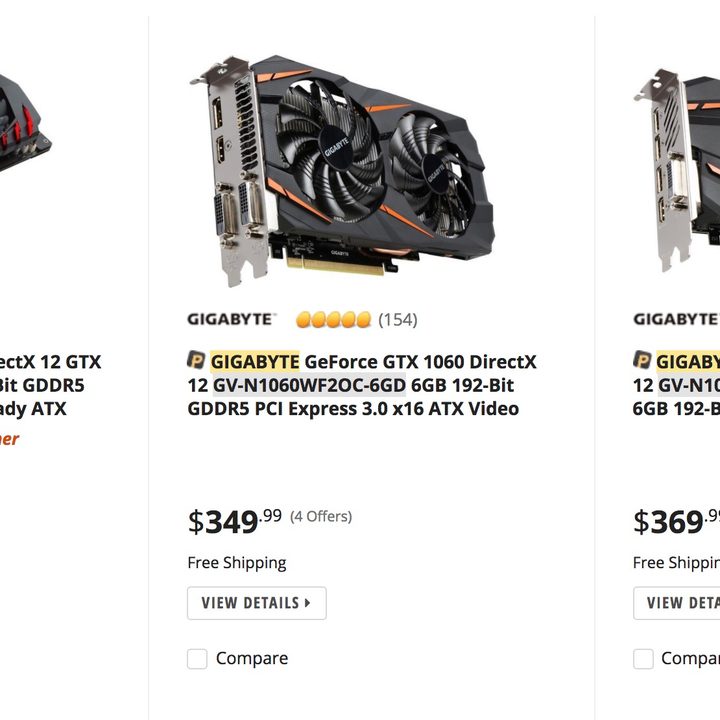
Looking at our results here, that means the cards we’d recommend are the Nvidia GeForce GTX 1060, AMD Radeon RX 570, and RX 580. All three of these graphics cards achieved passing grades in the Orange Room and Cyan Room. The GTX 1060 and RX 580 passed all three benchmarks, so they should be our top contenders.
Bare bones: CPU and RAM
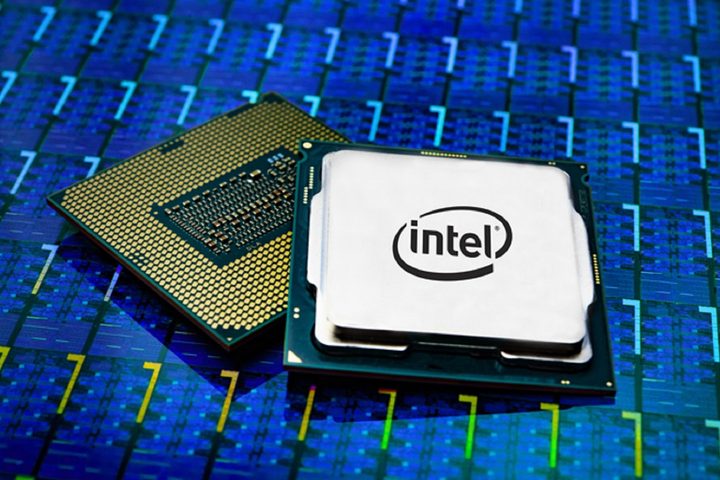
Your CPU and RAM are also important, but with regard to both of these components you should look at how to prevent bottlenecks. Having a 32GB of RAM and a top-of-the-line AMD Ryzen Threadripper isn’t going to have as big an impact on your performance as having a capable GPU will. For your CPU and RAM you’re going to want to cleave pretty close to the hardware recommendations for the Oculus Rift. That means at least a 7th-generation Intel Core i5 processor — something like an i5-7500 — or an Intel Core i3-8100, which is roughly equivalent to Oculus’ recommended processor, the i5-4590. Plus, at least 8GB of RAM, though bumping that up to 16GB in the future wouldn’t be a bad idea.
For the Core i3-8100 processor you’re probably looking at about $120, and maybe $70 to $100 for the RAM. But, as we mentioned, PC component pricing is a bit complicated at the moment.
Buy, don’t build
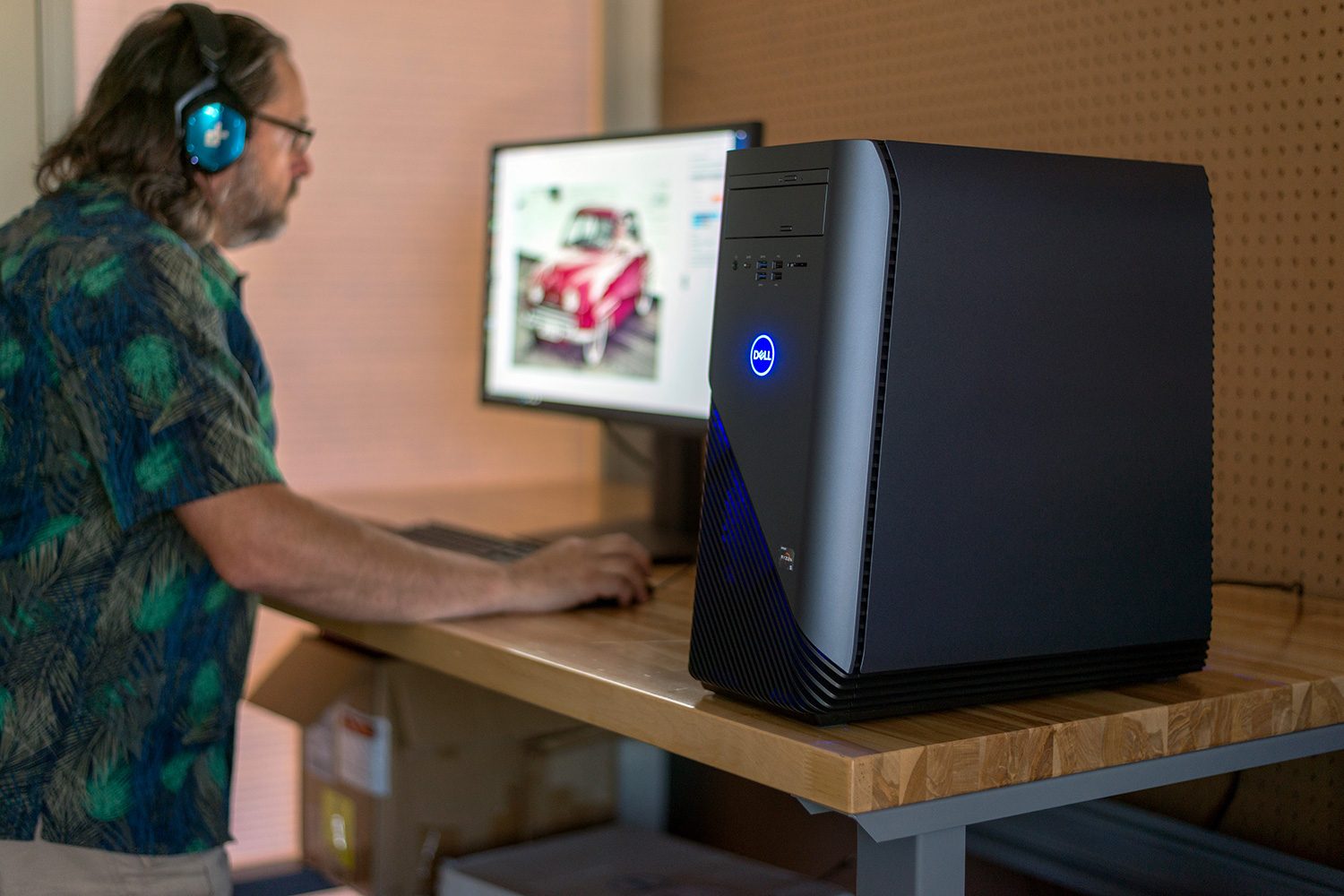
That’s right. Due to the current state of GPU prices, you may want to consider buying a system with the GPU you want and upgrading other components later. Hear us out: Most PC manufacturers out there all offer a desktop computer with the hardware we’d recommend at a better price than you’re likely to get buying the components yourself — with a little research.
We recommend you start by visiting our list of the best gaming desktops to see what some top-line machines look like and what specs they have. As you’ll note, these options start at over $1,000 and they could all handle VR with ease … but may be out of your budget range.
Then take a look at our roundup of the latest cheap gaming PC deals to see what you can find with more affordable machines, keeping in mind the top-line specs for easy comparison. Currently, the ABS Rogue SE Radeon RX 580 Gaming PC for $750 and the Dell G5 Gaming Nvidia GTX 1660 Ti Gaming PC for $830 are looking like strong options to consider for a budget model.
Final notes: You can’t skimp on graphics
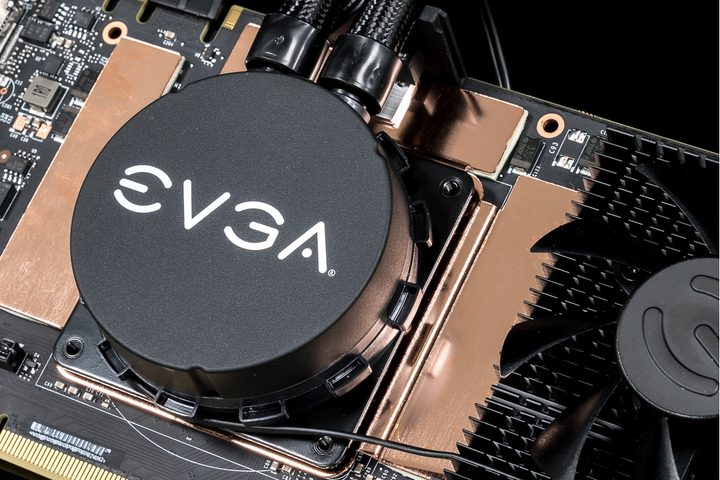
You can find prices for these chips (and some newer models) for comparison’s sake, but keep in mind that some older GPUs can be even more expensive than new ones because of low inventory. Either way, you’ll most likely pay at least $300 for a sound enough graphics card unless you’re willing to wait for market prices to fall (or for a good sale, such as Cyber Monday).
While many people do quite well by waiting for price gouges in the technology and PC market, that’s not possible for everyone. If you’ve been adding up the costs so far, you know that you’re unlikely to pay less than $1,000 for a full VR machine built from scratch (including a headset). That doesn’t take monitors and extra parts, like fans and cases, into account, either.
There’s no good way to bring that price lower unless you wait for deals or find used parts. However, $1,000 is reasonably doable since the result is a homemade VR-ready PC. As VR becomes more and more popular, your choices in parts and PCs that can handle the technology will grow, too, as will the games that VR technology can support.