
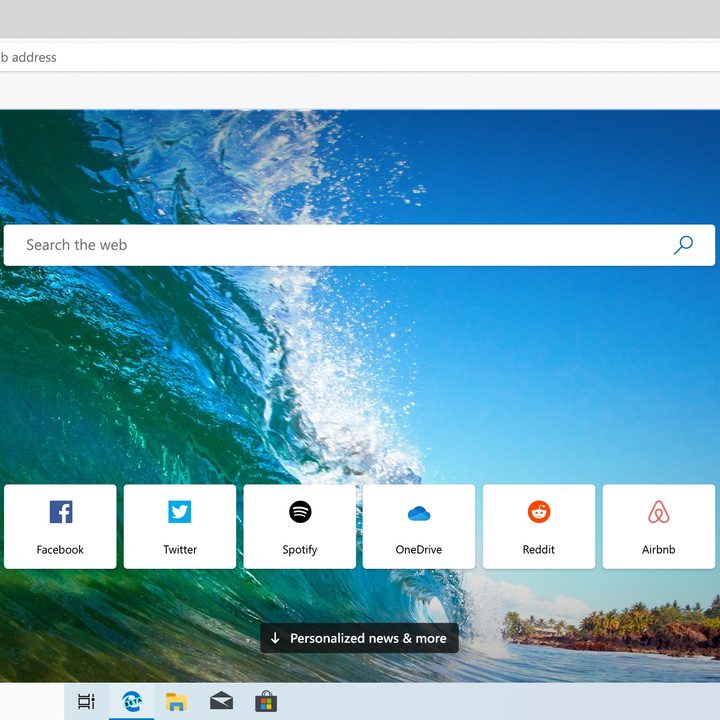
Earlier in 2019, Microsoft shocked the world and announced it would be building a new cross-platform web browser based on Google’s open-source Chromium project. After initial leaks, the company eventually launched two Edge development insider “channels” which allowed Windows and MacOS users to download and test out public preview versions of the browser for free.
Known as “Canary” and “Dev,” each of these two initial insider channels is constantly getting updated with fresh and exciting elements like a natural read-aloud feature. These channels are known to be buggy, however, as they are mainly designed for Microsoft to get feedback from users.
Recently, though, Microsoft launched a new “Beta” channel as a third download option. This version of the browser is a much more stable and intended for use in daily workflows. So, if you’re wanting to test out Edge Chromium for yourself, here’s how you can download it today.
Visit Microsoft’s Website
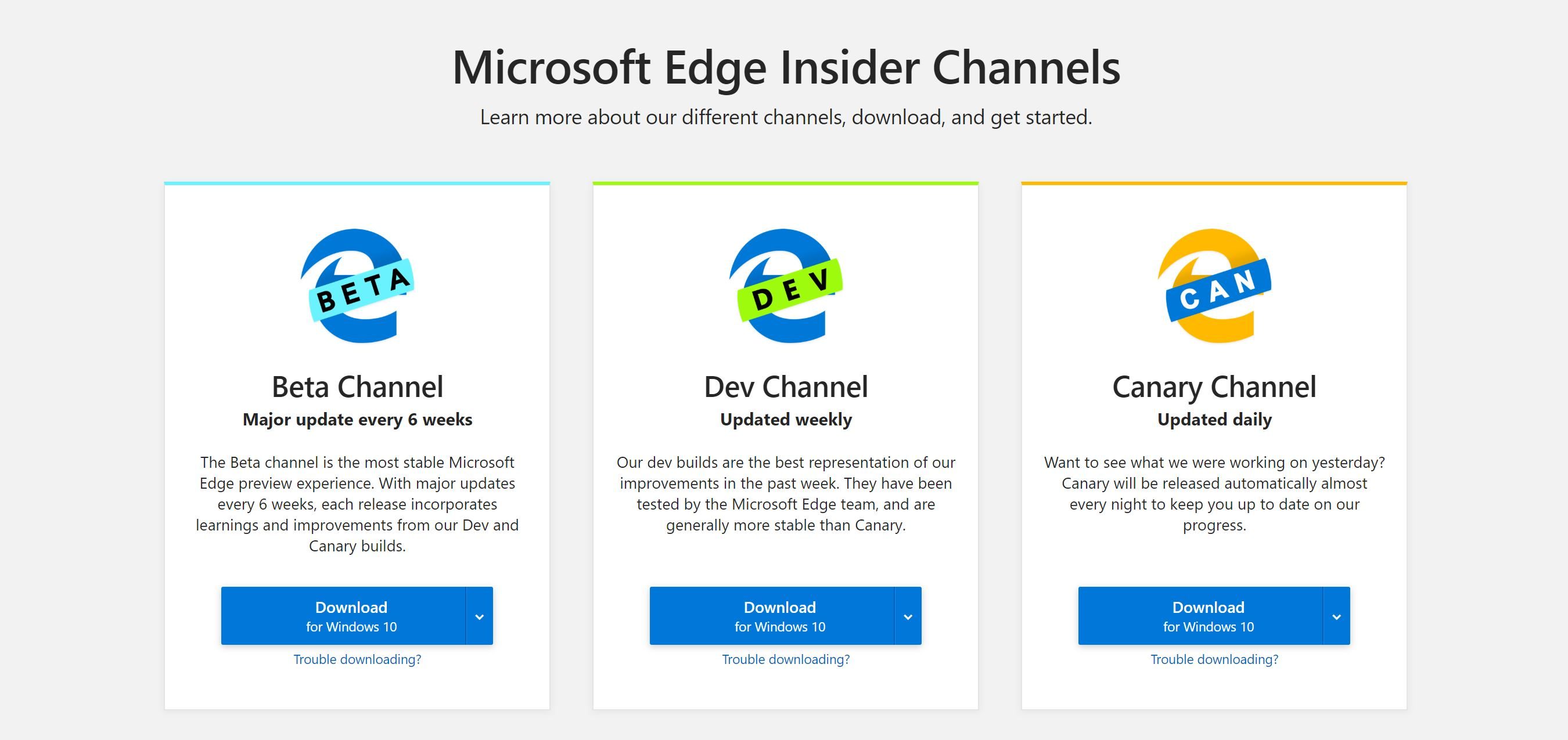
According to Microsoft, Edge Chromium has been downloaded over one million times. If you want to join in, the first step in is to head to this website. From there, you’ll see download links and descriptions of each “channel” which we previously mentioned above. You’ll need to decide which version is best for you.
If you want the latest browser-features from Microsoft, the Canary channel is the one to download from. This channel is updated on a daily basis with new features but is also the most unstable and buggy. The Dev channel, meanwhile, is updated on a weekly basis and will cause fewer issues with your computer.
Finally, there is the Beta channel, which was launched on Tuesday, August 20. This is the best version to download if you’re not the technical type, or won’t submit feedback to Microsoft. It is the most stable and is best for everyday use. In this version, you’ll enjoy features like customizing the new tab page, stopping websites from tracking your browsing habits, and a collection feature for saving favorite websites.
Hit the download button
After you’ve decided which channel of Edge Chromium is right for you, the next step is to hit the download button. Keep in mind, the key difference between Edge Chromium and regular Microsoft Edge is that it is available across different types of platforms. So, if your system is running Windows all the download links on Microsoft’s website will give you a Windows-based .exe installer.
Edge Chromium is available on Windows 8.1, Windows 8, and Windows 7. It’s even available on MacOS. To download a version for these operating systems, press the down arrow next to the big blue download box, and choose your platform. Make sure to note the location where you’ve saved it. You’ll also need to accept Microsoft’s Software terms before proceeding.

Run the installer, and customize your experience

Once your download is complete, navigate to the location where you’ve saved the installer. Double click to open it, and sit back as your system installs the Chromium version of Edge. The process shouldn’t take too long, and typically takes less than 3 minutes.
Once installed, you’re free to customize the browser to your own liking. An on-screen setup guide will prompt you. You can choose different types of layouts for the new tab page, sync your bookmarks, and more. Our hands-on guide dives into some of the new features.


