
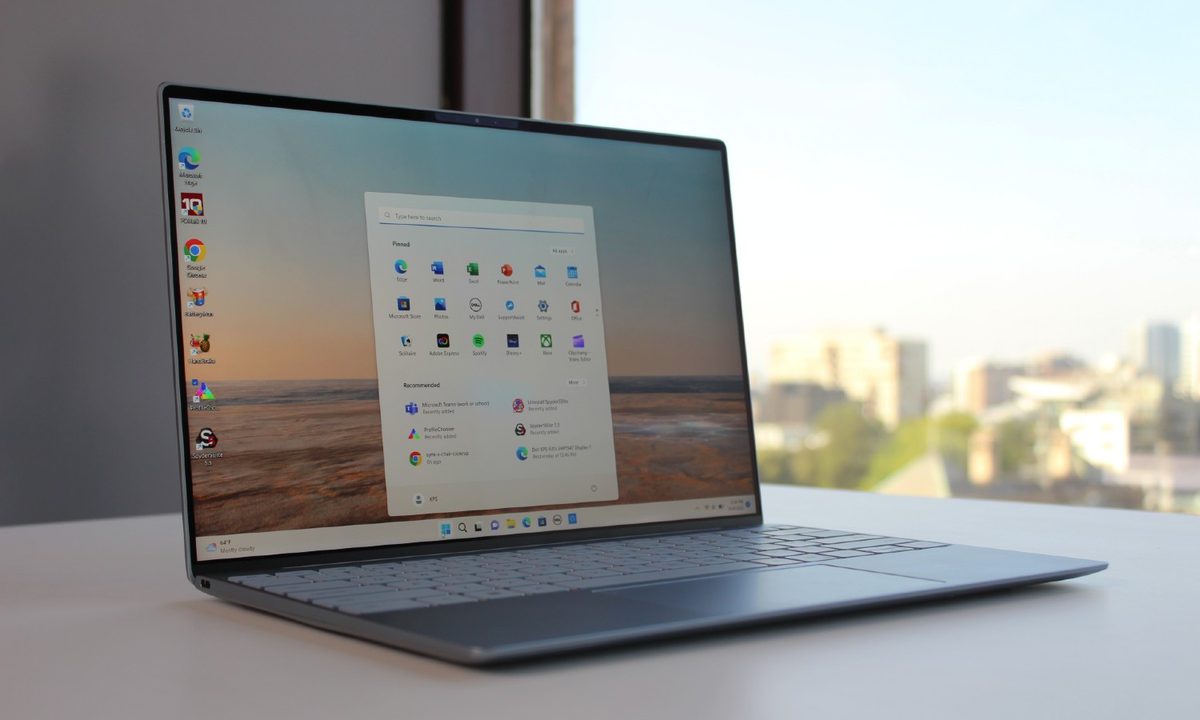
The Windows Insider program is Microsoft's early-release testing platform for new Windows builds and features. It's where new features are previewed (many people used Microsoft Copilot before it had a public release) so if you're keen to get a flavor of things before everyone else, you'll need to sign up, and join the Dev channel. For anyone interested in other upcoming Windows 11 features (or more stable builds) there are other channels to consider, too.
Whichever one you want to sign up to, though, joining is pretty straightforward. Here's how to do it.
How to join Windows Insider
The Windows Insider program is an opt-in program for anyone who wants to try out new Windows features ahead of everyone else. Anyone can sign up, though you'll have to join and then select the right release channel for the builds that you want to play with, and the level of unpredictability you are willing to accept.
Step 1: Open Windows 11 Settings by pressing the Windows key + I keyboard shortcut, then navigate to Windows Update.
Step 2: Select the Windows Insider Program

Step 3: Select Get started,
Note: You may need to enable optional data collection to continue. Follow the on-screen prompts to do so, if necessary.

Step 4: Select Link an account then from the drop-down that appears, select your main Microsoft account.
Step 5: When prompted, select the Insider channel you want to be a part of, then select Continue. The different channels are as follows:
- Dev Channel: The most technical, advanced, and likely unstable version.
- Beta Channel: Early adopter features with some bugs likely still present. Not as barebones as the Dev channel, but much earlier release than general updates.
- Release Preview: A quick look at upcoming features in an upcoming Windows update. The most stable of the branches, but the one with the least lead time before a general release.
Step 6: Select Continue again to approve the terms and conditions, then select Restart now to reboot your PC.
Step 7: Once your PC has restarted, head to Windows update by navigating to Settings > Windows Update > Update now. This will update Windows to your new, Insider version with the latest release from that channel. You may need to restart your PC multiple times during the installation process.
How to check what Insider build you're on
Once you've downloaded the latest Insider Windows build for your channel, you'll have access to all the new and exciting features. If you were trying to download a build to get access to a certain feature, like an update to Copilot, you may want to check your release build to make sure it's the right on for what you need. Here's how to do it.
Navigate to Settings > System > About and look at the "OS Build" number to determine your Windows build.
Now you know how to access the Windows Insider program, make sure your Windows 11 PC specs can handle the early features.


