  1. Home
  2. Computing
  3. How tos

How to ungroup Taskbar icons in Windows 11

Add as a preferred source on Google
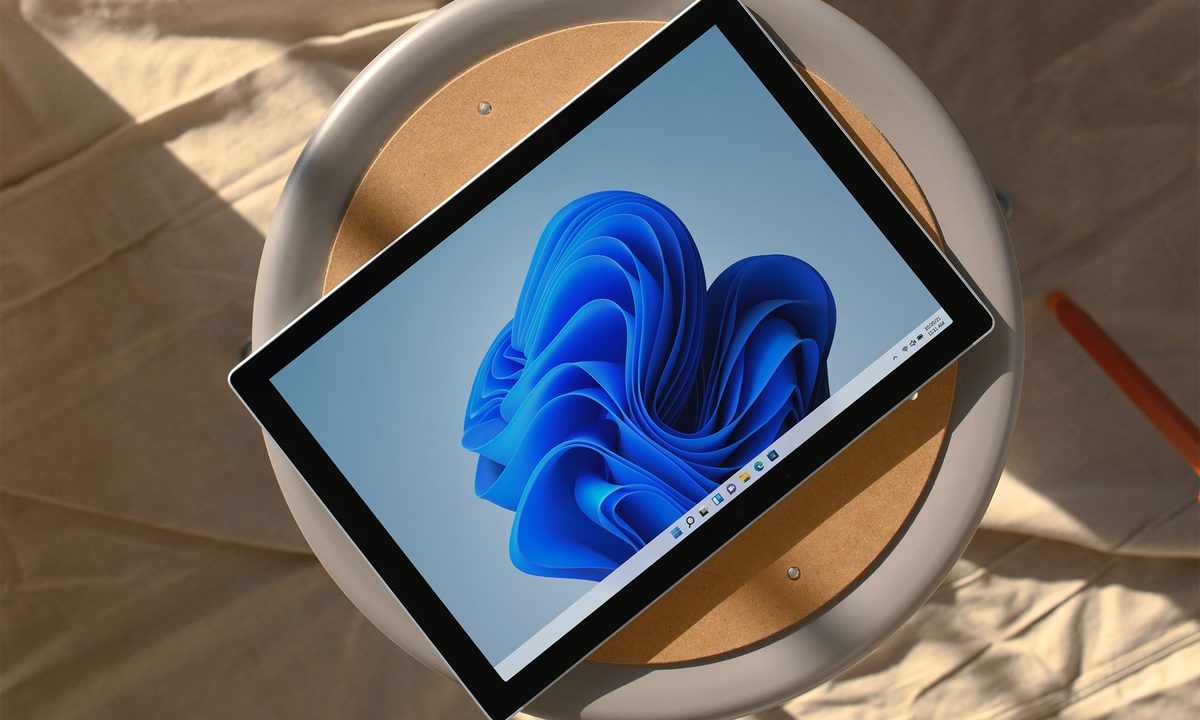
Windows 11 device sitting on a stool.
Microsoft

Windows 11 is continually evolving with additional updates and feature improvements, moving it further and further from its Windows 10 roots. A everything you can do, I can do better, kind of situation.

That goes for ungrouping icons in your taskbar too. If you want to be able to see what all your browser Windows are doing, and split out multiple instances of the same apps, here's how to ungroup icons in the taskbar in Windows 11.

Recommended Videos

Difficulty

Easy

Duration

5 minutes

What You Need

  • Desktop PC or laptop running Windows 11

How to ungroup taskbar icons in Windows 11

Windows 11 has a built-in function to turn taskbar icon grouping on, or off, or make it situationally trigger when you taskbar fills up. Here's how to do it.

Step 1: Right-click your taskbar and select Taskbar settings.

Alternatively, navigate to Settings > Personalization > Taskbar.

Step 2: Select Taskbar behaviors.

Taskbar behaviour menu in Windows 11.
DigitalTrends

Step 3: Scroll down the list of options that pops out, and look for "Combine taskbar buttons and hide labels." By default, this is set to Always which groups your icons together. To stop it doing that, select the drop-down menu and select Never.

You should instantly see all your taskbar icons ungroup themselves, giving you more detail about how many windows you have open in your web browser(s) and what sites they're on.

If you ever want to change this option back, simply retrace your steps and set it back to Always.

Taskbar grouping options.
DigitalTrends

Step 4: If you'd rather your taskbar icons still grouped up when your taskbar gets full, you can set that same option to When taskbar is full and the grouping will trigger only when it's needed to save space.

Now you've gotten to grips with ungrouping icons in your taskbar, how about brushing up on the best security practices in Windows 11? Here are some tips on how to shore up your digital defences.

Arif Bacchus
Arif Bacchus is a native New Yorker and a fan of all things technology. Arif works as a freelance writer at Digital Trends…
Spotting AI images is finally getting easier thanks to OpenAI and Google
OpenAI and Google are teaming up to put a stamp on every AI image.
OpenAI verification tool in action on iPad

Spotting an AI-generated image is getting harder by the day. OpenAI wants to change that, and it is using Google as a partner to accomplish this behemoth task.

OpenAI has announced a significant update to how it handles content provenance, which is just a fancy way of saying how you can tell where an image came from and whether it was AI-generated.

Read more
Google just gave Workspace a 24/7 AI agent that sends emails and books meetings while you sleep
Google announcing five Workspace features at once is either confidence or chaos, but Gemini Spark acting on your behalf while you sleep is the one that actually changes what a productivity suite is supposed to do.
Google AI Inbox for Gmail users.

At the I/O 2026, Google announced several AI-powered updates for its Workspace apps. The main highlight of the announcement is Gemini Spark, a 24/7 personal AI agent that doesn’t just answer questions but takes actions on your behalf. 

It can send emails, add calendar events, and complete tasks across Workspace apps. And before you even ask, it asks before doing a high-stakes task, and you can choose whether you want to enable it or not. It's coming soon in preview for Workspace business customers in the Gemini app.

Read more
Gemini can now make videos, brief your morning, and do digital chores while you sleep
Gemini is now an AI intern that never logs off
Google Gemini App gets a major update

Google is giving the Gemini app a massive update, bringing a bunch of nifty changes. The chatbot phase is fading, and the company now wants Gemini to become something closer to a full-time digital assistant.

During Google I/O 2026, the company announced a redesigned Gemini app along with a new model, proactive daily summaries, video tools, and a 24/7 agent called Gemini Spark. Google claims that Gemini has now reached more than 900 million monthly users across 230 countries and more than 70 languages, up from 400 million last year.

Read more