
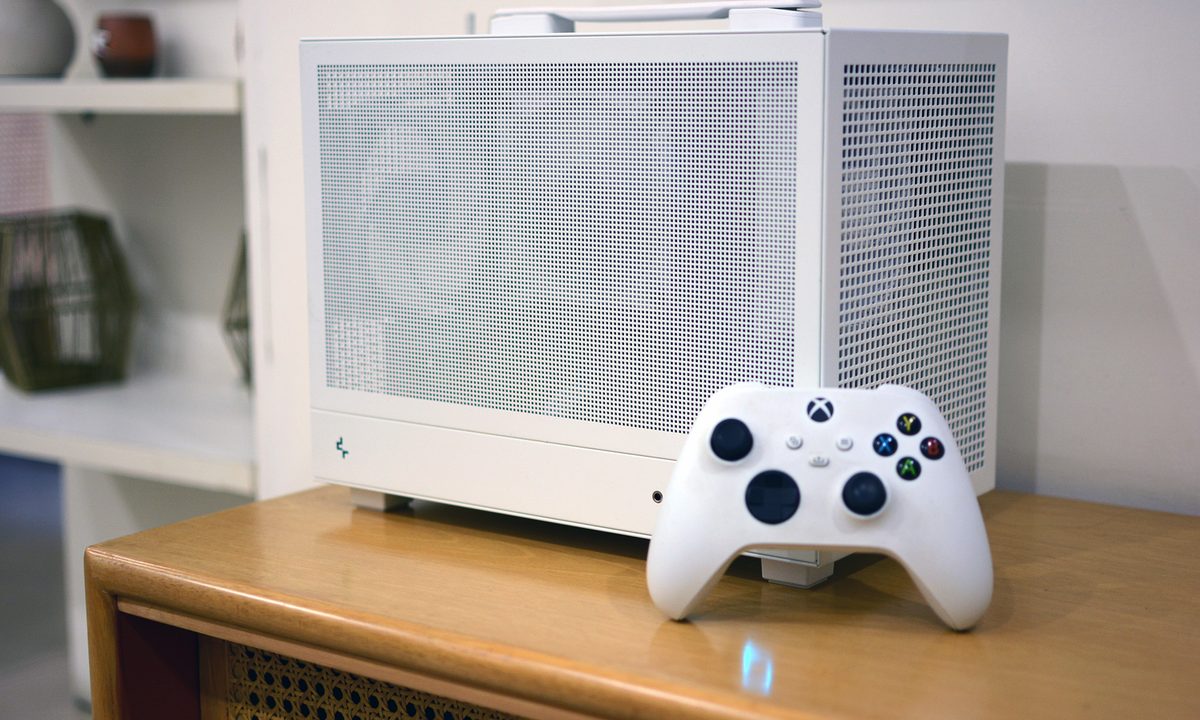
Let’s get one thing straight, I don’t have anything against consoles. I grew up with them, spent countless hours, and still think they’re great for a lot of people. But every time I consider buying a gaming console today, I start thinking about the drawbacks. Consoles have limited upgrade paths, overpriced games and higher costs for online services, and then there is the never ending tug-of-war between performance and fidelity modes.
As someone who writes about PCs for a living, I know that under the hood, consoles are basically small gaming PCs, just without the freedom of what makes a PC, a PC.
Then there’s the personal factor. I already have a powerful desktop rig for work and catching up on some competitive gaming with friends. But after long hours at my desk, I wanted to kick back on the couch with a controller in hand and enjoy single-player games on my large screen TV.
The problem? That meant either dragging my giant desktop into the living room or building something new.
A couch-friendly gaming dream
This wasn’t just about convenience. It was about making something compact, personal, and unapologetically mine. I’ve always loved small form factor builds, they’re a puzzle to solve, a flex of efficiency, and, when done right, just cool to look at. This was my chance to merge my love for tinkering with my desire for a console-like living room setup, minus the actual console.
The plan was simple, salvage as many parts as I could from my hardware stash and buy only what I needed. That meant starting with the CPU, an Intel Core i7-11700K from my previous build paired to a Gigabyte Z590 mini-ITX motherboard, and 32GB of DDR4 RAM clocked at 3200MT/s. Storage was covered too, a low-capacity Samsung NVMe SSD to boot Windows, and a spacious 2TB Kingston SSD for my game library.
The case for the case
The one thing I had to replace was my old mini-ITX case, the SSUPD Meshlicious. While I absolutely adore its aesthetics, the riser cable was giving me trouble, and I wanted something easy to carry and travel with.
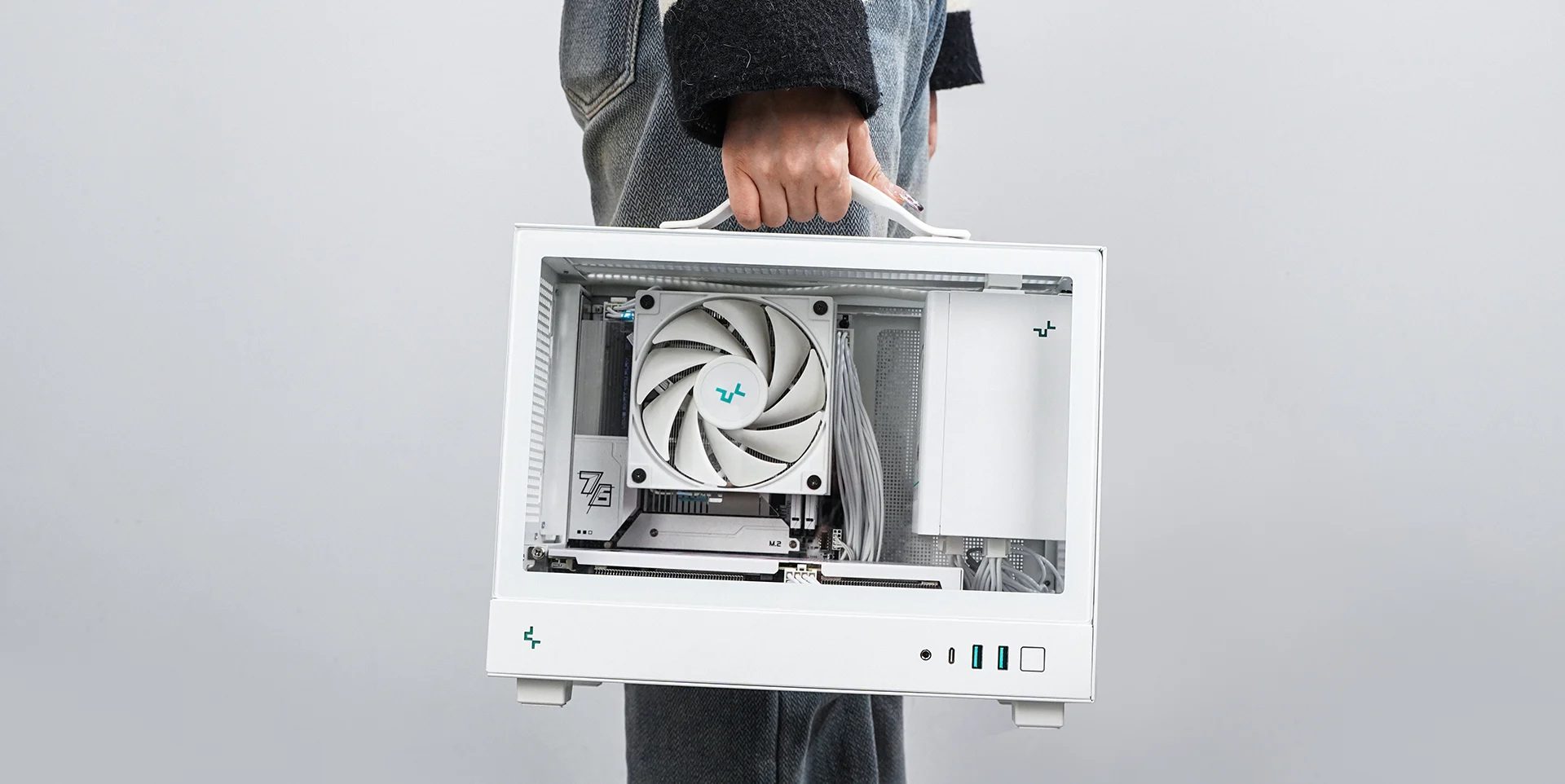
After a bit of digging, I landed on the Deepcool CH160. It’s small, easy to work in, and the best part, it cost me under $50 which is really good value for a case that actually respects your sanity during cable management. It even comes with a neat handle at the top. Notably, Deepcool is banned in the US, so good luck finding one there, but where I live it’s a hidden gem.
The GPU everyone loves to hate, but I bought one anyway
When it came to graphics, I wasn’t aiming for 4K ultra settings bragging rights. Plus in today’s market, tracking down a genuinely powerful GPU at a reasonable price feels like chasing a myth. I just needed something that could handle 1080p and 1440p at 60FPS or more, with the occasional DLSS push for the heavier hitters in my library.
That’s where the Nvidia RTX 4060 came in, specifically, a compact single-fan model from Zotac. Now, I know what you’re thinking: “The 4060? The one everyone roasted when it launched?” Yep, that one.
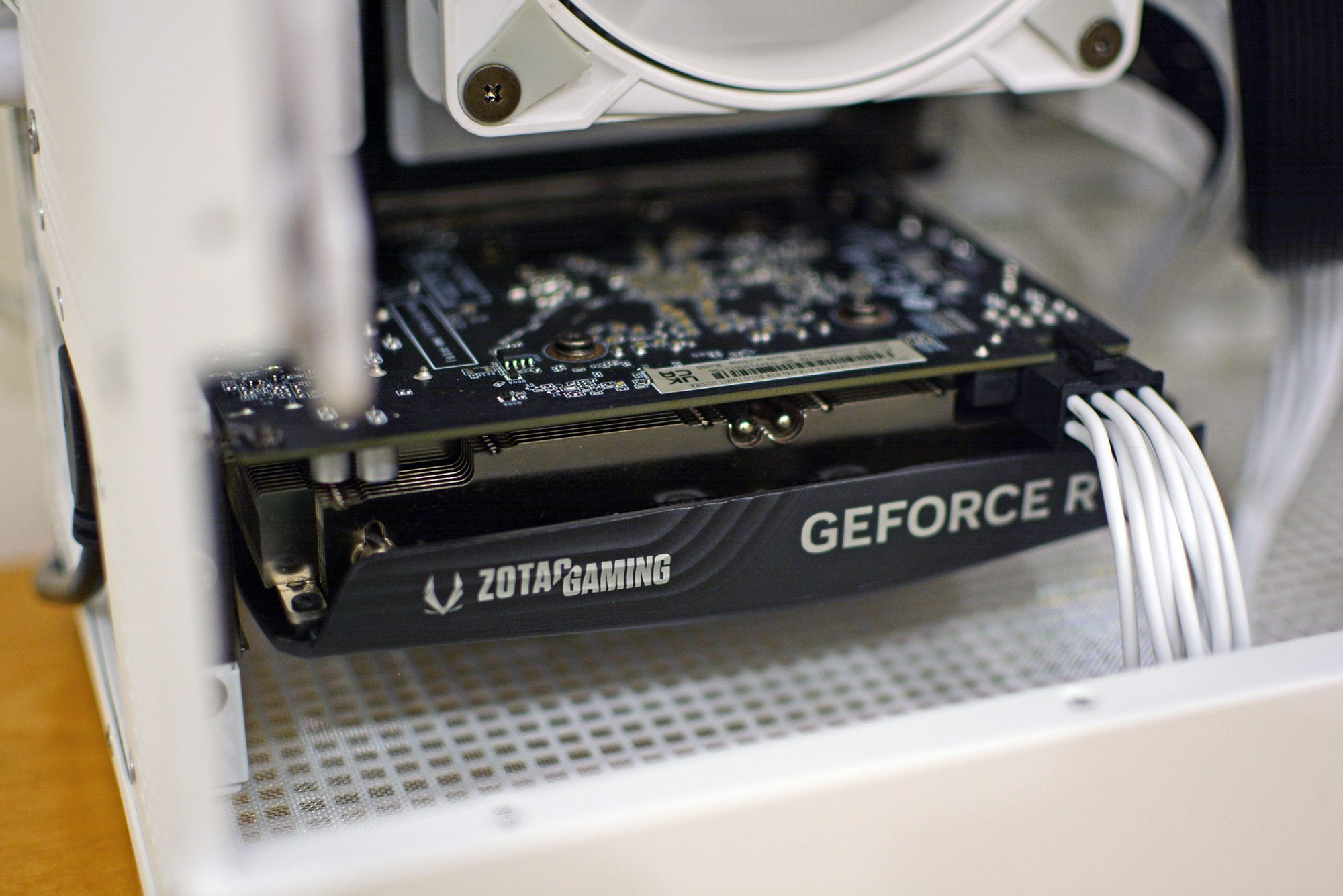
When it hit the shelves, critics slammed it for its narrow memory bus, relatively modest VRAM, and for offering what many saw as only a minor bump over the previous-gen 3060. In fact, even in our review we found the GPU to be quite underwhelming.
What is important to understand here is that context matters. On paper, the RTX 4060 isn’t a record-breaker, but in a small form factor build where efficiency, thermals, and size matter just as much as raw performance, it makes a lot of sense.
It sips power, runs cool and quiet, and in real-world gaming at 1080p or 1440p, it punches far above the internet’s worst takes. Throw in DLSS frame generation, and suddenly it’s handling titles like Cyberpunk 2077 and Star Wars Jedi: Survivor far better than the memes would have you believe. It’s no surprise that the RTX 4060 is also the second most popular discrete GPU on Steam’s hardware survey.
The experience so far
Here’s the thing, my mini console PC has already proven itself. I’ve been lounging on the couch playing games from my Steam, Epic, and Xbox Game Pass libraries without worrying about whether they’re available on a particular platform. I can tweak settings to my liking, install mods, emulate older consoles, and even stream content without juggling multiple boxes or subscriptions.
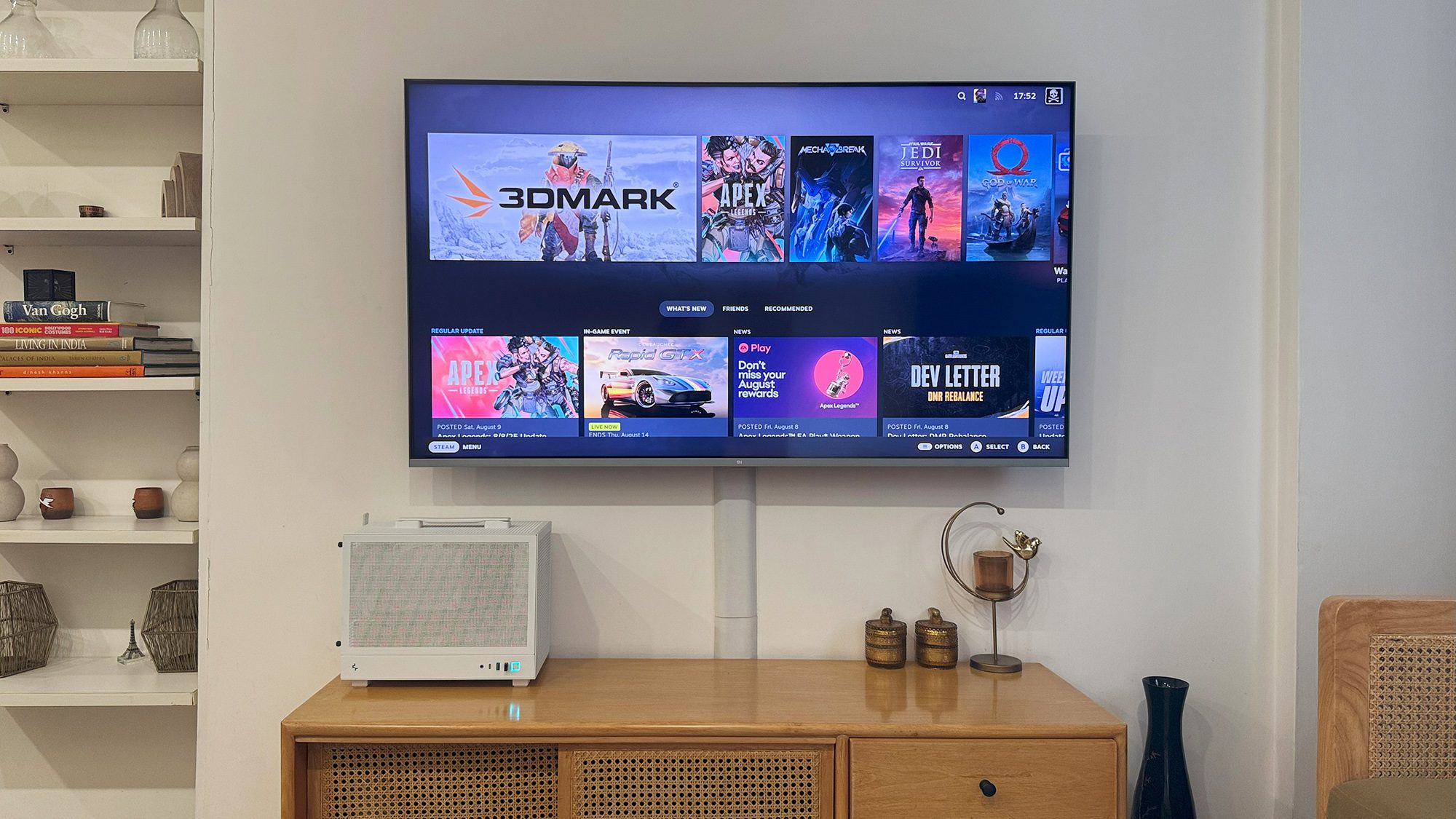
Is it the most powerful PC I’ve ever built? Absolutely not. But that’s not the point. This little box cost me less than a brand-new console and delivers far more versatility. And when I eventually decide it’s time for a GPU upgrade, I don’t need to wait for the next console generation, I can just swap the card.
Why I’m not going back to consoles
If you want a plug-and-play gaming solution, consoles still make sense. But for me, the trade offs are not worth it anymore. Not only do I get cheaper games thanks to sales and discounts, but also the flexibility of customizing my experience, and knowing I can fix or upgrade my system whenever I want.
Building this mini gaming PC wasn’t just a fun project, it was proof that you can have the living room console experience without giving up the flexibility and freedom that make PC gaming so great.
So no, I didn’t need a PlayStation or an Xbox to enjoy couch gaming. All I needed was some spare parts, a budget-friendly case, and a little bit of stubbornness. Honestly, I think that’s a much better deal.


