Apple’s second-generation Vision Pro headset is finally in stores, with the next-gen M5 silicon providing the firepower. This time around, the company has finally addressed the comfort problem, thanks to a new strap that is said to be more comfortable. Arguably, it’s the most advanced XR headset out there with a rich software ecosystem to boot.
The Vision Pro, however, still hasn’t fixed its biggest problems. And if you’re someone who has dreamed of getting work done in an immersive virtual space, there are still a handful of hurdles. Thankfully, the alternative is already here, and it’s better in a lot of meaningful ways — XR glasses.
The device I tried to fill the Vision Pro-sized gap in my life (and the $3,500 deficit in my wallet) is the Viture Luma Pro. This one’s the latest pair of smart glasses from Viture, and they cost $499, roughly seven times cheaper than Apple’s headset. And here’s the fun part. They are better suited for work, at least in my case, than a sleek headset.
The basic fix

There’s a difference between work and recreation. You can wear an XR headset for an hour, or two, at max. After that, the sensory overload gets too much. On top of that, the stress on the cranium is another pain point that you must run into. I tried my luck with the Meta Quest not too long ago, and despite all my ambitions, it’s now eating dust after an initial burst of gaming enthusiasm.
The Vision Pro (despite its comfier makeover in 2025) still grapples with those problems, albeit to a smaller extent. The sensation of being visually cut off from the world around you, alongside the sheer discomfort aspect of wearing a headset that straps to your skull with L-shaped bands on each side, is a little too much.
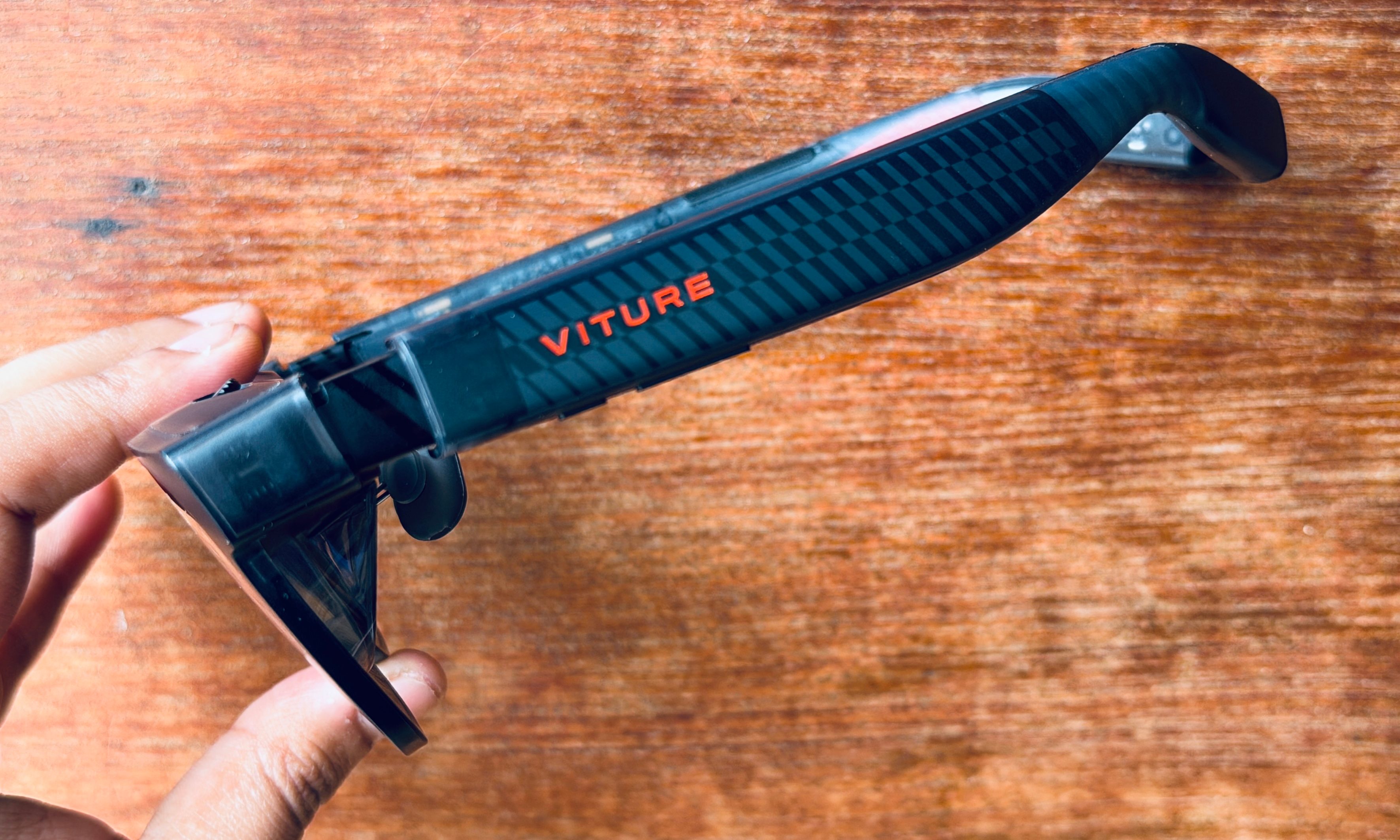
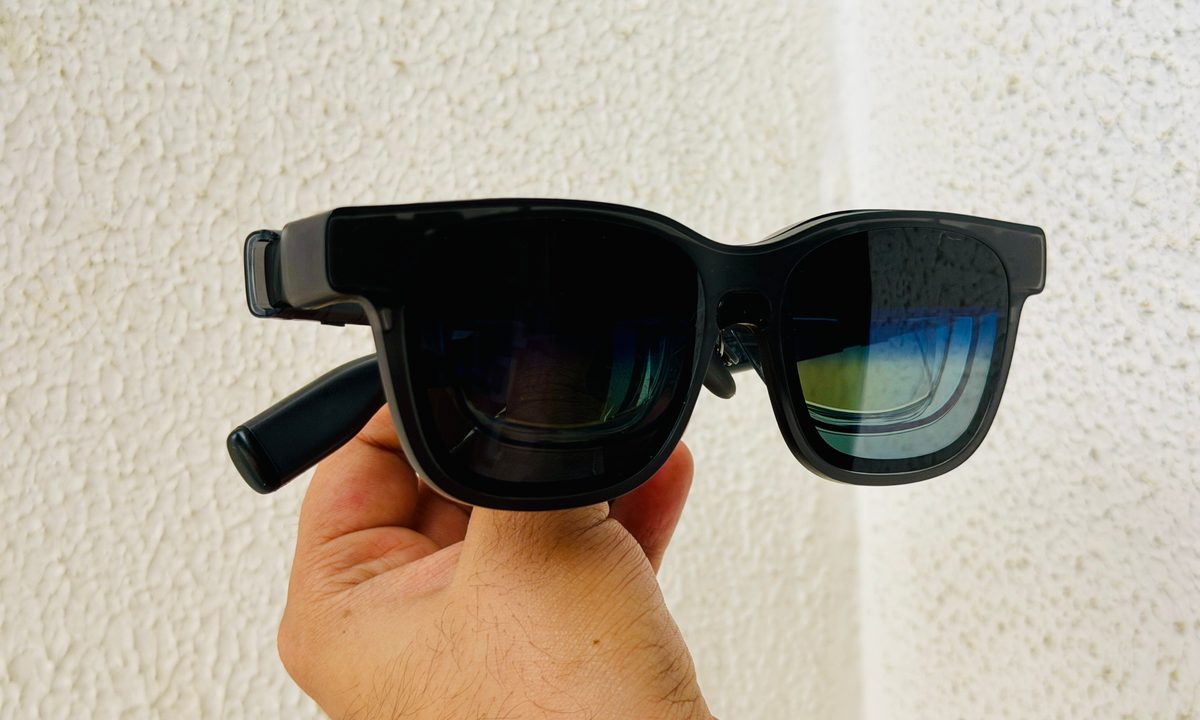
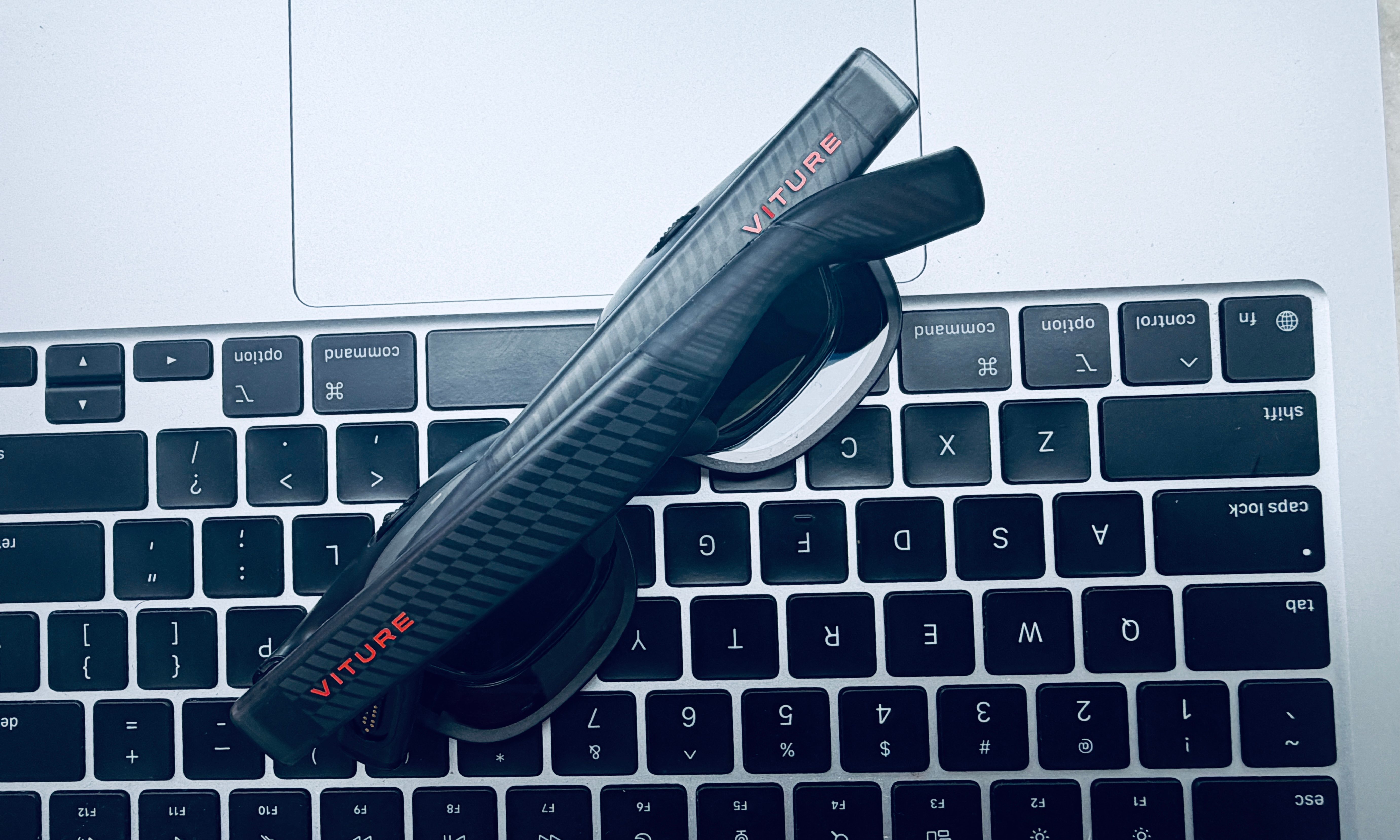
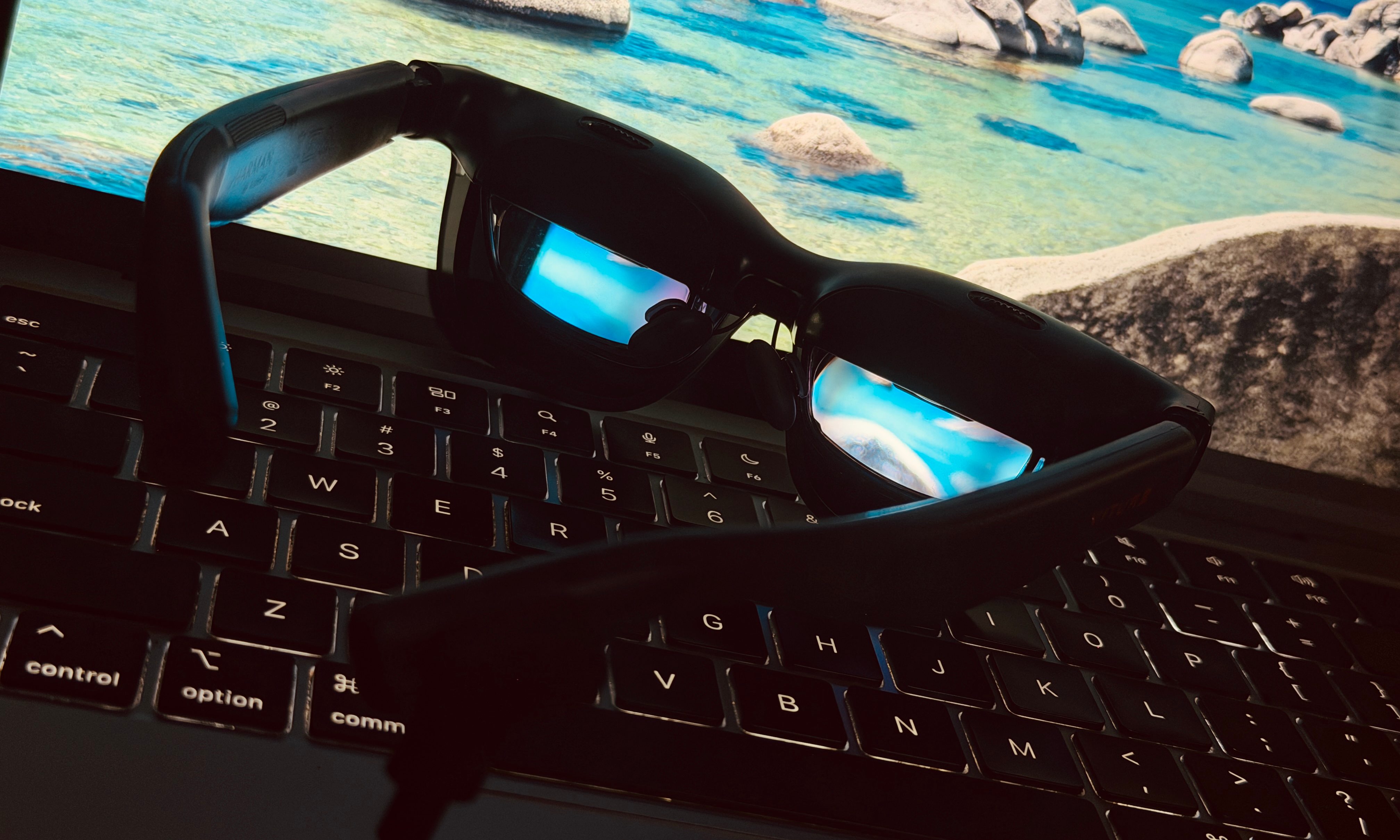
The Luma Pro glasses solve that problem with a lot of pizzazz. From the front, they borrow the Wayfarer aesthetics of the Ray-Bans, while the sides embrace a beautiful translucent look. Most importantly, they aren’t bulky, and you can comfortably wear them — without worrying about looking too out of place in a cafe.
The good news here is that there’s no battery pack involved. You simply plug these glasses into the USB-C port of virtually any phone, tablet, PC, or Mac, and they’ll be ready to go. Touchscreen, mouse, keyboard, or touchpad — these glasses are ready to process all kinds of input, out of the box.
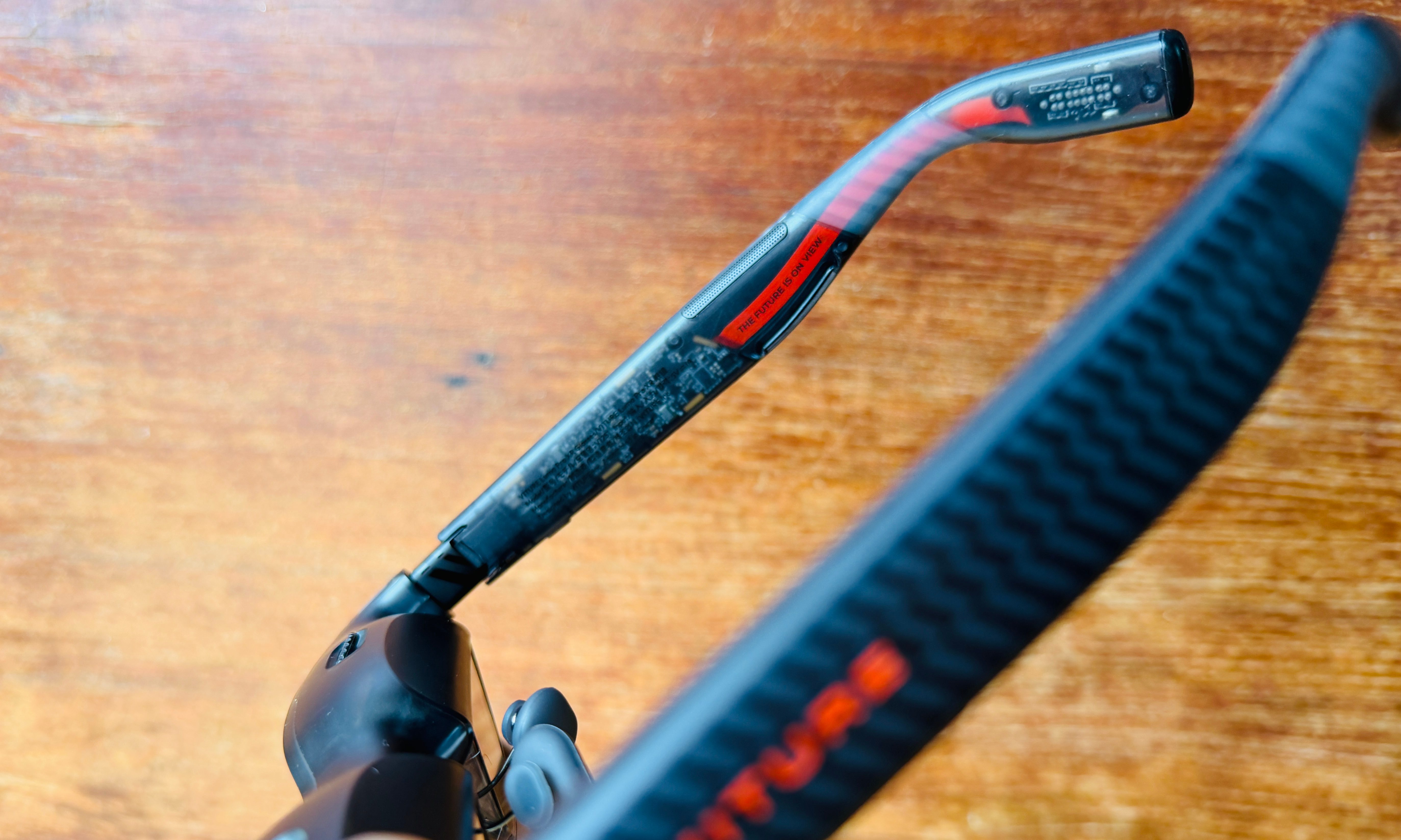

Yet, that’s not even the best part. For any person who wears prescription glasses, XR gear is a massive problem. You either have to wear contact lenses, which are uncomfortable for occasional users, or spend extra cash on custom lens inserts, as is the case with the Vision Pro.
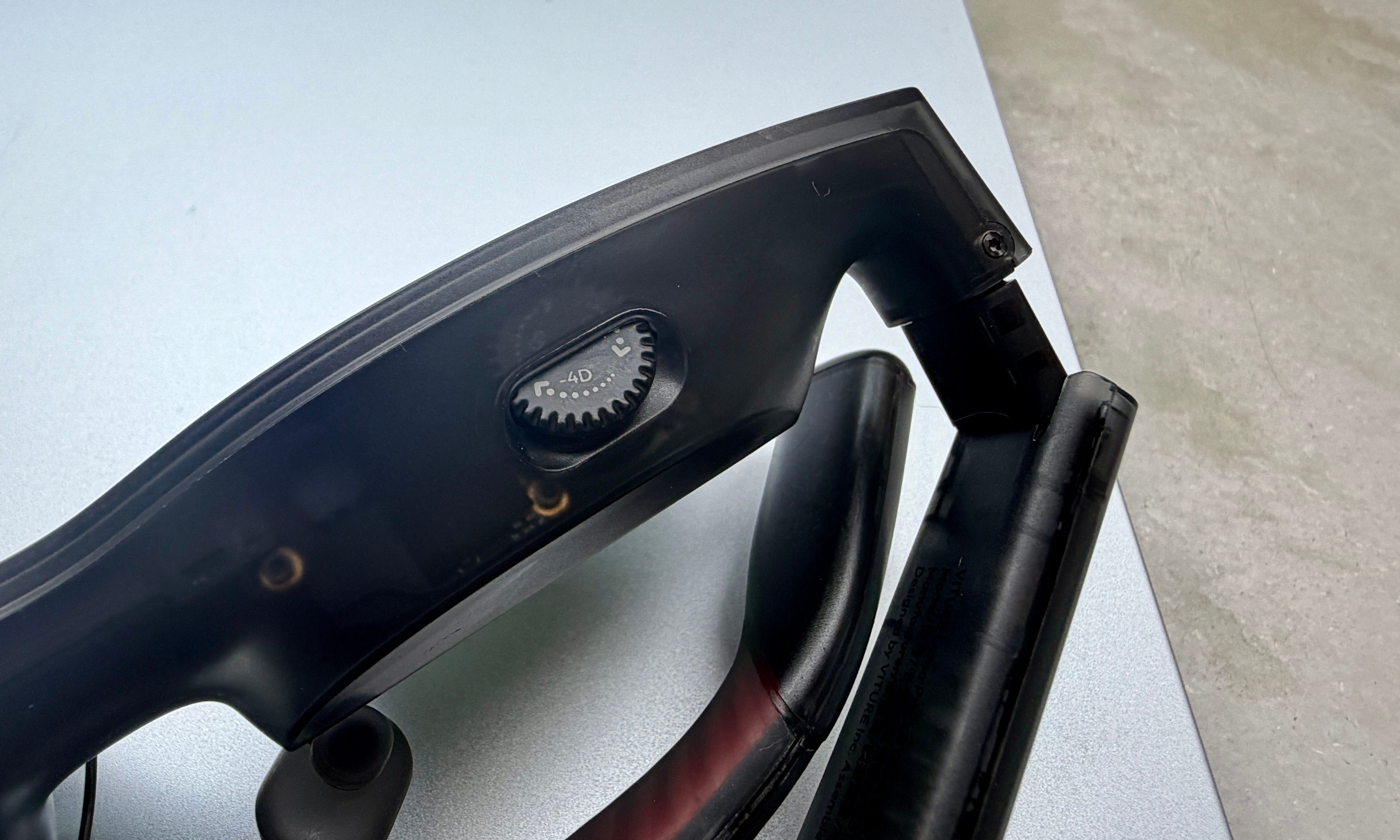
The Viture Luma Pro glasses solve that problem quite ingeniously, thanks to a rotating dial atop each display. These glasses offer myopia adjustment (up to -4D range), and all you have to do is rotate them until you reach the sharpest viewing range for each eye. It’s easy, intuitive, and solves a nagging functional hurdle.
The display experience
The Vision Pro comes fitted with arguably the most advanced optical system on a wearable device out there. But that doesn’t really elevate its appeal for work or entertainment, partially because there’s just not enough spatial content out there, and partly due to the limited platform compatibility.
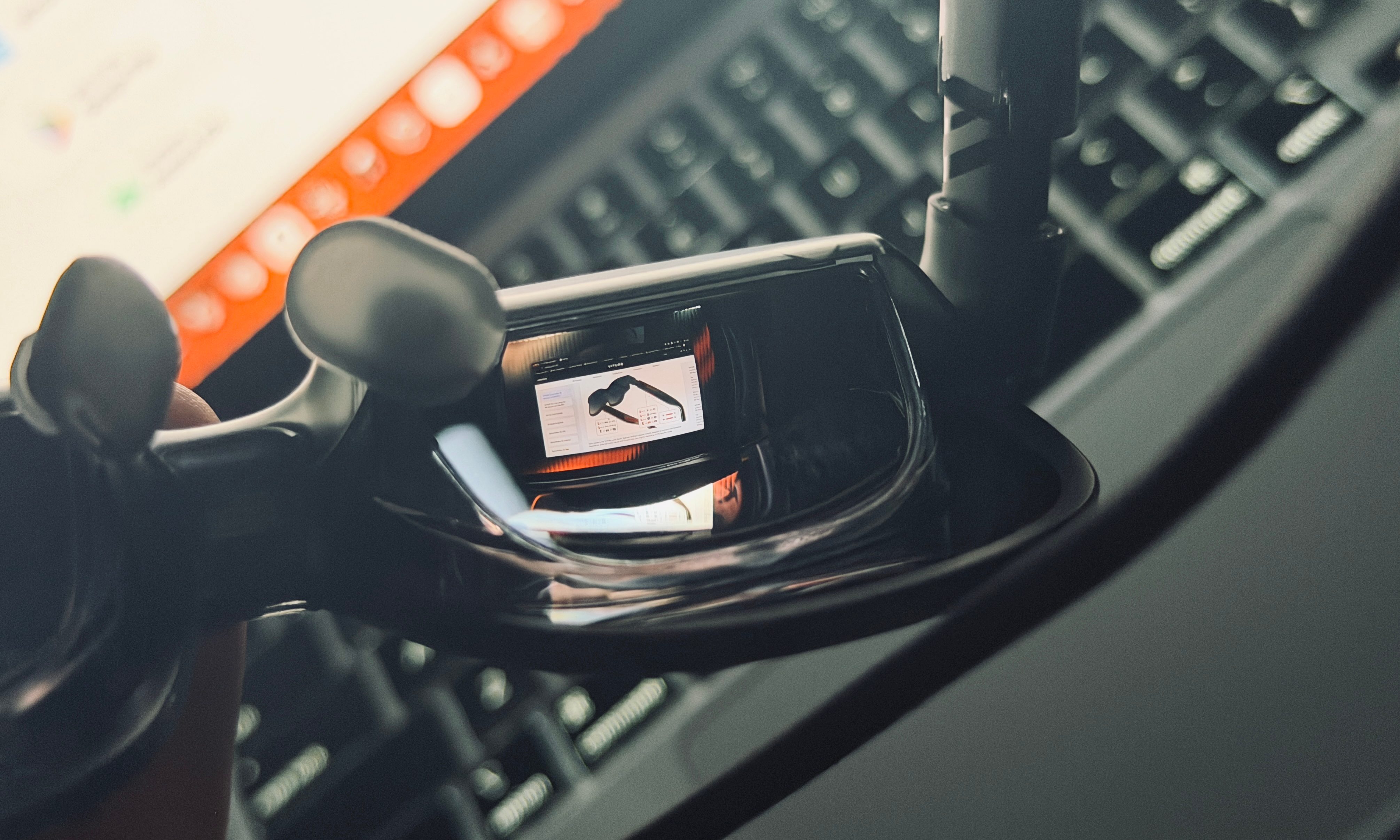
The Viture Pro Luma Pro glasses aren’t bad. Far from it, actually. The Sony micro OLED display units are enough to get work done. The net resolution comes in at 3840 x 1200 pixels, while the per-eye resolution stands at 1920 x 1200. That’s slightly above Full-HD, though Viture markets it as 1200p.
The field of view stands at 52 degrees, while the brightness climbs all the way up to a respectable 1,000 nits. There are nine levels of brightness controls, and for maximum immersion, you also get an electrochromic display. The tinted lenses covering the display units do a fairly good job of blocking ambient light, even in well-lit rooms.
You can still see a remnant of bright light sources, especially in the peripheral vision area. For such scenarios, the glass lens features an electrochromic film, the kind you see in a few high-end cars. With a single button click, you can adjust the level of light that can pass through.
Combined with a sufficiently high brightness output, acceptable per-eye resolution, and support for 120Hz refresh rate, the Viture Luma Pro glasses offer a screen that is good enough for most computing chores, and content streaming, as well. There’s a neat trick for the latter, as well.
With a long-press on the right temple button, you can instantly go from 2D to 3D mode. There’s a bit of jitter while watching 3D videos, but only if you observe too closely. For the occasional 3D film indulgence, it gets the job done. The onboard speakers also do a fairly good job as part of a cohesive audiovisual wearable kit.
The work part
My favorite part about the Viture Luma Pro glasses is their plug-and-play approach. When I connected them to my iPad Pro and MacBook, the onboard display units instantly jumped into Stage Manager mode as a secondary screen. By default, you get the equivalent of a 152-inch screen on a flat canvas.

If a sole external display is all you need, just plug the glasses into the USB-C port of your Mac, iPad, Android tablet, or Windows machine — and you’re good to go. Apple, on the other hand, limits the Vision Pro to its own ecosystem, expectedly. But the real fun begins with spatial computing.

To that end, you can install the Space Walker app on your devices, and experience working with multiple floating screens in space. You can work across up to three massive virtual screens, arranged side by side or stacked vertically atop each other. I preferred the single curved panoramic canvas that can easily accommodate four app windows at once.

In the Space Walker app, you get full 6 DoF control, which means you can control the movement of the virtual screens across all three axes in six directions. For work, I usually turn off the head-tracking and lock the screen movement in at least two directions.
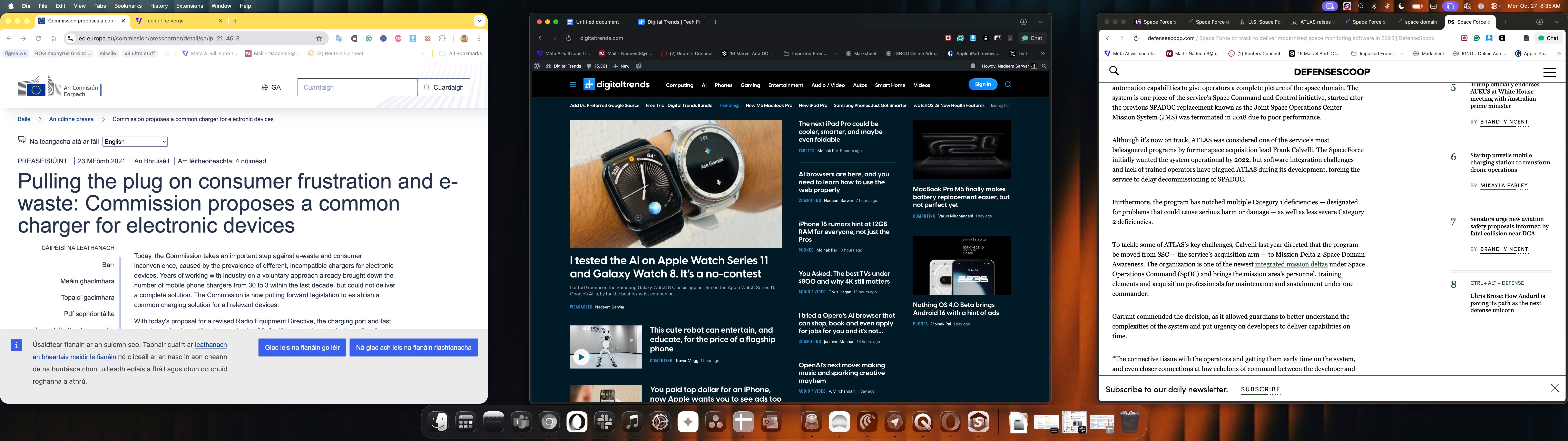
For maximum comfort, I enabled the built-in system for reducing motion blur to avoid the shimmer artifacts that appear, especially on the text as you move from one window to the next. Once you’ve found the comfort zone with the right head-tracked combination and perceived screen distance, working across multiple virtual windows with the Viture Luma Pro glasses is a breeze.

Overall, Viture has done a fantastic job with the Luma Pro XR glasses. But more importantly, they emerge as a far more comfortable, versatile, and affordable alternative to the Vision Pro headset. An alternative that can handle both productivity and play with ease — and look cool while at it.
For a person like me, who lives out of his suitcase and spends most of his days in a cafe or co-working space, the Luma Pro glasses hit the right balance between productivity, fun, and affordability. And in a few crucial ways, they surpass even Apple’s pricey headset at getting meaningful work done.