I have always treated desk lighting like an afterthought. Up until recently, I was completely unaware of how big a difference a proper lighting setup makes. If the room was too dark, I turned on a lamp. Working in a dimly lit room? Just turn down the brightness. And after my eyes got tired after hours of writing, gaming, or editing, the easy blame went to the screen I was staring at.
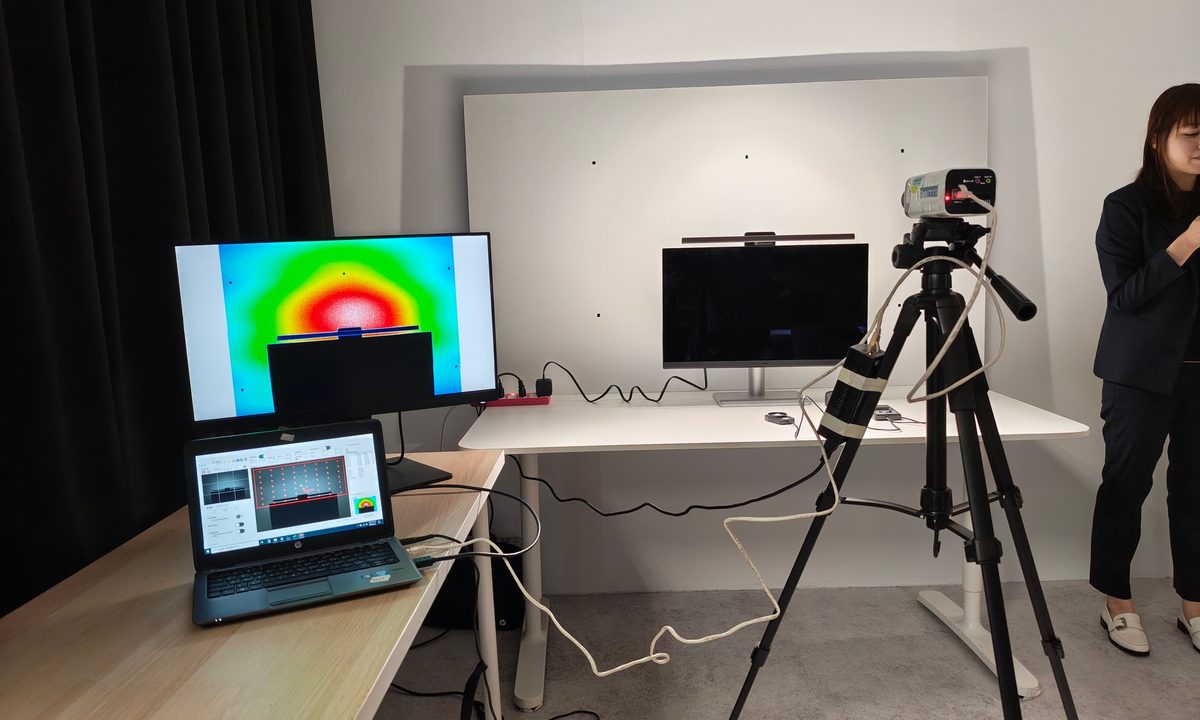
Then I visited BenQ’s lighting lab in Taiwan (during Computex 2026) and my entire desk setup started looking suspiciously lazy. The funny thing is that monitor light bars never looked like an essential piece of gear to me. I’m sure you have come across those really clean desktop setups online–one where there’s no big lamp base but a simple light bar sitting above the monitor adding a premium glow. It paints a very particular picture about a workstation that some creative professionals use.
But I do not think of them as something built around an actual problem. BenQ clearly does. The company’s ScreenBar line is built around a simple idea, which is that your monitor is not the only thing your eyes are dealing with. The brightness of the screen and the darkness around it, and even the glare on the panel or the uneven lighting on your desk. Everything matters! Once someone explains that properly inside a lab, the usual “just put a light lamp” quickly starts feeling like a ridiculous solution.
The problem was all around my room, not just my monitor
The big realization for me was that bad desk lighting does not always look bad. My setup at home is functional enough. It is simple, efficient, fine for me. And that was the issue because Fine was just doing a lot of work there. Taking a tour around BenQ’s Lab, it quickly became apparent that there are a lot more problems, including contrast. A bright monitor in a dim room forces your eyes to keep adjusting between the screen and everything around it. A regular desk lamp can fix part of the darkness, but it can also create glare, uneven patches of light, intense reflections, or harsh shadows.

BenQ’s answer with ScreenBar Halo 2 is more deliberate. The light sits on top of the monitor and uses asymmetric lighting to throw light onto the desk without blasting the screen. The rear light also helps soften the contrast between the display and the wall behind it. So what ends up happening is that the whole screen environment becomes easier for your eyes rather than just becoming prettier for your desk setup.
ScreenBar Halo 2 is the modern solution
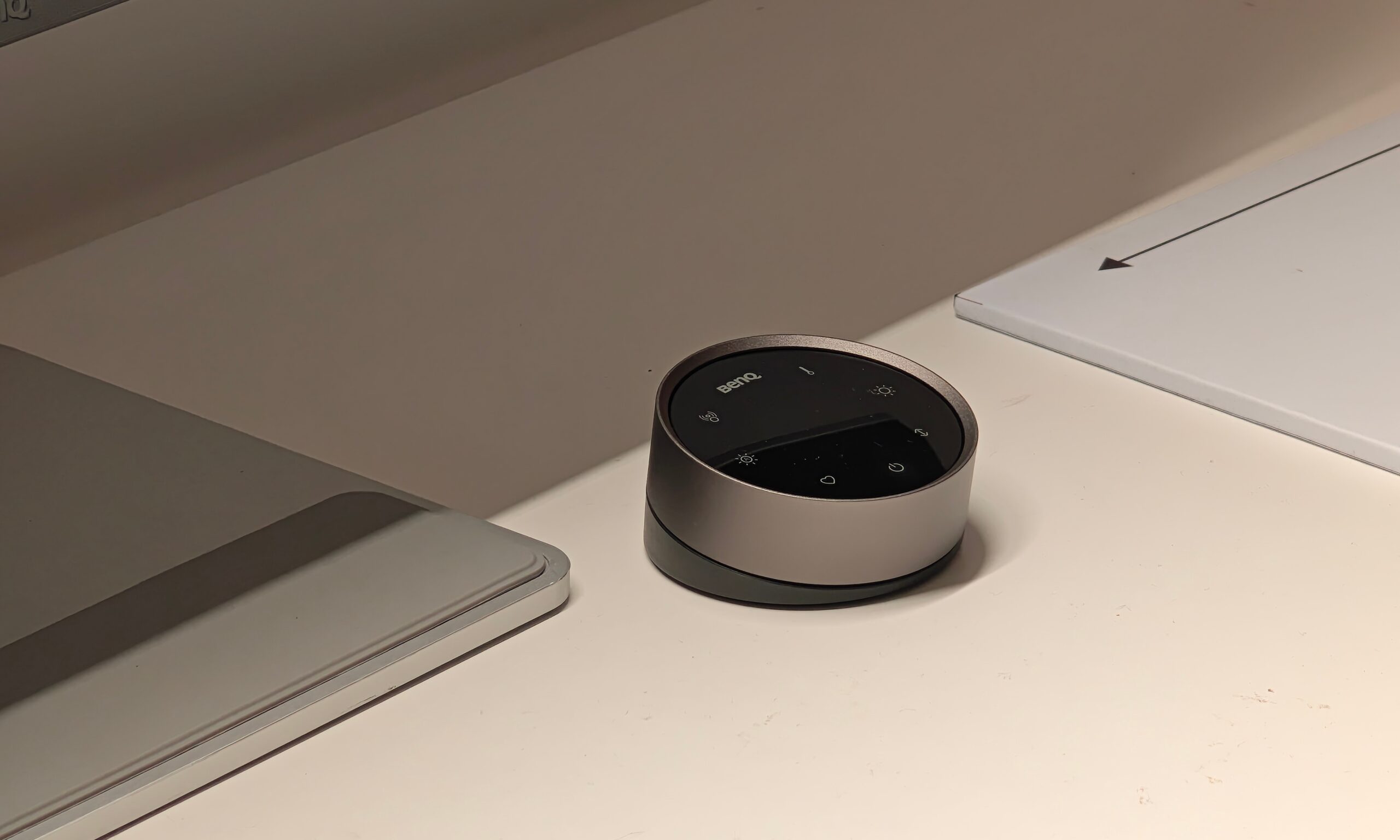
The ScreenBar Halo 2 is the kind of product that sounds over-engineered until you see the thought process behind it. It has front lighting for the desk, rear illumination for the area behind the monitor, adjustable brightness and color temperature, and a wireless controller so you are not fiddling with awkward buttons above your screen. For many, a lamp throwing light onto the desk feels like the simple answer. But I do not want that light bouncing off the monitor or messing with what I am seeing on screen.
BenQ’s approach here is more deliberate. A tool built by people who are obsessed over the boring details, solving the invisible problems one would have. This is not just a fancy accessory or add-on.
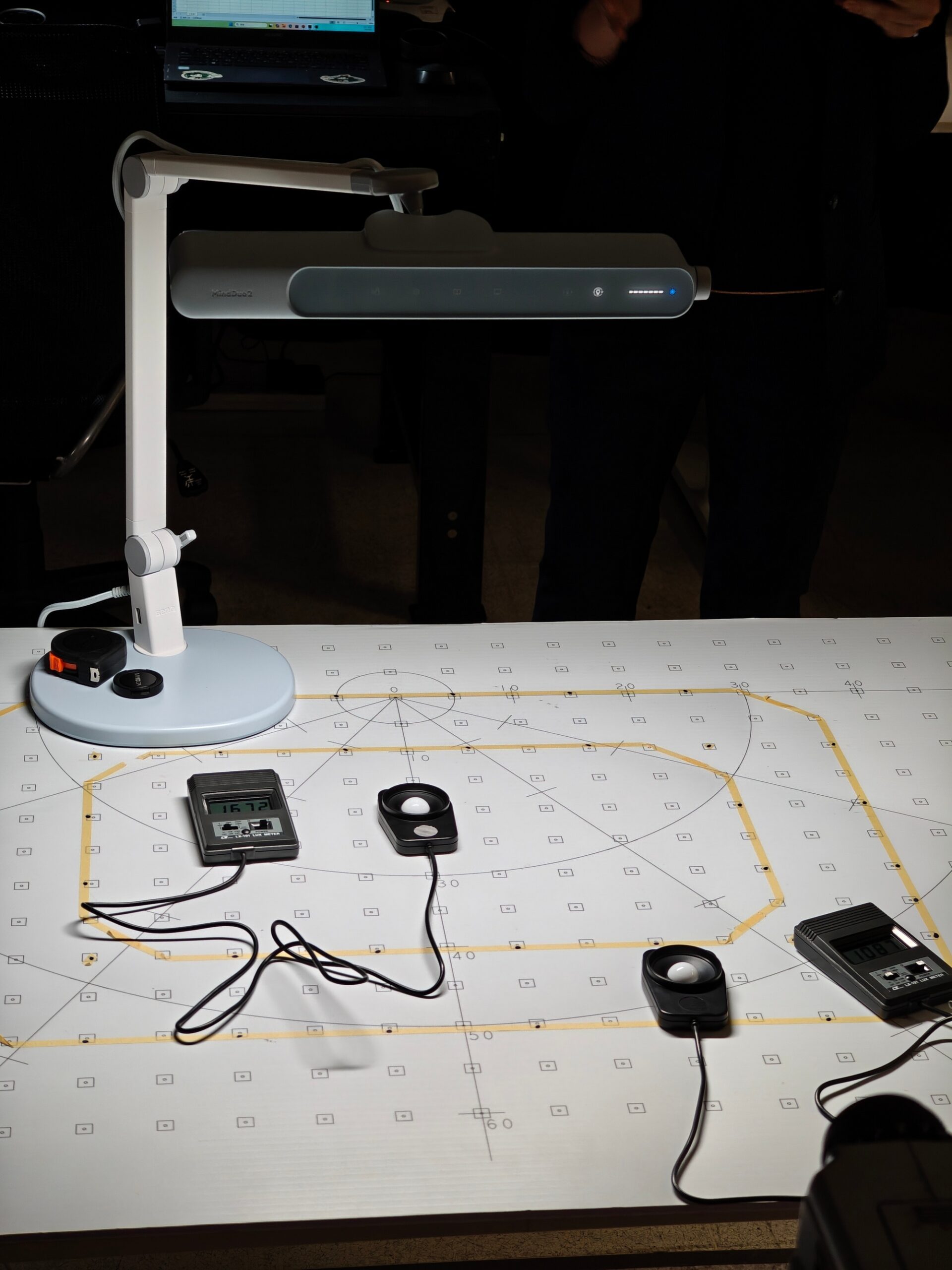
One example is BenQ’s ASYM-Light optical design, which uses an asymmetrical reflector to push light forward onto the desk instead of straight down toward the display, allowing for illumination of the workspace while minimizing screen glare. BenQ also spends considerable effort tuning beam angles and light distribution so the center of the desk is not overly bright while the edges fall into shadow.

During the lab tour, engineers demonstrated how they measure illuminance across different desk zones to achieve more uniform coverage. There are other technical considerations that are easy to overlook. BenQ evaluates color rendering performance so objects on the desk appear natural rather than washed out, and it tests for flicker and visual comfort during extended use. None of these details make for flashy marketing, but together they explain why a monitor light exists once you experience it.
The best lighting disappears into your routine
All of this became even clearer during my conversation with JC Pan, Head of Digital Lifestyle Product Business Unit at BenQ. Pan told me he usually tests new ScreenBar prototypes at his own desk for about two weeks. But when engineers take the prototype away for more testing, he said the missing light becomes immediately noticeable. The comfort disappears and the desk suddenly feels wrong. Getting back into your zone becomes harder. This is the part that is harder to explain on a spec sheet.
It is lighting that understands context. The way you work in the morning is not the same as how you use your desk at night. You might be deep in writing or editing during the day, then watching YouTube, gaming, or taking a video call later. Pan’s vision is for lighting that moves naturally with your day, adjusting brightness, color temperature, and distribution based on what you are actually doing.

That also ties into BenQ’s larger display work. For designers and creators, lighting is not only about comfort. It can affect how physical colors look next to what is on a calibrated monitor. If you are matching a fabric sample to a digital design, you cannot drag your monitor to a window and hope for the best. The desk itself has to become a more controlled environment, which is exactly what professionals need.
I went into BenQ’s lighting lab thinking monitor light bars were just nice-to-have accessories. Now, I am looking forward to reviewing the ScreenBar Halo 2. So definitely stick around for that one.