  1. Home
  2. Computing
  3. News

Digital Trends may earn a commission when you buy through links on our site. Why trust us?

Microsoft 365 Copilot gets an AI Researcher that everyone will love

Add as a preferred source on Google
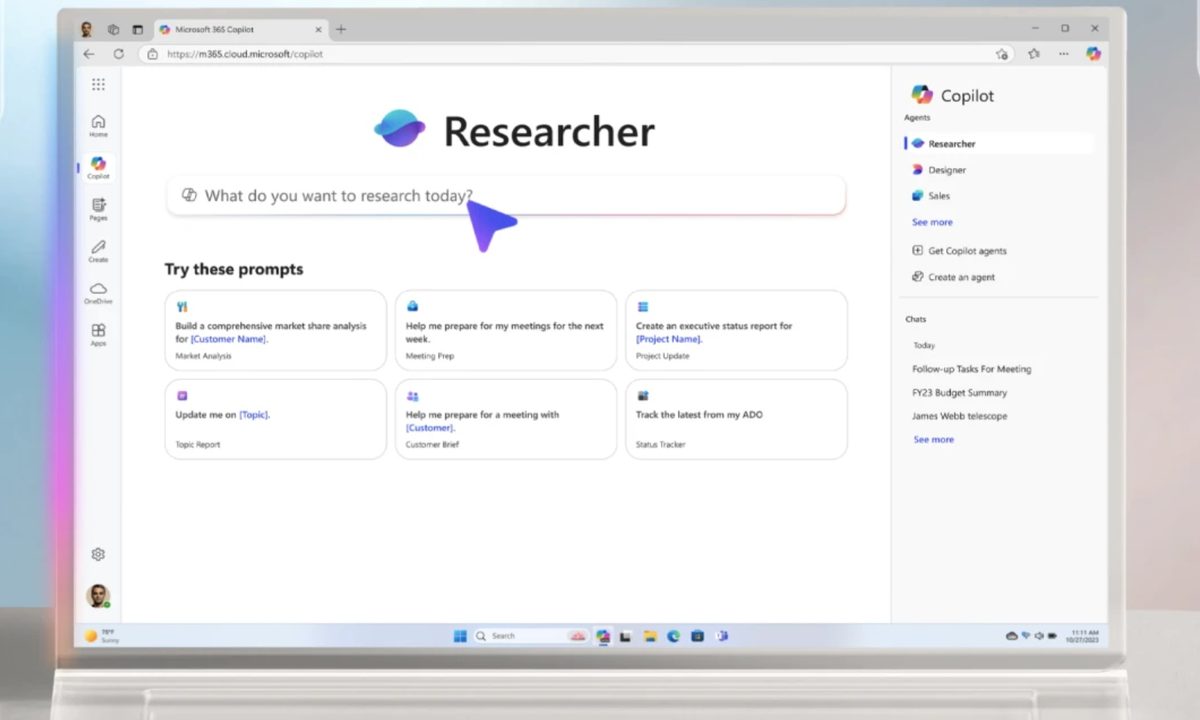
Researcher agent in action inside Microsoft 365 Copilot app.
Microsoft

Microsoft is late to the party, but it is finally bringing a deep research tool of its own to the Microsoft 365 Copilot platform across the web, mobile, and desktop. Unlike competitors such as Google Gemini, Perplexity, or OpenAI’s ChatGPT, all of which use the Deep Research name, Microsoft is going with the Researcher agent branding.

The overarching idea, however, isn’t too different. You tell the Copilot AI to come up with thoroughly researched material on a certain topic or create an action plan, and it will oblige by producing a detailed document that would otherwise take hours of human research and compilation. It’s all about performing complex, multi-step research on your behalf as an autonomous AI agent.

Recommended Videos

Just to avoid any confusion early on, Microsoft 365 Copilot is essentially the rebranded version of the erstwhile Microsoft 365 (Office) app. It is different from the standalone Copilot app, which is more like a general purpose AI chatbot application.

Researcher: A reasoning agent in Microsoft 365 Copilot

How Researcher agent works?

Underneath the Researcher agent, however, is OpenAI’s Deep Research model. But this is not a simple rip-off. Instead, the feature’s implementation in Microsoft 365 Copilot runs far deeper than the competition. That’s primarily because it can look at your own material, or a business’ internal data, as well.

Instead of pulling information solely from the internet, the Researcher agent can also take a look at internal documents such as emails, chats, internal meeting logs, calendars, transcripts, and shared documents. It can also reference data from external sources such as Salesforce, as well as other custom agents that are in use at a company.

“Researcher’s intelligence to reason and connect the dots leads to magical moments,” claims Microsoft. Researcher agent can be configured by users to reference data from the web, local files, meeting recordings, emails, chats, and sales agent, on an individual basis — all of them, or just a select few.

Why it stands out?
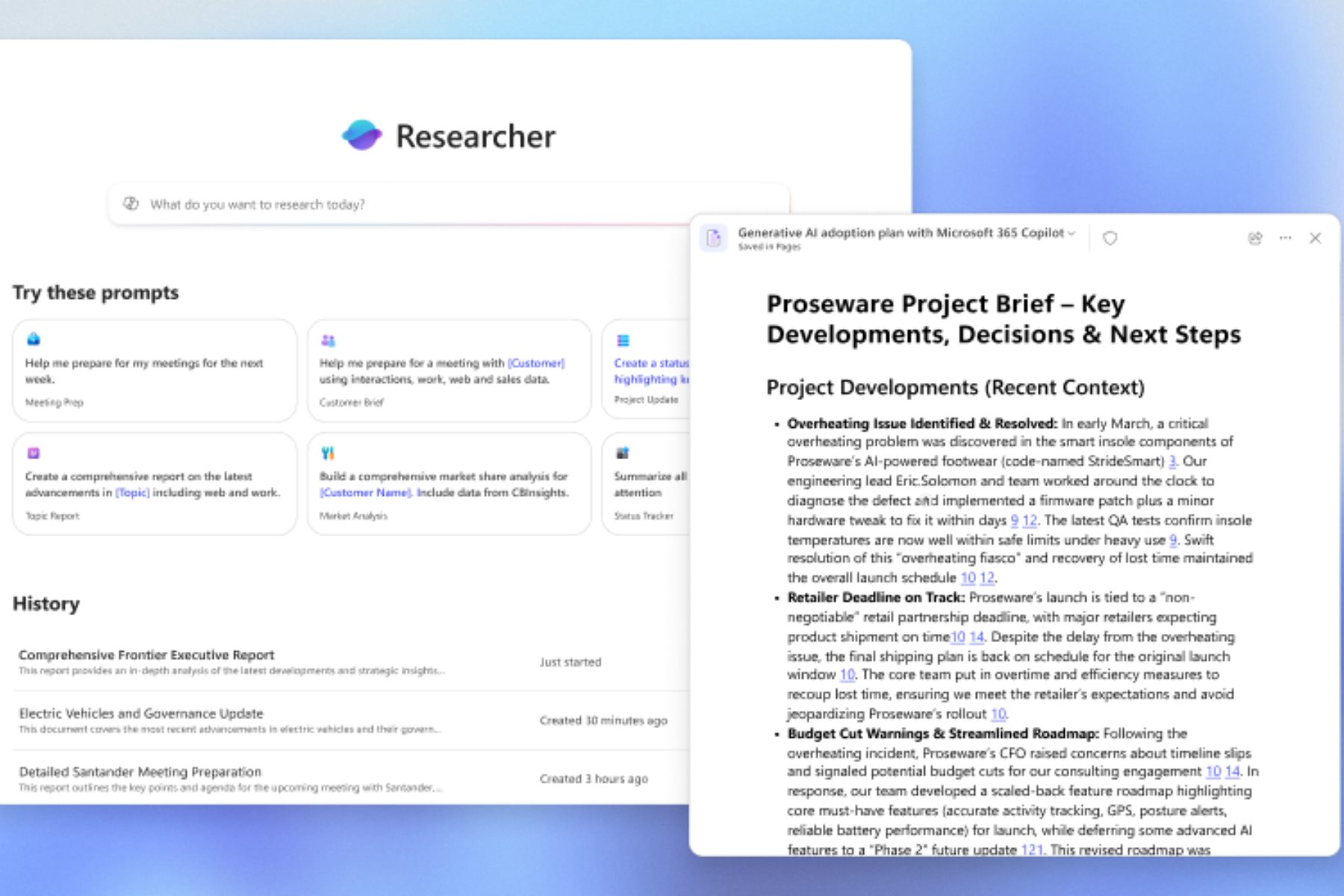
Input and output linked to Microsoft Researcher agent.
Microsoft

The overall idea is to create a research tool that can create detailed plans on external data available on the web, as well as the internal company material. For businesses, that’s a huge relief. Microsoft already has tens of thousands of enterprises that have created their bespoke AI agents to automate internal work using the Copilot Studio tool.

“It leverages the enterprise knowledge graph to integrate user and organizational context, including details about people, projects, products, and the unique interplay of these entities within the user’s work,” says the company. During early tests, Microsoft claims the Researcher agent saved 6-8 hours on a weekly basis for selected adopters.

Access to Researcher will first start rolling out to Microsoft 365 Copilot customers in April. It will be released as part of a new Frontier program that gives early access to new Copilot tools, somewhat like the Insider Preview program for beta testing Windows OS.

Nadeem Sarwar
Nadeem is the Managing Editor at Digital Trends.
In a market where Mac has been aspirational, it’s somehow a better deal than windows machines now
Windows Laptops became so expensive that MacBooks look sensible now
Computer, Electronics, Laptop

For a long time, the laptop buying advice was simple enough. Windows had a more versatile portfolio that brought you affordable, mid-range, high-end, and even gaming options, while MacBooks were known as the easy premium recommendation.

But owing to the pricing circus caused by memory shortages and component price hikes, the equation makes no sense anymore.

Read more
HP’s new RTX 5070 laptop feels like the sweet spot between thin and bulky
The new HyperX Omen 15 combines AMD and Intel and targets portability without fully sacrificing performance.
HP HyperX OMEN 15 Gaming Laptop

Modern gaming laptops have largely drifted toward two extremes lately: massive 16-inch and 18-inch desktop replacements, or ultra-compact 14-inch machines that still feel slightly cramped for serious gaming sessions. That’s exactly why HP’s new HyperX Omen 15 feels refreshing, because it brings back the familiar 15-inch gaming laptop formula with a chassis that still feels portable without sacrificing proper gaming hardware underneath.

HP’s compact HyperX Omen 15 packs RTX 5070 graphics with AMD and Intel options

Read more
Corsair is putting Chinese RAM in mainstream market. It won’t quite end the crisis though
A cheaper DDR5 supplier could shake up the market, but it is not a magic fix
Samsung DDR4 RAM in hand

After months of painfully expensive RAM and SSD prices, the memory market may finally be showing signs of pressure from an unexpected direction: China. New reports suggest that Chinese memory manufacturers are rapidly expanding production of DRAM and NAND chips, and that major hardware brands are starting to take notice. The most notable example so far is Corsair, which has reportedly tested DDR5 memory modules using chips from Chinese DRAM giant ChangXin Memory Technologies, better known as CXMT.

This feels inevitable. Memory prices have remained frustratingly high across PCs, laptops, and storage devices for months. So when Chinese suppliers began offering RAM at nearly half the cost of some global competitors, manufacturers were always going to at least explore the option. According to market reports, some CXMT DDR5 modules are reportedly being sold near the $150 range, while equivalent products from larger global suppliers can hover between $300 and $400.

Read more
