
Almost a year ago, Microsoft shook up the computing world. But, it wasn’t with a phone, tablet, or PC.
The company announced that it would release a new web browser based on Google’s open-source Chromium engine, the same one that powers Google Chrome. In the months proceeding, the public was invited to get involved and download test the browser from one of many different “channels.”
Like many others, I tested the browser — and now the new Microsoft Edge has finally exited beta and is available for download on Windows 10, 7, 8, and even Mac.
Coming from Google Chrome and old versions of Edge as my main browsers for the past year, I had high expectations for the new Edge. Even though there’s still room for improvement, the official launch shows that Edge is finally worth paying attention to.
Improved performance
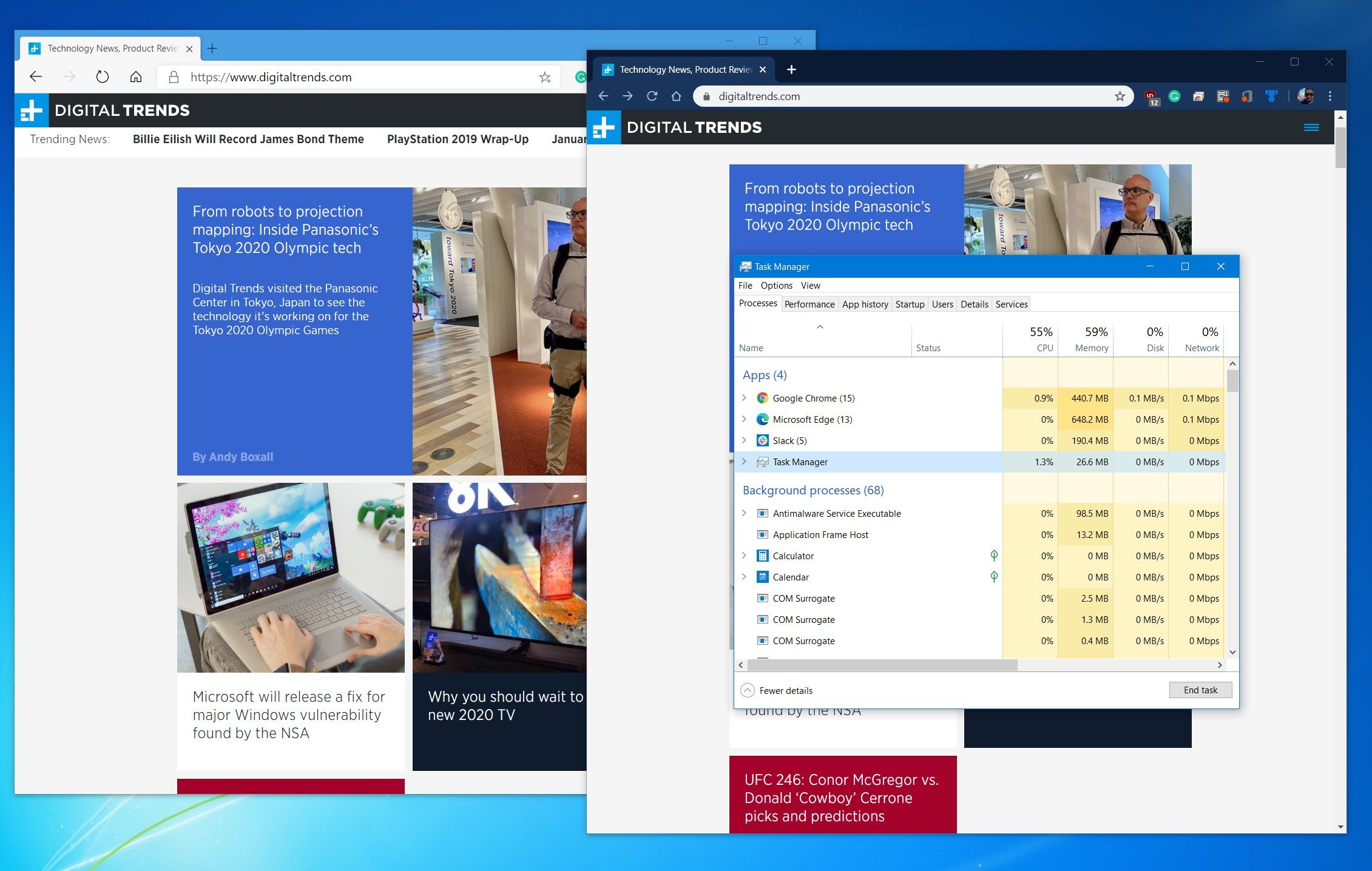
Google Chrome used to be known as the light and fast option. But it’s bogged down over the years, and Safari and Firefox can be sluggish too if you’re not careful. The new Microsoft Edge is different; it’s one of the fastest browsers yet. There’s no perceivable lag, and this is the biggest reason you should switch to it.
When we first tested it, we found that it was faster than old Edge and less taxing on the CPU than Chrome. That’s still true.
In fact, in Basemark 3.0 benchmark testing, the browser held up quite well. It scores a total of 639 in this simulated testing. Put up against old Edge (313) Firefox (503) Chrome (671) and Opera (691), it’s right up there against the very fastest. The lead it has on Firefox and the old Edge are particularly noticeable. That’s the strength of the Chromium engine flexing its muscles.
A clean, easy to understand interface
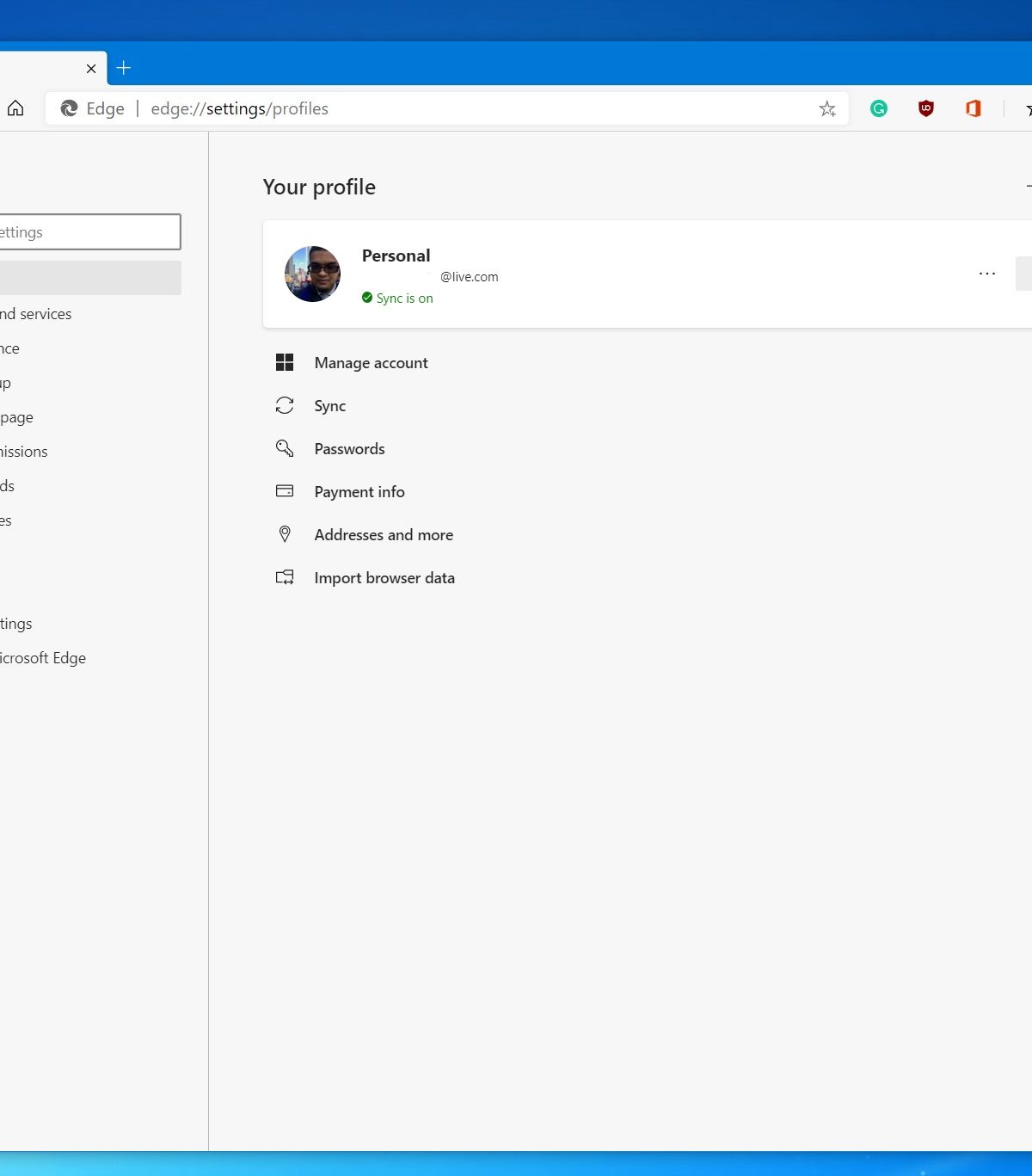
When web browsing, you spend most of your time going through menus, clicking buttons, and scrolling. Much like Google Chrome, this is one of the areas where the new Microsoft Edge is best.
While the original Microsoft Edge browser features acrylic-looking effects and highlights throughout the experience, the new Chromium version of Edge removes that. Coming from Chrome, I felt right at home. It even has rounded corners and drop shadow effects. It’s simple and beautiful, without feeling like a copycat.
The menus are also easy to understand and all the items I need to control and customize my web browsing experience are front and center. Similar to Chrome, with the click of a button, one menu gives you easy to understand visual cues of browser functions. Favorites, InPrivate windows — it’s all here. There are even icons to point out which function does what.
Plus, just like Chrome, the browser settings menu is easy to read, with one bar on the left for main settings and a universal search bar to help you find other settings like clearing the cache. It couldn’t get any easier.
Customizing your experience
Like Chrome, Firefox, and Safari, the new Edge imported all my browsing settings when I first installed it. Once that was done, there is plenty to amaze. Unlike old Edge, there is now more than one way to customize the look of the browser.
There are a few themes — Focused, Inspirational, and Custom. With Focused, you just see your top links and a search bar. In Inspirational, you’ll get a new image on the tab page each day from Bing. Finally, with Informational, you’ll get a look at a customized news feed. I really liked the Inspirational look, as the new Edge currently lacks theme support from Google Chrome, and this gives the new tab page a different look during every day of the week.
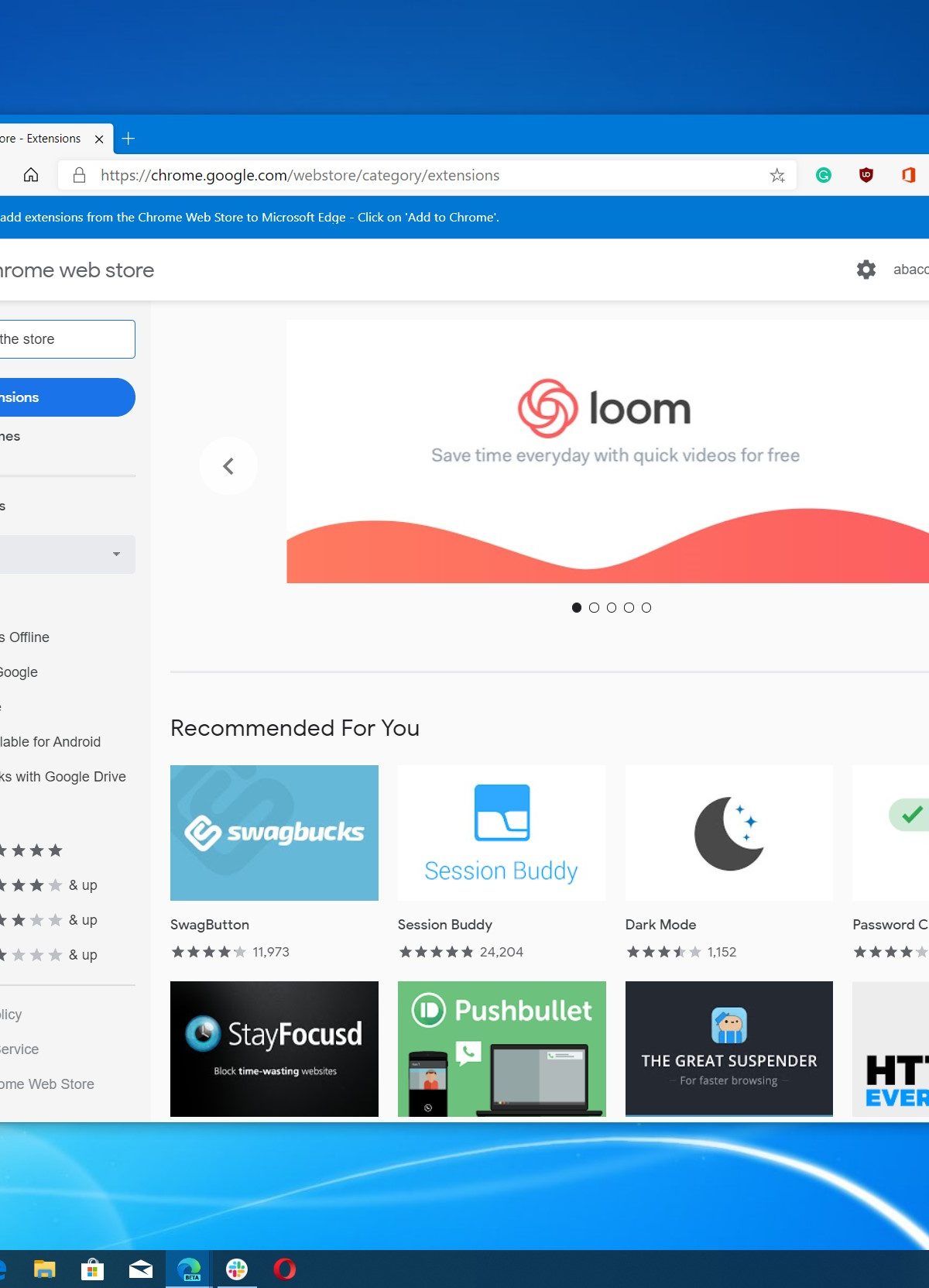
Coming from Chrome, there’s also another area of new Edge that I love, and you might too: extensions. Previously, in the old Microsoft Edge, you were limited to downloading extensions from the Microsoft Store in Windows 10. That would be similar to how you currently need to download extensions for Safari from the Mac App store.
Now, in the new Edge, you have access to all the same extensions in the Google Chrome Store. It’s easier to access, and you’ll find extensions like Grammarly, Ublock Origin, and much more. It’s great to see more choice in the new Edge, as even Firefox long had its own collection of extensions.
There’s also a neat “Collections” feature in the new Microsoft Edge too. With this, you’re able to click a button and quickly gather a list of webpages in one central hub right inside the browser. It’s plenty useful for writers and makes recalling older webpages much easier.
Still some room for improvement
At the end of the day, Microsoft’s new Edge browser feels great, and it’s finally ready to compete with the very best.
But, there’s still quite aways to go. Even after its official release, Microsoft will continue to tweak the experience of this new Edge browser, and there are some features that are still missing. Some are holdovers from the old Edge browser, such as an ability to ink on web pages and the Set Tabs aside feature.
I’d also love to see web browsing activities sync up between phone and PC, as well as the ability to send a webpage from a phone to a PC. These are two things that Chrome does well, and if you switch, you should be aware of their absence.
More than anything, Edge doesn’t currently have a killer feature — something must-have that Chrome and Safari users will leave for. Instead, Microsoft has focused on the fundamentals. That doesn’t make for the flashiest entrance, but it’s now as dependable and fast as any of its competitors.


