
We’ve already learned quite a bit about the Vision Pro since Apple’s WWDC event, but many details are still unknown.
Now that the software developers kit (SDK) is available, coders are digging in and uncovering more about Apple’s first mixed-reality headset. Here are some of the best finds so far.
Limited VR range
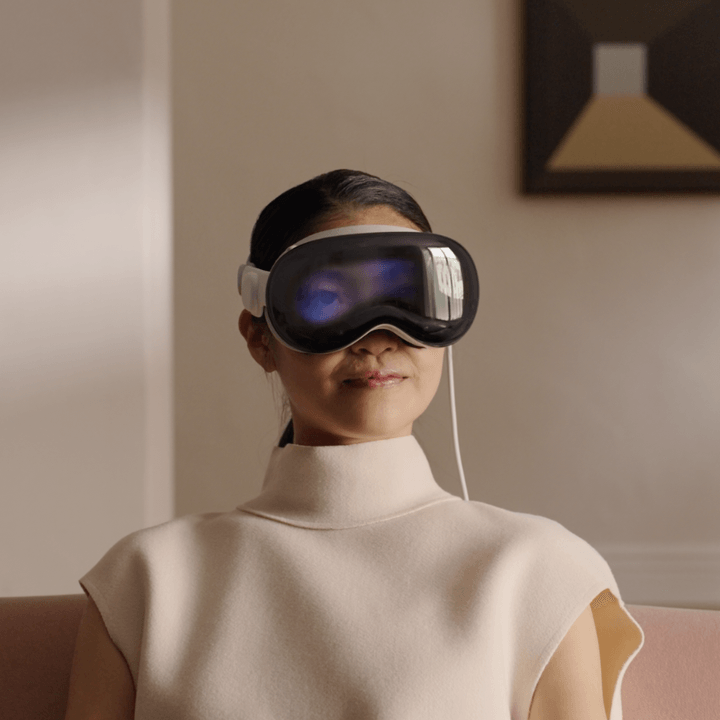
A surprising fact revealed in the visionOS SDK is what seems to be an arbitrary limitation of movement while using VR. When you turn the dial to enter a fully immersive space that obscures your surroundings, you’re restricted to a 3-by-3 meter area. When seated, as shown above, that’s not a problem. However, if you are playing a game, you might want to walk around to explore.
Hans O. Karlsson’s tweet about this discovery shocked some people, who felt it was unnecessarily restrictive. Others praised Apple’s limitation.
I just learned that Apple has crippled VR so that it stops when you move more than 1,5 meters. So Apple VR is for coach potatoes. No real volumetric video possible then outside the coach zone. No table tennis, nothing that makes you move outside a small box. Super bummer. 😕
— Hans O. Karlsson 🇯🇵🇺🇦🇸🇪 (@VRmaninJapan) June 22, 2023
In more familiar terms, that’s a 10-by-10-foot space, which is more than enough for most VR games. Still, it’s strange to place a hard limit on the area. Meta’s Quest 2 games can span a large area with no hard limits.
Apple is very safety conscious, and if the Vision Pro senses an object or person entering your space, it reveals your surroundings. You’ll begin to see the real world as you near the edges of the 3-by-3 meter maximum range also.
When using a mixed-reality view, you can move freely without losing partial immersion. If people get close enough, the Vision Pro will show your eyes, and you’ll see them.
There’s a ‘travel mode’
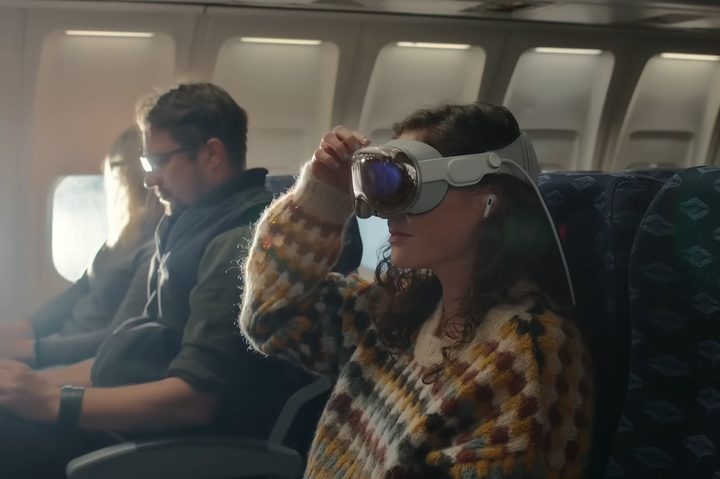
At the WWDC keynote, Apple briefly showed a person using their Vision Pro on an airplane. Afterward, there was some speculation about how that would work since a plane is in motion, potentially confusing the headset’s inertial sensors. Apple planned for this, and there’s a “travel mode” that MacRumors found.
One of the messages implies you will get a reminder when the Vision Pro senses that you’re on a plane: “Turn on Travel Mode when you’re on an airplane to continue using your Apple Vision Pro.”
You also need to”Remain stationary in Travel Mode” and “Some awareness features will be off,” including a reduction in gaze accuracy. Apple’s visionOS SDK also notes that “Your representation is unavailable while Travel Mode is on.”
These seem to be reasonable limitations given the challenging environment. Meta and HTC have recently researched using VR headsets in vehicles, suggesting this might be commonplace on long trips.
Visual search
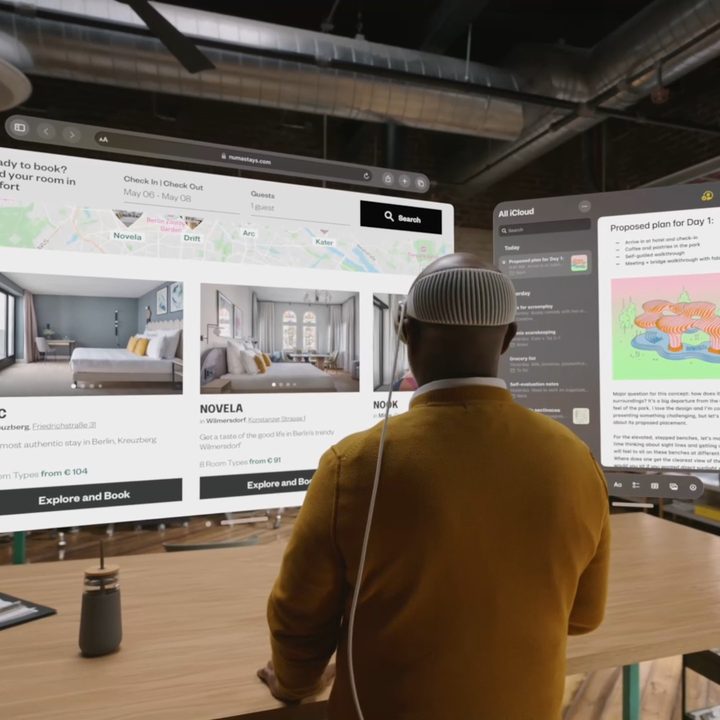
Perhaps one of the greatest features to be left out of Apple’s Vision Pro announcement was Visual Search. The headset’s cameras can scan your room and help you identify objects and read text.
According to MacRumors, this will allow the Vision Pro to provide live translation, copy and paste text from the real world into a document, and open links that appear in print.
The Vision Pro can also identify objects using the same machine vision techniques Apple developed for your iPhone. In fact, it’s clear that many of the iPhone’s intriguing but non-essential features, like LiDAR and hand detection, were primarily developed for Apple’s secret research leading up to the Vision Pro.
Apple has really raised the bar for VR and AR headsets, setting the stage for the AR glasses of the future.
What is the visionOS SDK?
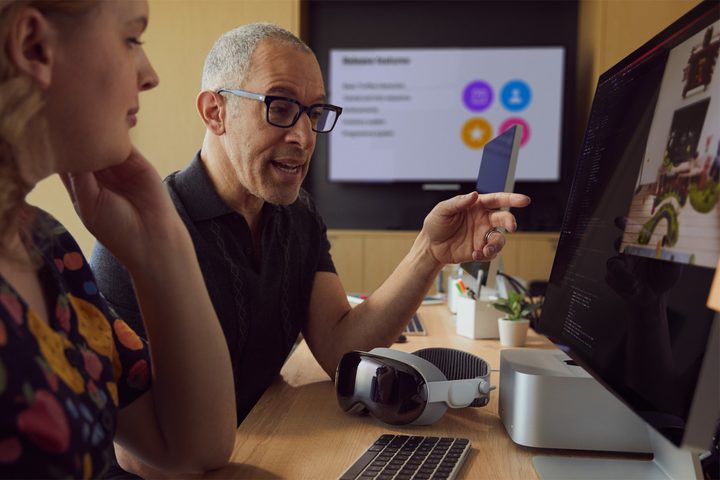
The visionOS SDK runs on a Mac computer and works with Apple’s Xcode development environment to provide all of the code and details a developer needs to update their iPhone or iPad app to work with the Vision Pro.
It also includes a simulator that creates a window that approximates what a Vision Pro user will see. It isn’t as accurate as owning the headset, and interaction is limited. Serious developers will need to invest in a Vision Pro.
While it’s great that Apple released the SDK so soon, developers will still be scrambling to get apps ready in time for the Vision Pro’s launch in early 2024.


