  1. Home
  2. Computing
  3. News

Windows 11 is getting Copilot on Microsoft 365 Business accounts again, unless you’re in Europe

The Office update method isn't an accident. It's specifically harder to block than the usual Microsoft Store install route.

Add as a preferred source on Google
Text, Computer Hardware, Electronics
Shikhar Mehrotra / Digital Trends

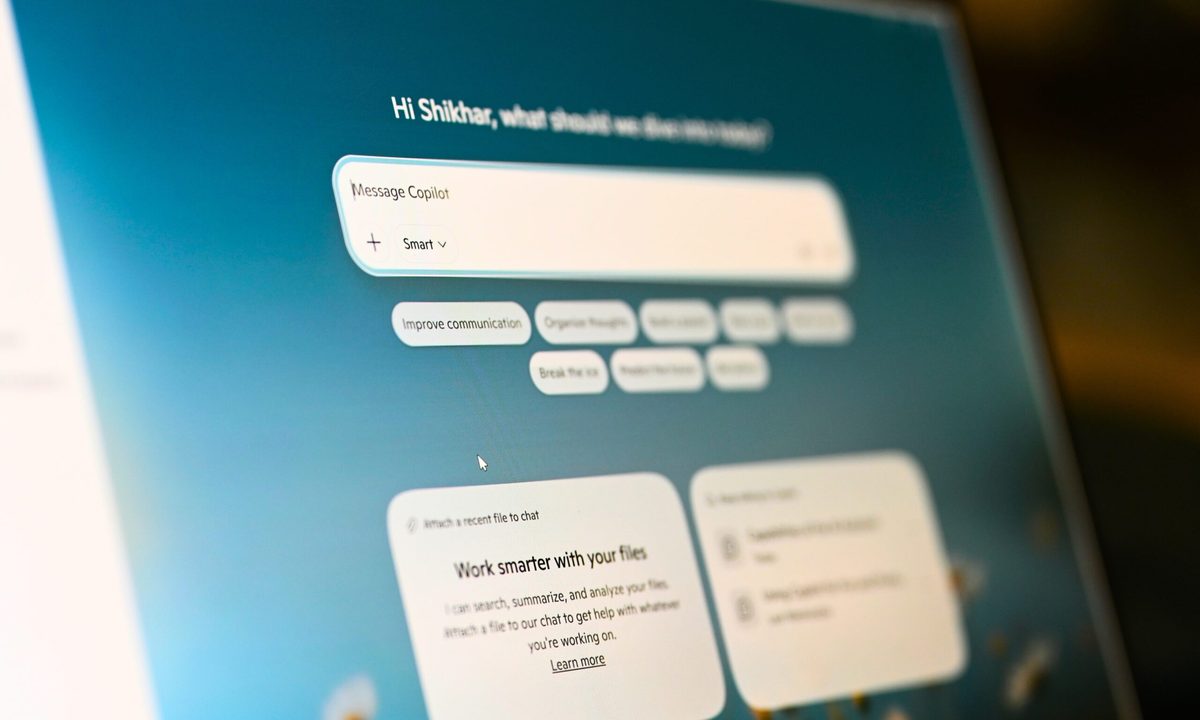
In April 2026, Microsoft finally caved to user complaints and made Copilot removable from Windows 11. It became one of the most controversial additions to the operating system in years, which is why the company had to take such a drastic step. 

Two months later, it is installing it again. The only thing that has changed is the method. The bad news is that the new method is harder to stop. The good news, however, is that the change doesn’t affect all Windows 11 users. In fact, it doesn’t affect a majority of them. 
So what exactly is Microsoft doing this time?

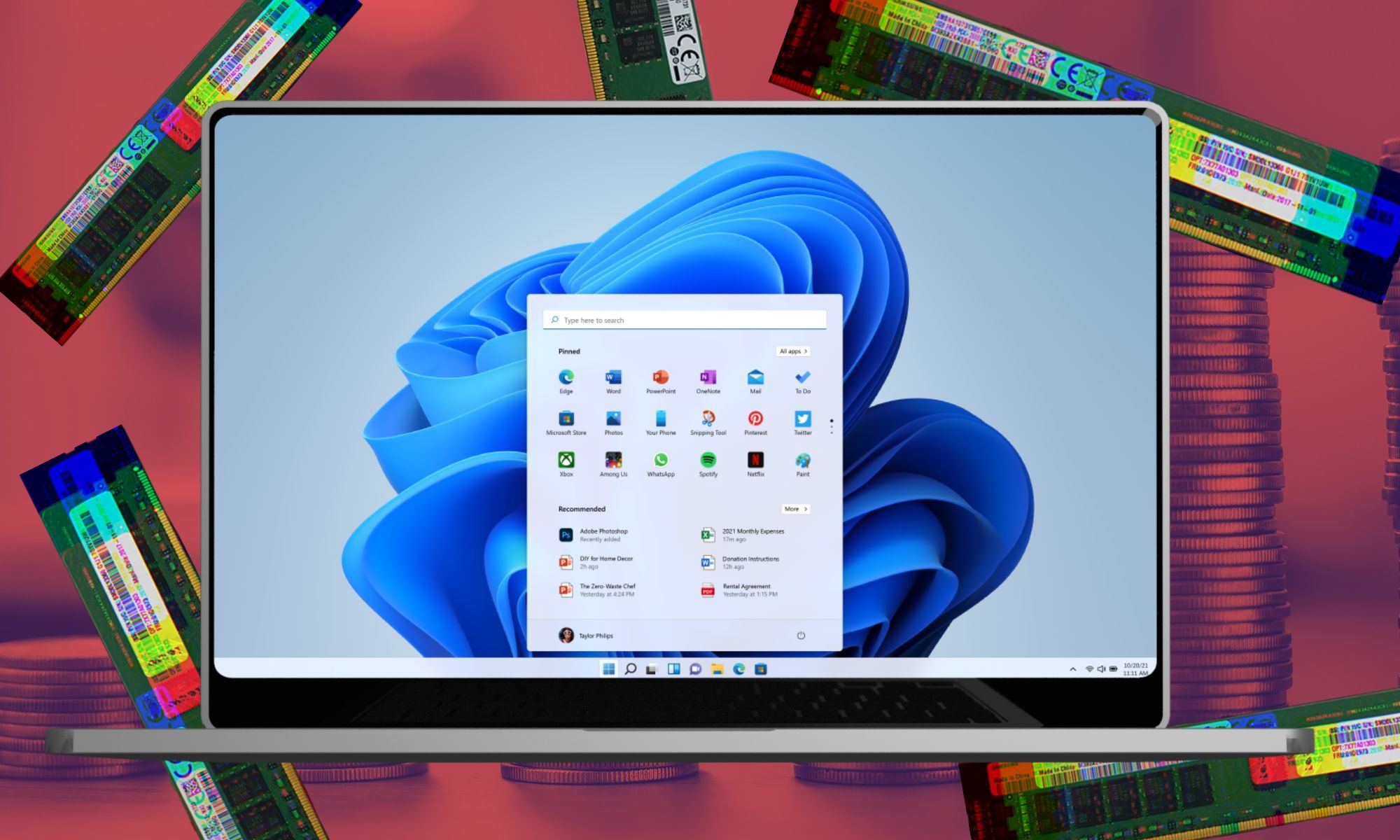
Rather than using the Microsoft Store’s auto-install feature, which can be blocked by enterprise administrators and users alike, Microsoft is piggybacking the Copilot installation onto the Office suite’s update mechanism. 

Recommended Videos

The latest rollout targets systems running commercial Microsoft 365 desktop apps. It is scheduled to run between mid-June and mid-July, giving it roughly a 30-day window to land on your machine before you might notice it arrived.

If your organization wants to prevent it, an administrator can disable Copilot in the Admin Center in advance. However, this is where it gets deliberately annoying. 

Why is Europe being spared?

The settings to remove Copilot are scattered across the Admin Center and the individual settings of apps like Word, Excel, PowerPoint, Outlook, and Teams. Microsoft calls this approach a way to “simplify” access to Copilot (via Windows Latest).

Users in the EU are exempt for now, likely due to competition law. The same legal scrutiny has kept Microsoft from bundling products as aggressively in European markets before. It’s worth noting here that the change doesn’t affect regular Windows 11 Home users either.

A previously leaked internal document (via Notebookcheck) revealed that Microsoft’s goal with its AI products is not just adoption but to create dependency. The force-install method and the deliberate friction around removing it read more clearly in that context.

Shikhar Mehrotra
For more than five years, Shikhar has consistently simplified developments in the field of consumer tech and presented them…
Timekettle’s new X1 Meeting Hub does real-time translation for 50 people and fits in your pocket
Fifty participants, five languages, one 199-gram hub, and no booth required.
Electronics, Screen, Computer Hardware

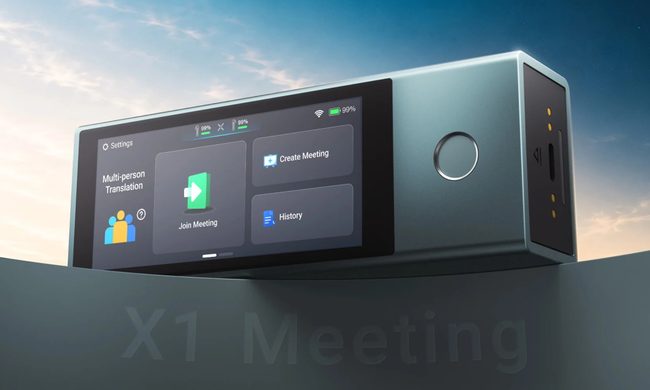
Professional conference interpretation setups are notoriously painful. Dedicated booths, trained interpreters, bulky hardware, and a bill at the end of every month that makes you rethink whether the meeting was even required in the first place. 

Timekettle wants to collapse all of that into a single hub that weighs 199 grams (less than modern flagship smartphones). The company just launched the X1 Meeting Interpreter Hub. 

Read more
Apple MacBook Air M5 review: Boring has never been this good
MacBook Air M5

Quick Take

The MacBook Air M5 is what happens when Apple keeps refining an already excellent laptop instead of reinventing it. On paper, the upgrades feel modest. The design is unchanged, the display is still 60Hz, and the M5 chip isn't delivering the dramatic leap that makes last year's model instantly obsolete. Yet after spending two weeks with it, none of that really matters.

Read more
Dell Pro Max 18 Plus review: I tested this giant in an AI startup lab and it refused to sweat
A massive laptop that wants to sit on your desk, churn data, and make your desktop feel bad.
Dell Pro Max 18 Plus laptop.

View at Dell

I test laptops for a living, and have grown a bad habit out of it. The moment a top-tier machine lands on my desk, I immediately try to push it until I find the cracks. The render that stalls, the fan curve that gives up, or the throttling wall that turns a specs sheet into mere marketing fiction. I went into the Dell Pro Max 18 Plus fully expecting to find that hurdle. Instead, I spent two weeks watching an 18-inch slab absorb everything I threw at it and keep asking for more. It even surprised the engineers at an AI lab who pitted it against their trusty training desktop.

Read more