1. Home
  2. Computing
  3. News

Windows 11’s new Start menu begins rolling out, and it’s more flexible than ever

Latest Windows 11 update brings a redesigned Start menu with new layout views, better customization and deeper Phone Link integration.

Add as a preferred source on Google
new Start menu for Windows 11
Windows / Microsoft

What’s happened? Microsoft is now delivering a major overhaul of the Windows 11 Start menu via the optional October 2025 non-security preview (KB5067036) for version 24H2 and 25H2. The redesign emphasizes flexibility, control, and screen-size adaptation for modern PCs.

  • The “All apps” list is now promoted to the main Start page, with new view options such as grid and category layouts.
  • Users can now hide Pinned apps, Recommended files, or both, for a cleaner and more streamlined Start experience.
  • The new Start menu adapts to larger screens, showing more pinned apps, and adds an upgraded Phone Link panel alongside it for recent Android/iOS activity.
  • The update also brings taskbar enhancements, such as animated app thumbnails on hover and a new battery icon that shows the percentage.

Why this is important: Let’s be real, the Start menu is central to how you launch apps, find files, and navigate your PC. As such, any redesign impacts daily workflow more than we often realise. By increasing flexibility and user control, Microsoft is acknowledging that one size doesn’t fit all when it comes to PC interfaces.

  • Users who prefer a minimalist launcher can now hide sections they don’t use, like Recommended items or app pins.
  • For larger monitors or touch-enabled devices, the adaptive layout means you’re no longer fighting cramped menus.
  • With Phone Link embedded in the Start menu, Microsoft is blurring the line between your computer and your mobile device.

Why should I care? For current and future Windows 11 users, this redesign promises a smoother, more familiar Start experience. If you’ve ever missed the versatility of older Start menus, this update brings some of that spirit back without feeling dated.

  • You’ll spend less time hunting for apps thanks to category or grid views and the elevated “All apps” list.
  • Hiding unused content (like Recommended files) means fewer distractions and a cleaner workspace.
  • Phone-to-PC actions become easier thanks to the co-location of mobile-activity panels in the Start menu
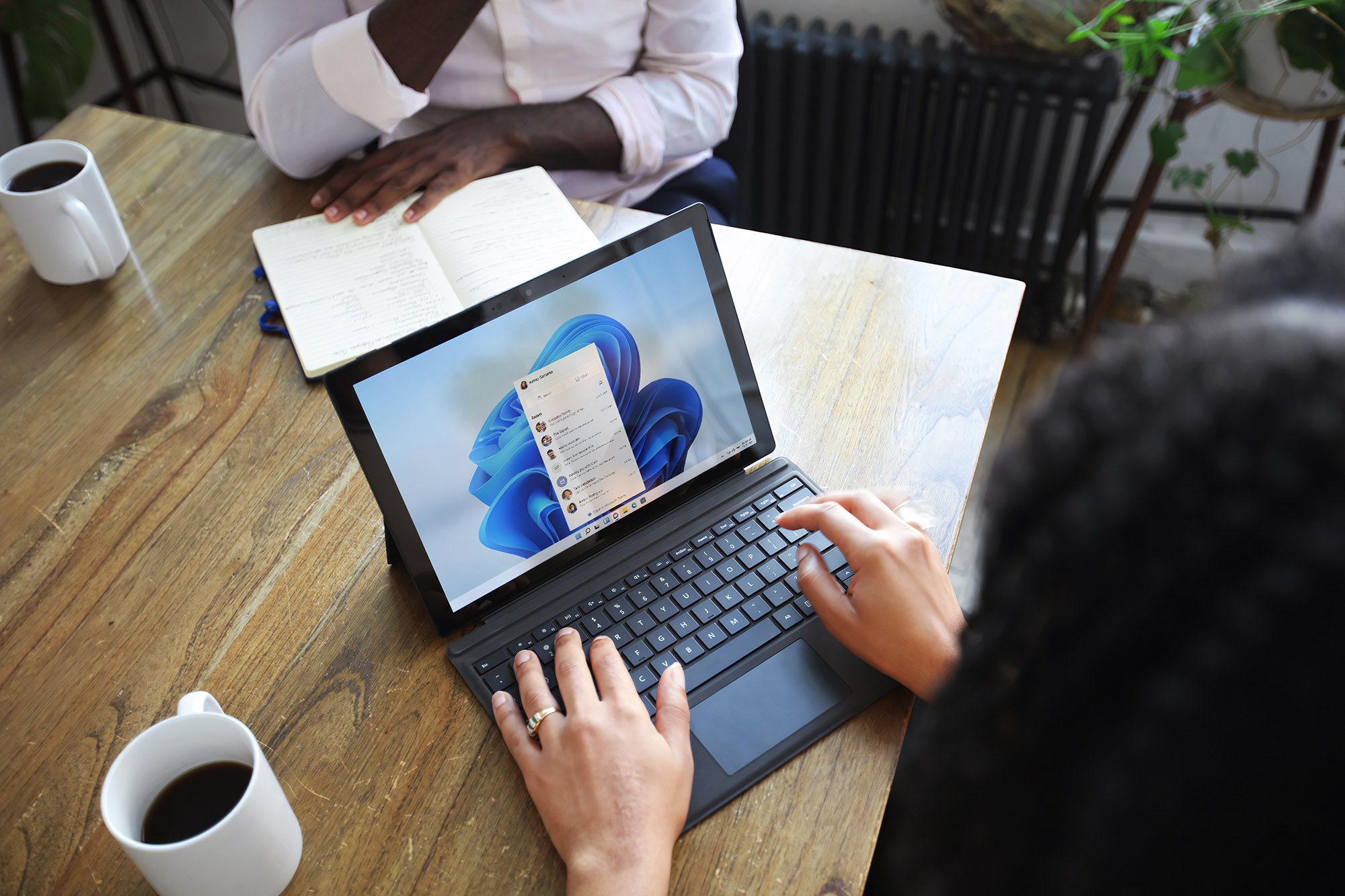
Okay, so what’s next? The new Start menu is rolling out in waves, beginning with users who’ve switched on “Get the latest updates as soon as they’re available.” Once eligible, it should appear under “Optional updates” in Windows Update. Microsoft says wider availability is planned for the November Patch Tuesday release. Do keep in mind, though, that this is still a preview build, meaning it’s close to final but not fully polished. As such, you may run into the occasional hiccup before it becomes standard for everyone.

Varun Mirchandani
Varun is an experienced technology journalist and editor with over eight years in consumer tech media. His work spans…
Microsoft is finally fixing the most annoying thing about Windows 11
Windows 11 Laptop

For many Windows users, the taskbar in Windows 11 has always felt strangely restrictive. Microsoft redesigned the interface with a cleaner, more modern look, but in the process removed several customization options people had been using for years. One of the biggest complaints? The inability to freely move the taskbar around the screen. Now, Microsoft finally seems ready to loosen things up.

The company has started testing a major overhaul of the taskbar and Start menu for Windows 11 Insiders in its Experimental channel. And honestly, this feels like Microsoft acknowledging that users want their PCs to feel personal again.

Read more
Asus has a sleek gaming mini PC to offer, but the price will make you pinch yourself
This tiny gaming powerhouse costs more than many full desktop setups
mini PC

Asus has launched the 2026 ROG NUC 16, a compact gaming PC built for people who want a powerful setup without making room for a full desktop tower. It can sit vertically or horizontally on a desk, and there is also a Moonlight White version for buyers who want something a little cleaner-looking. The problem is the price.

In China, the refreshed ROG NUC 16 is listed at a starting price of CNY 29,999, which is around $4,405. The white version costs CNY 31,999, or about $4,699. Asus has not confirmed global pricing or availability yet, but international prices are likely to be in the same range, or possibly go even higher.

Read more
This is the coolest laptop power bank I have ever seen, and I’d wait to see if it actually ships
Krafted Edge solves the most annoying thing about laptop power banks, the fact that they never fit anywhere, and then oversells itself with battery life claims that don't quite add up.
Computer, Electronics, Laptop

I’ve seen a lot of power banks, from the chunky rectangular bricks, round puck-shaped ones, and the flat ones that sit awkwardly next to a laptop in a bag, but none of them has ever looked like this.

The Krafted Edge is a 20,000 mAh power bank built into an aluminum slab measuring 27 x 19 x 1.28 cm, which is almost exactly the footprint of a closed laptop, and that’s intentional.

Read more