  1. Home
  2. Audio / Video
  3. How tos

How to factory reset your Google Pixel Buds Pro

Add as a preferred source on Google
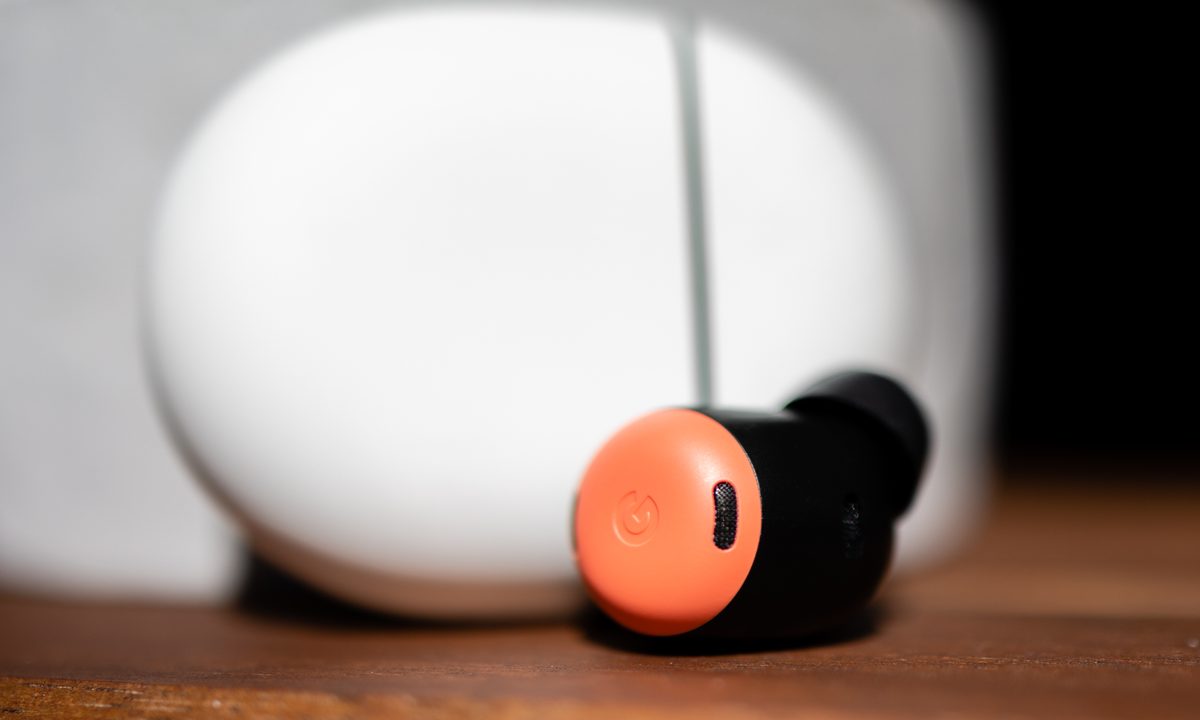
Google Pixel Buds Pro and their case.
Phil Nickinson / Digital Trends

Any responsible owner of anything electronic needs to not only know how to use it but also how to reset it. That, too, is true for knowing how to reset your Google Pixel Buds Pro.

Recommended Videos

Difficulty

Easy

Duration

5 minutes

What You Need

  • Google Pixel Buds Pro

  • A finger. Any finger. Or something kind of like a finger

Why? Maybe it's because Bluetooth sometimes is a fickle mistress — both on the side of the phone or tablet or whatever, as well as on the side of the earbuds — and sometimes a reset is what you need to make things work again. Or maybe you're gifting things to a friend, or selling your Pixel Buds Pro outright.

Whatever the reason — and whether you're trying to make the decision between AirPods Pro vs. Pixel Buds Pro — it's a good thing to learn how to reset your Google Pixel Buds Pro.

How to reset Google Pixel Buds Pro

Resetting your Google Pixel Buds Pro is a simple endeavor. It takes just a minute or two. Here's how to do it.

Step 1: Open the Bluetooth settings on whatever device your Pixel Buds Pro are attached to.

Step 2: Forget the Pixel Buds Pro from that device. (If you don't do this, you might run into problems reconnecting to the same device later.)

Step 3: Put the Pixel Buds Pro back in their case (if they aren't already), and close the case for a few seconds. Call it 10. Nice round number.

Step 4: Open the case back up, and leave the Pixel Buds Pro inside the case. Do not remove them.

Back side of the Google Pixel Buds Pro case.
Phil Nickinson/Digital Trends

Step 5: Press and hold the pairing button on the back of the case (it's toward the bottom, above the charging port) for 20 or 30 seconds. The light on the front of the case will start to blink. When it stops, let go of the button.

Step 6: The earbuds will start to blink white and orange as everything is resetting. Then it'll start to blink white. When that happens, the reset is complete and you're ready to pair things up again.

And that's it. Note that there's no way to reset the Pixel Buds Pro from a device — be it Android or otherwise. You have to do it from the case itself, which is standard.

After that, you've got a freshly reset pair of Pixel Buds Pro, ready to go. Enjoy.

Phil Nickinson
Former Section Editor, Audio/Video
Phil spent the 2000s making newspapers with the Pensacola (Fla.) News Journal, the 2010s with Android Central and then the…
LG’s C5 OLED evo drops to $1,399 with a $1,300 saving, and nothing at this price touches it for picture quality
LG 65" C5 OLED evo drops to $1,399.99 (save $1,300): 4K AI, webOS, OLED evo panel.
LG C5 OLED deal

The LG C5 quickly established itself as the go-to OLED recommendation in 2025, and right now it's down to $1,399.99 at Best Buy, a $1,300 saving off its $2,699.99 list price. That's nearly half price for a 65-inch OLED evo panel with LG's latest AI picture processing, and it's the kind of discount that makes this an easy conversation.

get the deal

Read more
It’s just $1, but Netflix is again raising the hit on your streaming wallet
Our service has improved lately. Now, you pay!
Netflix logo is seen displayed on a phone screen while the desktop app is shown on a laptop

This isn't really news anymore, but it's a repeating cycle. So, here we are, again. Netflix has just — quietly, mind you — raised the price of its subscription bundles. For starters, the base tier that occasionally throws a few ads in your face now costs $8.99 per month, up from the $7.99 monthly fee.

What else is going up?

Read more
Your Apple TV can now recommend shows and movies based on your viewing habits
Apple levels up your living room with tvOS 26.4, packing content discovery, audio fixes, and subtitle controls into one tidy update.
Apple TV 4K device with remote.

With the public release of iOS 26.4, Apple has also pushed out tvOS 26.4, a quiet yet meaningful upgrade for Apple TV users. The update brings smarter content discovery, cleaner audio, and most importantly, it gets rid of iTunes. 

What’s actually new in tvOS 26.4?

Read more