I’ve been traveling more lately, which means I’ve also been doing the worst kind of pre-trip math: the kind where I convince myself I can pack less by bringing more accessories. Before one big trip, I started wondering what I could bring so I wouldn’t have to take my laptop. A tablet? A keyboard? Some tiny hub? Then, somehow, a portable monitor crossed my mind.
That’s a deranged little thought. A portable monitor is basically half a laptop without the half that makes it useful on its own. Still, the category keeps getting more tempting. You can now buy slim USB-C displays, touchscreen models, 4K travel screens, and magnetic setups built for remote work.
Why the idea makes sense
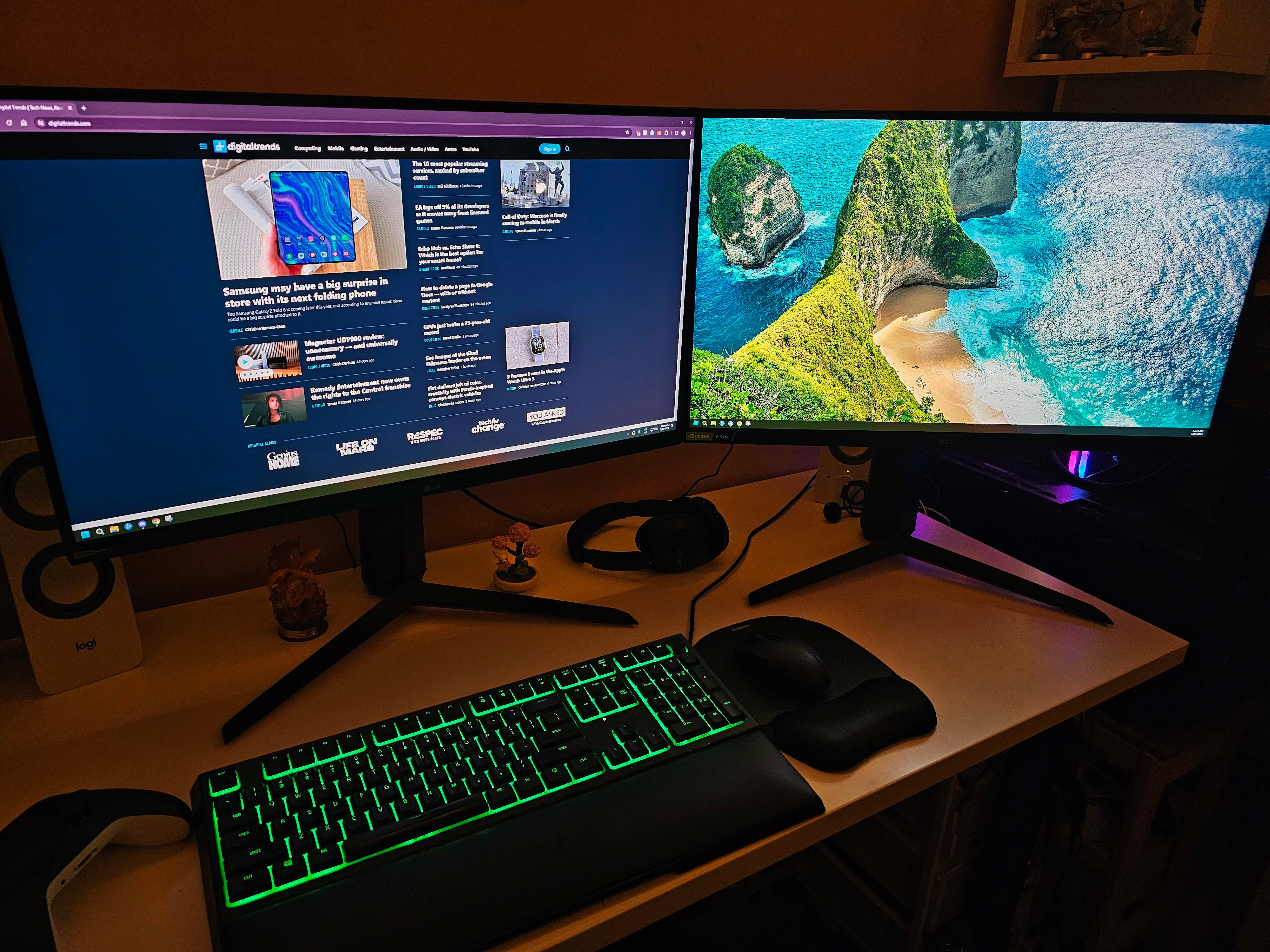
I’d love to call this nonsense, but the idea works. I use a second screen at home because it makes my day less miserable. One display holds the draft. The other holds notes, Slack, browser tabs, screenshots, or whatever else I’m pretending not to be distracted by. That setup genuinely makes work easier.
So when brands pitch travel screens as productivity tools, I get it. There are portable monitor models with USB-C, touchscreen support, and setups that work across laptops, tablets, and phones. Espresso’s 15.6-inch 4K Pro display even sells the idea as a serious remote-work companion, not some novelty screen for people allergic to packing light.
I can feel ads working on me faster than I’d like. My laptop is already the machine designed for portable work, yet the moment I imagine writing, editing, and juggling notes on the road, one screen starts to feel cramped.
Why the setup gets cursed
Things get less elegant once the gear hits an actual table. The monitor needs a sleeve so it doesn’t get scratched. It needs the one cable I’ll misplace at the worst possible time. It may need a stand, a magnetic mount, a hub, and enough table space to stop the whole thing from looking like a tiny product demo nobody asked to see.
That’s where the dream gets weird. A hotel desk or a cafe table becomes a workstation. An airport lounge becomes the place where I realize I’ve recreated the desk I was supposedly escaping.

I don’t want to dunk too hard on this, because the use case is real. Developers, video editors, spreadsheet people, and writers with too many tabs can all make a convincing argument for more screen space. I’m one of those people. I’m just not sure when “working anywhere” became “bring enough gear to make everywhere feel like work.”
Why I still want one
Portable monitors bother me because they make the creep feel normal. One more screen. One more cable. One more pouch in the bag. None of it sounds excessive on its own, which is how the tiny travel desk sneaks in.
The same thing is happening with the rest of the travel-work ecosystem. Laptop screen extenders, folding keyboards, wireless display adapters, compact docks, and desk-to-bag accessories all promise to make work easier. Then they quietly raise the standard for what “ready to work” looks like.
I still want one, begrudgingly, of course. I can already imagine using an extra display in a hotel room and feeling smug for about 12 minutes before realizing I’ve built a smaller, worse version of my home setup.
I hate portable monitors most when I’m honest about them. They’re ridiculous, a little depressing, and probably useful enough that I’d make room for one anyway.