
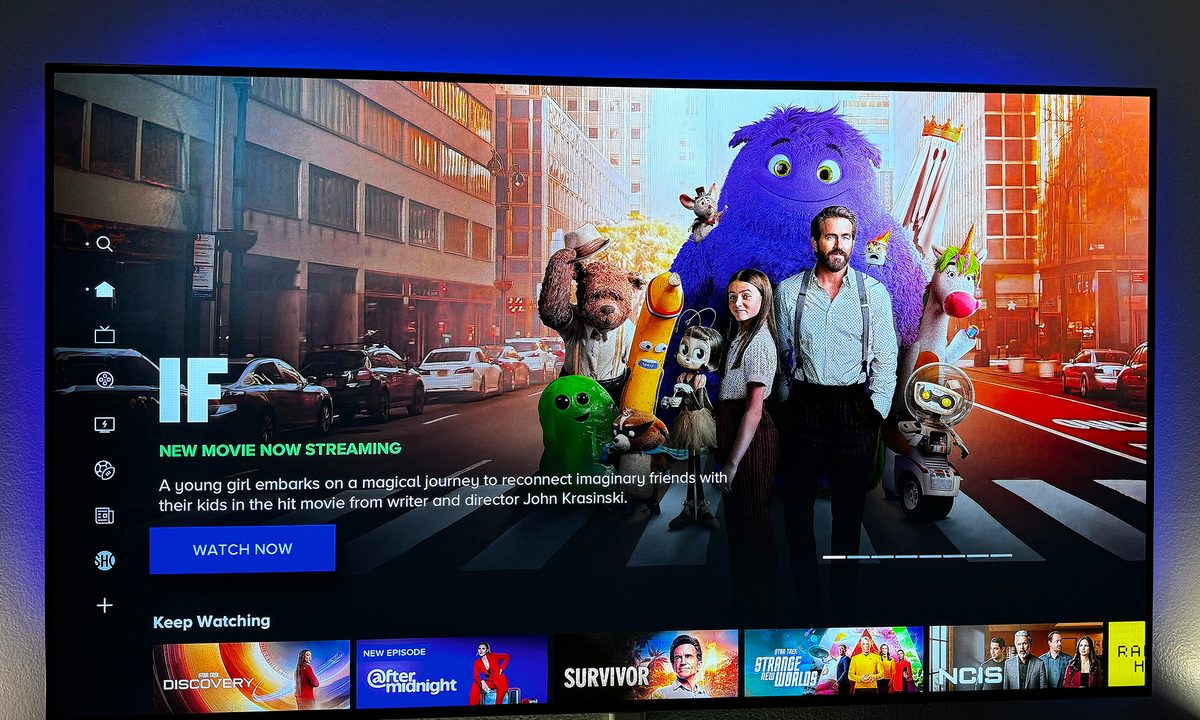
Paramount Plus is one of the most popular streaming services out there, with a VOD library of over 40,000 titles along with live TV. Whether you've watched through what it has to offer you and you're looking for something new or you need to balance the budget, canceling Paramount Plus is a simple affair.
Canceling your Paramount+ subscription should only take about five minutes. The only tricky part is remembering where you signed up for the service, so you can cancel it properly.
How to cancel Paramount Plus from the web
If you signed up for Paramount Plus on the website, that's also where you'll go to cancel. To start, you just need to navigate to the Paramount Plus website and log in.
Step 1: Open the Account Page.
Step 2: Select Cancel Subscription.
Step 3: Follow the prompts to Cancel your subscription.
How to cancel Paramount Plus on iOS
These instructions will work for both iPhones and iPads.
Step 1: Select Settings.
Step 2: Select your Apple ID. You may need to enter your password at this time.
Step 3: Select Subscriptions.
Step 4: Select Paramount Plus from the list of active subscriptions.
Step 5: Select Cancel Subscription.

How to cancel Paramount+ on Apple TV
You can edit tvOS apps that are installed to your Apple TV, and this is how to cancel Paramount+ if that's where you signed up for it.
Step 1: Open Settings.
Step 2: Select Users & Accounts.
Step 3: Select your Account.
Step 4: Select Subscriptions.
Step 5: Select Paramount+ from the list of subscriptions.
Step 6: Select Cancel Subscription.
How to cancel Paramount+ on Fire TV
If you picked up your Paramount+ subscription through Amazon Fire TV, then you'll need to head over to Amazon to cancel. To get started, log in to your account.
Step 1: Select Accounts & Lists. This should be under your name in the upper-right corner of the screen.
Step 2: Select Memberships & Subscriptions.
Step 3: Select Cancel Subscription next to Paramount+.
Step 4: Under Your Channels, select Paramount+ again.
Step 5: Select Cancel Channel and confirm.

How to cancel Paramount Plus through your Roku
If you signed up for Paramount+ through Roku, you can cancel it right through the Roku device.
Step 1: Open your home screen.
Step 2: Select the Paramount+ Channel and press the Star Button on your remote.
Step 3: Select Manage Subscription.
Step 4: Select Cancel Subscription.
That's it! You've successfully canceled your Paramount+ subscription. If you're on the hunt for a new streaming service, try checking out Hulu Plus Live TV or YouTube TV. If you decided to cut the cord to balance your budget, then it might be time to check out some free streaming services as well. That way, you always have something to watch.


