
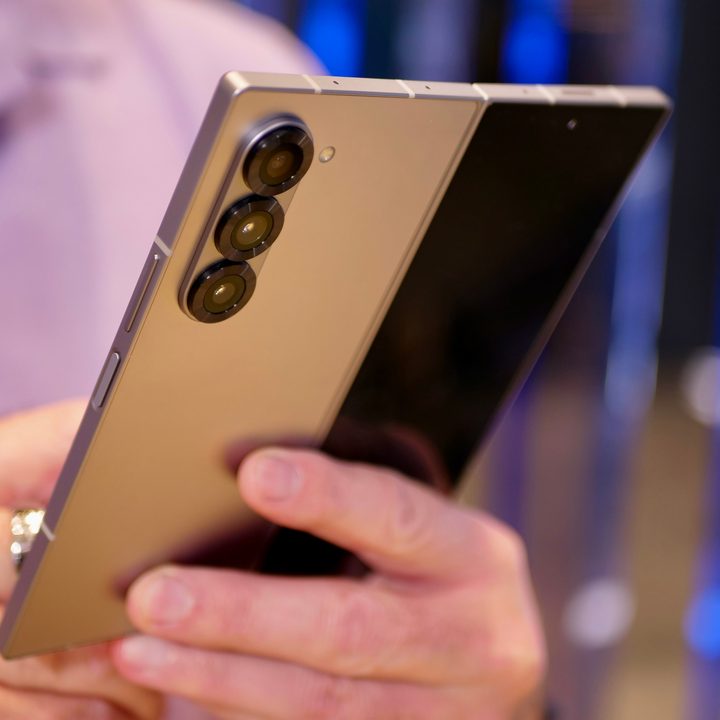
The Samsung Galaxy Z Fold 6 is the company’s latest and greatest large foldable. Launched alongside the smaller Galaxy Z Flip 6 at Samsung’s Galaxy Unpacked event in Paris, the Fold 6 features just about everything we expected. The new foldable comes with a new Snapdragon 8 Gen 3 processor, a higher max brightness of 2,600 nits for the main screen, various design changes to make it shorter and thinner both folded and unfolded, and a slightly larger cover screen.
With all these changes, you might be wondering about your listening options on the Z Fold 6 and whether it has a headphone jack. After all, a 3.5mm headphone jack has typically been one of the easiest ways to listen to music and other audio. So, do you get one on the Galaxy Z Fold 6?
Does the Galaxy Z Fold 6 have a headphone jack?
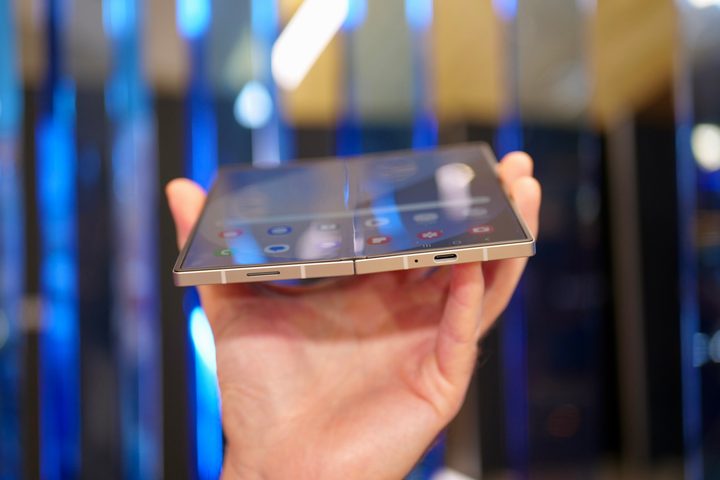
Unfortunately, the Samsung Galaxy Z Fold 6 does not have a headphone jack. That’s not a surprise since its predecessor, the Samsung Galaxy Z Fold 5, didn’t have one either, nor does any other flagship phone in Samsung’s lineup, including the Galaxy S24 and S24 Ultra. In fact, even the first Galaxy Fold didn’t have a headphone jack, as Samsung eliminated it from the Galaxy Note 10 range around the same time. Naturally, the Flip 6 similarly doesn’t have a headphone jack.
In fact, not only does the Galaxy Z Fold 6 not have a headphone jack but with its smaller weight and dimensions, it likely doesn’t have space to accommodate it. The Fold 6 is 14 grams lighter, 1.4mm shorter, 1mm wider, and 1.3mm thinner when folded. When unfolded, it’s 1.4mm shorter, 2.7mm wider, and 0.5mm thinner.
With the trend being to slim down foldables to make them lighter and easier to carry around, Samsung almost certainly isn’t going to go out of its way to re-introduce the headphone jack.
Samsung Galaxy Z Fold 6 listening options
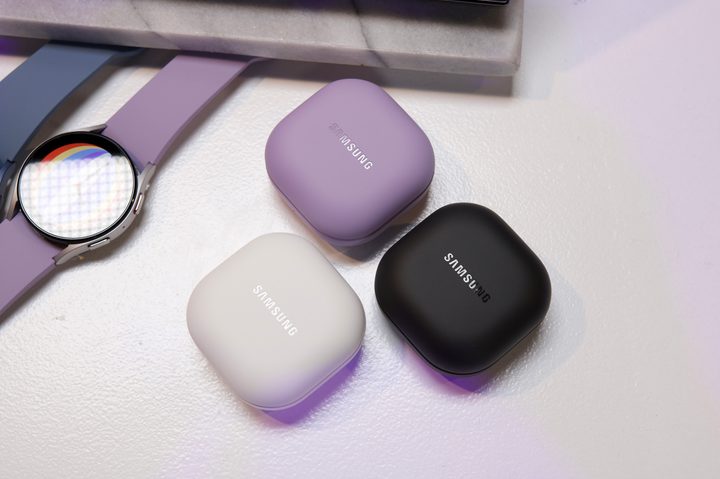
Your options for listening on the Galaxy Z Fold 6 are the same as they’ve always been. You can use any of the best wireless earbuds and the best wireless headphones on the market. You can also pick up the new Galaxy Buds 3, which launched alongside the Fold 6 and Flip 6 to allow for wireless listening. While it used to be that wireless earbuds and headphones cost more than wired, the price has come down significantly over the years, and you can get budget wireless earbuds for very reasonable prices. Of course, if you want better audio quality and features like active noise cancellation (ANC), that’ll cost you more.
If you aren’t ready to cut the cord, you can still pick up a USB-C to 3.5mm dongle. These plug into the charging port and allow you to listen with your wired earbuds or headphones the same as you always have. The downside is that you can’t charge or listen at the same time unless you use a wireless charging pad, so it’s not the best option if you’re low on juice and on the go.
Finally, you can also pick up a Bluetooth speaker for listening at home, on the beach, or at the pool. There are plenty of options to choose from, including affordable and portable speakers to waterproof floating ones with an LED light show and rich audio.


