

I’ll be honest: I never thought I’d like e-readers.
I’ve been a bookworm ever since I was a young child, and I grew up surrounded by books. When e-readers came around, I could immediately see they were inferior. After all, you couldn’t flick through the pages, you couldn’t feel the weight in your hands, you couldn’t sniff the delicate scent of a finely aged book. But how wrong I was. While I was right that nothing can replace the physical presence of a real book, an e-reader has its place in the life of every bibliophile.
But there’s no such thing as “just an e-reader.” There are big e-readers, small e-readers, waterproof e-readers, color e-readers — and that’s only if you’re considering an Amazon Kindle. Venture outside of Amazon’s brand and you’ve got a whole new bunch of options to choose from.
Don’t let the agony of choice get to you, though, because the answer is really quite simple. Don’t be tempted by the shiny new Kindle Colorsoft or the ever-popular Kindle Paperwhite — the only Kindle that you really, truly need is the basic Kindle. Here’s why.
The Kindle is the basic option, but it’s still great
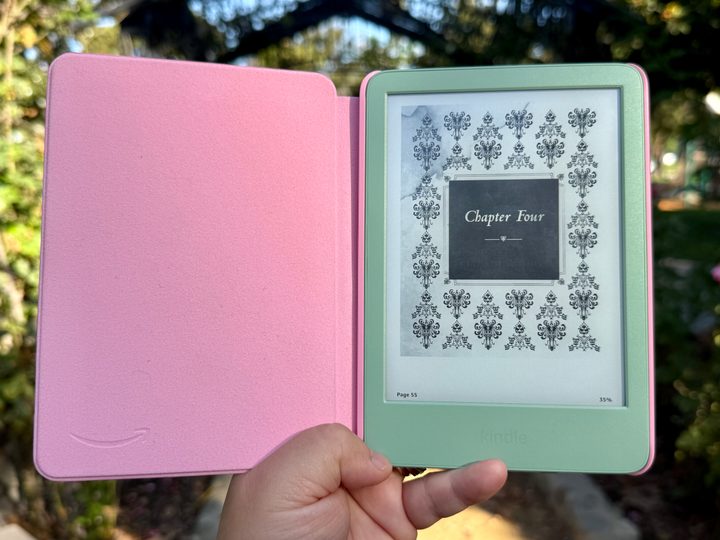
The Amazon Kindle is a pretty great deal. $110 ( Buy at Amazon for Cyber Monday) gets you a 6-inch e-ink display with many of the same stats as its larger and more powerful brethren. The 6-inch display is the smallest on offer, but it still outputs a crisp 300 pixels per inch (ppi), putting it on par with even the pricey Kindle Colorsoft where black and white content is concerned.
Its capabilities are also top-notch. While the raw performance of any Kindle will never go toe-to-toe with the best smartphones or even the best budget phones, the basic Kindle is smooth, snappy, and responsive. Admittedly, it doesn’t have to do very much, but it’s good at doing that stuff it does.
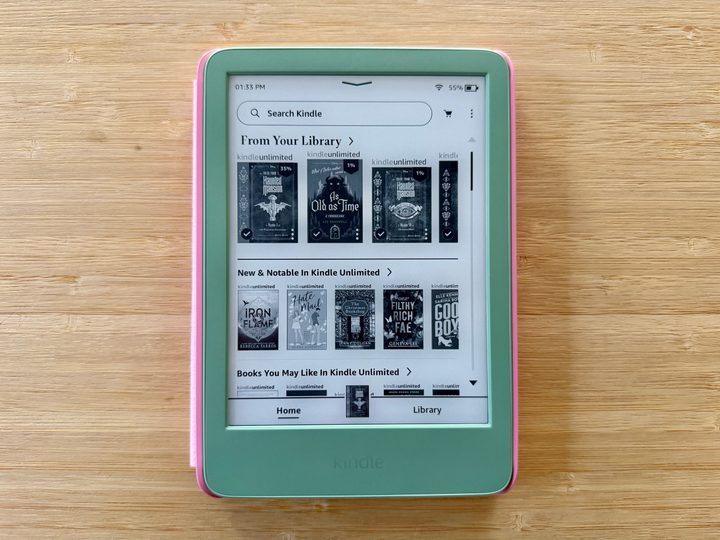
It’s not lacking in any reading abilities, either. It’ll read any e-book from the Amazon store, and you can use Amazon’s web service to send e-books bought elsewhere, just like the more expensive options. It doesn’t have a built-in speaker, but no Kindle has had one for years now, and if you attach Bluetooth headphones, you can listen to your audiobooks. Heck, it doesn’t even lose out on storage, as its 16GB of storage equals the Paperwhite’s offering.
But if the basic Kindle is so great, why does Amazon see the need to offer more expensive options at all? Well, there are some areas where the Kindle loses out in features compared to its more expensive siblings — and while some of these may seem initially tempting, my argument is that you don’t need any of them.
Do you really need anything extra?
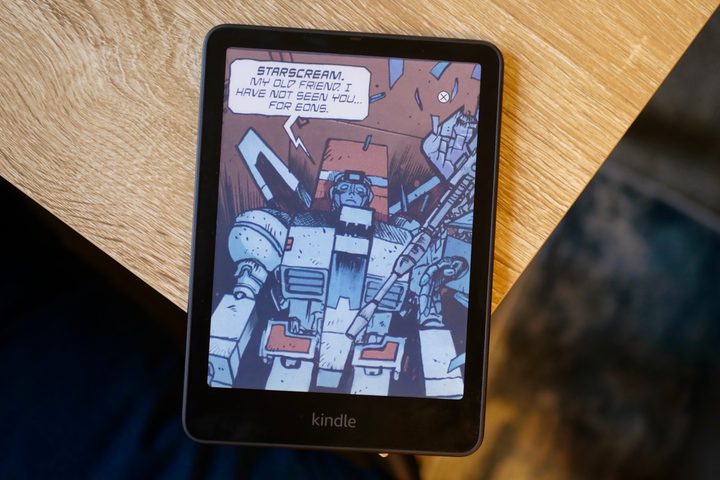
The basic Kindle lacks water resistance, a color screen, wireless charging, 32GB of storage, a larger display, and a stylus.
But it’s always easy to get lost in the specs — what does and doesn’t come with a specific model — and lose sight of what a device is actually for. The Kindle is, above all else, an e-reader. It’s meant to read books, and the key to getting value from your money is asking how much those additional features will add to your reading experience. Really, can you say that most of them will?
A larger display seems like it would be the most beneficial, and honestly, it is. However, a larger display means a larger device, and while a device like the Paperwhite shows you more at once, it’s not as easy to fit into a pocket. Of course, this won’t matter if your e-reader never leaves the house or tends to get tucked into a bag while out, but for those who like to keep their e-reader in a pocket, it’s worth keeping in mind.

Close behind the larger display in terms of desirability is water resistance. Again, at first glance, this is a no-brainer. Who hasn’t dreamed of settling into a hot bubble bath with a glass of wine and taking the time to sink into a good book? Sounds glorious, right? And a water-resistant e-reader can be a part of that.
But are you willing to pay $50 more — an almost 50% price increase — to sometimes take a dip with your Kindle? Personally, it’s just not worth the chance. If you absolutely must read in the bath, just … keep a tight grip on your e-reader, toss it to the other side of the room when you’re ready to wash yourself off, and spend the extra $50 on more books.
The rest are just fripperies, as far as I’m concerned. A color screen? Unless you’re reading comics (in which case, a budget tablet is better), it’s not worth $170 more. Neither is upping your e-reader to 32GB of storage. 16GB is more than enough for e-books, and only those with many audiobooks or files should consider upgrading their storage. Wireless charging is pointless on a device with a battery life measured in weeks. And a stylus? Come on, if you wanted a note-taking device, you’d buy a Remarkable Paper Pro or Kobo Elipsa 2E; the basic Kindle wouldn’t even be in the running.
The base Kindle is the best Kindle
Sure, there are reasons why you might want a Paperwhite, Colorsoft, or even the Kindle Scribe — and those reasons are totally valid. Heck, I’m not going to sit here and tell you what you can and can’t do with your money. But if you want my recommendation, then there aren’t a whole lot of reasons why most people will need to buy anything other than the standard, basic, bottom-of-the-line Amazon Kindle.
It does everything you need an e-reader to do, nothing that it doesn’t, and comes at the excellent price of $110. And during sales like Black Friday and Cyber Monday, you can even pick it up for $90.


