  1. Home
  2. Phones
  3. News

Digital Trends may earn a commission when you buy through links on our site. Why trust us?

Finally, Amazon fixes the one thing that made reading on Kindle Colorsoft painful after dark

Dark Mode on the Kindle Colorsoft isn't just a visual preference, it's the feature that finally makes Amazon's premium colour e-reader feel as complete as the budget models that had it all along.

Add as a preferred source on Google
Amazon Kindle Scribe dark mode featured image.
Amazon

Amazon’s color Kindle lineup had been missing the budget Kindle models had for years: a system-wide dark mode. However, admitting its oversight, the company has finally released dark mode for both the Kindle Colorsoft and Kindle Scribe Colorsoft

Before this update, the only way people could comfortably use the Kindle models for nighttime reading was the Page Color toggle, which inverted colors within supported books. However, the moment you left the book and returned to the home screen, library, settings, or any other page, everything snapped back to bright white.
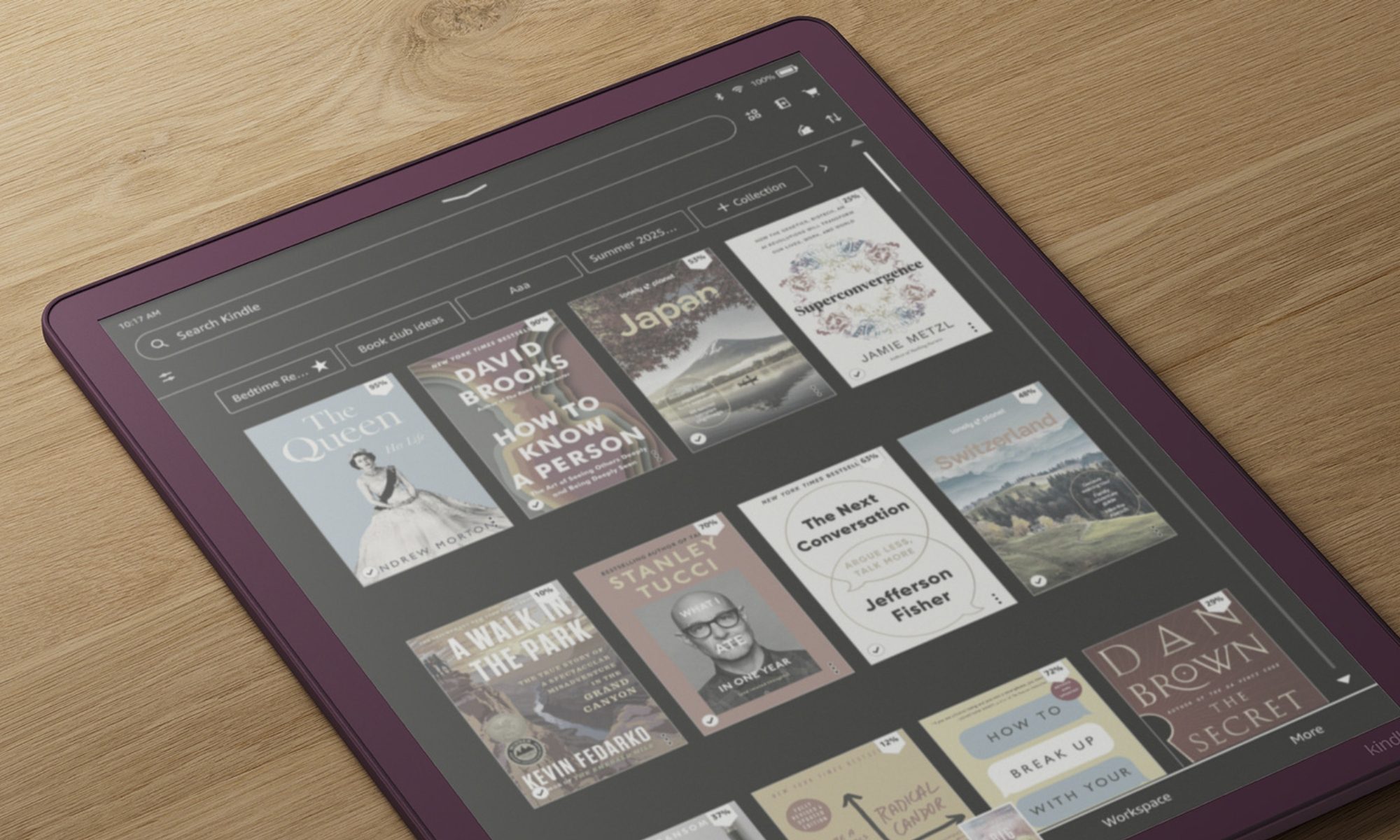
What can Colorsoft and Scribe users do with dark mode?

That inconsistency between the supported book and everything else is now gone. The system-wide dark mode applies to every page of the device, including the home screen, book library, the settings menu, and the Scribe workspace. 

Recommended Videos

What’s even more interesting is that you can decide where you want to apply the dark mode. For instance, if you prefer notebooks in the regular bright mode, while keeping everything else dark, that can be achieved with the new update. 

Just swipe down from the top of the screen and enable/disable dark mode in the Quick Actions section. 
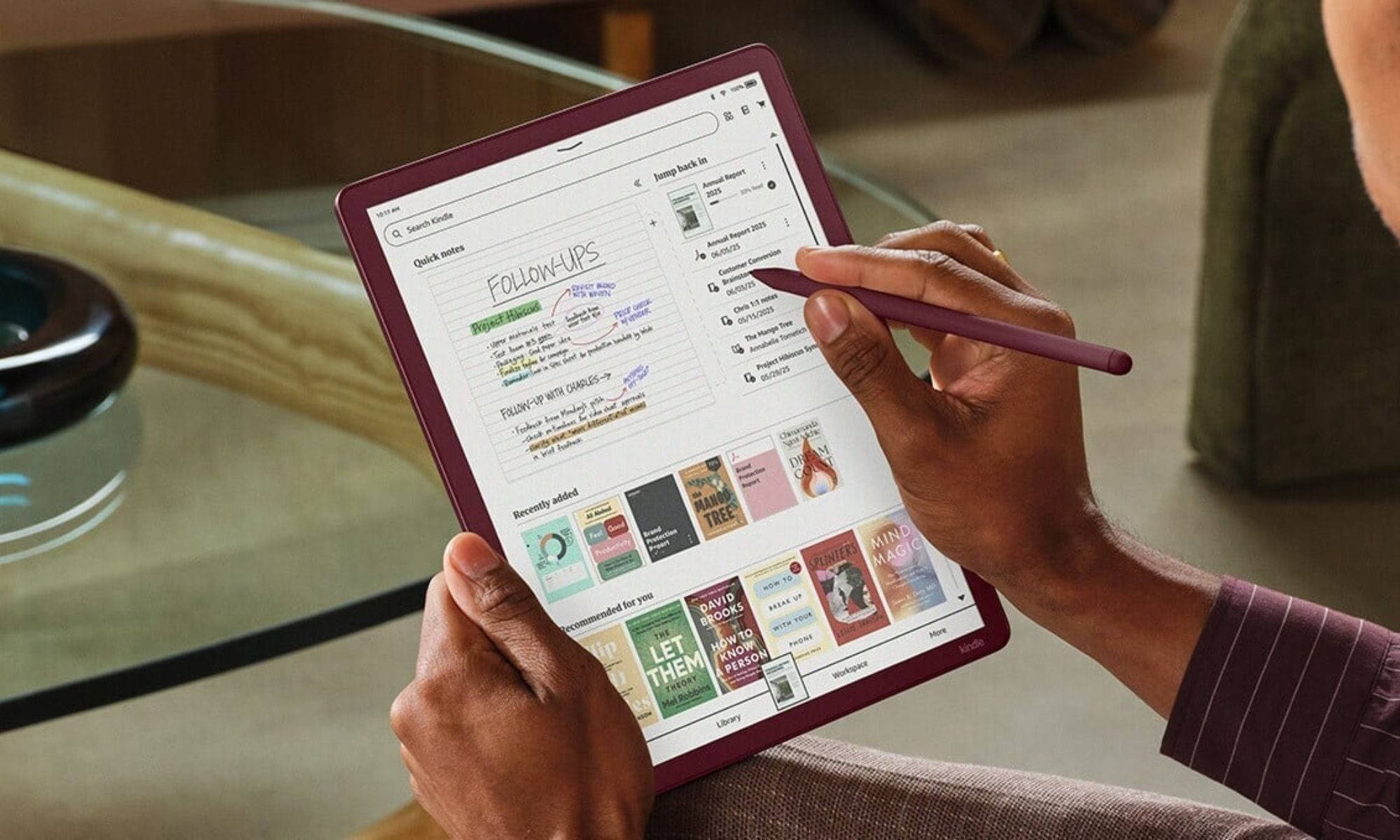
What’s the Smart Shapes update for Scribe users?

Along with system-wide dark mode for the Kindles, Scribe Colorsoft, and monochrome Kindle Scribe owners are getting a new feature called Smart Shapes. 

It’s a notebook feature that adds essential pre-drawn shapes like lines, arrows, circles, triangles, and rectangles directly from the toolbar. For those who prefer drawing freehand, the hold-to-snap function converts rough sketches into clean shapes by simply holding the stylus at the end of the stroke. 

The rollout is now live and should reach all compatible devices in a few weeks. The Kindle Colorsoft launched as Amazon’s most exciting e-reader in years, but shipping without system-wide dark mode felt like an oversight. However, the update fixes that for good.

Shikhar Mehrotra
For more than five years, Shikhar has consistently simplified developments in the field of consumer tech and presented them…
Google’s June 2026 Pixel Drop arrives with floating app bubbles, screen reactions and many new AI tools
June 2026 feature drop arrives with Android 17
Number, Symbol, Text

Google has started rolling out Android 17 to eligible Pixel phones, which brings a refreshed design and a variety of new features and improvements. At the same time, the company is releasing its June Pixel Drop update, which introduces new multitasking tools, AI-powered creative features, improved calling experiences, and additional safety features for Pixel Watch users.

Bubbles bring a new way to multitask

Read more
Android 17 is about to make gaming on foldables way better
Person, Computer Hardware, Electronics

Google is giving mobile gamers a few new reasons to pay attention to Android 17. The next version of Android introduces features aimed squarely at gaming, with foldable phones among the biggest beneficiaries.

Among the highlights is a new foldable gaming mode that finally puts those larger displays to better use. Instead of stretching games across the entire screen and covering parts of the action with touch controls, Android 17 introduces a smarter layout designed specifically for gaming.

Read more
Google releases Android 17 for Pixel phones
Gemini Intelligence arrives later this year for selected devices.
Electronics, Mobile Phone, Phone

After months of rumors and two keynote events in May 2026, Google has finally released Android 17, the stable version. It's rolling out to eligible Pixel devices today, including models in the Pixel 6 lineup, all the way to the latest Pixel 10 series.

The stable build contains plenty of features showcased at The Android Show and Google I/O, but if you were hoping to get your hands on Gemini Intelligence, that will ship later this summer to “select advanced devices.” With that out of the way, here’s what Android 17 offers at launch.

Read more