  1. Home
  2. Phones
  3. News

Galaxy S26 launch could be delayed claims leaker, so should you wait to upgrade?

No new date from the tip, and Samsung’s January cadence could nudge slightly.

Add as a preferred source on Google
Galaxy 25 series
Samsung

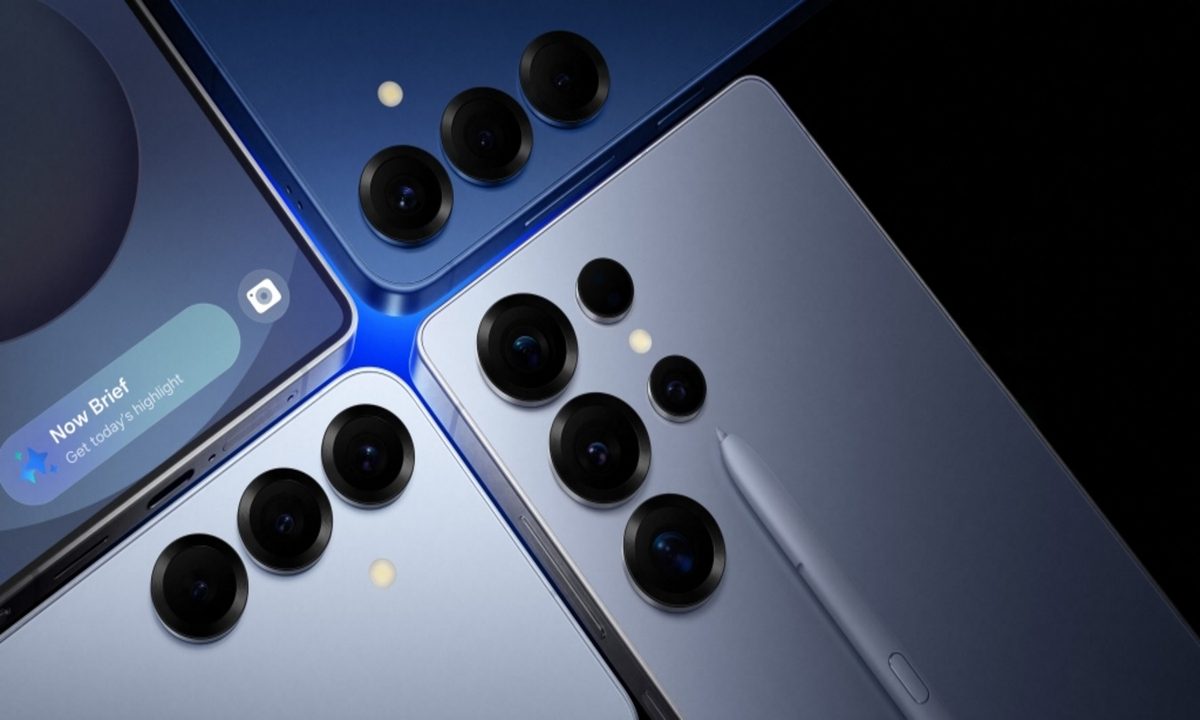
What’s happened? A well-known Weibo tipster says Samsung has postponed the Galaxy S26 series launch. No new date was given, and Samsung hasn’t commented. History points to a brief delay, not a long slide.

  • Ice Universe reports the S26 launch is postponed, with no follow-up details.
  • Samsung hasn’t confirmed anything, so this stays a rumor.
  • Recent flagships have arrived early in the year, which suggests only a modest shift.

This is important because: A short delay buys you time to choose the right model, and the decision may come down to how each version performs and prioritizes features. Waiting a bit means you’ll make that choice with more real-world info.

  • Performance and battery behavior can vary by model, so a clearer picture before launch helps you match priorities to the right phone.
  • On-device AI speed depends on the phone’s silicon and tuning, so a little extra time lets early tests guide your pick.
  • Once details settle, you can lock budget, storage, and color without rushing.
Recommended Videos

Why should I care? If you planned to upgrade soon, timing’s the variable, not the year. Your call is simple, buy a Galaxy S25 now with known pricing or hold for the S26 reveal and compare with fresh info.

  • If your current phone’s struggling, buying now and choosing from the best Samsung phones locks today’s trade-in values and carrier deals, which can change month to month.
  • If you can wait a few months, you’ll weigh S26 specs and cameras against discounted S25 models for a cleaner read on value.
  • Early adopters often pay closer to list price, but launch perks sometimes add credits or bundles that soften the hit.
  • Waiting extends your support runway and gets you the newest One UI out of the box.

Okay, so what’s next? Treat this as a brief pause and use it to prepare. Keep an eye on Samsung’s Unpacked invite, which usually appears close to reveal.

  • Watch out for more leaks and details regarding the Galaxy S26’s preferred processor.
  • Back up your phone and sort repairs now so you protect trade-in value when preorders open.
  • Note the current Galaxy S25 prices and set a storage budget, then be ready to decide quickly when S26 details land.
Paulo Vargas
Paulo Vargas is an English major turned reporter turned technical writer, with a career that has always circled back to…
Android 17 has a cool new trick to keep AI assistants from screaming in your ears
A new separate slider means Gemini won’t automatically get louder when you crank up music or video.
Android 17 on a phone.

Android 17 has a cool new trick to keep AI assistants from screaming in your ears, and it fixes a problem that becomes obvious the moment it happens. You turn up your music on headphones, then a voice reply hits at the same level and cuts through everything.

The latest beta changes that behavior. Assistant audio no longer rises and falls with your media, so increasing volume for a song or video won’t suddenly make Gemini or another assistant louder too.

Read more
Vivaldi browser’s tab stacks are a lovely solution that I want on Chrome and Safari
Vivaldi's take on tab management highlights just how clunky Chrome and Safari still feel on mobile.
Vivaldi browser tab stacking featured.

While most Chromium-based browsers treat tab management as an afterthought, Vivaldi takes a smarter approach. Its latest iOS update doubles down on one of its best ideas: two-level tab stacks. It's not a new feature, but it's one of the few that actually makes juggling dozens of tabs on a phone feel manageable.

A small but genuinely useful feature

Read more
Android 17 makes your internet controls way less frustrating
Google is splitting Wi-Fi and mobile data in Quick Settings, and it should save you extra taps.
Nature, Night, Outdoors

Android 17 is fixing one of the most irritating parts of using your phone, its internet controls. If you’ve ever tried to switch off Wi-Fi quickly and got pulled into an extra menu instead, this update is aimed right at that moment.

In Android 17 Beta 3, Google is changing how those toggles work in Quick Settings. Instead of grouping everything under a single tile, the system now separates Wi-Fi and mobile data, so you can manage each one without going through another screen.

Read more