
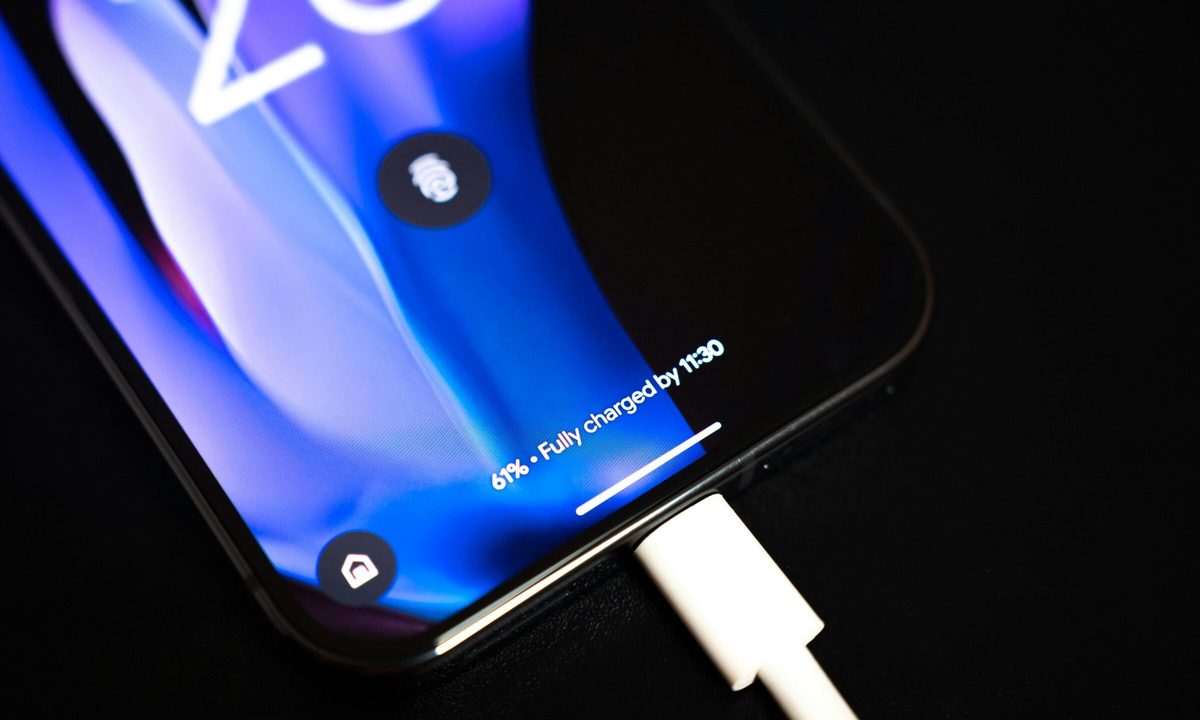
Google is working on a priority charging feature designed for moments when you need power quickly. The option, uncovered in Android 17 beta code by Android Authority, focuses on boosting usable battery in a short window without shutting down core phone functions.
Instead of pushing higher charging speeds, the system shifts power toward the battery by dialing back background activity. Calls and texts still come through, but less critical processes pause so more energy goes into charging.
That signals a practical shift. This feature targets quick top-ups before heading out, not long overnight sessions. It also suggests tighter control over heat and performance, two factors that often limit how fast phones can safely recharge.
Key details, including rollout timing, supported devices, and real-world gains, are not yet confirmed.
A smarter way to redirect power
At its core, the feature changes how power is distributed during charging. Background processes are reduced so a larger share of incoming energy feeds directly into the battery.
This approach differs from traditional fast charging, which relies on higher wattage and can increase heat. Here, the emphasis is on efficiency, making better use of available power instead of simply raising output.
References in the Android 17 beta point to short, high-impact charging sessions as the main use case. It may perform best with higher wattage chargers, though exact requirements are not specified.
There are still open questions: It’s not clear how aggressively apps will be limited or whether users will have direct control over the feature.
Why it matters for daily use
Short charging sessions often feel ineffective. This feature aims to change that by making those few minutes count more.
It also reflects a broader shift in charging strategy. Improvements come from managing system activity rather than chasing peak speeds which could lead to more consistent results across different chargers and environments.
There is also a tradeoff to consider. Background tasks like syncing and updates may be delayed while the mode is active. In time-sensitive situations, that compromise likely makes sense, but it needs to feel smooth in practice.
Compared with existing battery saver or adaptive charging features, this mode is more situational. It’s built for urgency rather than long-term battery health.
What to watch next
The feature remains hidden in early Android 17 builds, and its release timeline is still unclear. Google has not shared details on availability or device support.
Hardware will likely influence where it appears first. It could depend on charging capabilities or thermal limits, which suggests newer Pixel devices may get it ahead of others. Performance expectations are still undefined.
Control is another key detail to watch. The feature could activate automatically based on usage or be triggered manually when needed. If this rolls out widely, quick top-ups should become far more useful in everyday use.


