

Google is steadily rolling out contextual improvements to Gemini that make it easier for users to derive AI’s benefits across its core products. For example, opening a PDF in the Files app automatically shows a Gemini chip to analyze it. Likewise, summoning it while using an app triggers an “ask about screen” option, with live video access, too.
A similar treatment is now being extended to the Google Maps experience. When you open a place card in Maps and bring up Gemini, it now shows an “ask about place” chip right about the chat box. Gemini has been able to access Google Maps data for a while now using the system of “apps” (formerly extensions), but it is now proactively appearing inside the Maps application.
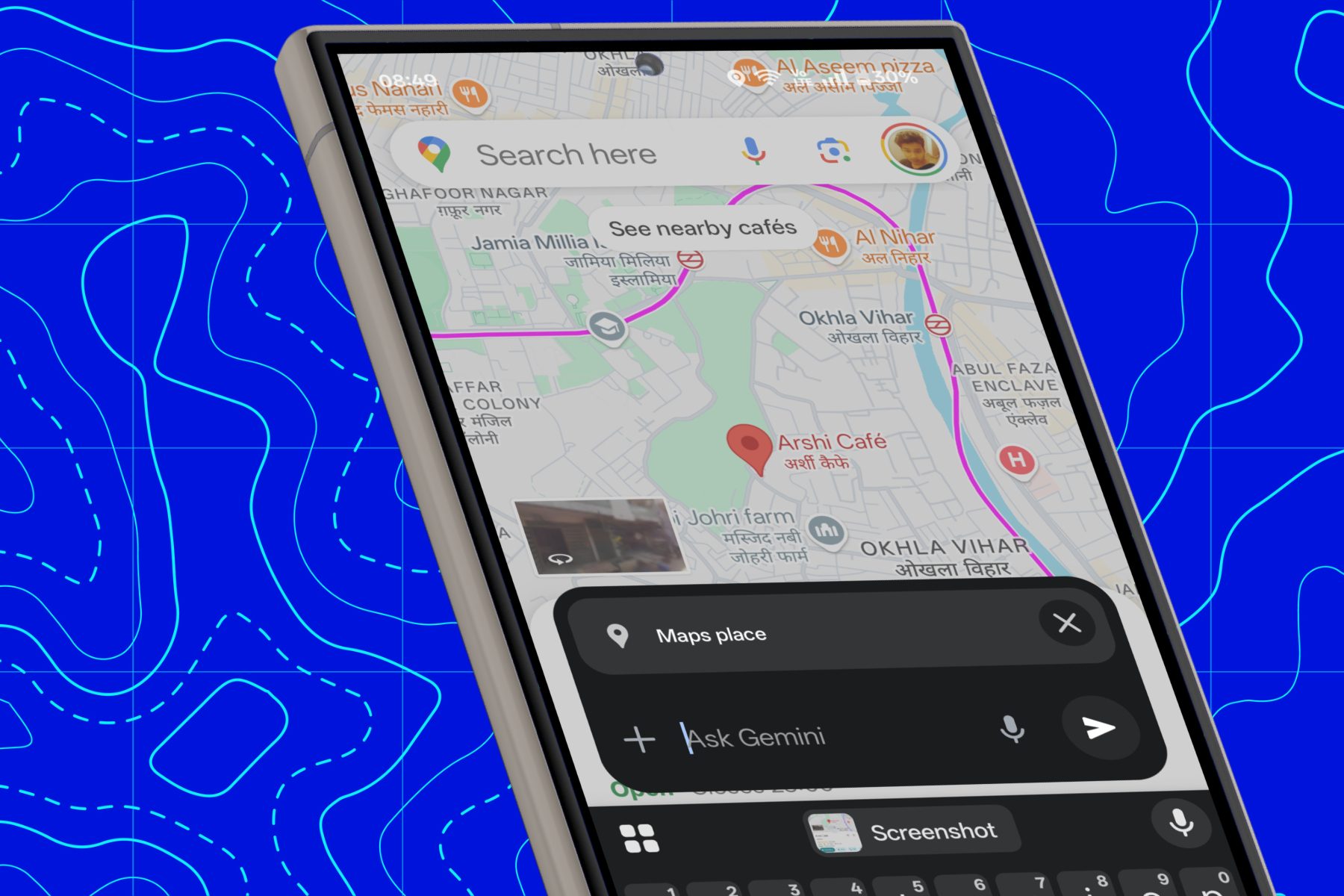
The name is pretty self-explanatory. When you tap on the “ask about place” button, the selected location is loaded as a live card in the chat window to offer contextual answers.
Easing Maps experience, one query at a time
Let’s say you are checking out the Google Maps listing of a coffee shop. All you need to do is select the location pin to open the information card and summon Gemini.

You can can ask the AI assistant about the shortest route, and get an answer summarized in natural language. For added convenience, all the landmarks and important navigation points in the response are neatly hyperlinked, too.
Likewise, users can pull up Gemini and ask it about opening/closing times, reviews, menu details, and more related information. It can also handle generic queries such as details of the best restaurants nearby, the highest-rated outlets and their menu details, finding a library that is already open in a certain area, and more.

The overarching idea is that instead of spanning, zooming, and going back-and-forth between Google Search and Maps view, Gemini will directly field all your questions in one place. All you need to do is type your queries or just speak them as natural language sentences.
Needs a bit of polish
In its current form, the new Gemini integration in Maps runs into a few functional hiccups. For example, despite having access to public reviews, it occasionally fumbles and fails to offer a summarized version of community contributions.
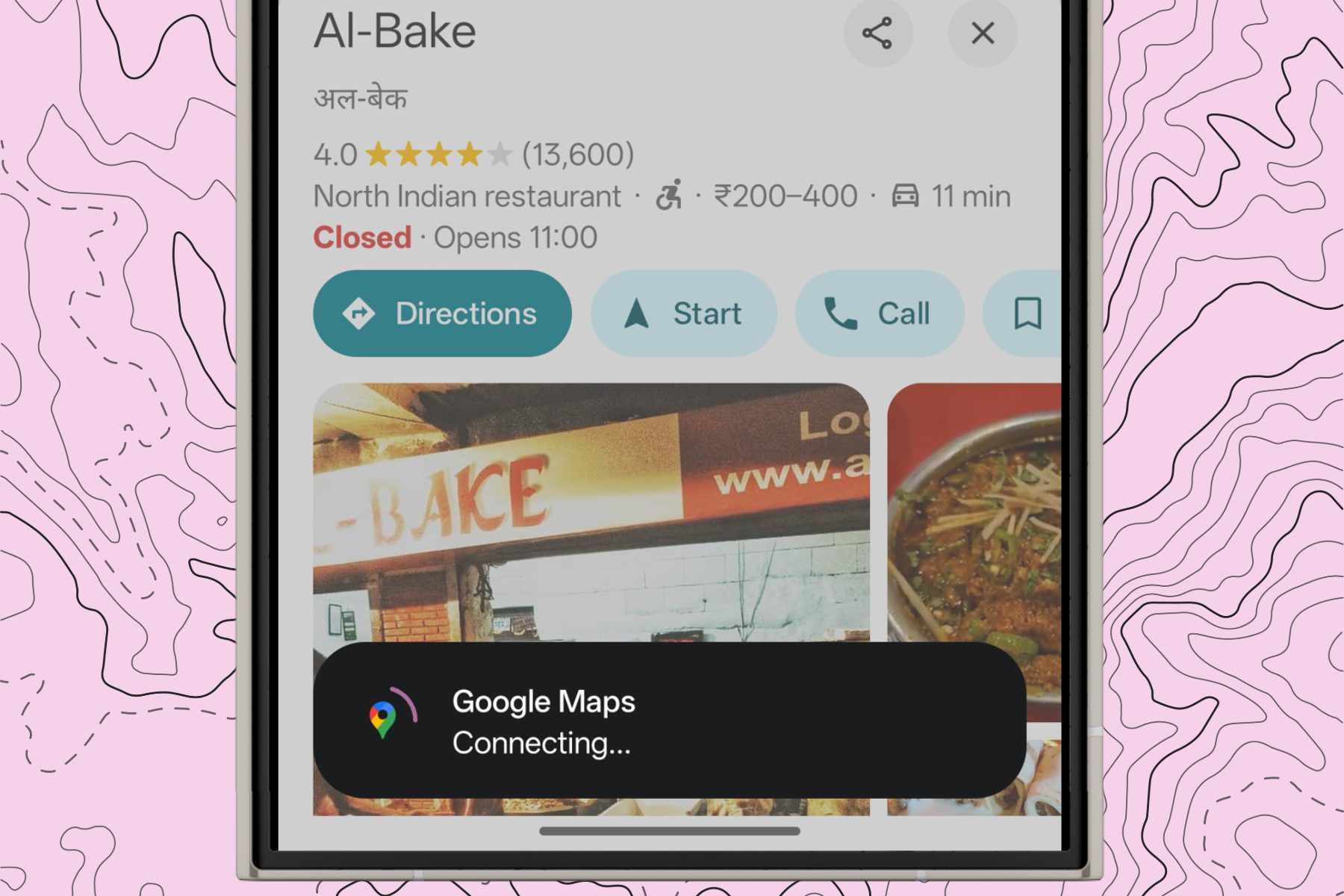
On another occasion, it misunderstood a simple question about the top items on a restaurant’s menu and gave a summarized view of food options in nearby restaurants.
This feature was first spotted by Android Authority, but it is unclear when exactly it started rolling out. I tested it using an account with a Gemini Advanced subscription, but couldn’t verify whether the new Gemini feature is rolling out to non-subscribers, as well.


