  1. Home
  2. Phones
  3. News

Google’s Gemini could soon do work for you

A new screen automation upgrade may let AI complete tasks inside apps on Android.

Add as a preferred source on Google
Google Gemini on Phone
Google

Google is reportedly building a significant upgrade for its generative AI assistant Gemini that could shift it from being primarily a conversational helper to something closer to a real-life work agent. In a recent beta teardown of the Google app code by 9to5Google, developers uncovered strings pointing to a feature known internally as “screen automation”. It suggests that Gemini could soon take direct actions on your behalf inside certain Android apps, such as placing orders or booking rides, without requiring the user to manually tap through screens.
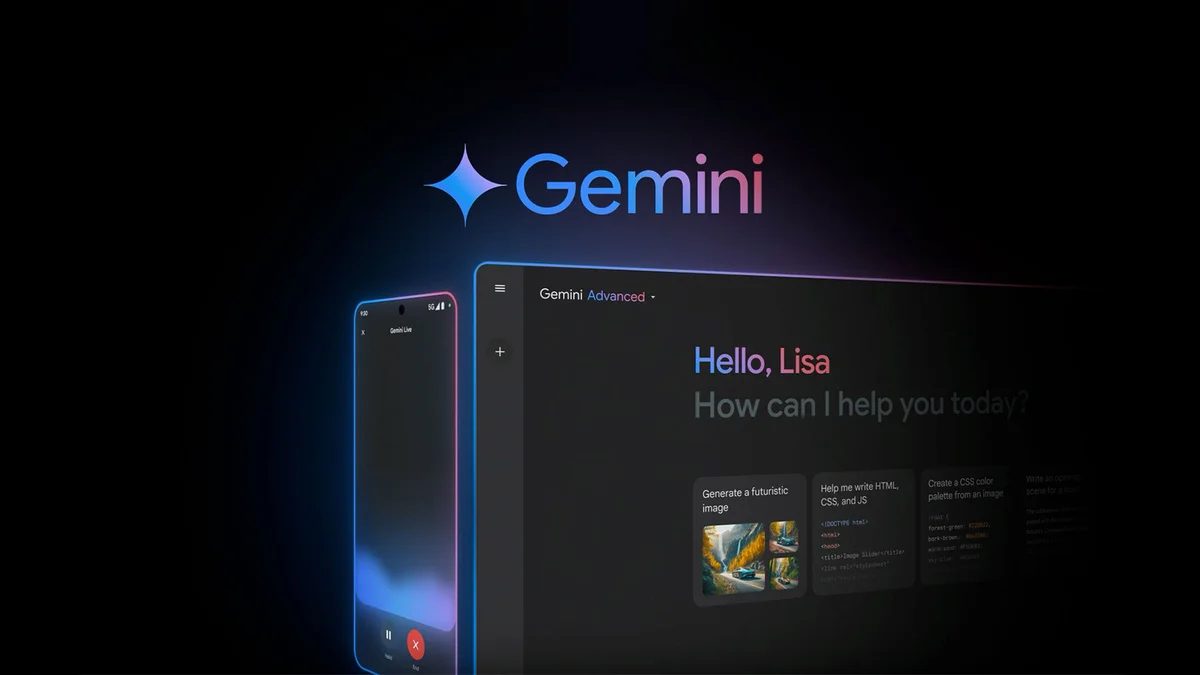
While Gemini already powers conversational tasks like drafting emails or generating research plans, this upgrade appears poised to let it literally interact with app interfaces, tapping buttons and navigating screens to finish tasks you’d typically do yourself. Early evidence from the beta suggests these capabilities will initially be limited to a handful of supported apps and will emphasize user supervision, with Google warning that “Gemini can make mistakes” and that users remain responsible for actions taken on their behalf.

How this upgrade moves AI from assistant to agent

The concept behind screen automation is a major step toward giving AI more autonomy in everyday digital workflows. Instead of just suggesting what you could do, Gemini may soon execute those choices directly inside apps for you. Early code strings from Google’s beta also indicate privacy precautions, such as advising users not to enter login or payment information into AI chats and warning that screenshots may be reviewed to improve the feature. Google already offers some agent capabilities through its Gemini Agent platform in Workspace and web, where AI can handle complex workflows and coordinate across services, but screen automation could bring those abilities directly into smartphones and daily app use.

If these features roll out widely, it could mark a shift in how people interact with mobile devices, from tapping and swiping themselves to giving AI tools permission to act on their behalf. That may make everyday routines easier, but it also raises questions around control, security, and oversight, especially when automation touches sensitive tasks like bookings or financial orders.

Recommended Videos

Google is reportedly positioning these upgrades as optional and supervised, letting users stop or override Gemini at any time. For now, though, the screen automation feature remains in development and has yet to arrive in stable releases.

Varun Mirchandani
Varun is an experienced technology journalist and editor with over eight years in consumer tech media. His work spans…
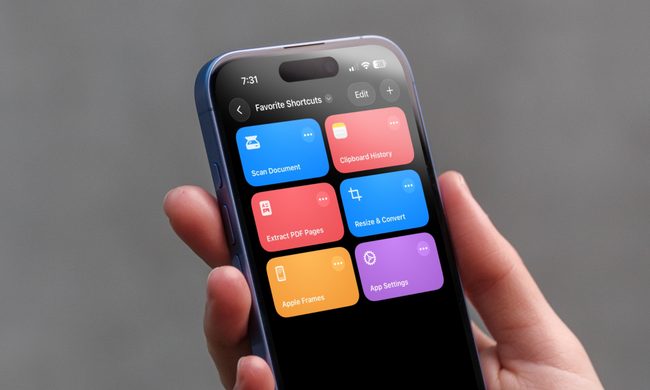
I can’t live without iPhone shortcuts. These 7 are my favorites that you must try, too.
I've been using these 7 iPhone shortcuts for years, and they've completely changed how I use my phone.
iPhone showing shortcuts app

The iPhone Shortcuts app reminds me of Minecraft. It might be relatively easy to jump into, but it offers nearly limitless potential, allowing you to build anything you want. The same holds true for the Shortcuts app, and that endless possibilities are what many iPhone users might find intimidating. But you don't have to.

If you are new to iPhone shortcuts, think of them as little automated helpers. You can build them yourself or find ones that others have built and use them. And that’s the beauty of shortcuts. If you don’t want to get your hands dirty, you can find shortcuts others have created and tailor them to your needs. 

Read more
Gemini Intelligence has strict requirements, and your phone may not qualify
Gemini Intelligence

Google’s new Gemini Intelligence platform is quickly becoming one of the biggest talking points in the Android world right now. After being highlighted during this week’s Android Show, the feature is already being tied to several upcoming premium foldables and flagship phones. But there’s a catch: not every high-end Android device will be able to run it. And surprisingly, even some of Google and Samsung’s latest foldables may miss out.

According to Google’s requirements, Gemini Intelligence isn’t just another software update you can casually push to older devices. The company appears to be building this around a much stricter hardware and long-term software support system. To qualify, a phone needs a flagship-grade chipset, at least 12GB RAM, support for AI Core, and Gemini Nano v3 or newer. That immediately creates a problem for several current-generation phones.

Read more
Meta’s Ray-Ban Display now types messages from your finger movements
Neural Handwriting is a really cool feature, but Meta opening the Ray-Ban Display to developers is the quiet announcement that turns a clever wearable into a platform with immense possibilities.
Meta Ray-Ban Display and EMG Band.

Six months into its life, the Meta Ray-Ban Display is starting to look less like an experiment, thanks to what is arguably the most significant update Meta has ever pushed for the device. 

The headline feature is Neural Handwriting, which is now available to every Ray-Ban Display owner, having spent its early months in limited access for Messenger and WhatsApp users. 

Read more
