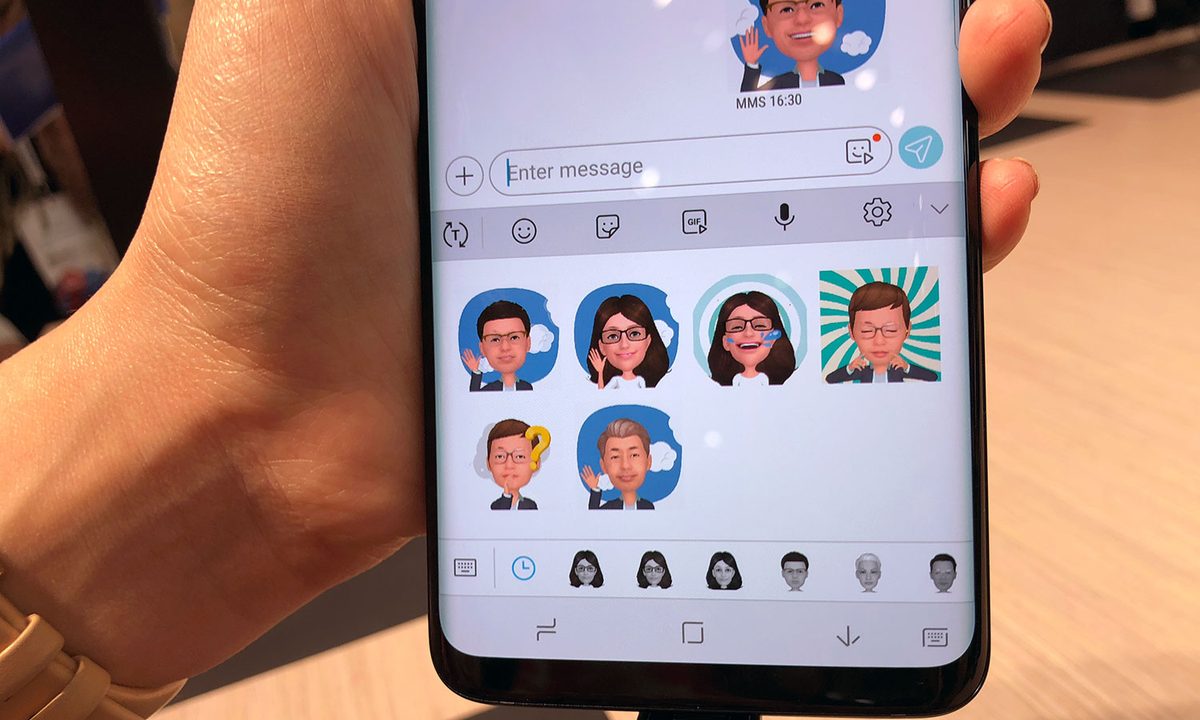
In a world where we’re increasingly communicating via text, the humble emoji — the little cartoonish pictograms we use to adorn text messages, emails, and online chats — has never been more important. Emoji can even make us seem more friendly to others. Originating in Japan in the late ’90s, emoji are now everywhere — a universal language that crosses devices, operating systems, and international borders. It doesn’t matter what country you are from or language you speak, we can all recognize the happiness in the “Blushing Smiling Face” emoji, or know that the person sending you an eggplant emoji clearly has a hankering for some eggplant parmesan.
Emoji can be used to convey a wide range of sentiments, but what to do if you want to say something specific with an emoji, and can’t quite find the right one for the task? You could always make your own emoji, although there are some restrictions. Here’s how to get started. Also, make sure to check out our guide on making your own emoji within Android.
How to create a custom emoji for a messaging service
If you use a messaging app like Discord or Slack — the former is popular with people playing multiplayer video games, while the latter is used by a lot of businesses for internal communications — then you may be happy to learn that adding your own emoji is a simple process.
To add an emoji, you first need to actually create one. Messaging services will typically have restrictions — on Slack, which we’ll be using to demonstrate, emoji can be no larger than 64KB, and neither the height nor width can exceed 128 pixels.
Step 1: Open your preferred image-editing software, such as the free, web-based Pixlr.
Step 2: Begin designing your emoji, starting with the initial shape.
If you’re confident in your artistic skills, you could make an emoji using the tools provided in the program. For a traditional emoji look, start with a yellow circle using a shape tool. Note: Use a transparent background, so the emoji will show up seamlessly against any background.

Step 3: Add features like a mouth and eyes using tools like the pencil or shape tool.

How to make an emoji using an existing image
If you’re looking to make an emoji out of a currently existing image, the process is simple.
Step 1: Find a picture you want to make into an emoji, such as a picture of Nicolas Cage in the movie Con Air.

Step 2: Open the image in your photo-editing software. Using the lasso tool, trace along the edge of the future emoji.

Step 3: Once you’ve made a complete circuit, cut the selection (CTRL + X).
Step 4: Create a new image (and preferably make the background transparent, so the emoji will look good against any chat background).
Step 5: Paste the image into this new window.
Step 6: Make any remaining edits you might want, then save the image as a PNG (so as to preserve the transparent background).

How to add your custom emoji to Slack
However you end up creating your emoji, once you’ve saved it, open up your messaging app (in this case Slack).
Step 1: Click the emoji button, then scroll down until you see the link labeled add custom emoji here.

Step 2: Click it, then upload your image file and give the emoji a name.
How to add your custom emoji to Discord
Step 1: On Discord, find the server you want to add an emoji to.
Step 2: Open the drop-down menu in the upper left.

Step 3: Select Server Settings.

Step 4: Click Emoji, then click the Upload Emoji button.
Note: You’ll need permission within the server to upload emoji. If it’s a server you created, you’ll automatically have that, but if the server’s creator has placed restrictions on who can upload, you’ll have to talk to them.

The next level: Make a pitch to the Unicode Consortium
It only takes a tiny bit of effort to add your unique emoji designs to apps like Slack or Discord, but if your goal is getting your emoji on the iOS and Android keyboards, it will take a lot more work. The emoji icons that you see on your own smartphone keyboard, like the classic “smiling face with sunglasses” or “zipper-mouth face,” are actually run by a third-party group. Unicode Consortium regulates universal emojis. Unicode is a widely accepted standard for encoding text on electronic devices, ensuring that texts sent from a machine will show up properly on the receiving end, no matter the make or model.
The consortium carefully monitors and maintains its small group of approved emoji. If you’re feeling ambitious, you can submit your emoji design ideas via a proposal to the group. The consortium would then carefully evaluate your emoji on the following criteria: How frequently would people use the proposed emoji, how distinct the image looks, and whether it fills a niche that other emoji currently aren’t providing. Before sending in your proposal, remember that an emoji can’t model a real person or brand due to copyright infringement.
Review the full requirements for making a proposal directly on Unicode Consortium’s website.