Foldable phones have always had a few quirks and compromises to achieve their unique form factor. For the cool folding mechanism in a portable body, the first thing that usually takes a hit is the photography experience. Sure, you can now find some decent main cameras, like on the Galaxy Z Fold 7, but the ultra-wide and telephoto lenses are often tiny and weaker in comparison.
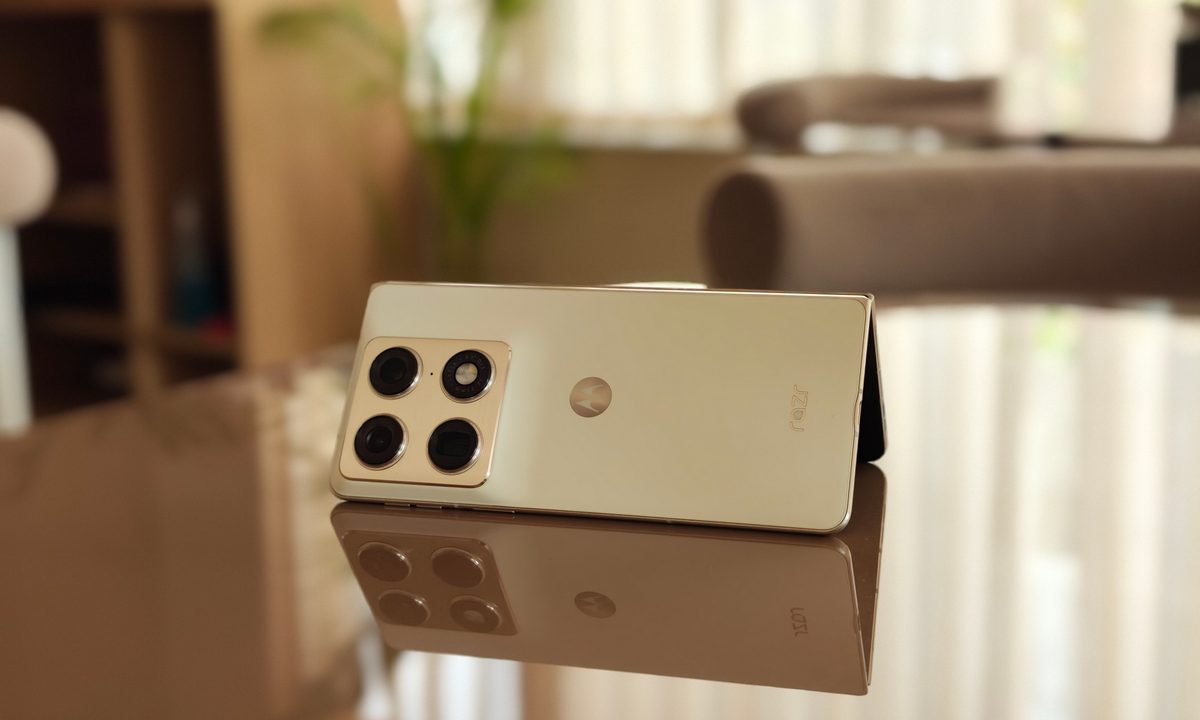
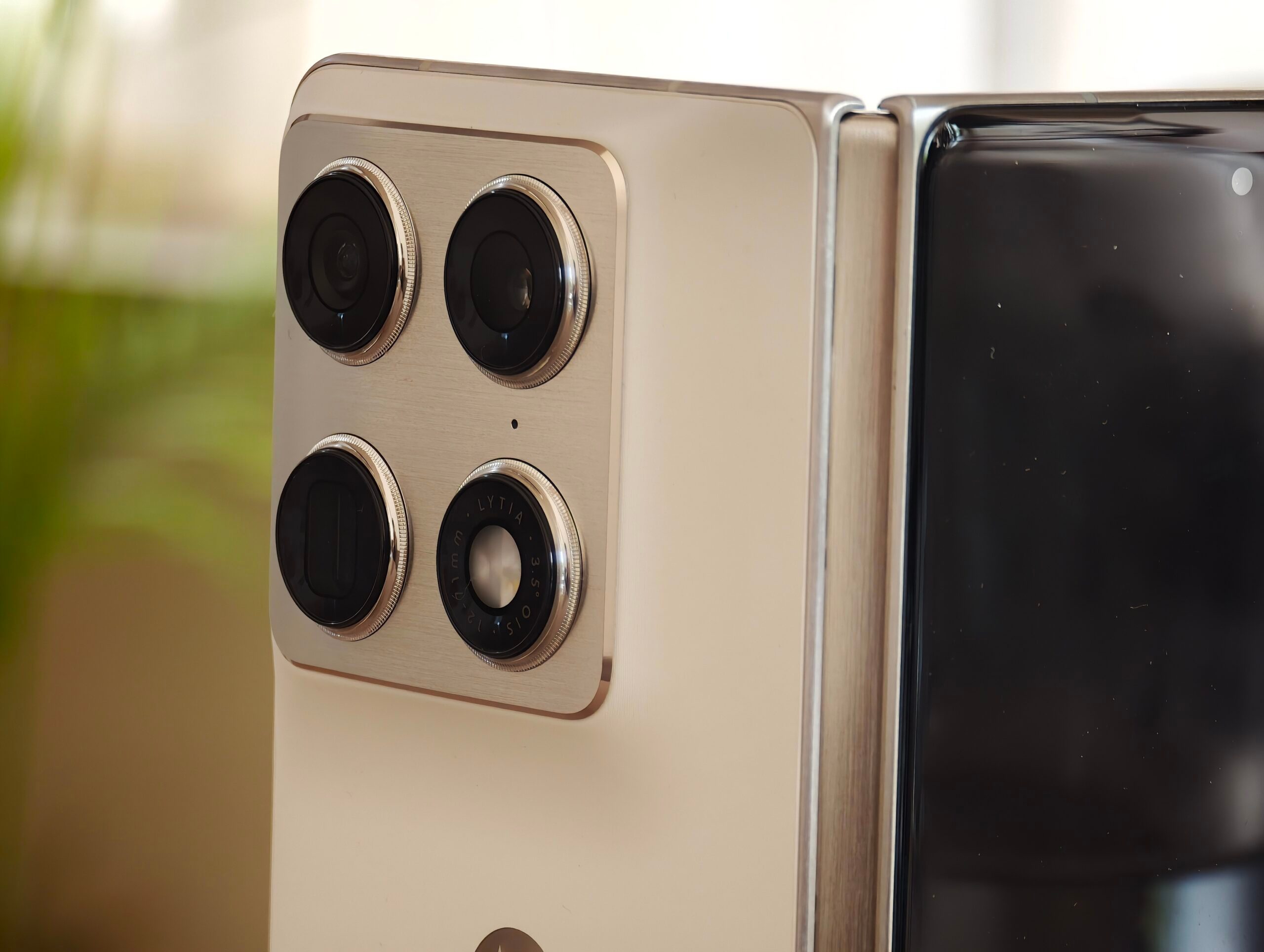
So when the Razr Fold was unveiled, Motorola’s first book-style folding phone itself wasn’t what caught my attention; it was the impressive camera hardware. Barring a few limited options from Chinese brands, foldables still aren’t exactly known for their camera chops. But I’ve seen these cameras before. The company recently had a stint with flagships once again, building the Motorola Signature with the best specs it had to offer. Somehow, Motorola has packed a lot of the same hardware that made it great into the Razr Fold.
After finally getting my hands on it, I wanted to put the Razr Fold through a proper outdoor test. For this real-world test, I took it to the streets of a local art district, which is basically a stress test disguised as a pretty walk in harsh summer weather.
The area is full of massive murals, bright walls, deep shadows, harsh afternoon light, tree cover, signboards, and plenty of small details hiding in each frame. If a phone camera is going to overcook colors, lose texture, crush shadows, or struggle with exposure, this is the kind of place where those problems quickly become apparent. Despite some challenging conditions, the Razr Fold did better than I expected.
The cameras love colors
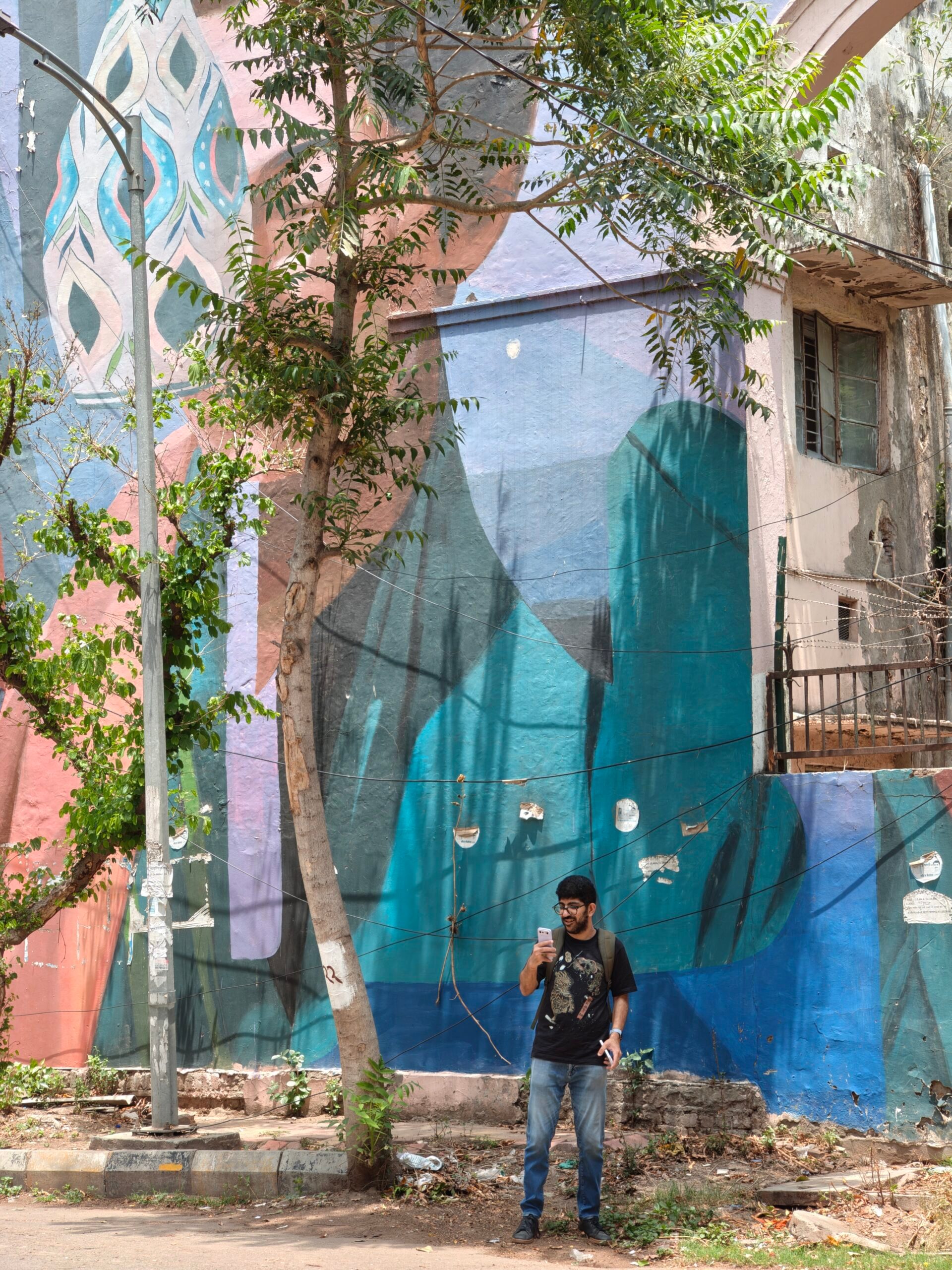
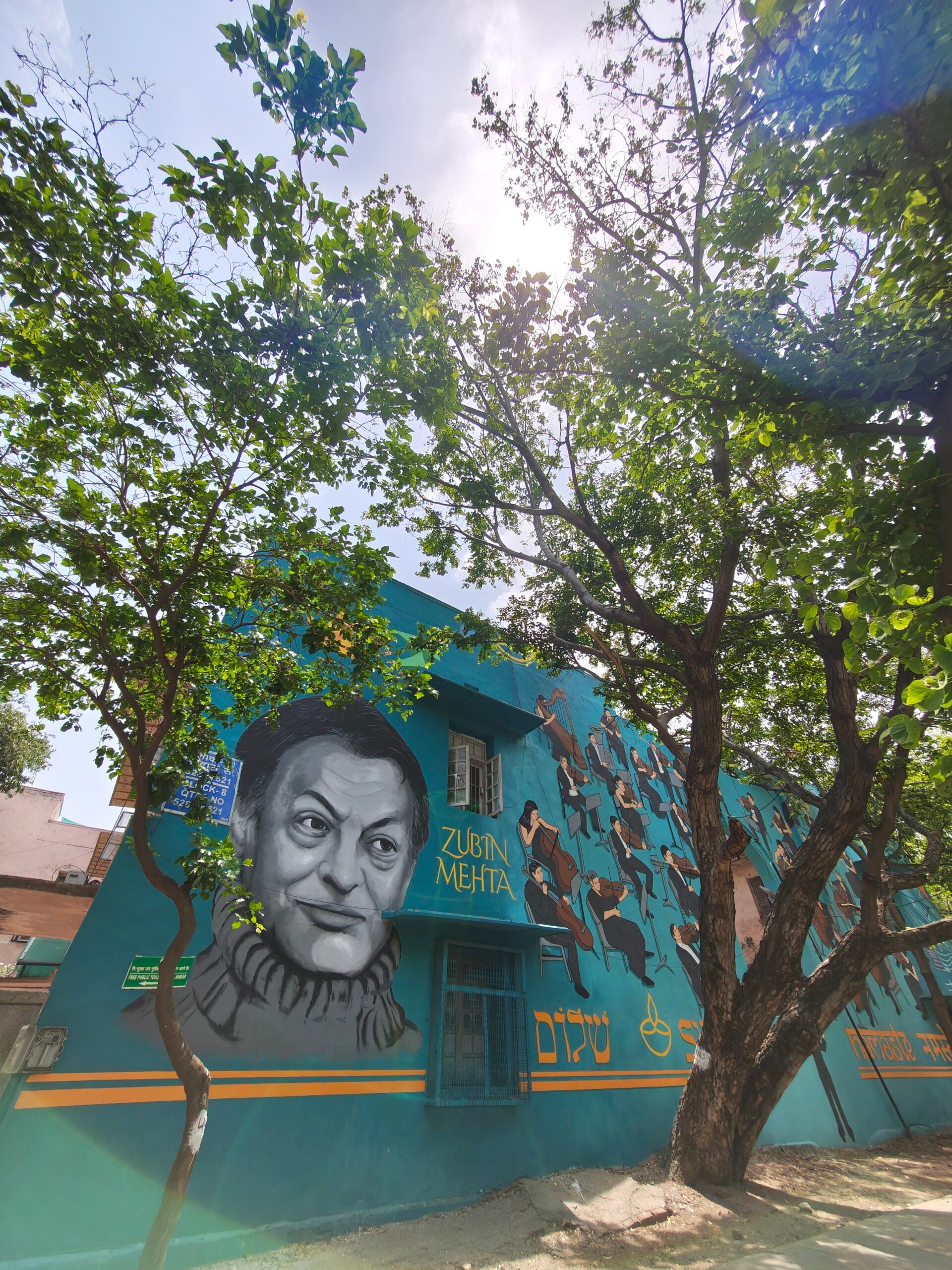
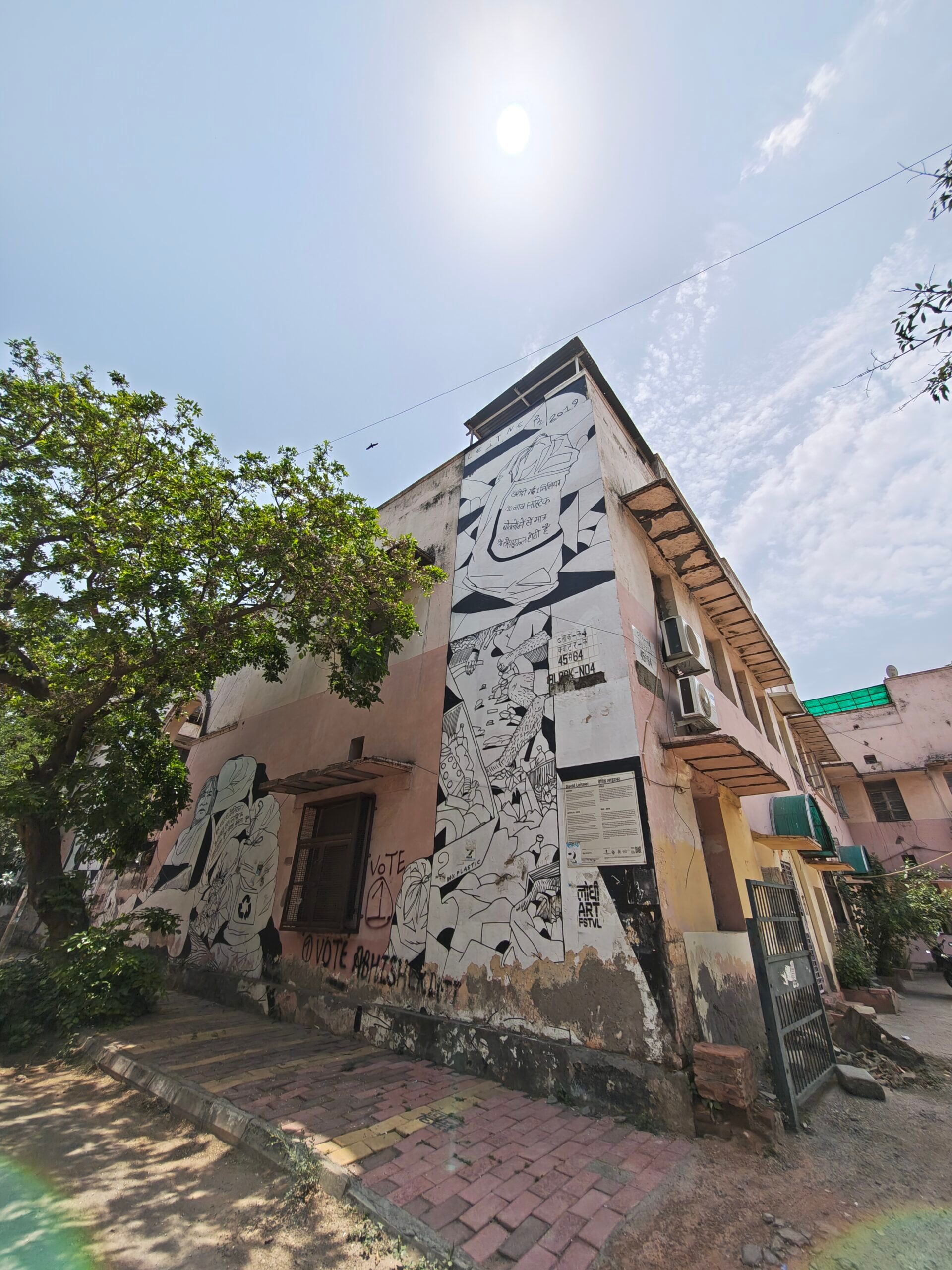
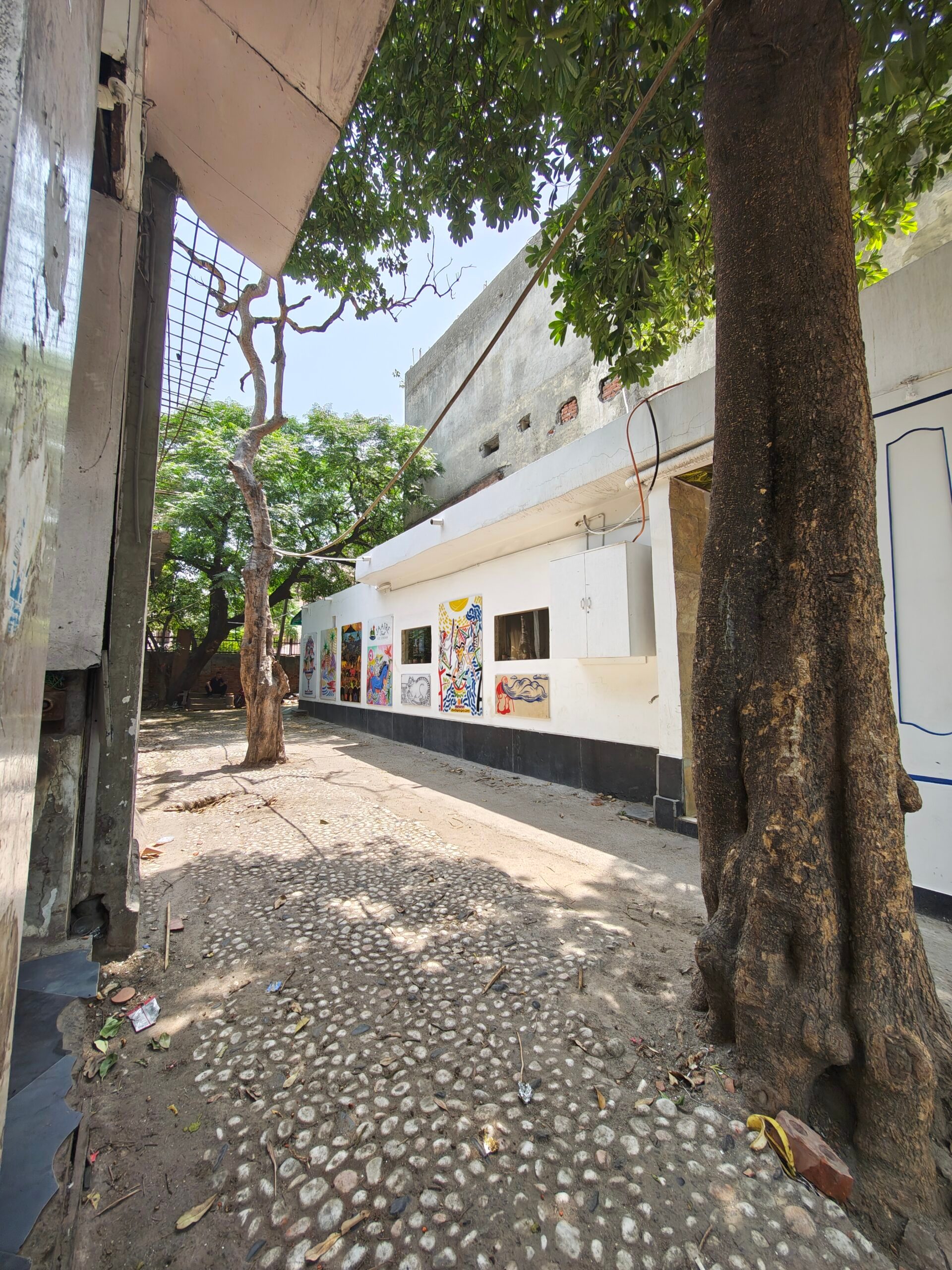
Motorola has worked closely with Pantone for accurate color reproduction, and that shows in how confidently the device’s main camera handled colors. The murals in the shots are loud, with bright reds, deep blues, teal walls, yellow buildings, painted birds, and a lot more. The Razr Fold captured that energy without making the shots look silly or artificially pumped up.
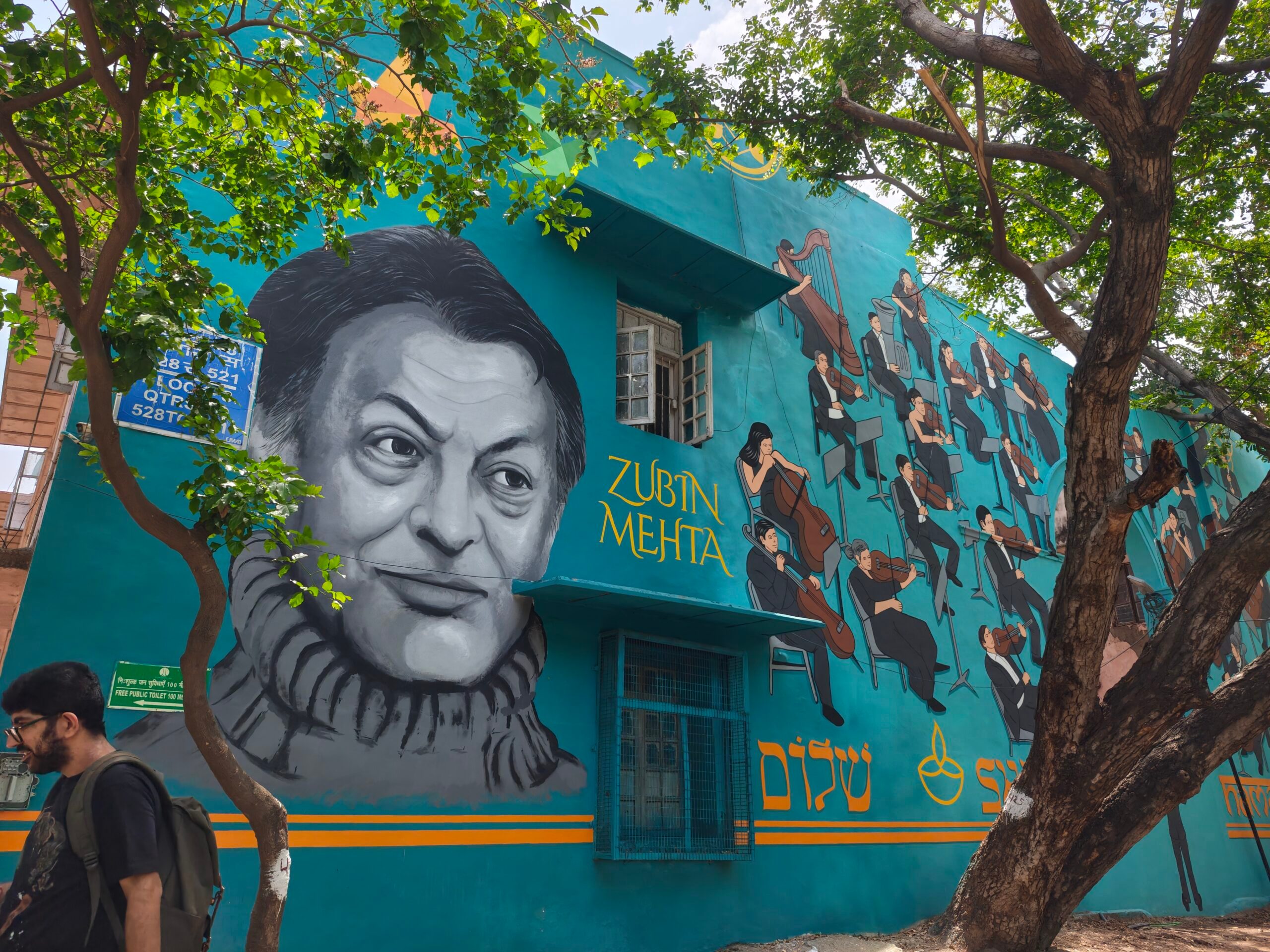
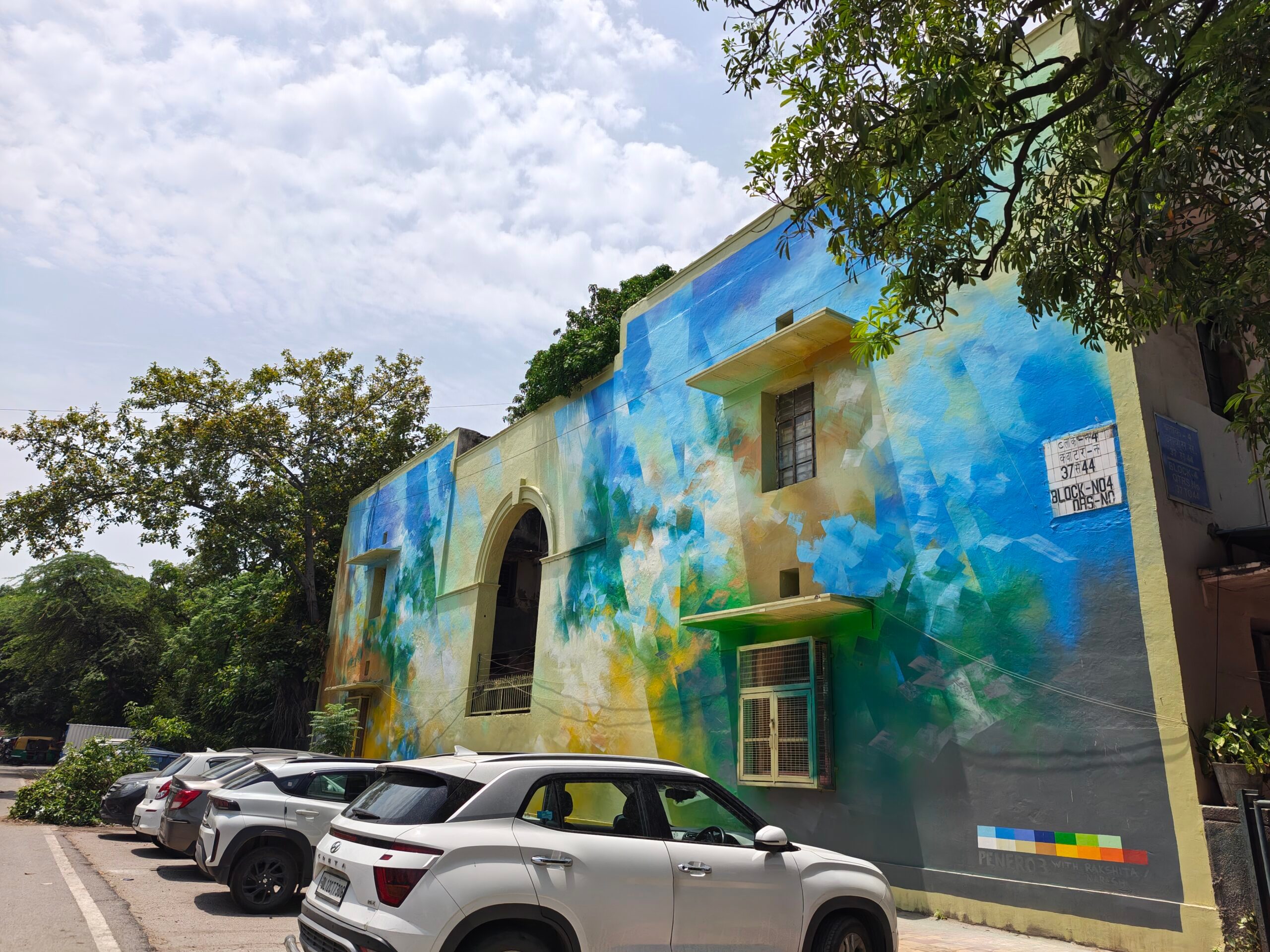
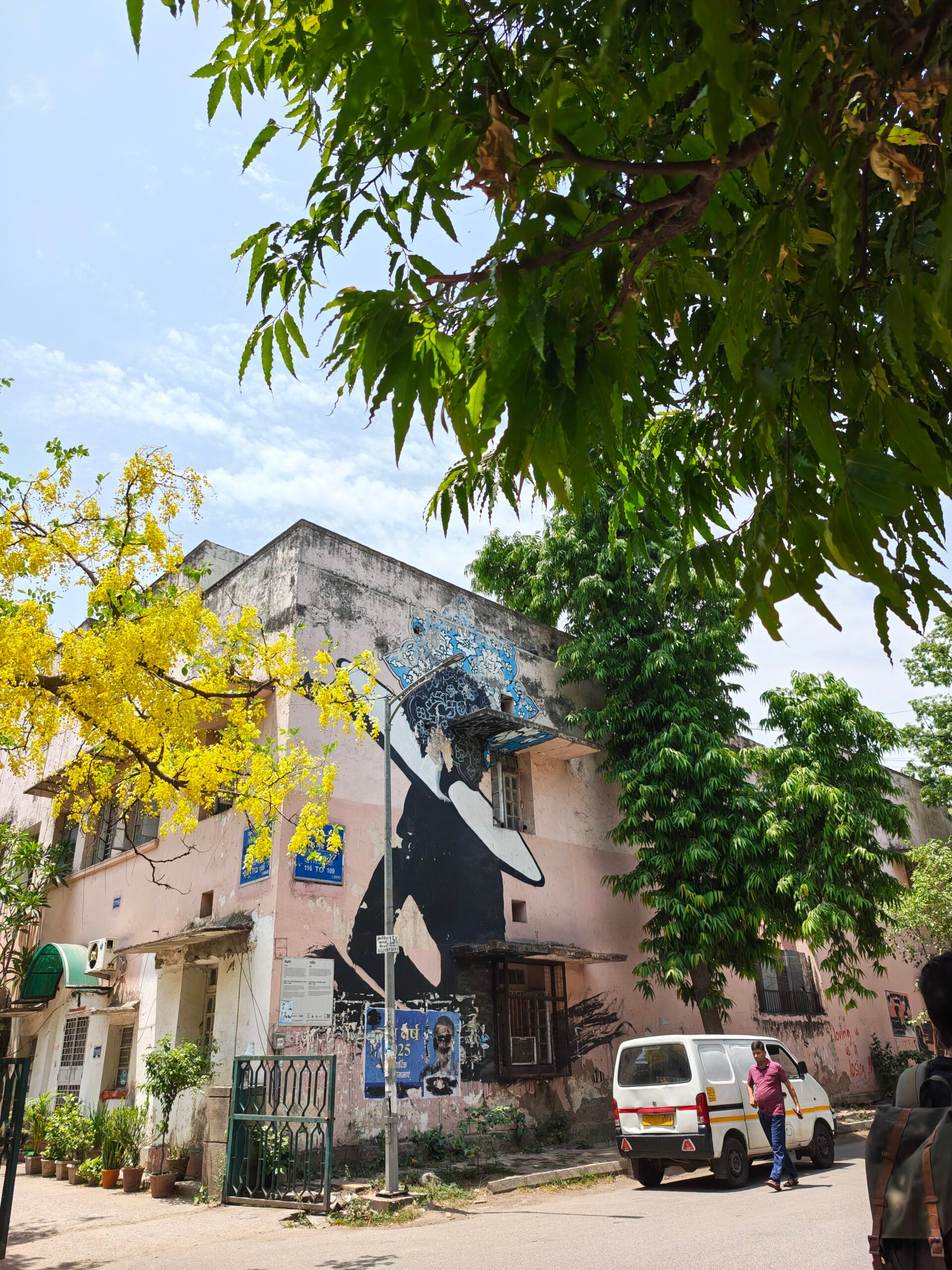
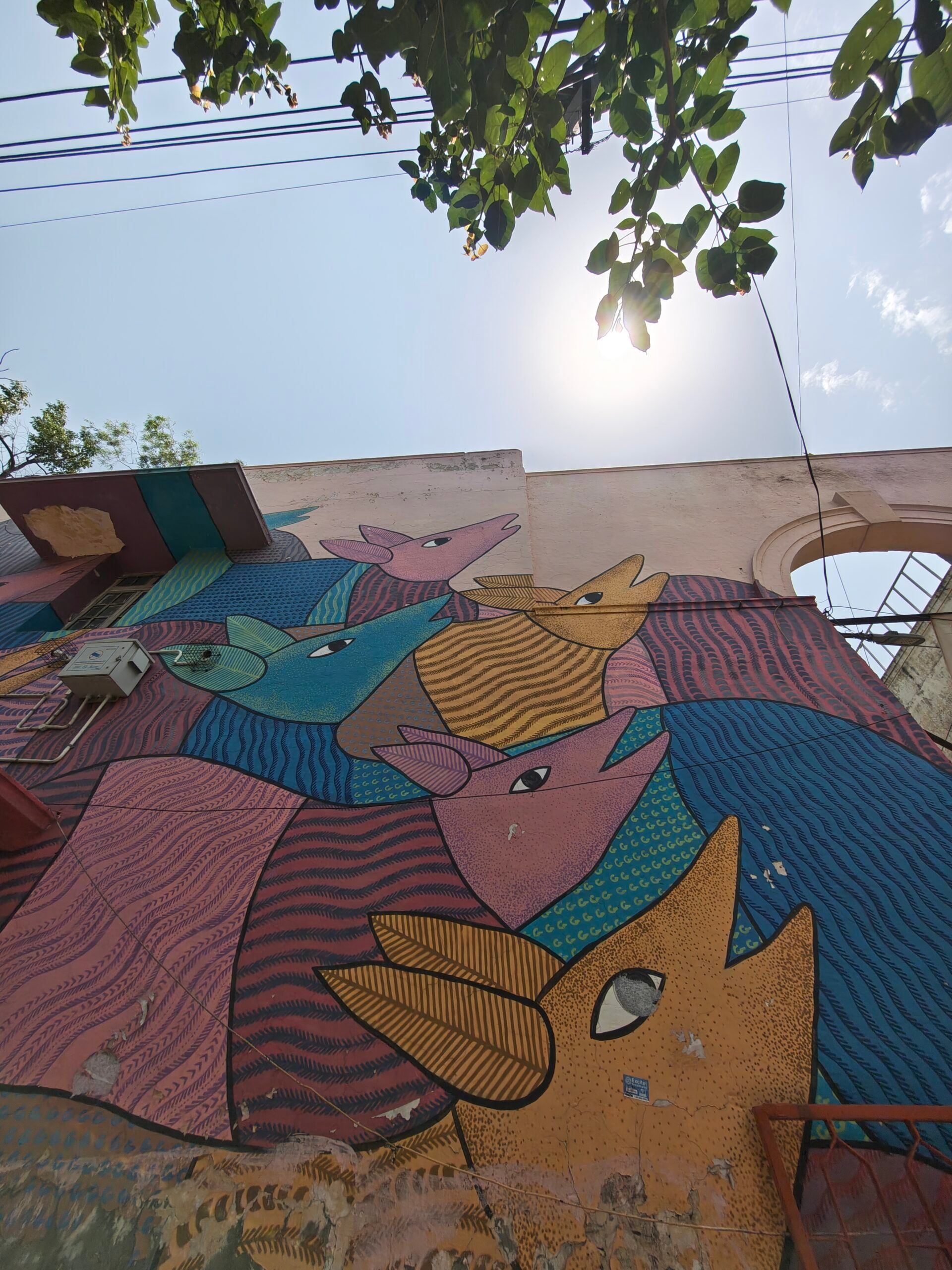
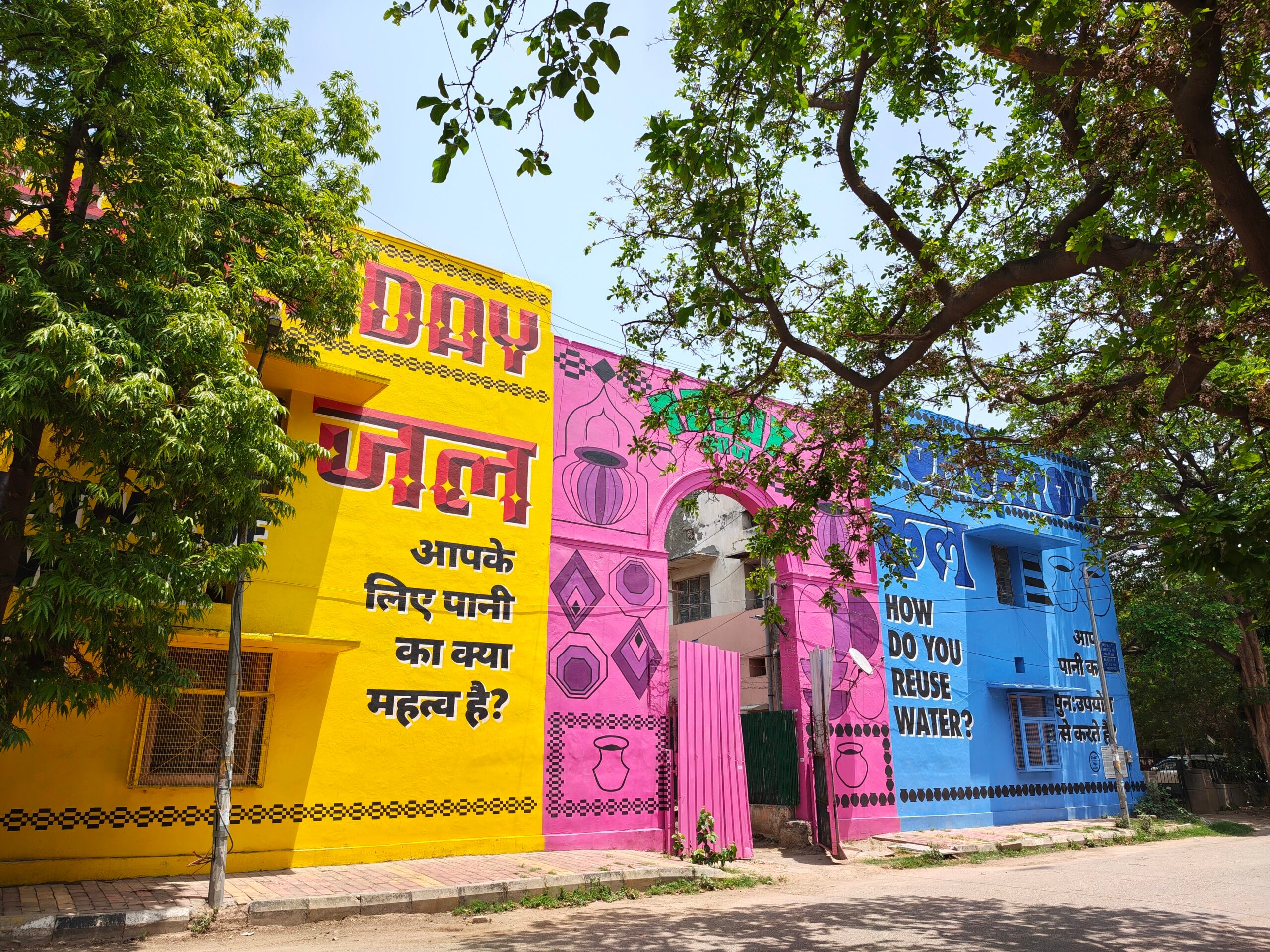
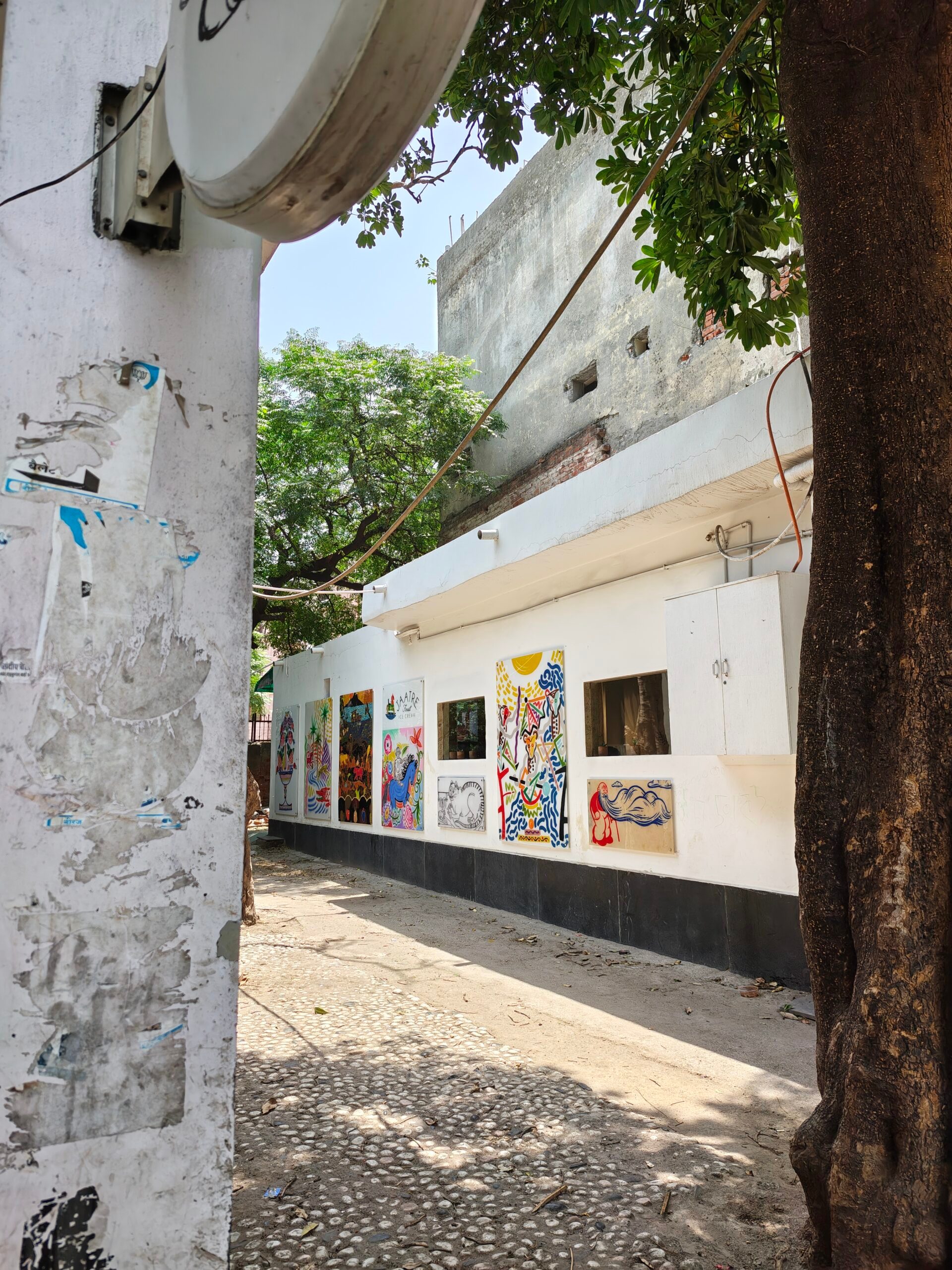
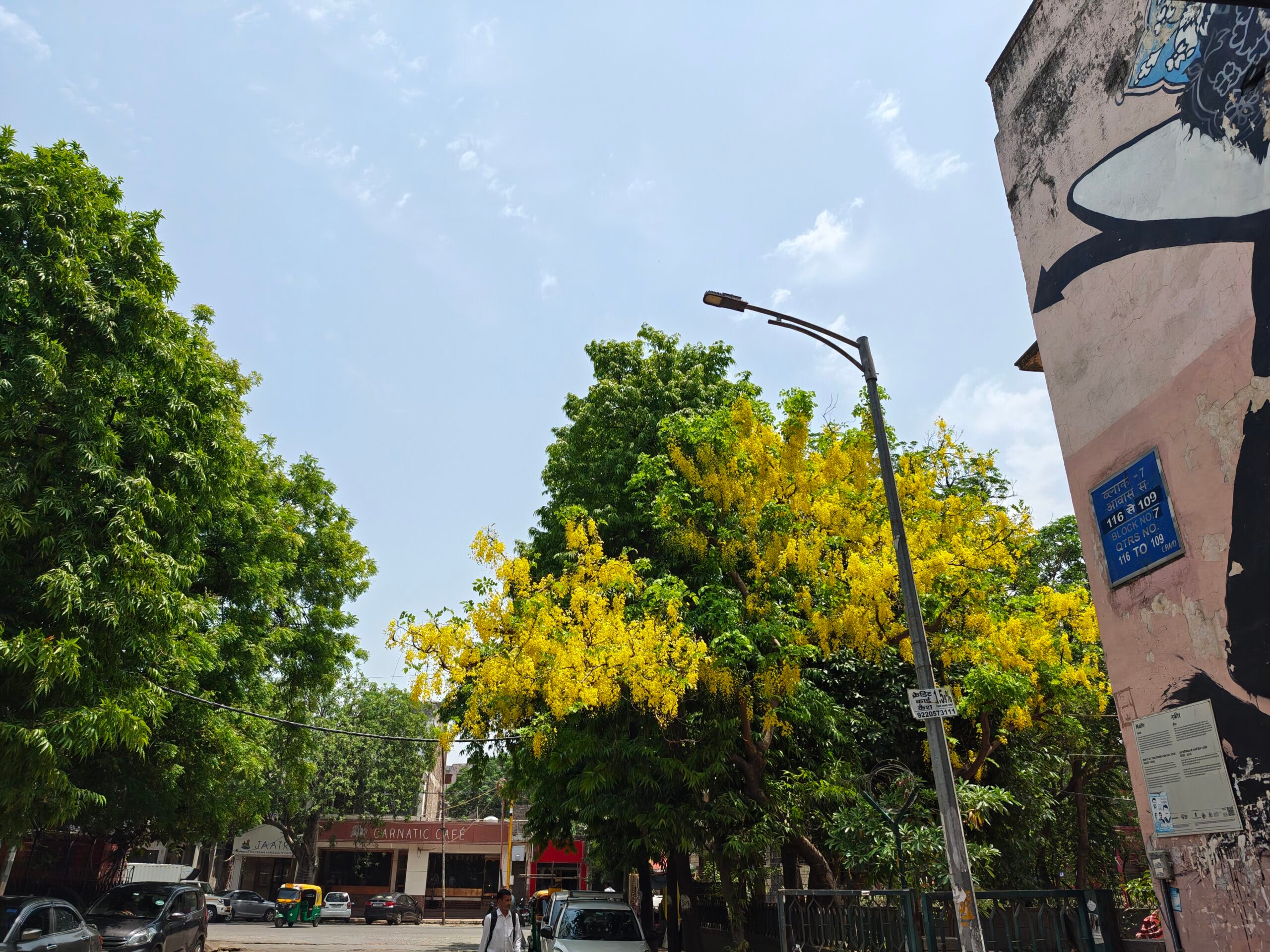
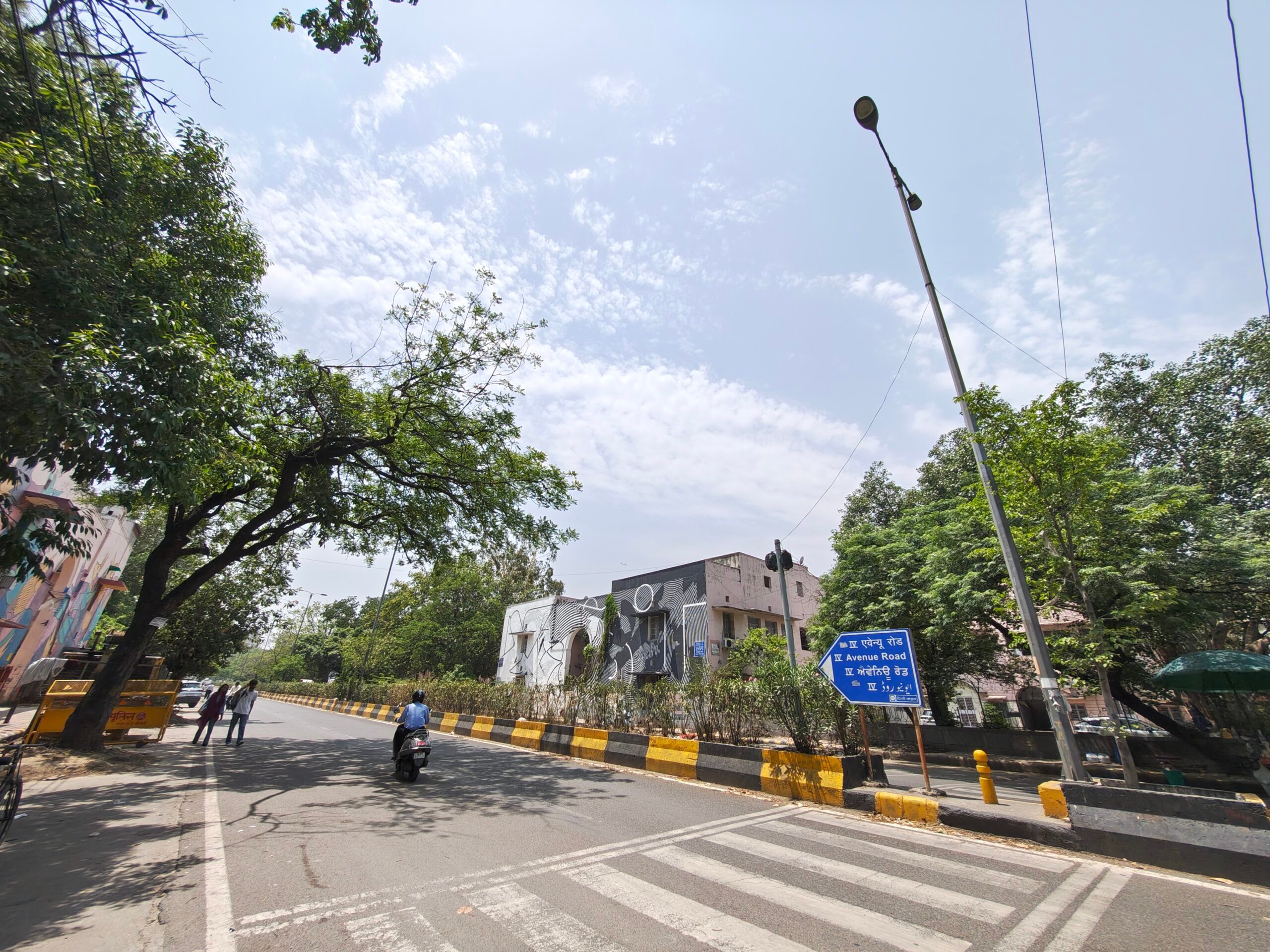
In the pink mural in particular, the camera held on to the texture of the wall while keeping the sky and surrounding greenery under control. Similarly, the artwork with strong blue tones didn’t blow up the image with unnatural vibrancy either. Even against the direct sun, Motorola avoids the trap of heavy HDR processing, which can make scenes feel overbaked or artificial. The best part was the restraint, not just in colors but in the processing as well. You can see this approach in the wider street shots too.
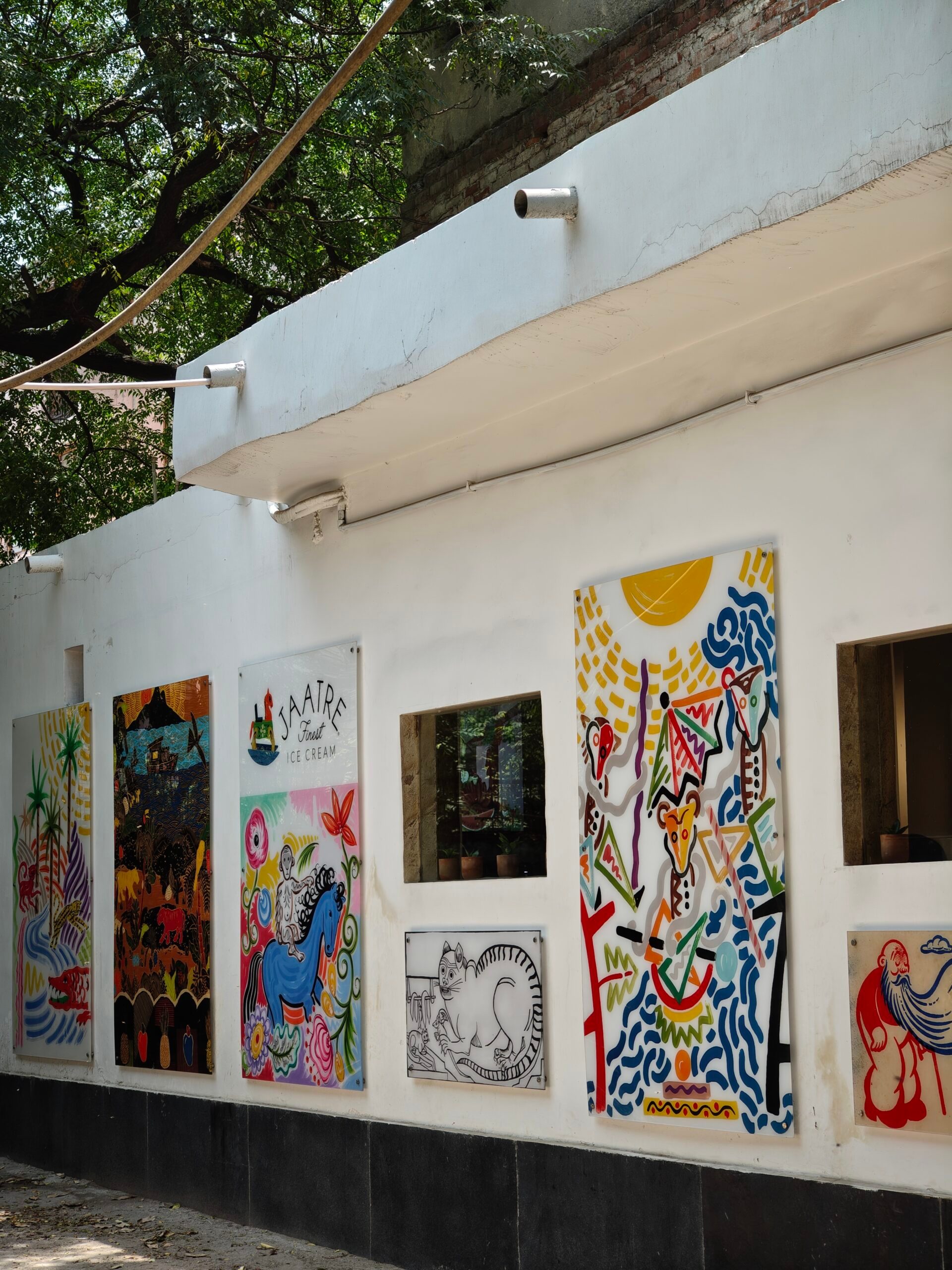
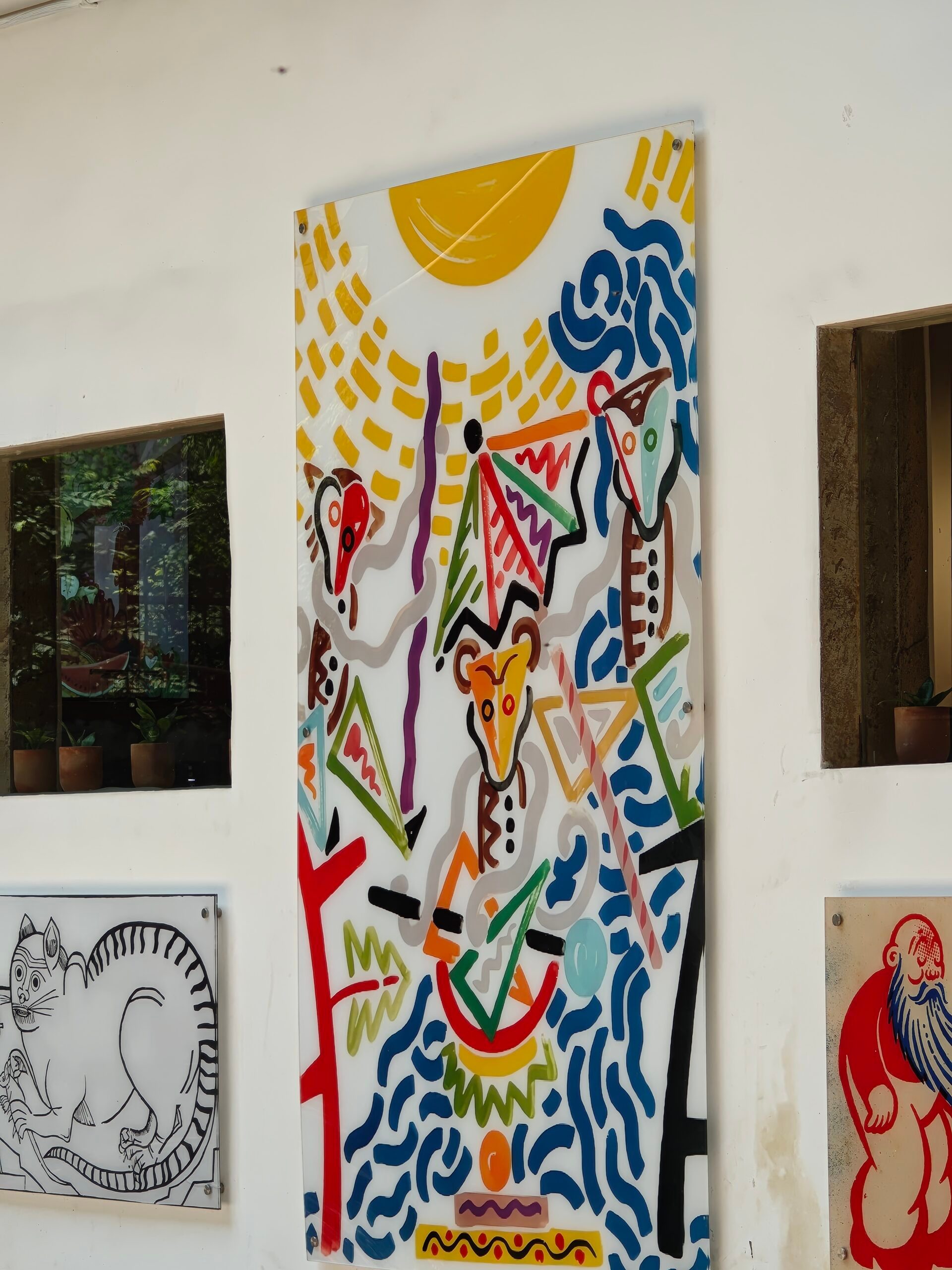
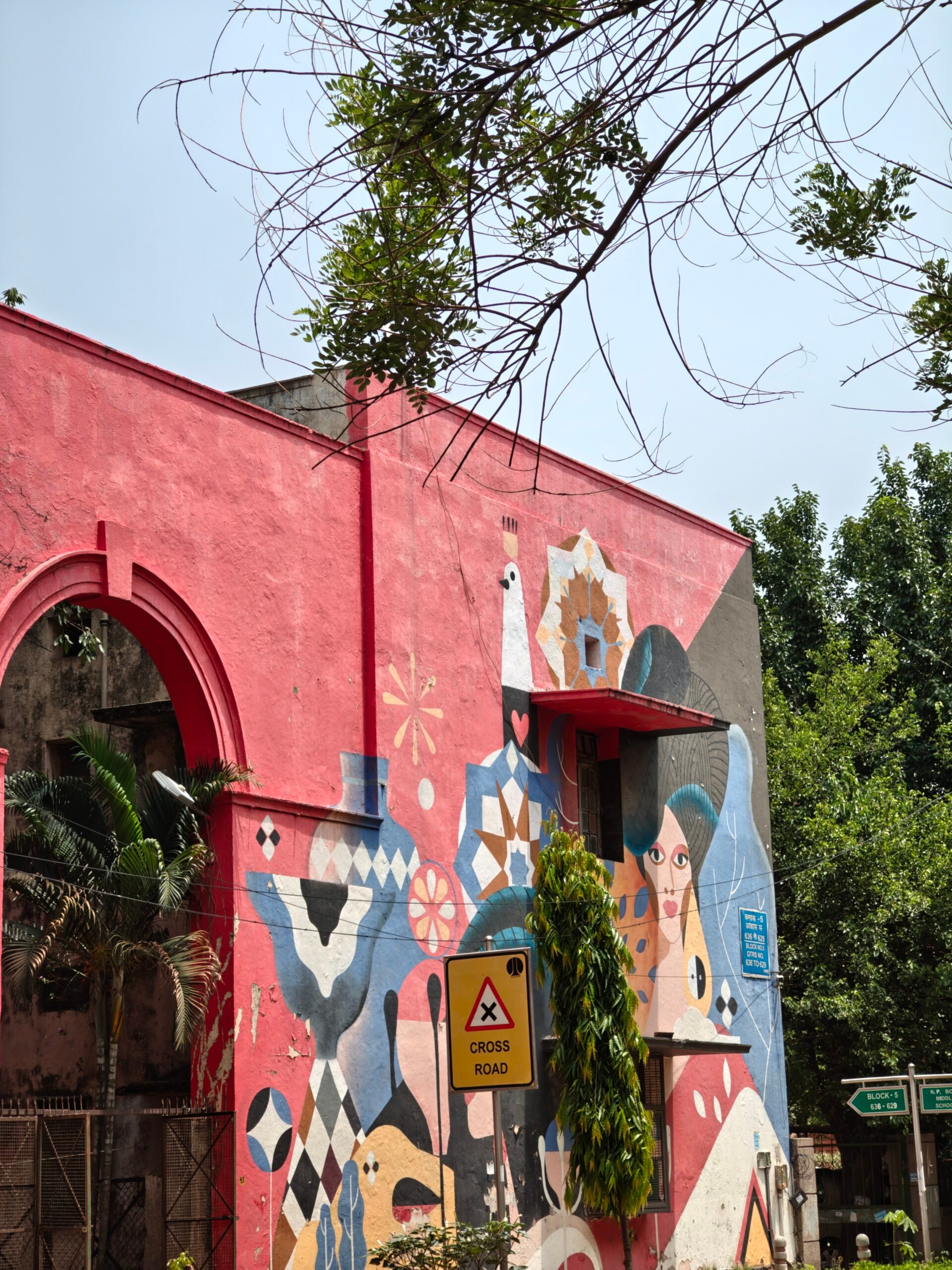
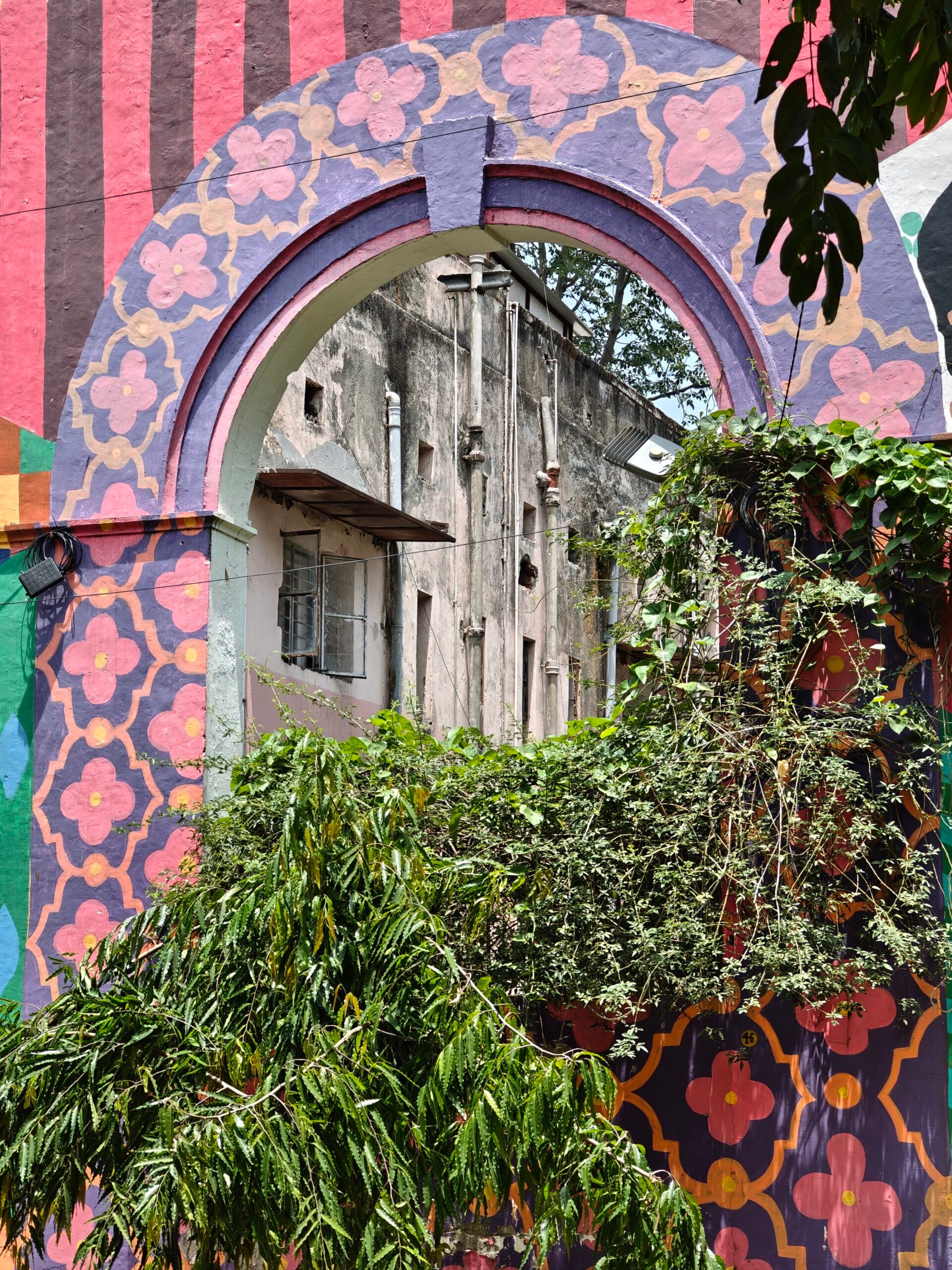
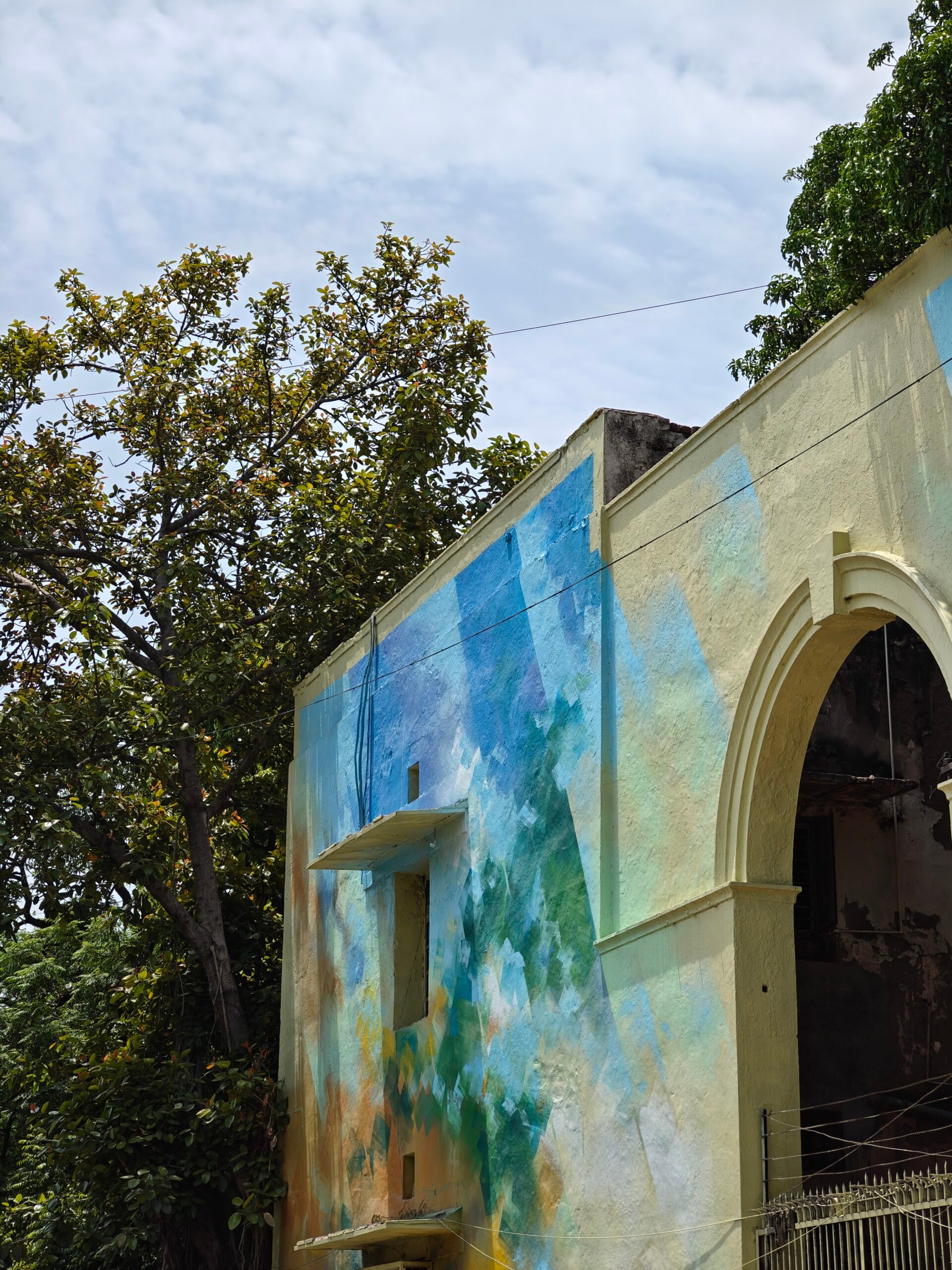
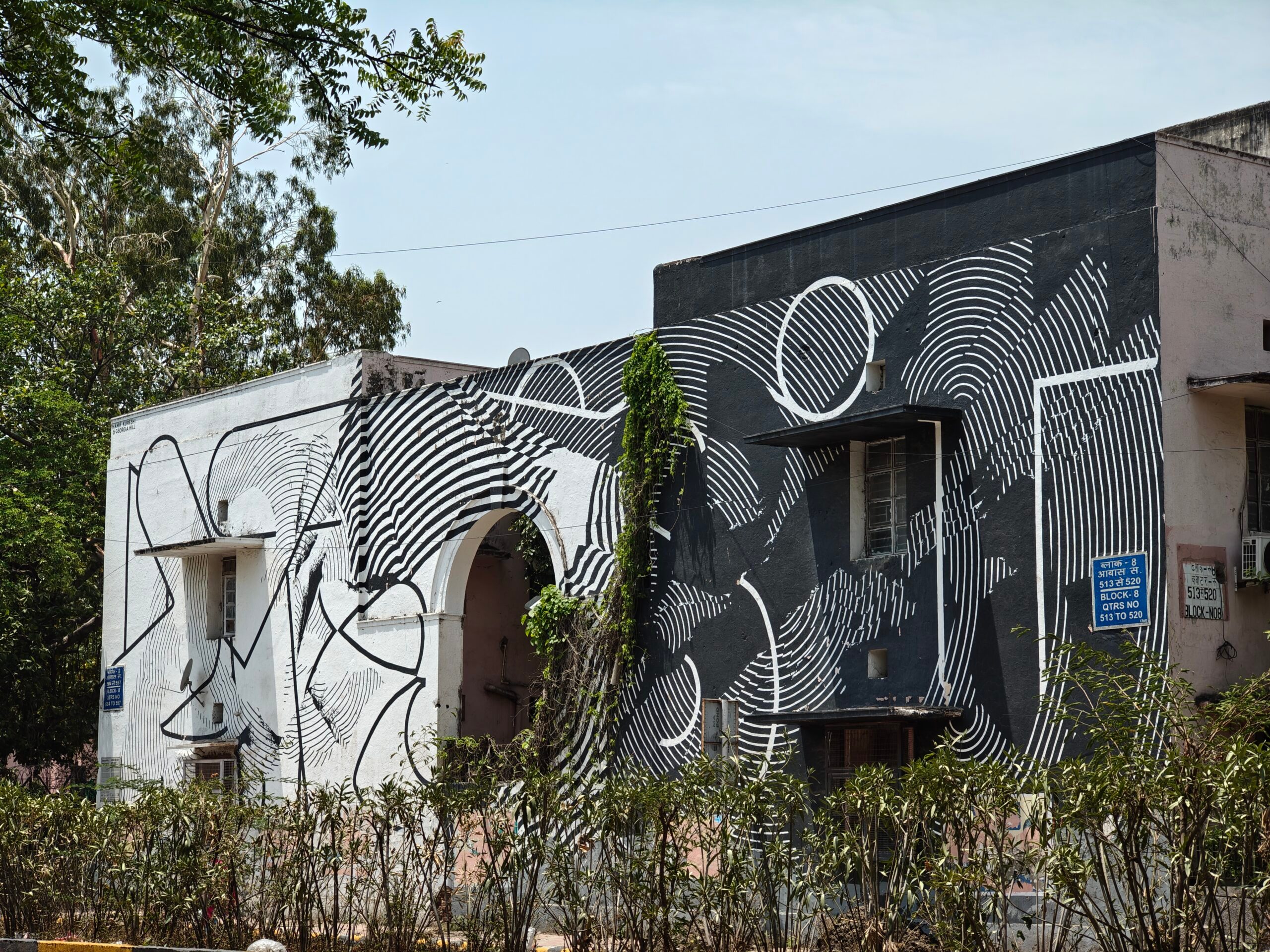
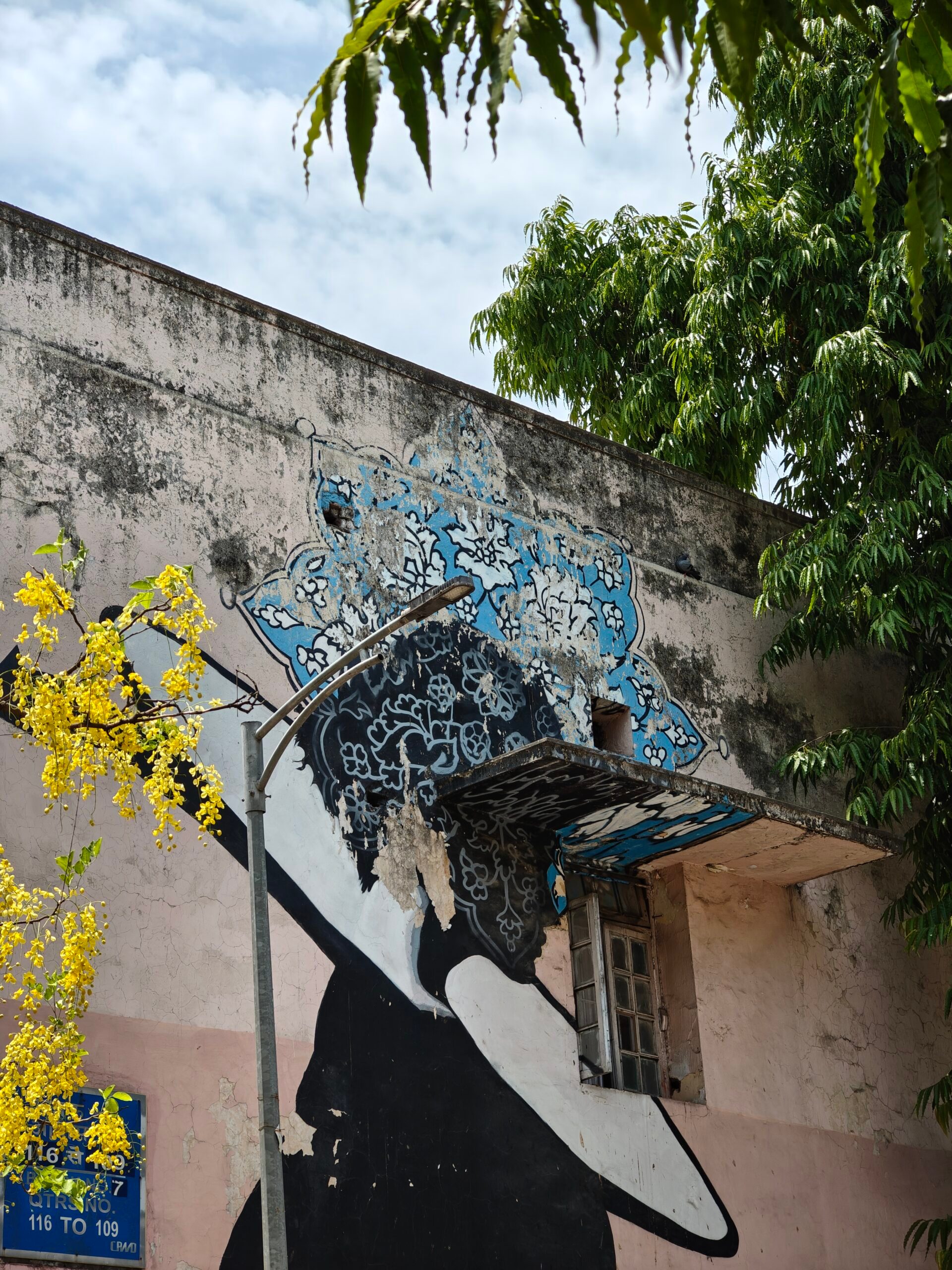
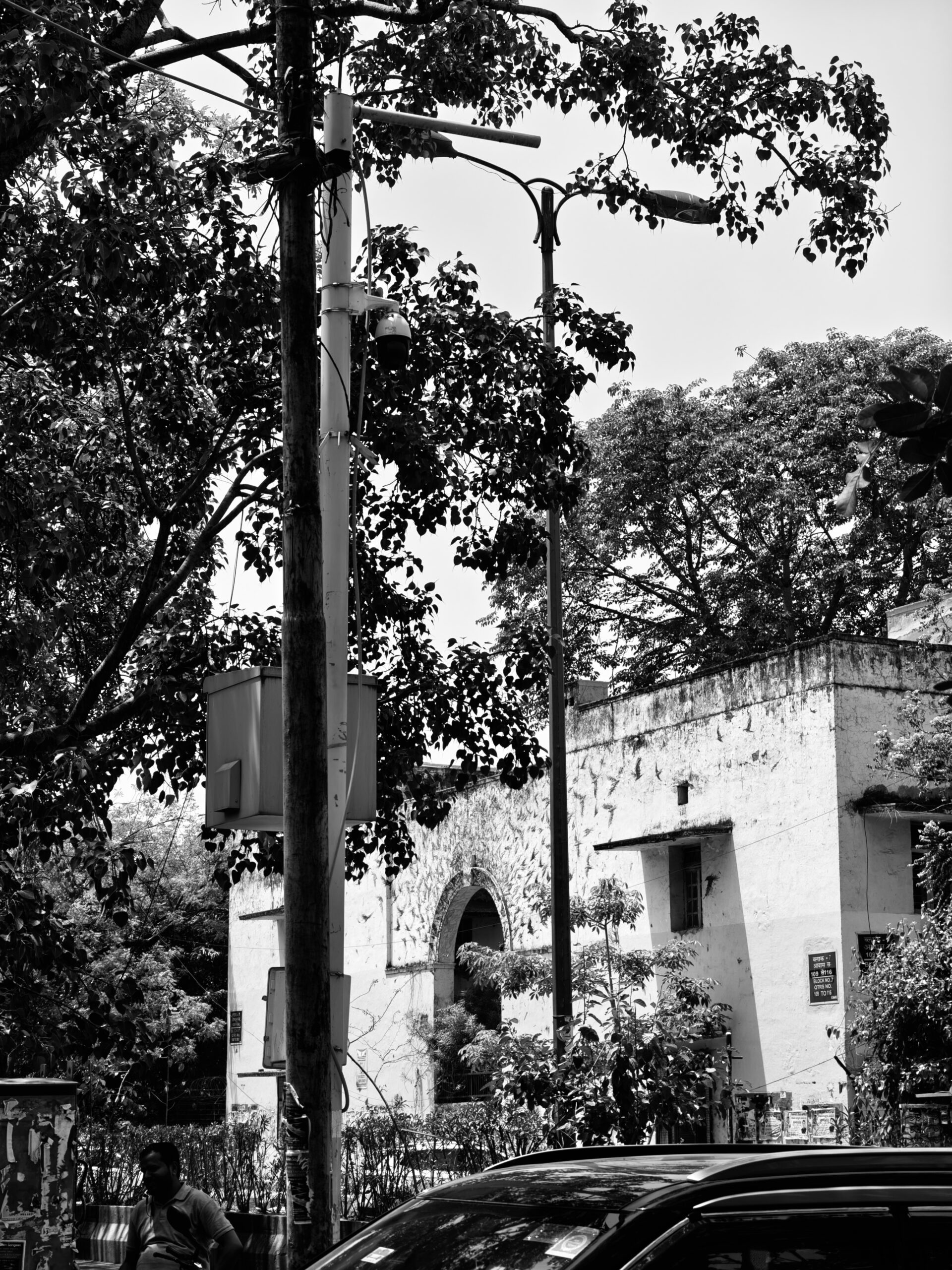
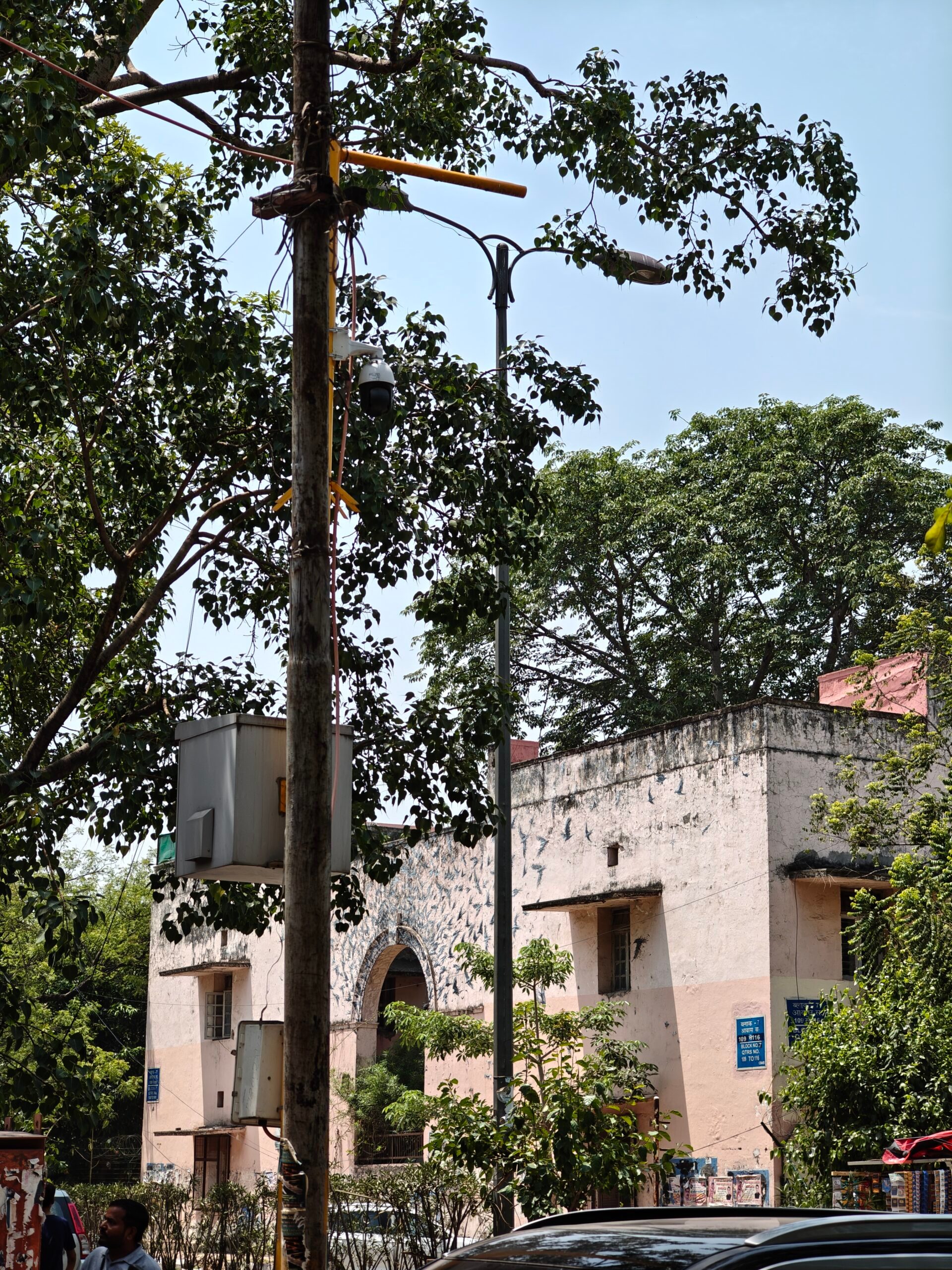
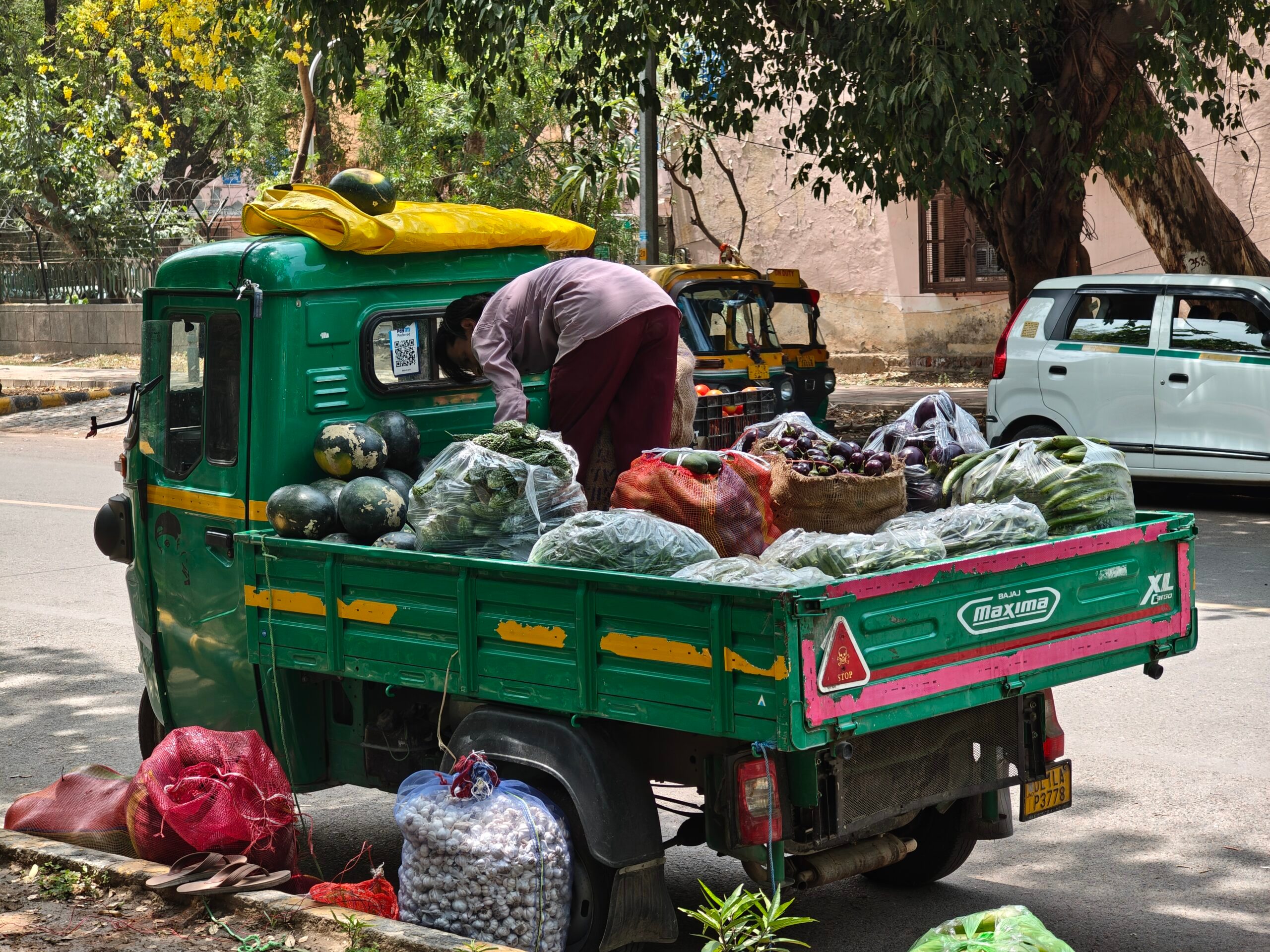
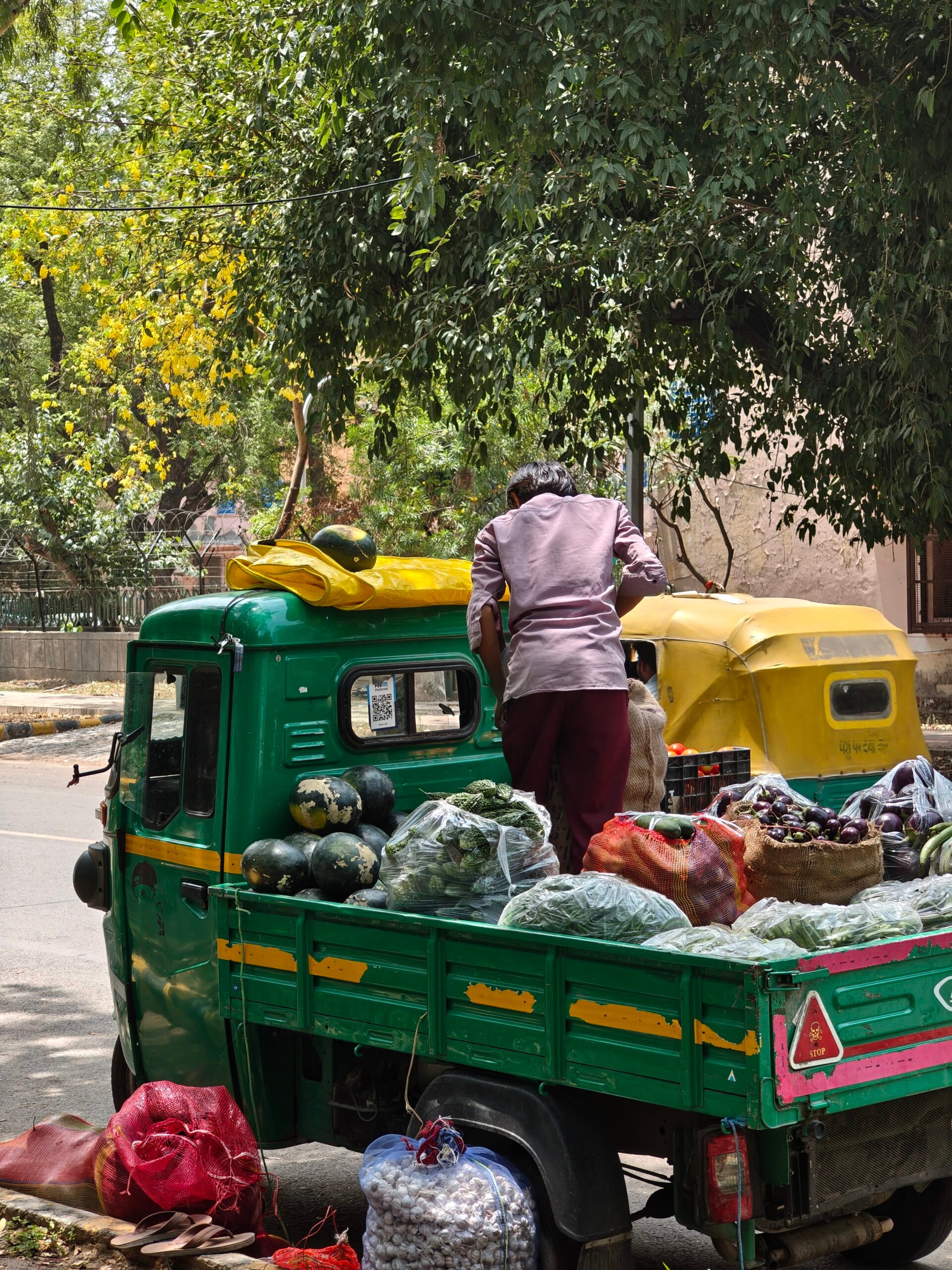
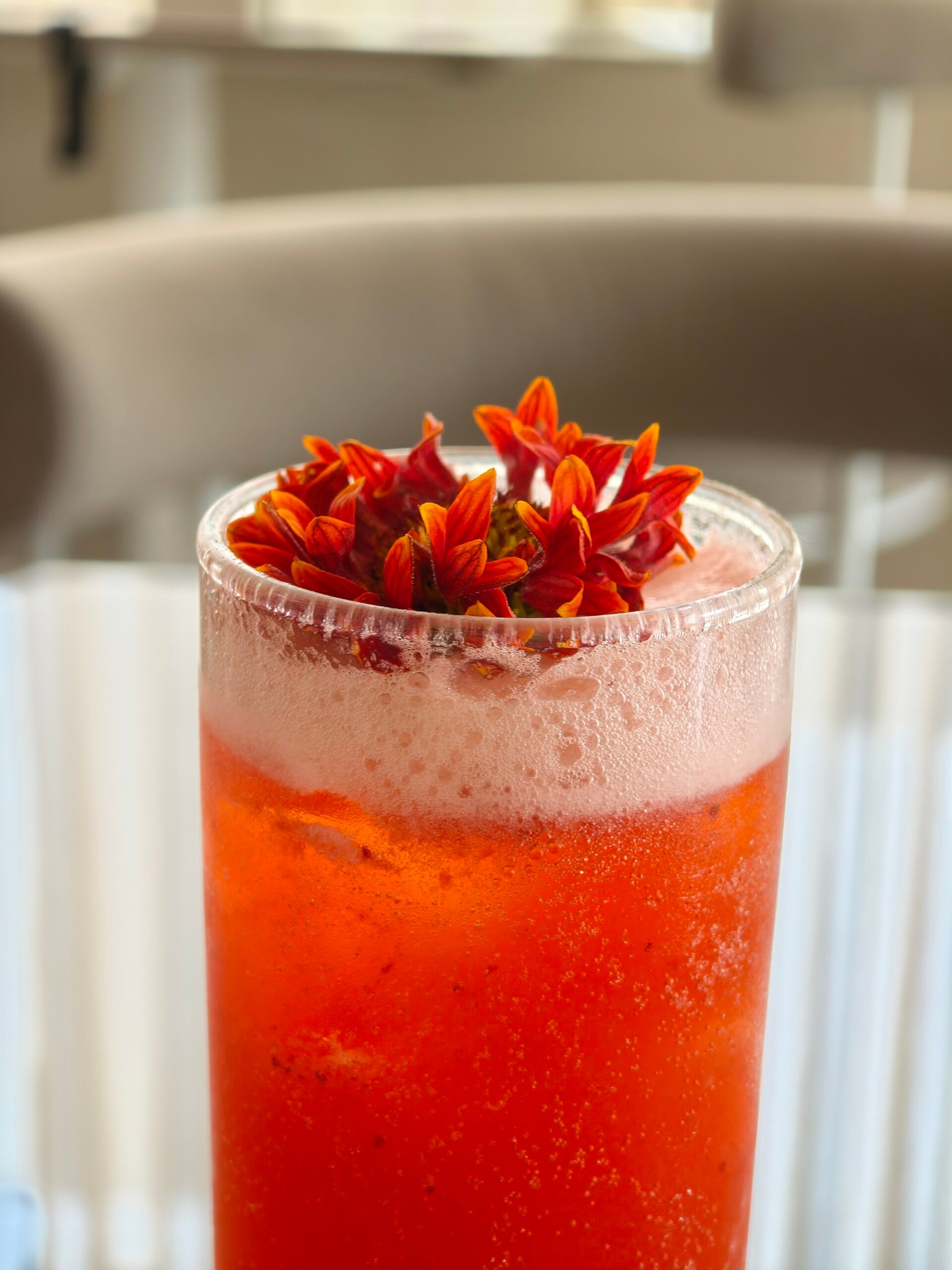
The telephoto was another surprise for me. Foldable phones split the hardware across two halves, which makes them thinner and more complex internally. That often comes at the cost of internal space, which usually means smaller sensors, especially for the telephoto camera. But Motorola has managed a clever workaround with a thick camera bump on the back. This allowed it to fit in a 3x periscope telephoto that did a great job of punching into the frame. You get a new perspective, more detail from afar, and a better way to isolate textures and smaller elements in a scene.
Changing the experience with the foldable screen
The camera quality impressed me, but the foldable form factor made the whole shoot more fun. Previewing pictures on the big inner screen is genuinely satisfying. It is easier to check details, judge framing, spot missed focus, and decide whether a shot is worth retaking. On a regular phone, I often take a quick look and move on. On the Razr Fold, reviewing photos felt closer to checking them on a small tablet.
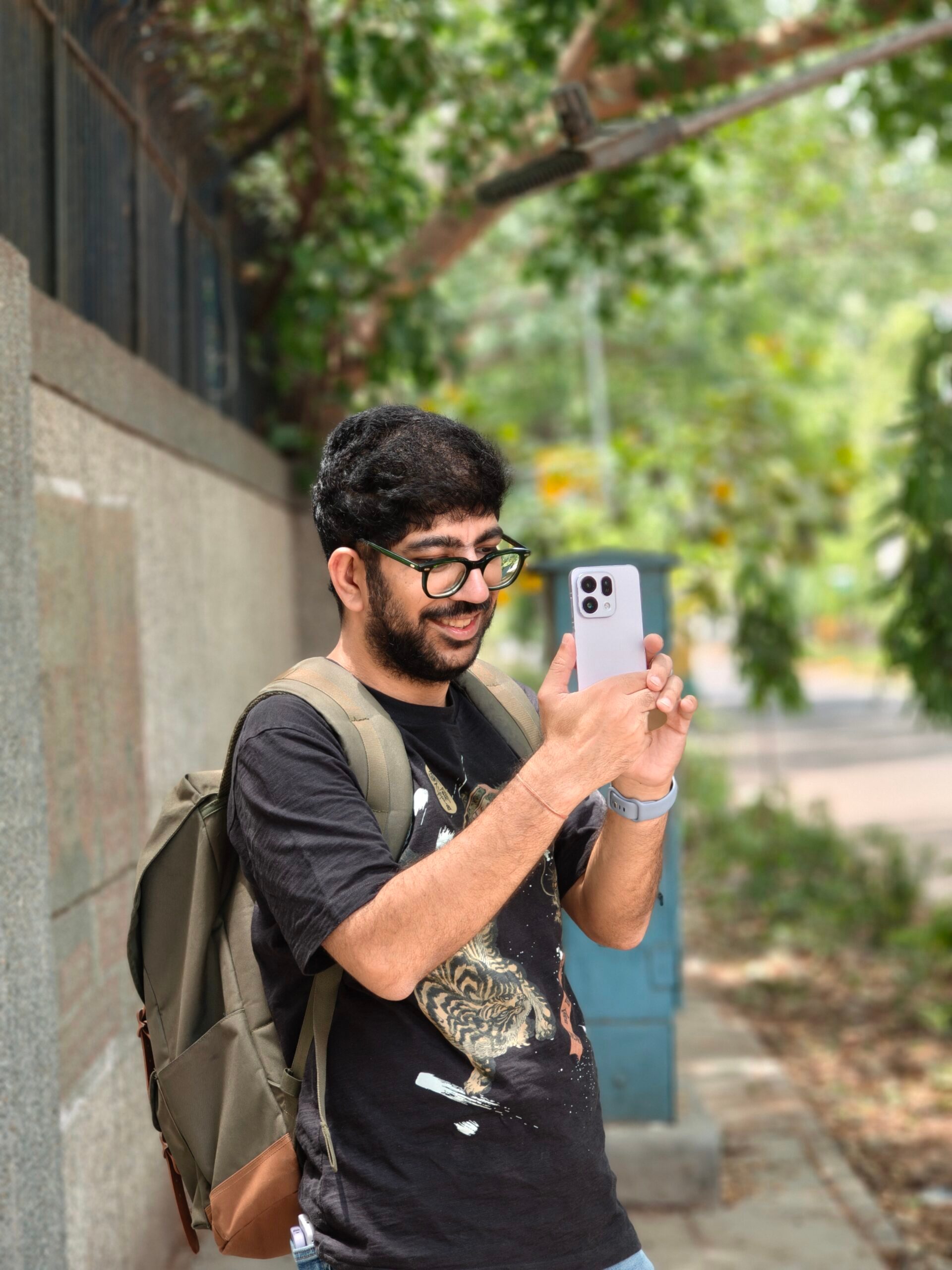
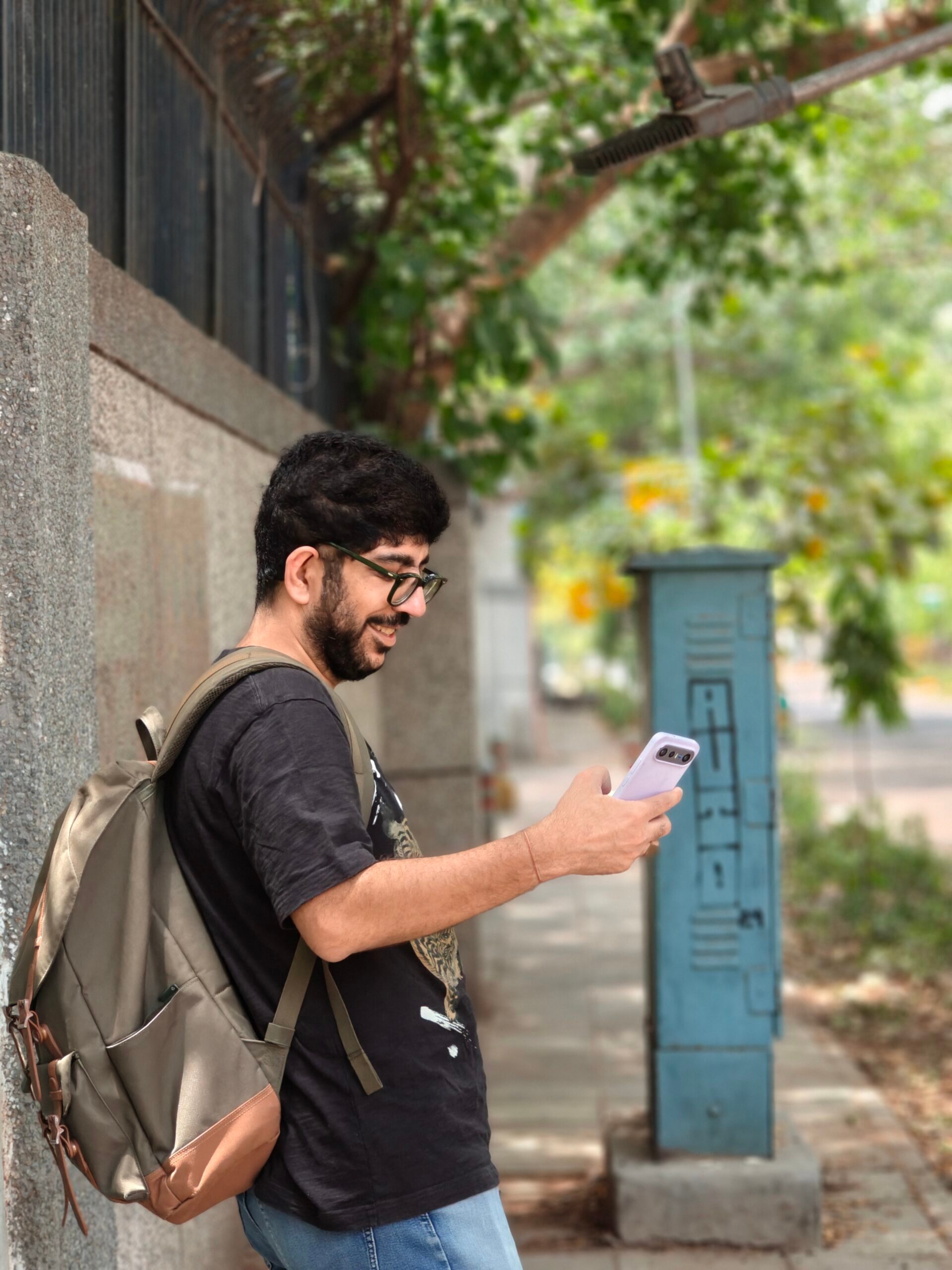




Motorola’s camera confidence with the Razr Fold does not feel hollow. The main camera is strong, the telephoto adds real flexibility, and the phone handled loud colors and tricky lighting better than I expected. More importantly, I had fun using it. The experience made me want to stand a while longer in the heat just to get better shots. For a foldable, that is a very good sign.